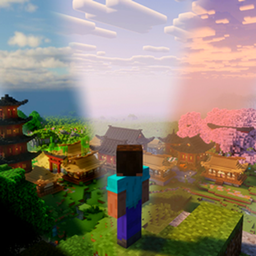
Atmosphere: Shader Zones
Every place its own shader: real shader packs for each zone, biome and cave of your world, blended pixel by pixel.
Atmosphere
Every place its own shader. Each part of your Minecraft world gets its own real shader pack, blended pixel by pixel.
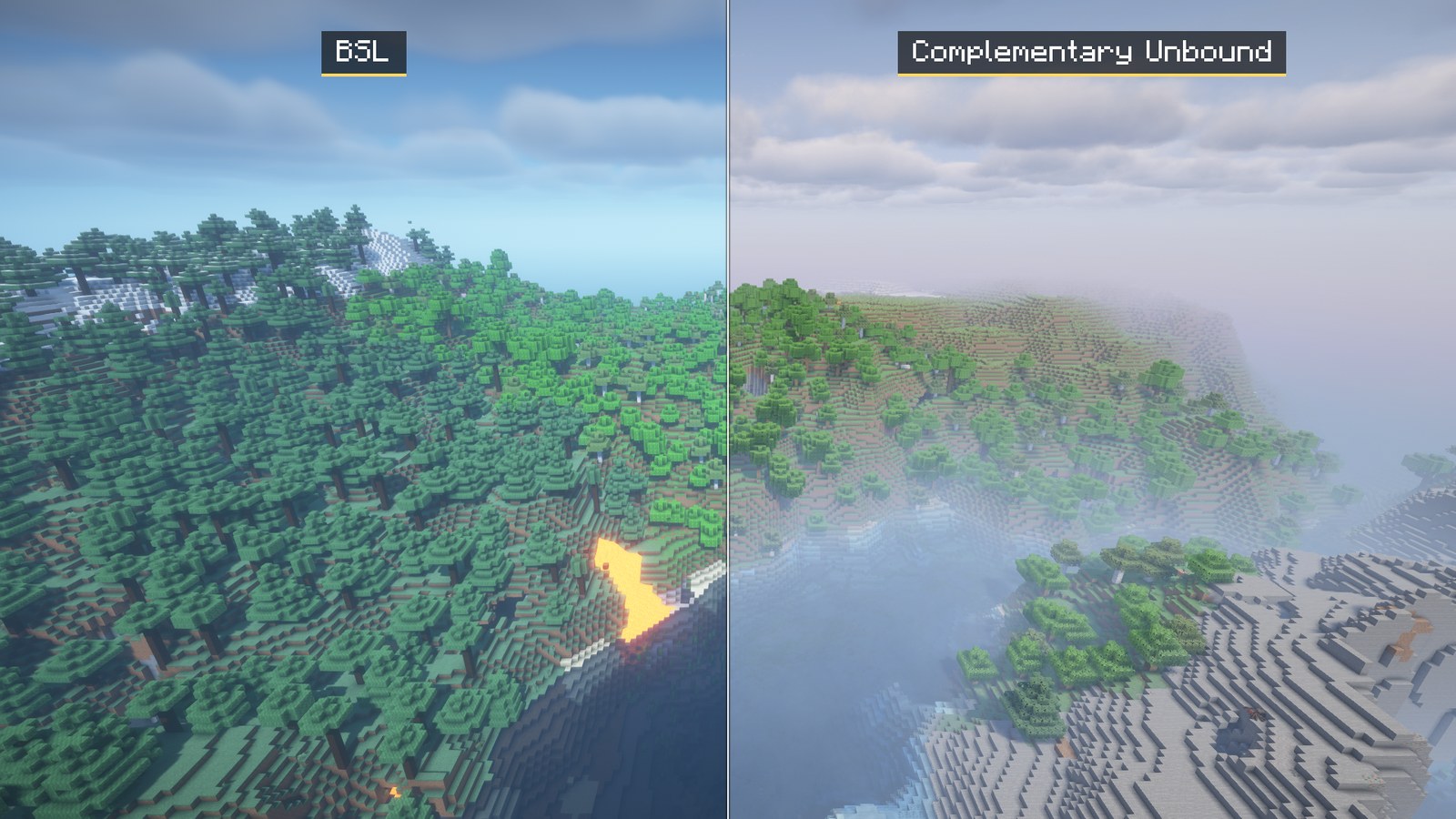
Draw zones and give each one a pack: BSL in the city, Complementary Unbound in the forest, Solas on the snowy peaks, Rethinking Voxels in the caves. Atmosphere draws every pack in view and blends them pixel by pixel, so one look fades into the next across the landscape: no reloading, no hard edges, no waiting when you cross a border.
Trailer: https://youtu.be/XJuhZr6uoE8 Discord: https://discord.gg/eY5adqmwHs
What you need
- Minecraft 26.3 with Fabric Loader 0.19.5 or newer (client only)
- Fabric API and Sodium 0.9.2
- The Atmosphere Iris Fork: add it to your profile too, because the CurseForge app doesn't always add it by itself. It replaces Iris: if Iris Shaders is in the profile (some shader packs bring it along), disable it, or the game crashes when a world opens. It is not an official Iris build: please report problems to Atmosphere, not to the Iris team.
- Shader packs: in game, open Settings (U) > Packs > Get packs. They come from their authors' own pages. Any other pack works too.
In game: U settings, Y next look, G zone editor, O photo mode, J saves a report if something looks wrong.
What it does
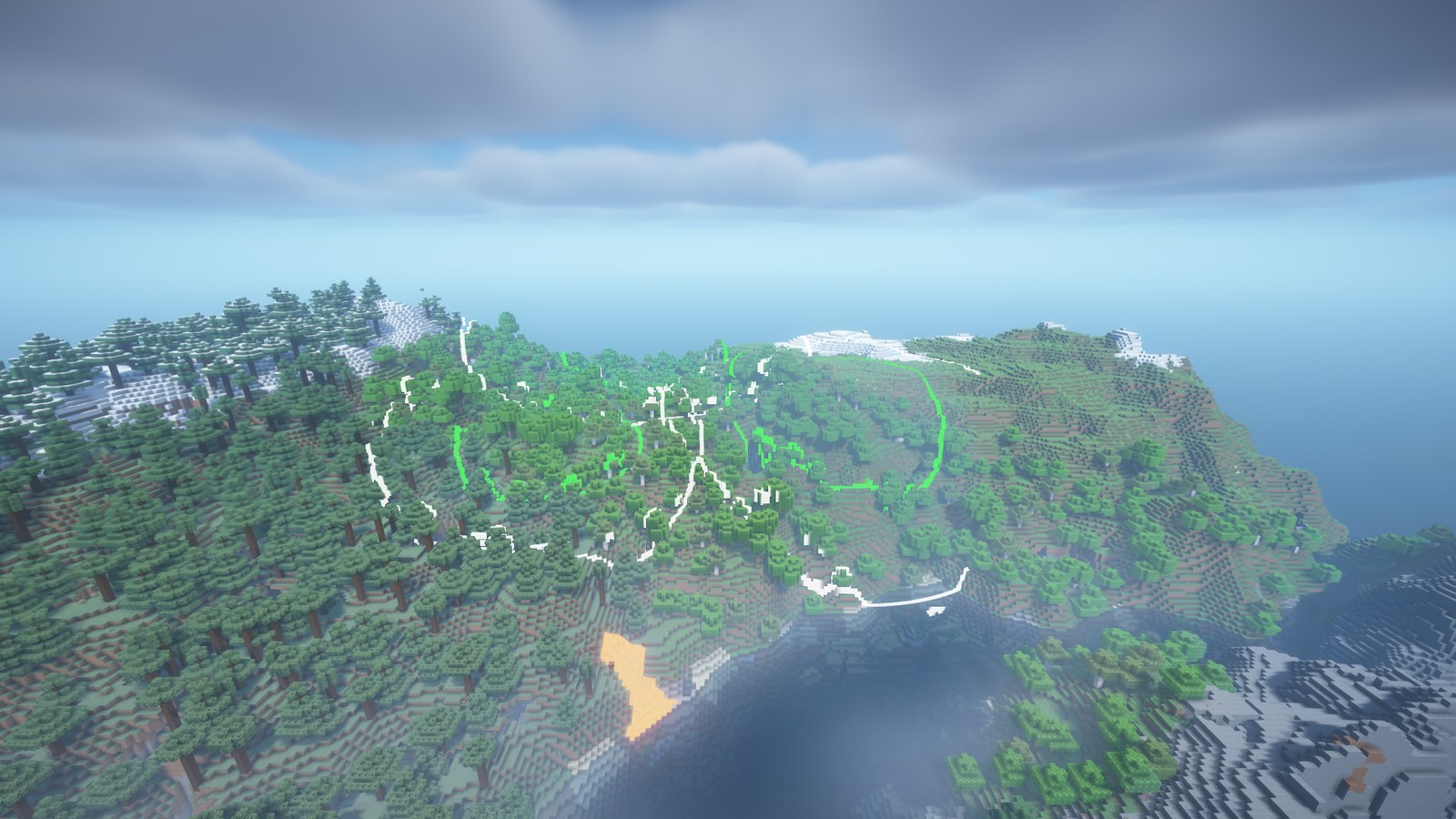
- Biomes on their own. In any world, new or old, each biome gets its own pack (snow, desert, swamp, woods…), with soft borders between them. Nothing to set up.
- Zones you draw. Circles, rectangles or outlines you click out, shaped right in the world with the zone editor (G). Soft edges, priorities, height ranges. Caves can get a pack of their own, and the Nether and the End have theirs.
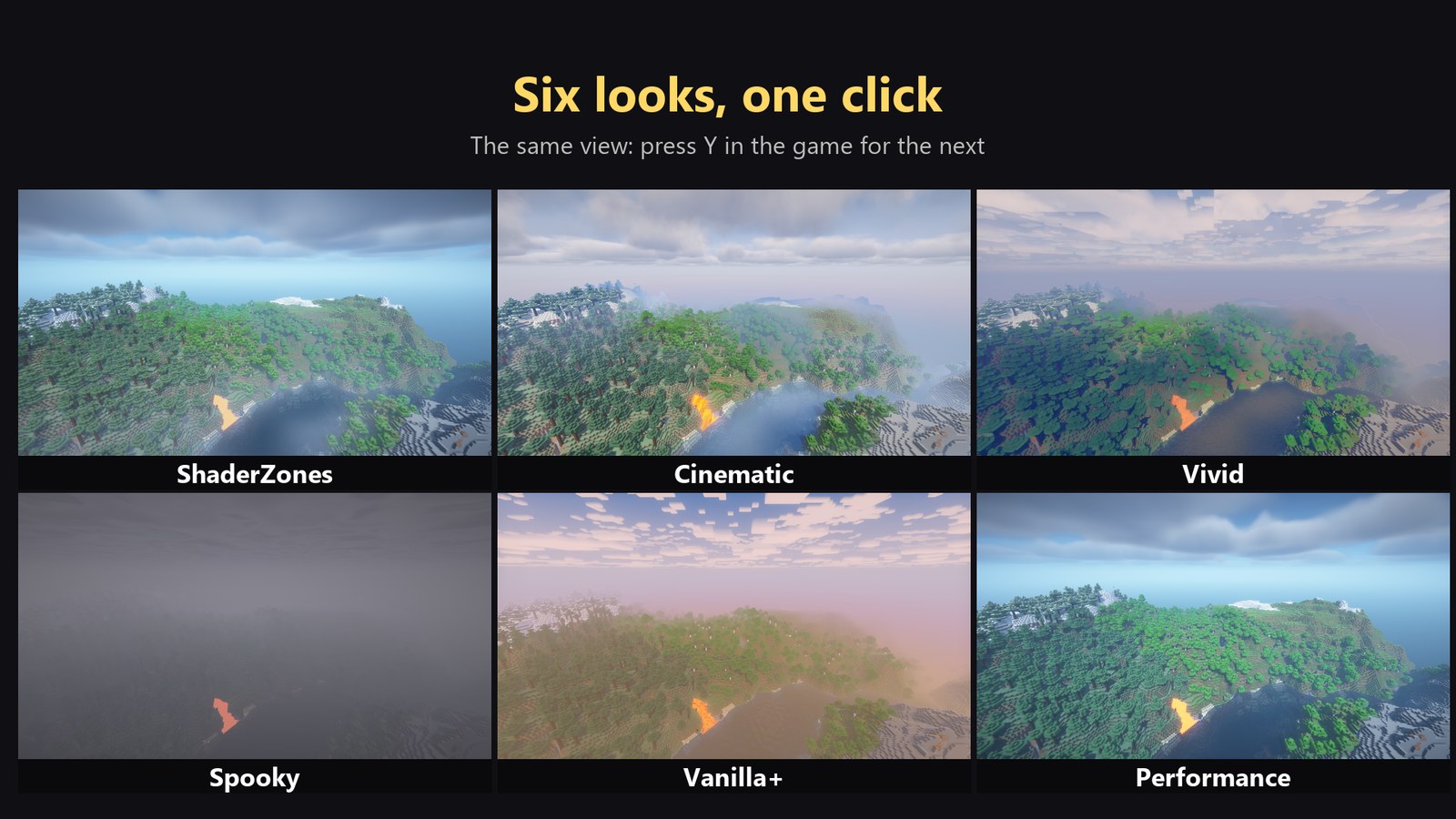
- One-click looks. Atmosphere, Cinematic, Vivid, Spooky, Vanilla+, Performance, or save your own. Press Y to switch.
- Moods (off at first). Turn them on in Settings (U) > Vibes and the look follows the moment: a boss bar, a fight, a creeper about to blow, diving under water, building, standing still to take in a view.
- Packs on demand. Only the packs near you are loaded; far ones are freed.
- An in-game guide on everything, with buttons that do each thing (/atmosphere guide, or ? in Settings).
For video and screenshot makers
- Compare packs live: two to four packs side by side on one screen (split, diagonal, strips or a lens), with names and a divider that can sweep across on its own.
- Photo mode (O): a free drone camera, zoom in mm, roll, frames for 16:9, 2.39:1, 9:16, 4:5 and 1:1, guide lines, and shots that remember everything.
- Camera paths: keyframed fly-throughs with zoom, roll, time of day and moods; orbits around anything; MP4s made for you when ffmpeg is installed.
- Share your zones as a file or a paste code; anyone can bring them in with a live preview.
Frame rate and graphics card
Each pack on screen is another full render, so a view with three zones costs about three times one pack. Made for an 8 GB graphics card (an RTX 3060 Ti or better). On that card at 1080p and render distance 24: 25-40 FPS where three or four packs meet, 50-60 with one or two. The Performance look (Y) is much lighter.
Known limits (preview)
- The first time each pack is needed, the game can stop for a few seconds while it compiles (up to about 6 s). It remembers the work, so the next start is quicker.
- Flying fast through several zones can stutter now and then on an 8 GB card, as packs load and unload.
Shader packs
Atmosphere uses real, published packs. They belong to their authors and none is included in this mod: BSL (CaptTatsu), Complementary Unbound and Reimagined (EminGT), Nostalgia (RRe36), Rethinking Voxels (gri573), Bliss (Xonk), Solas (Septonious), Spooklementary (SpacEagle17), Super Duper Vanilla (Eldeston), Insanity and Hysteria (ElocinDev), DERCODE (sone4ka), E-LITE (Entokito) and Ripple (GamesofDev).
Reports (opt-in)
Nothing is sent unless you press Send (Settings > Tools > Report a problem, or after Test my PC). A report then goes through Atmosphere's relay to the developer's private Discord channel: mod and game versions, graphics card and driver, settings, frame rates, the game logs and a picture of the view. Your Windows user name and home folder, Minecraft name and UUID, e-mail and IP addresses, passwords and tokens are blanked out first. No worlds are included.
The relay keeps no copy of reports. It sees your IP address only to limit sending (one report a minute, five a day), and only as a hash that changes every day.
License
Atmosphere is MIT licensed. The Atmosphere Iris fork is LGPL-3.0, built on Iris by the Iris team; its source is linked on its page. Much of the mod's code and text was written with an AI coding assistant, then tested in game and reviewed by the author. The images are real in-game renders.
Atmosphere: Shader Zones Team