AtariKafa: Maps - Minimap, World Map & Waypoints
- By
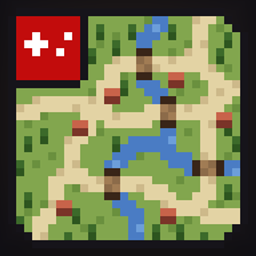
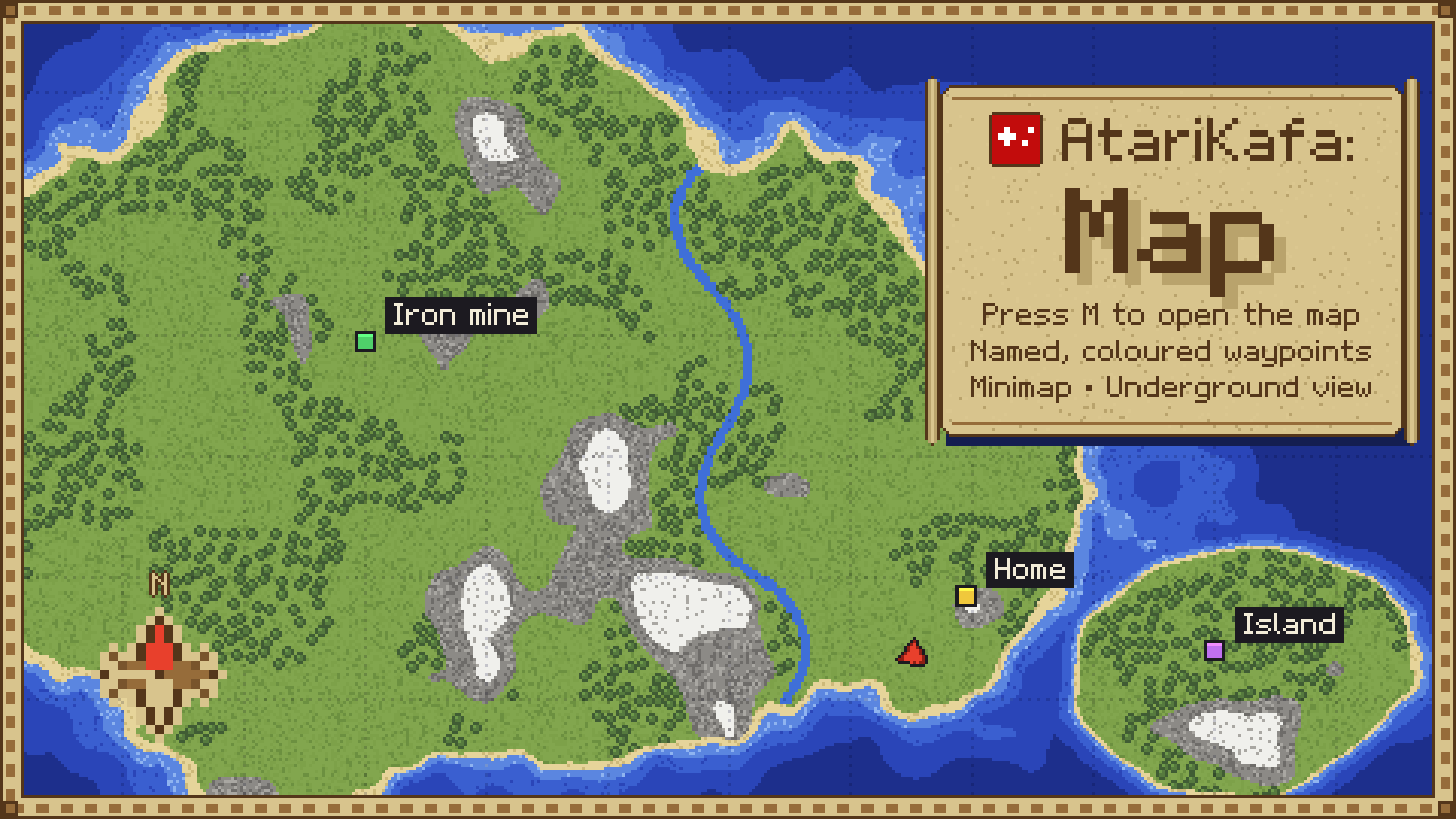
Open a full-screen world map with M, keep a minimap in the corner and set named, coloured waypoints in the Overworld, Nether, End and modded dimensions.
atarikafa-map-promo-1920x1080.png
atarikafa-map-card1-waypoints-1920x1080.png
atarikafa-map-card3-underground-view-1920x1080.png
Description
Know where you are, find your way back
AtariKafa Map draws the world you have explored, so you can open the full-screen map with M, keep the minimap in the corner while you play, and mark the places you want to find again with named, coloured waypoints.
Features
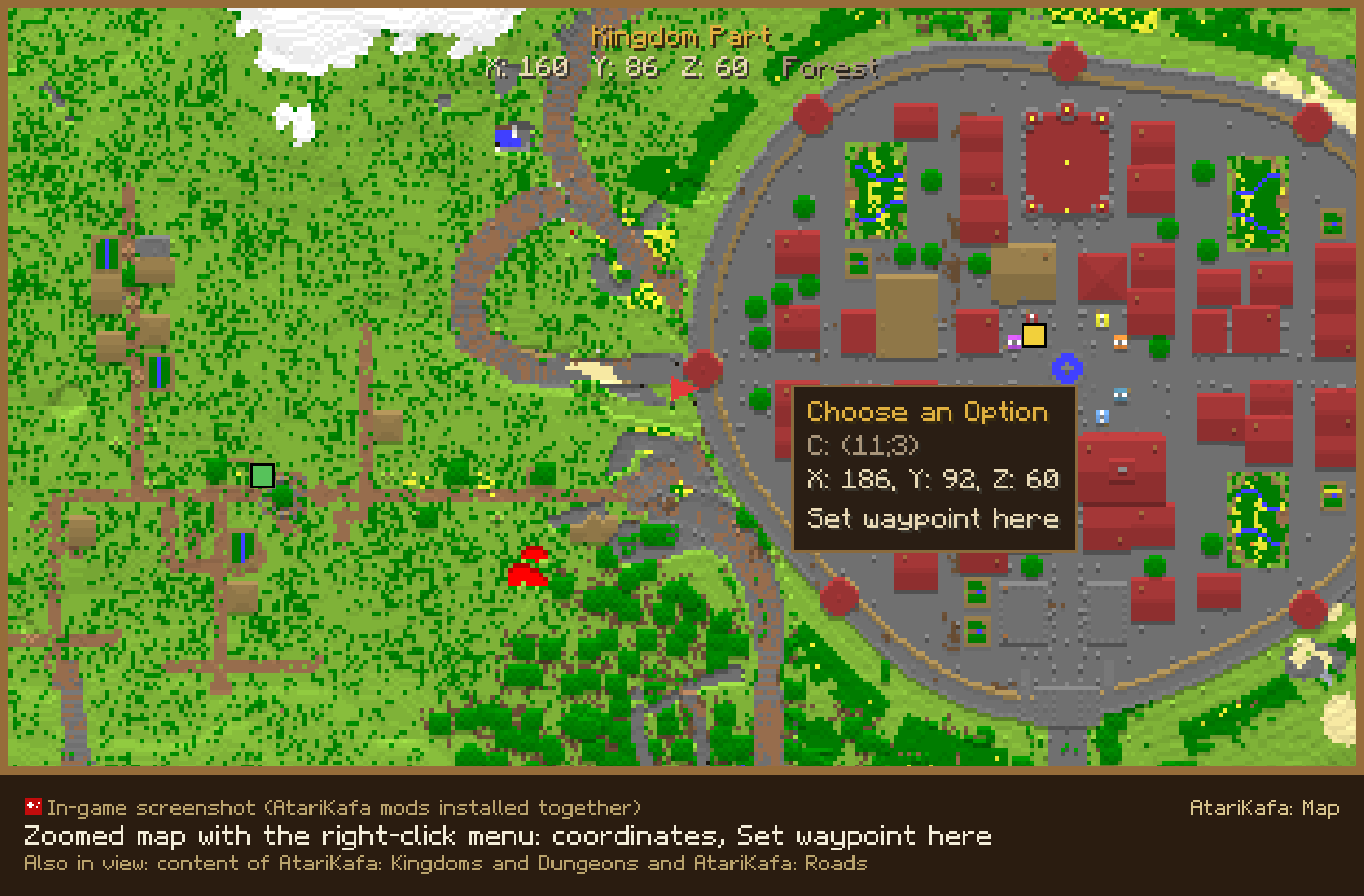
- World map: Press M or right-click the map item to open it, then zoom and drag around, or right-click any spot to see its coordinates and set a waypoint there.
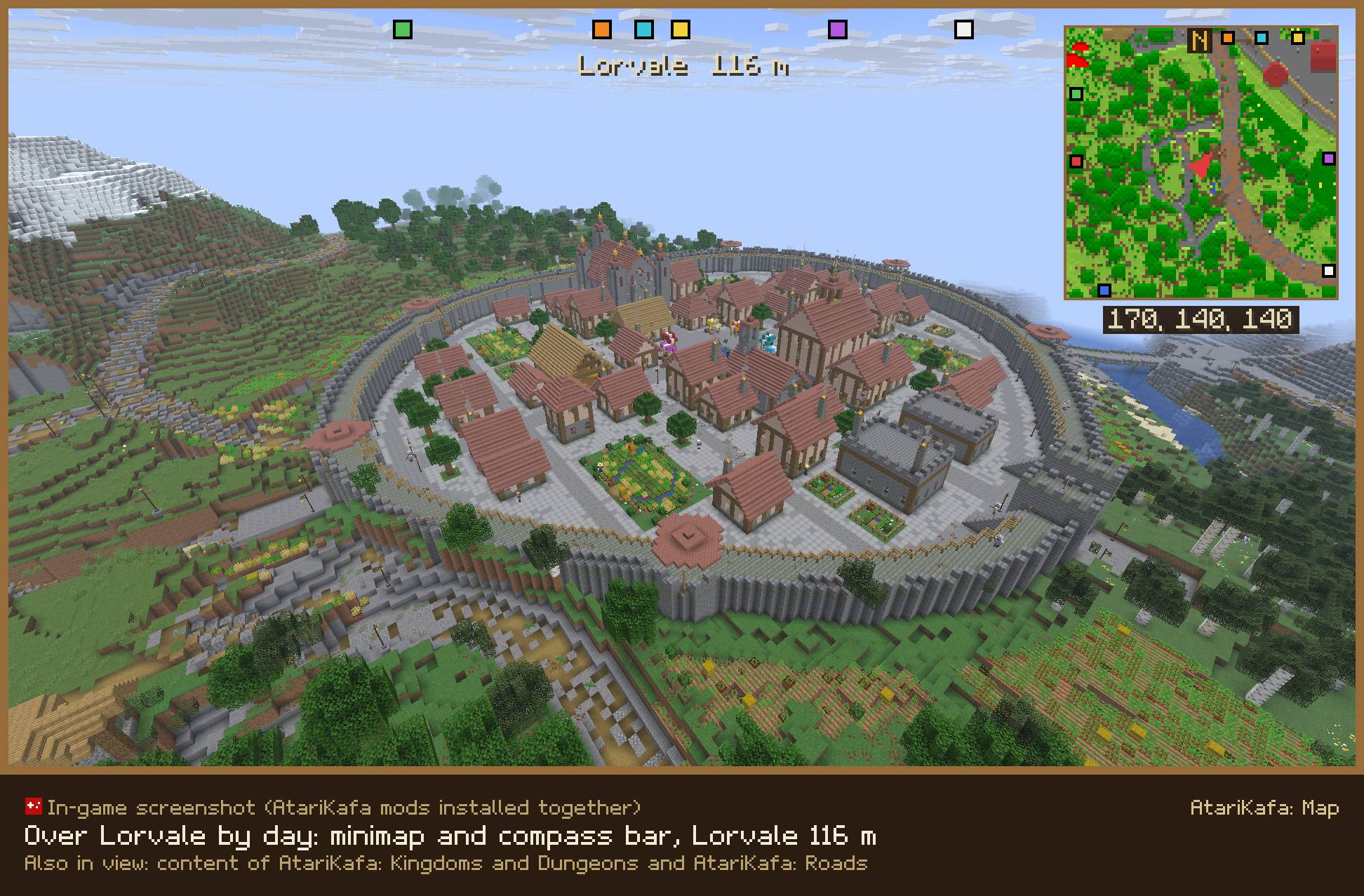
- Minimap: The minimap sits in the top right corner, and you can choose its size, its corner and its zoom.
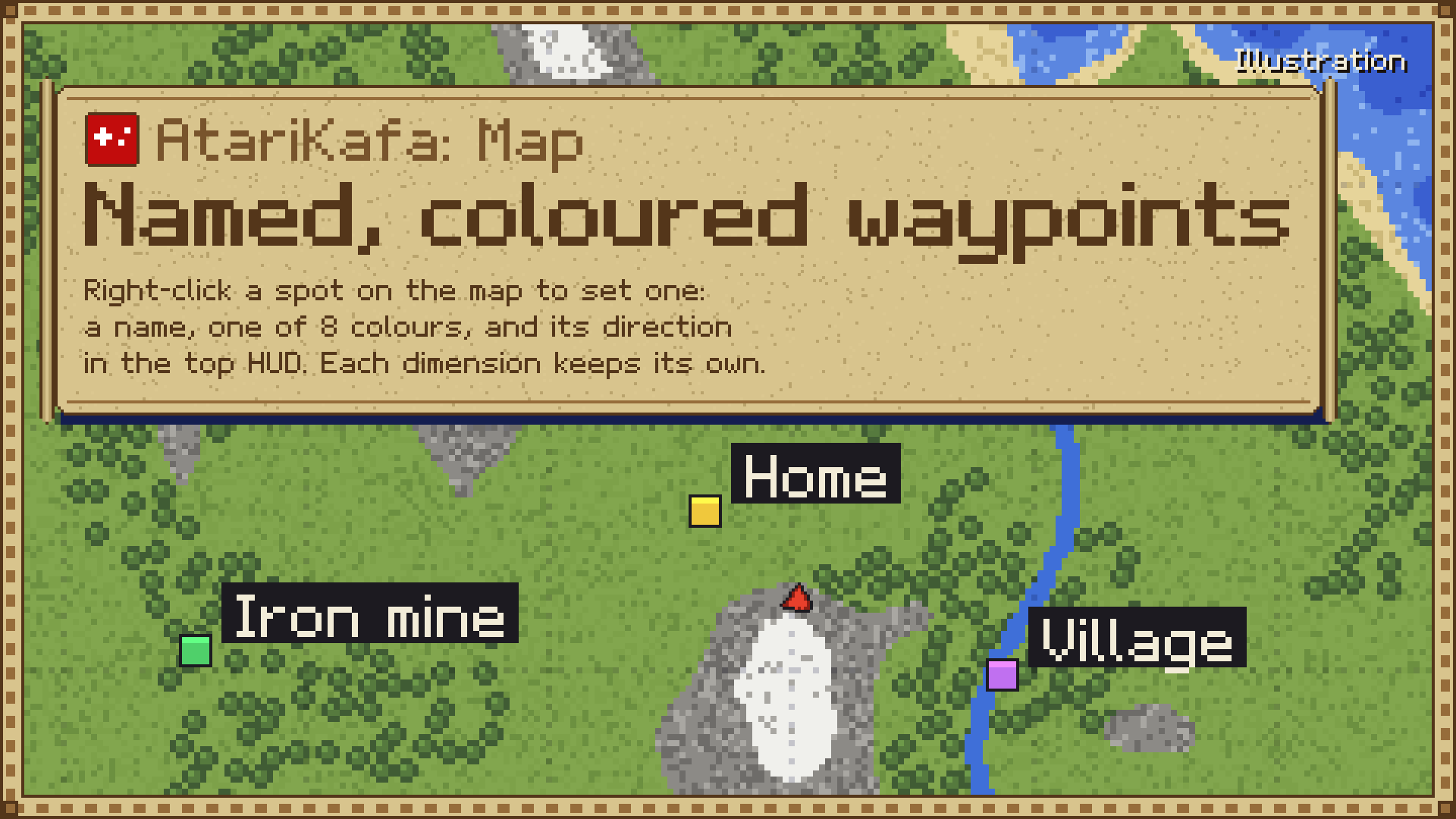
- Waypoints: Every waypoint gets its own name and colour, its direction shows on the compass bar at the top of the screen, and each world and dimension keeps its own set.
- Every dimension: The map works in the Overworld, the Nether, the End and in dimensions added by other mods or data packs, and in the Nether it shows the ground at your own level.
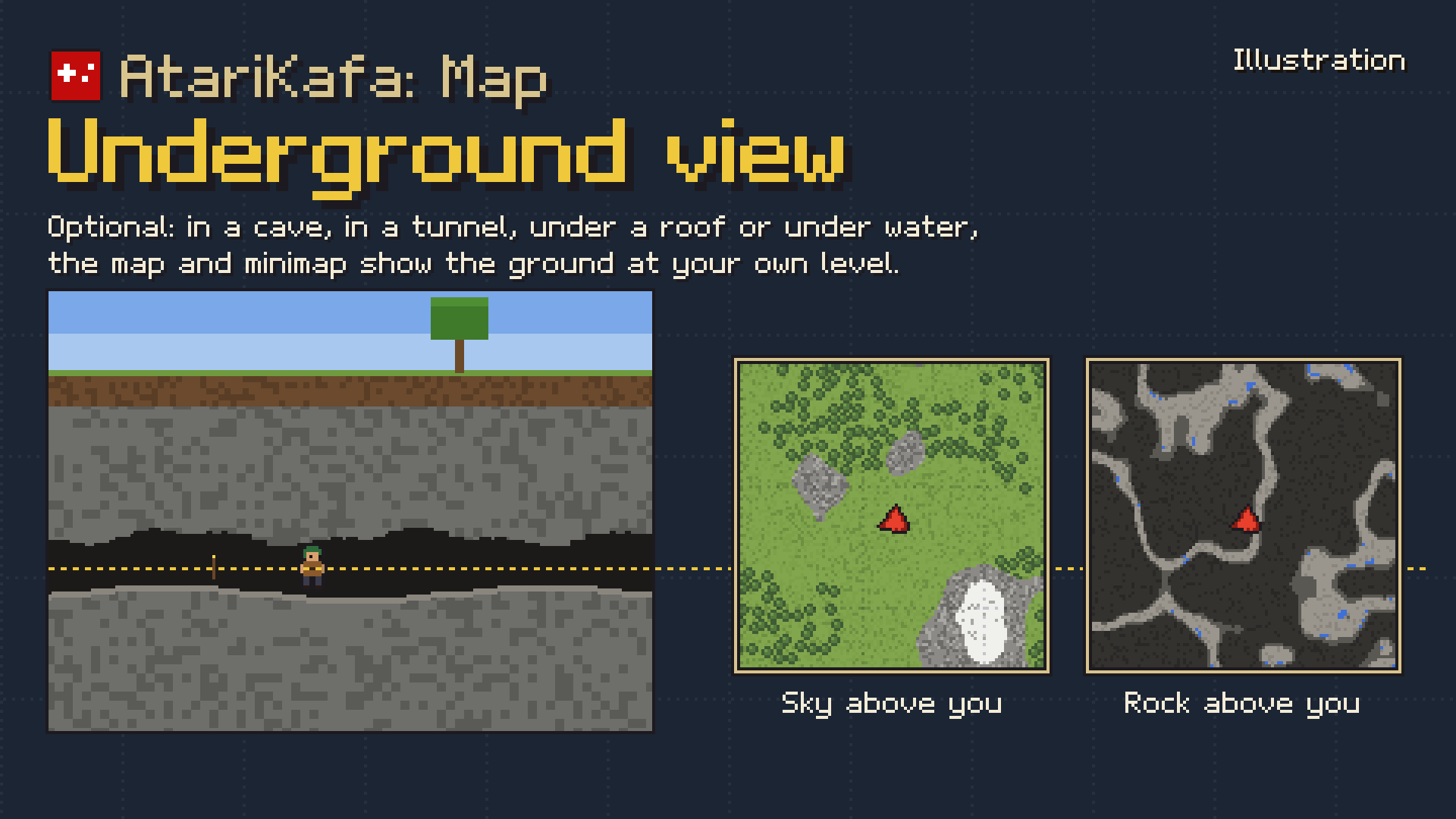
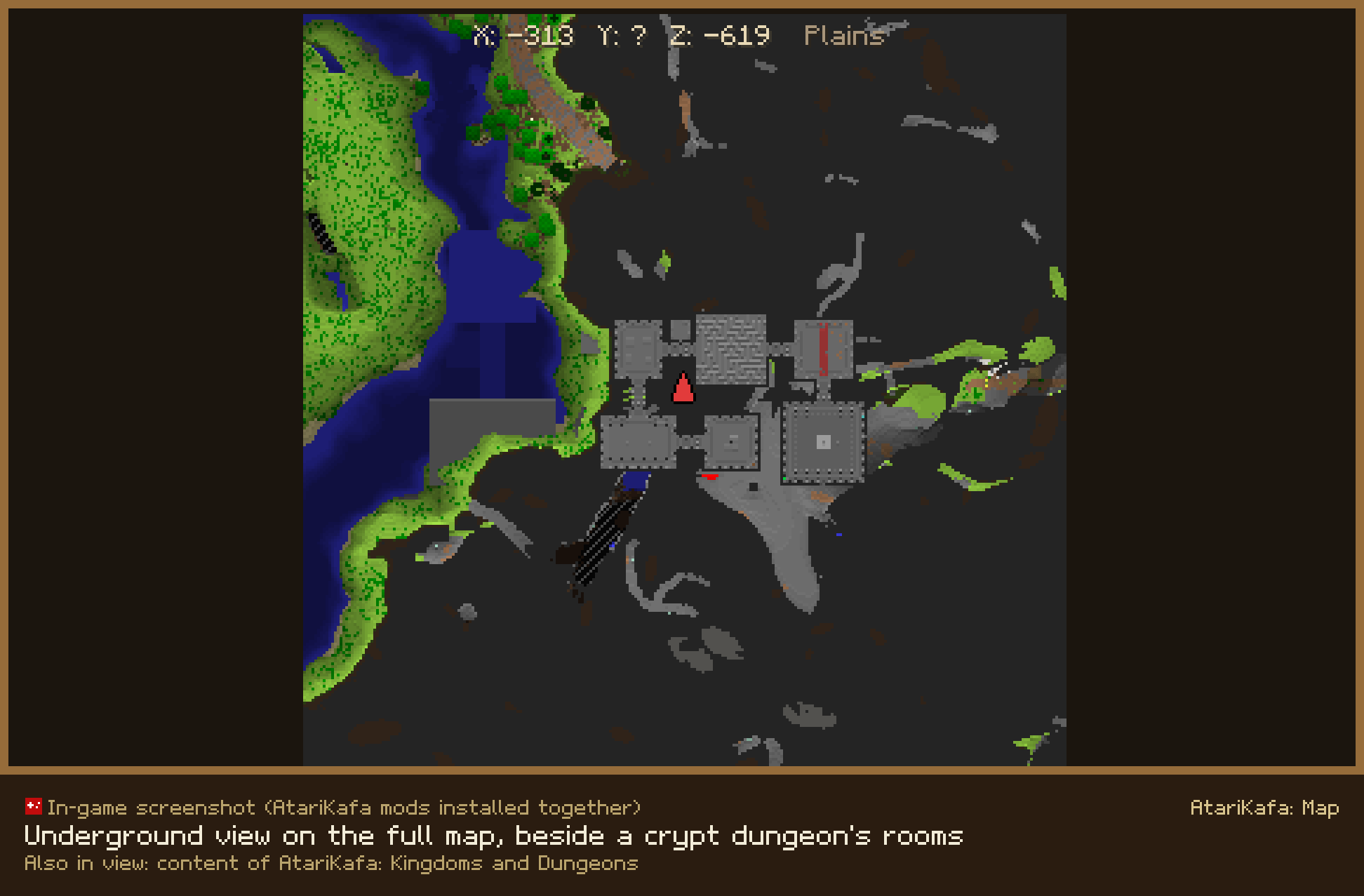
- Underground view: When you turn on this optional setting, the map shows the ground at your own level while you are in a cave or under a roof.
- Structure names: When you point at a spot on the full map, it tells you which structures are there.
Requirements
- AtariKafa Core is required: Please download AtariKafa Core as well, because the map needs it to work.
- It runs on Minecraft 1.21 to 26.3 with Fabric (together with Fabric API) or NeoForge.
- It needs Java 21 for Minecraft 1.21.x and Java 25 for 26.x.
- Install it on the server and on every player's game.
FAQ
Can I use it in a modpack? Yes, you are free to use it in any modpack.
Bugs or ideas? Please share them in the comments on this page.
AtariKafa: Maps - Minimap, World Map & Waypoints Team

Owner