ricochet.gif
Description
Archery Revamped
The Ultimate Vanilla-Friendly Archery Overhaul!
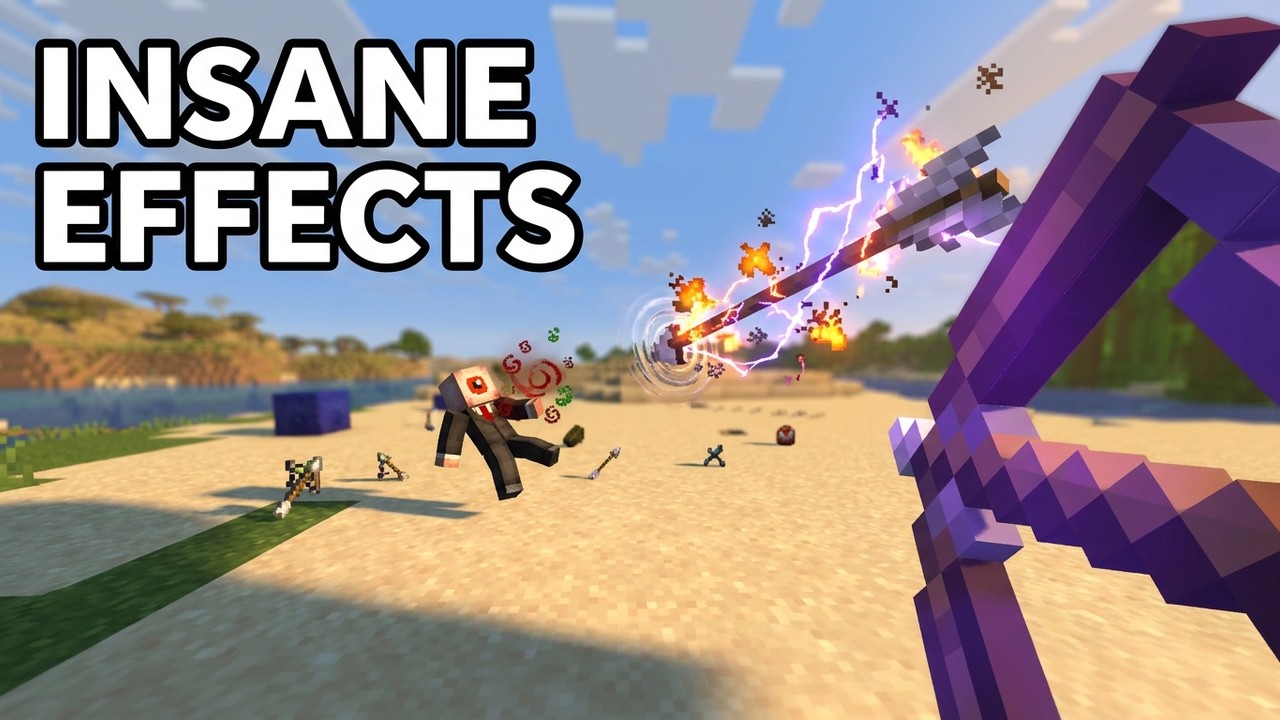
Archery Revamped expands Minecraft's ranged combat with new enchantments, specialised arrows, configurable projectile physics, a complete fletching system, and much more.
What does it add?
Enchantments
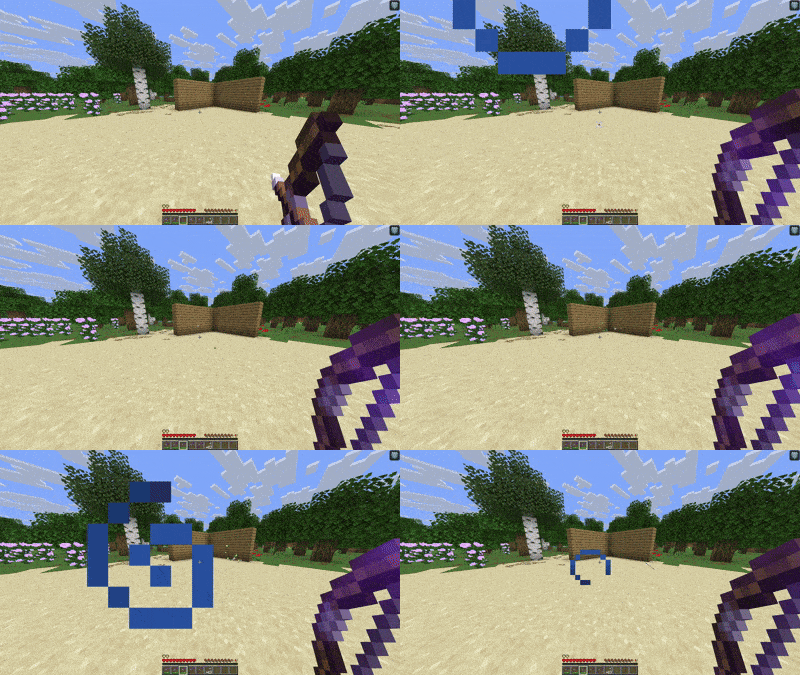
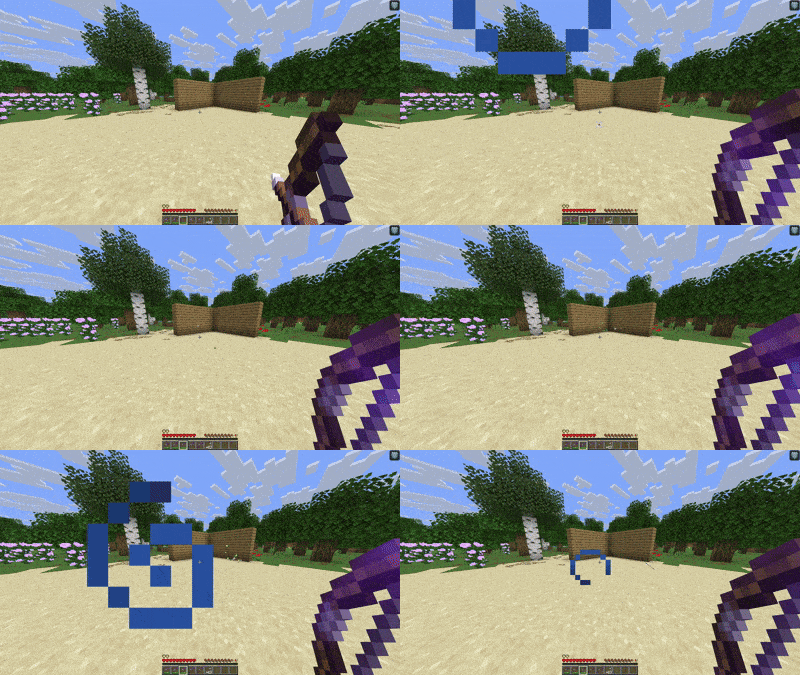
Ricochet (I–V)
Makes all arrows shot bouncy!
- Each level allows one additional bounce.
- Arrows lose velocity after every bounce (Configurable).
Overdraw (I/II)
Overcharge your bow for a more powerful shot!
- Continue charging after the bow would normally be fully drawn.
- Damage increases while overcharging (Configurable).
- Excessive overcharging will:
- Damage the player.
- Damage the bow.
- Auto-fire a shot.
Longshot (I)
Makes long-distance shots deal increased damage.
Damage increases based on distance travelled:
- 16 blocks: 1.5× damage
- 32 blocks: 2× damage
- 48 blocks: 2.5× damage
- 64+ blocks: 3× damage
These values may be altered for balancing.
Fracture (I/II)
Multishot mid-air!
- Splits based on arrow speed (Configurable).
- The levels work as follows:
- I: Spawns 2 new arrows, splitting at ±15°.
- II: Spawns 3 arrows, splitting at 0° and ±15°.
Enchant disabled by default for balancing.
Burst (I–III)
Turns your bow into a burst rifle!
- Additional arrows are fired at the same speed with a delay between each shot (Configurable).
- Spawns +1 arrow per level.
- Acts like firing multiple arrows normally, consuming durability and ammunition for each shot.
Enchant is slightly buggy, as later arrows may spawn at an angle, but it still works.
Sharpshooter (I–III)
A leggings enchantment designed for mobile archery.
- Reduces the movement slowdown caused by drawing ranged weapons.
- Higher levels allow increasingly free movement while aiming.
Enchant is disabled by default and may be reworked or removed.
Arrows
Custom Arrow System
All bow and crossbow shots use Archery Revamped's custom arrow system!
- Preserves vanilla arrow damage and critical hits.
- Supports Power, Punch, Flame, Piercing, Multishot and Infinity.
- Preserves normal pickup behaviour.
- Custom arrow data persists through saving and chunk unloading.
Ender Arrow
Teleport wherever your arrow lands!
- Teleports the shooter to the impact location.
- Performs safe teleport checks.
- Includes teleport particles and sounds.
- Works with bows and crossbows.
Impulse Arrow
Launch everything away from the impact!
- Pushes nearby entities away.
- Impact radius can be changed (Configurable).
- Knockback strength can be changed (Configurable).
- Includes splash-style particles and sounds.
Explosive Arrow
An arrow carrying a rather unfriendly payload!
- Explodes on impact.
- Explosion size can be changed (Configurable).
- Works with bows and crossbows.
Sticky Arrow
Slow down whatever you hit!
- Applies Slowness to living entities.
- Slowness duration can be changed (Configurable).
- Slowness strength can be changed (Configurable).
Physics Settings
Arrow Physics
Change how arrows behave in flight!
- Change how quickly arrows fall (Configurable).
- Change how quickly arrows lose speed through drag (Configurable).
- Change overall projectile speed (Configurable).
- Change firing randomness/spread (Configurable).
- Change maximum falling speed / terminal velocity (Configurable).
- Change how long arrows remain active (Configurable).
Default settings remain close to vanilla Minecraft.
Experimental Features
These features are functional, but are still being improved and may contain bugs.
Trajectory Visualisation
See exactly where your arrows are going!
- Shows a pre-shot aiming preview.
- Shows the actual path travelled by fired arrows.
- Predicts the arrow's future path while it is flying.
- Predicts block and entity impacts.
- Predicts Ricochet bounces.
- Uses smooth thin-line rendering instead of particles.
- Old sections of trails fade away first.
- Finished trails fade out after around 10 seconds.
- Uses no particles or preview entities.
- Can be enabled or disabled with commands.
Velocity Colour Visualisation
Visualise the arrow's speed along its trajectory!
- Faster arrows appear red.
- Slower arrows appear blue.
- Can be enabled or disabled (Configurable).
- Disabled by default.
Fletching Table
The Fletching Table finally has a use!
- Adds a custom Fletching Table GUI.
- Uses a familiar smithing/anvil-style layout.
- Includes a crafting progress bar.
- Includes a crafting animation.
- Correctly handles stacked inputs and outputs.
- Remaining items are returned when closing the GUI.
Special Arrow Recipes
- Arrow + Ender Pearl → Ender Arrows
- Arrow + Feather → Impulse Arrows
- Arrow + Gunpowder → Explosive Arrows
- Arrow + Honeycomb → Sticky Arrows
Tipped Arrows
Tipped Arrows can also be created using the Fletching Table.
- Combine Arrows with a Potion.
- Potion effects are preserved correctly.
The Fletching Table UI and recipe system are planned for significant improvements in future updates.
How to Obtain Everything
Enchantments
Archery Revamped enchantments can be obtained through the vanilla Enchanting Table.
Structure Loot
Custom enchanted books can also appear in late-game structures!
- End Cities
- Bastions
- Ancient Cities
- Trial Chambers
- Nether Fortresses
- Strongholds
- Woodland Mansions
Special Arrows
Special arrows can be crafted using the custom Fletching Table.
Fletcher Trades
Fletchers can sell special arrows at multiple villager levels.
Cartographer Trades
Cartographers can also sell special arrows.
Weaponsmith Trades
Weaponsmiths can sell useful arrow ingredients:
- Ender Pearls
- Gunpowder
- Honeycomb
Cleric Trades
Clerics can sell:
- Potions
- Arrows
Configuration
Archery Revamped is highly configurable for both singleplayer and multiplayer!
Config file:
config/archery_revamped-config.json
Settings include:
- Arrow gravity
- Arrow drag
- Projectile speed
- Projectile randomness
- Terminal velocity
- Arrow lifetime
- Ricochet velocity loss
- Overdraw damage
- Special arrow effects
- Explosion size
- Impulse radius and strength
- Sticky Arrow duration and strength
- Enchantment settings
- Fletching settings
- Trajectory settings
- Trajectory colour visualisation
- Other balancing options
Cloth Config
Installing Cloth Config API adds an in-game configuration screen.
Hot Reloading
Config changes can be applied without restarting Minecraft using:
/archeryrevamped reload
Commands
General
/archeryrevamped help/archeryrevamped reload/archeryrevamped config
Physics
/archeryrevamped physics get/archeryrevamped physics reset/archeryrevamped physics gravity/archeryrevamped physics drag/archeryrevamped physics speed/archeryrevamped physics randomness/archeryrevamped physics terminal_velocity/archeryrevamped physics lifetime
Other
/archeryrevamped trajectory/archeryrevamped regular infinite_levels
Compatibility
Archery Revamped has optional compatibility with:
- Cloth Config API
- Mod Menu
- Just Enough Items (JEI)
- Roughly Enough Items (REI)
- EMI
These are all optional and are not required to use Archery Revamped.
JEI, REI and EMI can display Archery Revamped Fletching Table recipes.
Other versions
I am planning to backport and forward port to 1.21.1 and 26.1+, but have no plans to port to Forge. You are welcome to port the mod yourself; add credits in the description.
Future Development
Future updates are planned to add and improve:
- More arrows
- More enchantments
- New bow types
- Fletching Table improvements
- Quality-of-life features
- Mod compatibility
- Improved models and textures
- Additional progression
A full development roadmap is available on Github.
The Archery Revamped Team