Amantis Portals
- By
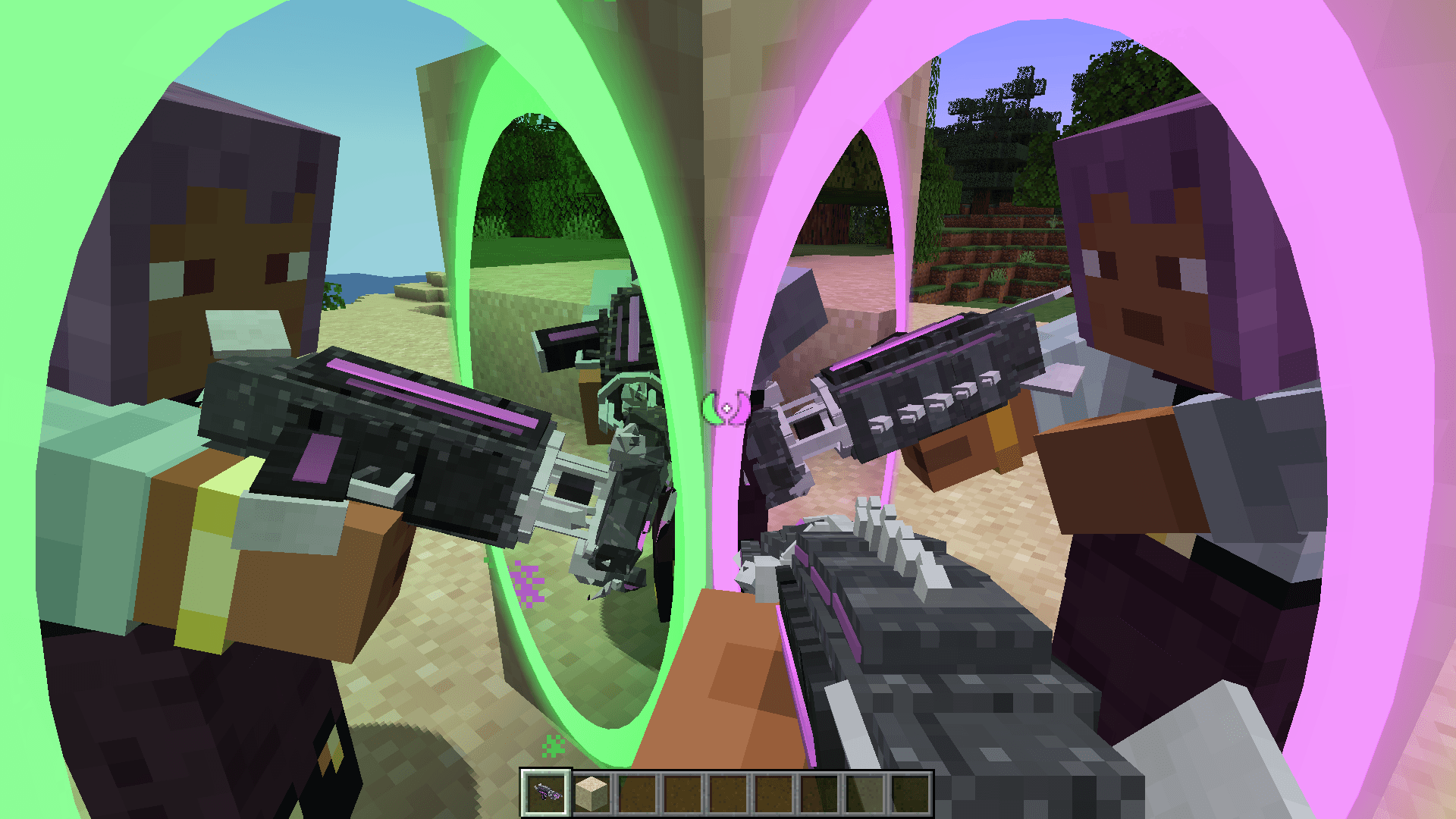
An original two-handed portal device. Shoot linked portals on any surface, see through them and keep your momentum when you fly through.
Captura de pantalla 2026-11-04 142954.png
Captura de pantalla 2026-11-04 143111.png
Captura de pantalla 2026-11-04 143307.png
Captura de pantalla 2026-11-04 143252.png
Description
Amantis Portals
The Amantis — an original, two-handed portal device shaped like a predatory mantis. Shoot two linked portals on any solid surface, look through them, and keep your momentum when you fly through.
Features
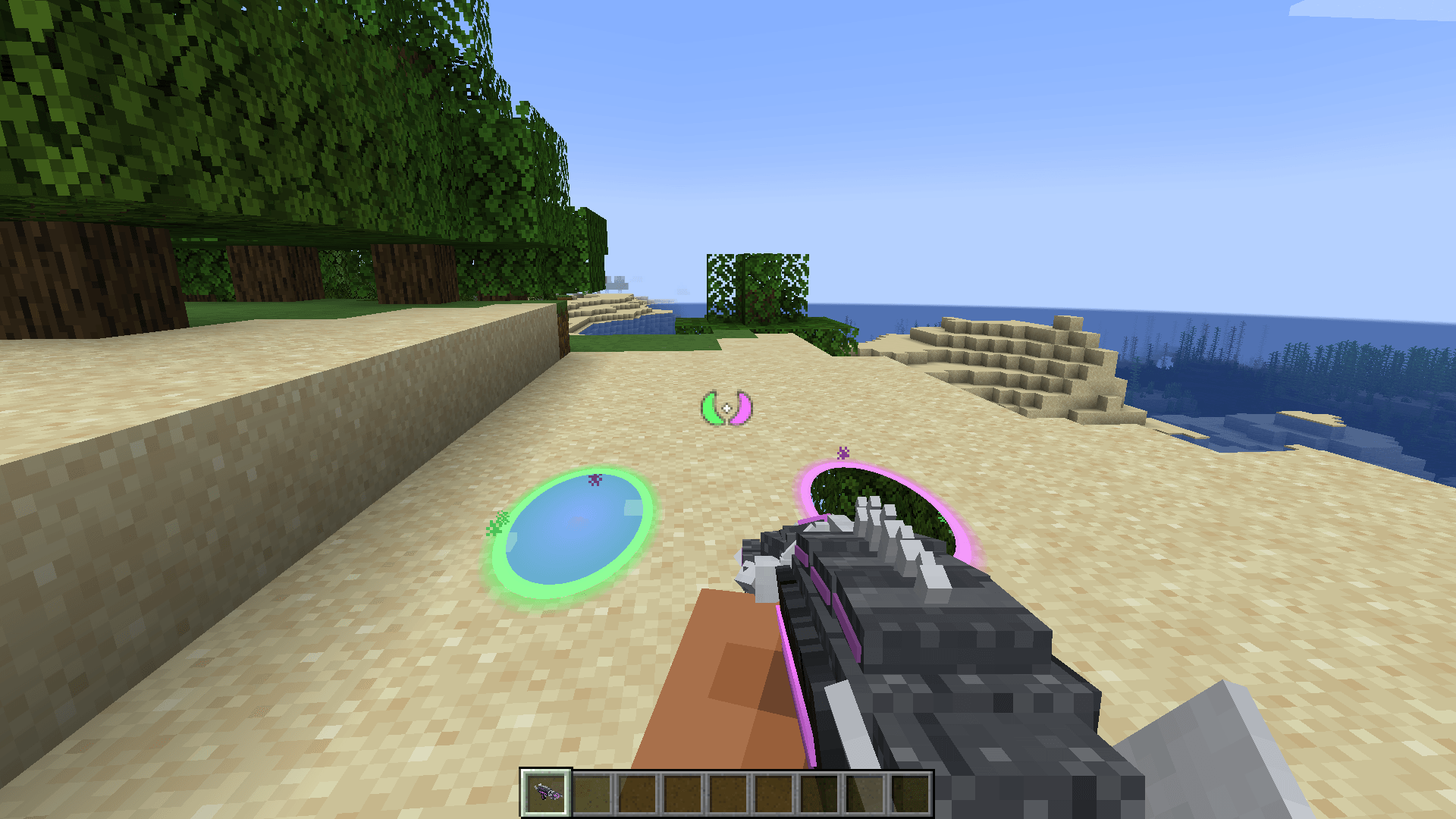
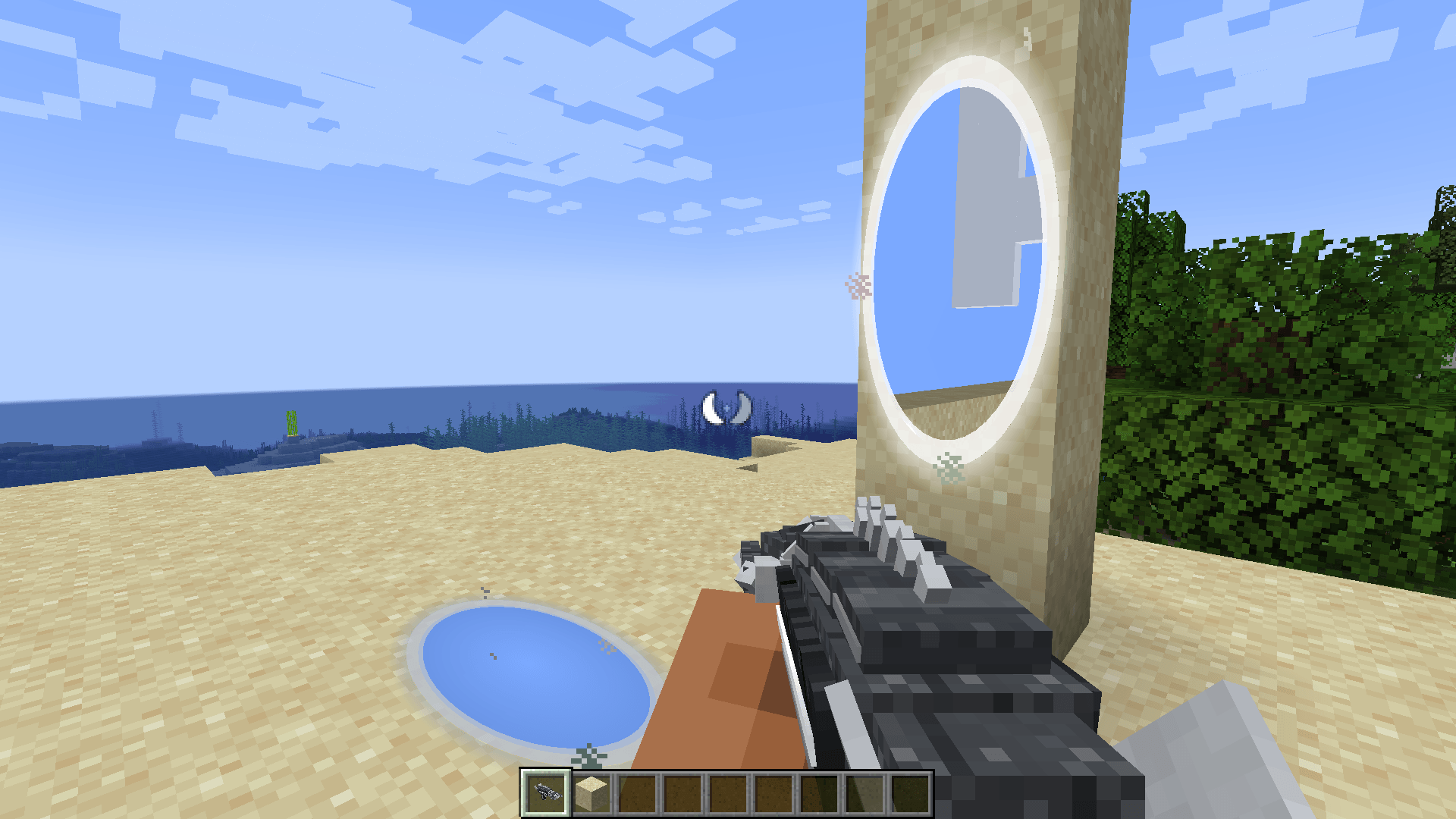
- Two linked portals. Left click fires portal 1, right click fires portal 2. Shift + right click removes your portals. Portals are 1×2 blocks, stand upright on walls and follow your view on floors and ceilings. If a portal doesn't fit, it slides to the nearest valid spot.
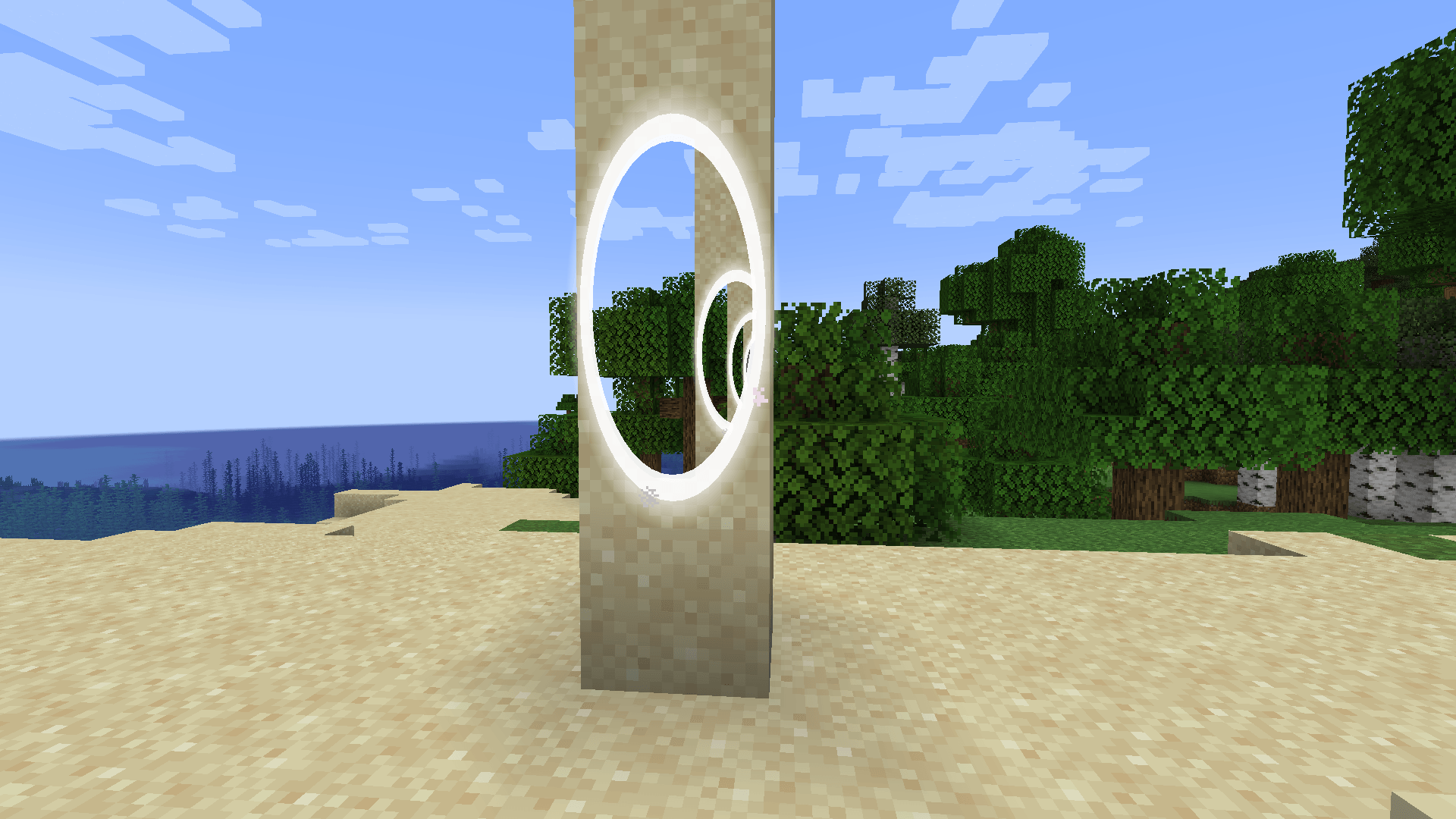
- See through portals. The world on the other side is rendered live inside the portal, including portals seen inside each other (configurable recursion).
- Momentum. Speed is rotated between portals and kept: jump into a floor portal from high up and get launched out of a wall. Infinite fall loops work, and fall damage is reset on every crossing (configurable).
- Funnelling. Falling or flying fast towards a portal gently corrects your path so you go through cleanly instead of landing on its edge.
- Works for everything. Players, mobs, dropped items and projectiles all go through portals. Portals can link across dimensions.
- Custom colours. Press P to pick each portal's colour (hex, RGB sliders or palette). Colours are synced to every player and also tint the Amantis neon.
- Mantis crosshair. While you hold the Amantis, the crosshair shows two claws in your portal colours: filled when that portal is placed, hollow when not. The centre dot fades when there is no surface in range.
- The Amantis. Animated GeckoLib model with original 128×128 textures, dynamic neon that follows the portal you are about to fire, a two-handed rifle grip in first and third person, and labPBR maps for shaderpacks.
- Multiplayer ready. Server-authoritative, with individual portal pairs per player or one shared pair for everyone. Chunks around active portals stay loaded.
Crafting
[ ]       [Iron ingot]  [Glass pane]
[Redstone][Ender pearl] [Iron ingot]
[Iron ingot][Redstone]  [ ]
You can also find the Amantis in the Tools & Utilities creative tab.
Settings
In game: Mods → Amantis Portals → Config, or the Settings… button in the colour screen.
- World (server, changed by operators): portal mode (individual / shared), admin-only shared colours, cross-dimension portals, no fall damage on exit, shooting range.
- Client: see-through portals on/off, recursion depth (1–3), view distance through portals.
Requirements
- Minecraft 1.20.1 with Forge 47.x
- GeckoLib 4 (4.4.9 or newer) — required
- Embeddium and Oculus — optional and supported. With an Oculus shaderpack active, portals show an animated surface instead of the see-through view.
Install it on both the client and the server.
Notes
- P is also vanilla's default key for Social Interactions. The colour screen takes priority, and you can rebind it in Controls.
- The see-through view works for portals in the same dimension that are within your render distance. Otherwise portals show an animated surface.
All models, textures and sounds are original.
Amantis Portals Team