

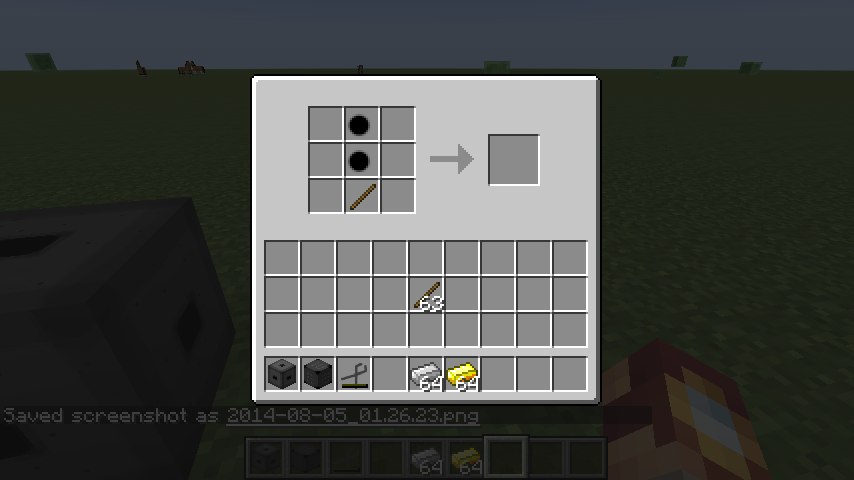
By clicking on the casting matrix you create space to place amalgam. You can also put items or blocks into the casting matrix, they are sometimes required for casting recipes. Simply click on a slot to create a space for amalgam.
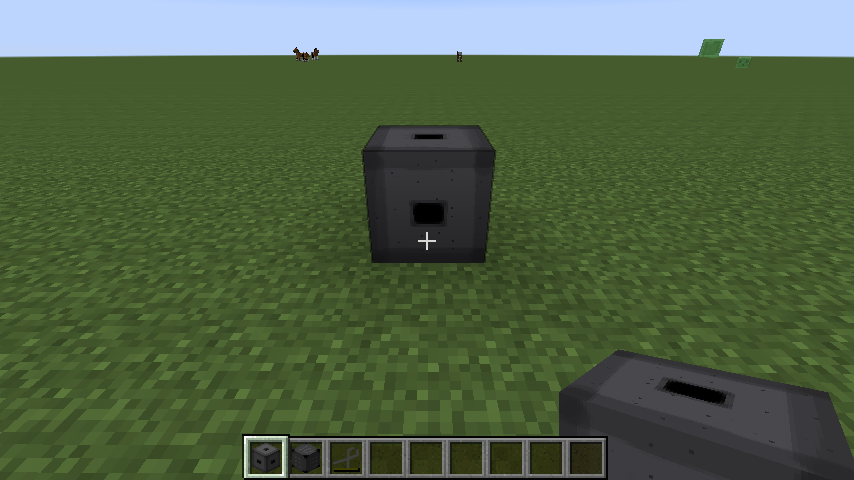
This is what you put metals into to from amalgam. As long as it is not full you can put any amalgable item or metal into it by right clicking on it with the metal or item.
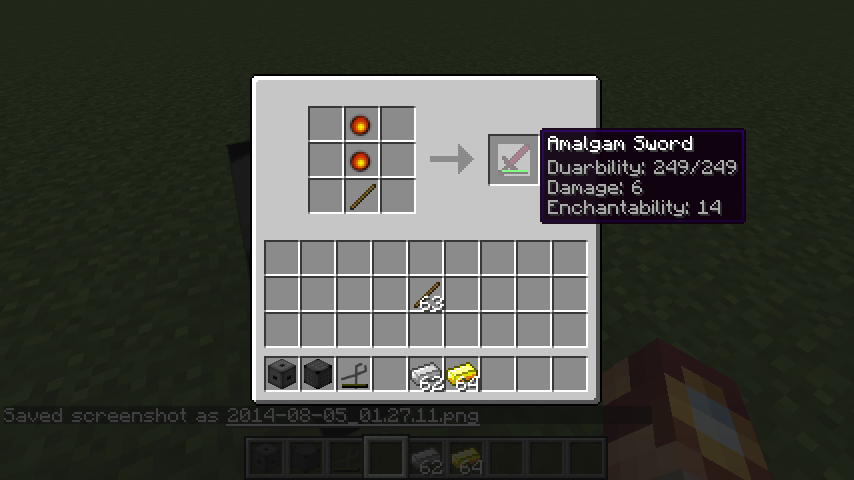
After the casting matrix has the correct amount of amalgam and item is created. Its properties are determined by the properties of the amalgam used to cast it.
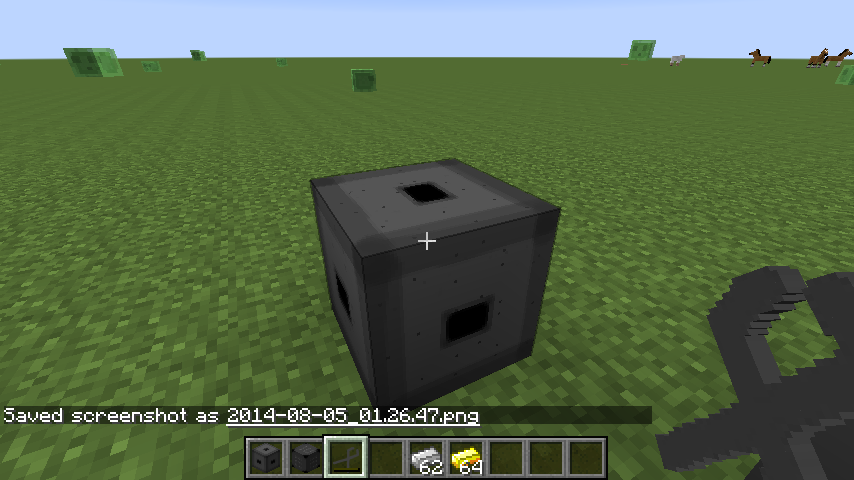
Stone tongs are used to move amalgam from the crucible to the casting table. Right click on the crucible or casting table with empty tongs to remove amalgam. Right click on either with full tongs to place amalgam.
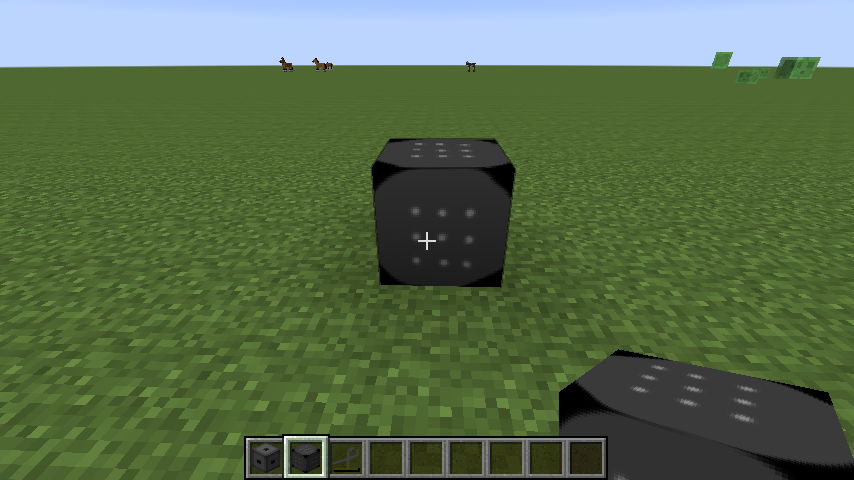
This is the casting table, similar to a workbench. Here you shape the cast of the item, armor or tool you want to make and fill it with amalgam.

