


AirWebDisplay
- By
Screenshot 2026-09-10 221224.png
Screenshot 2026-09-10 221138.png
Screenshot 2026-09-10 221106.png
Screenshot 2026-09-10 221054.png
Screenshot 2026-09-10 220938.png
Description
# AirWebDisplay
Bring the web directly into your Minecraft world.
AirWebDisplay allows you to create large, fully interactive browser displays that can show websites, videos, dashboards, streams, and other web content directly inside Minecraft.
## Features
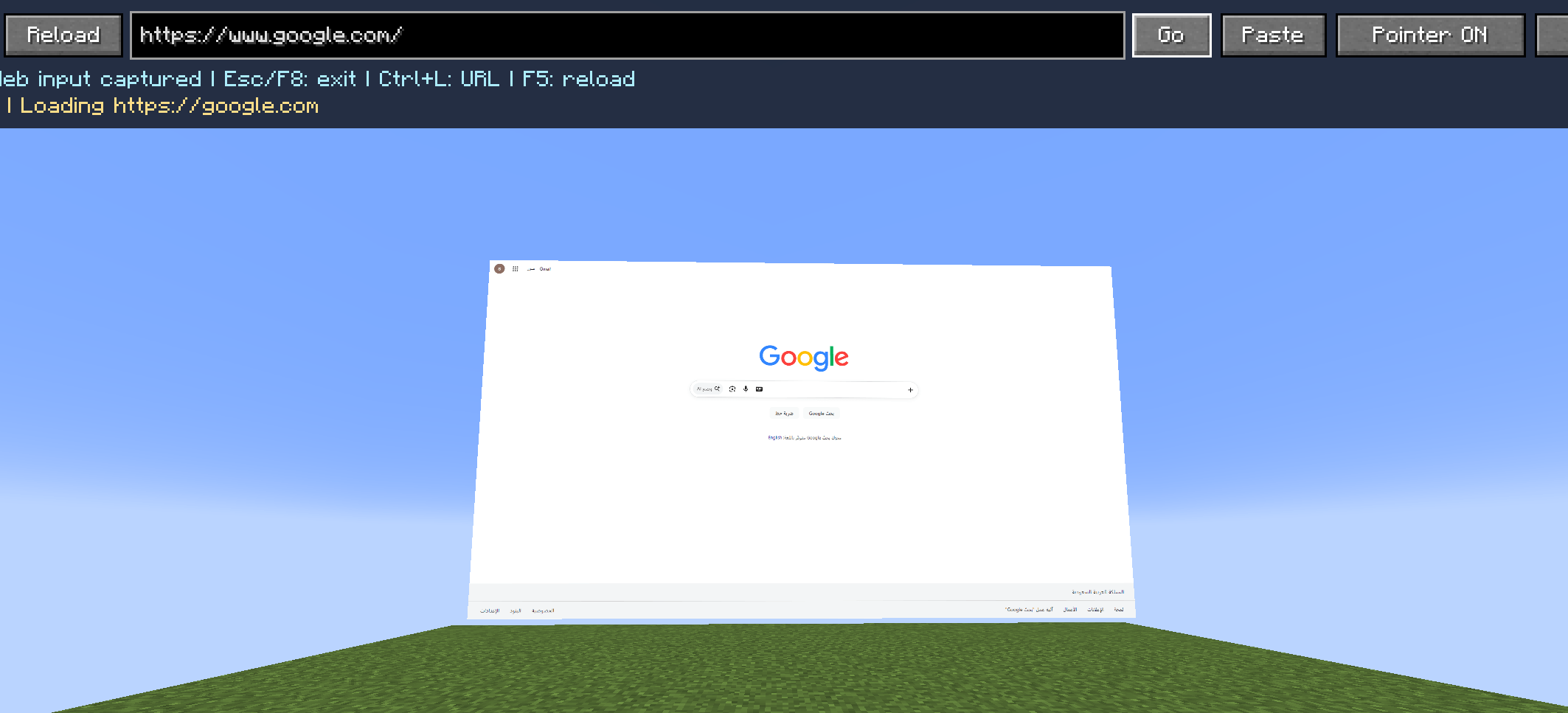
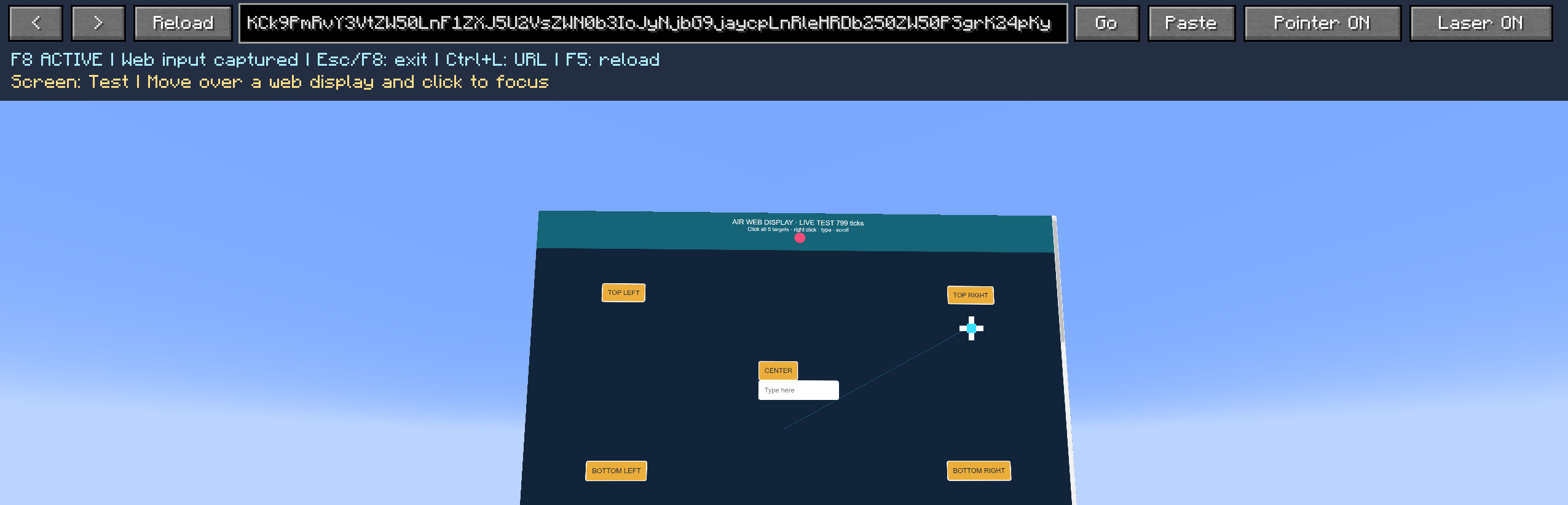
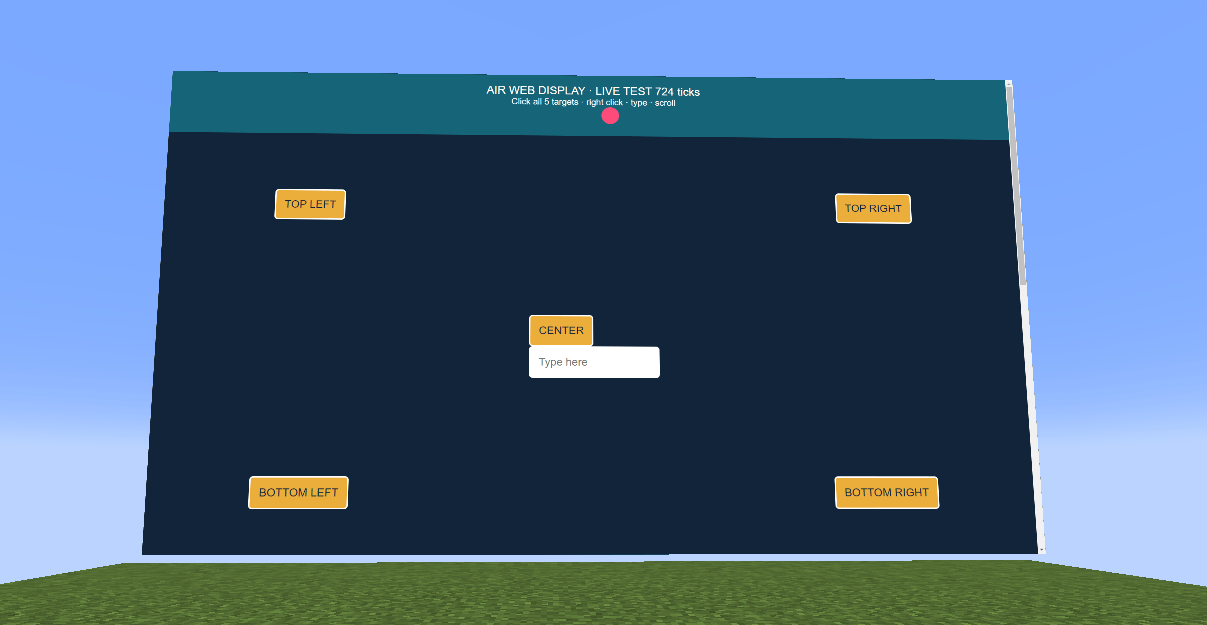
- Interactive web browser displays
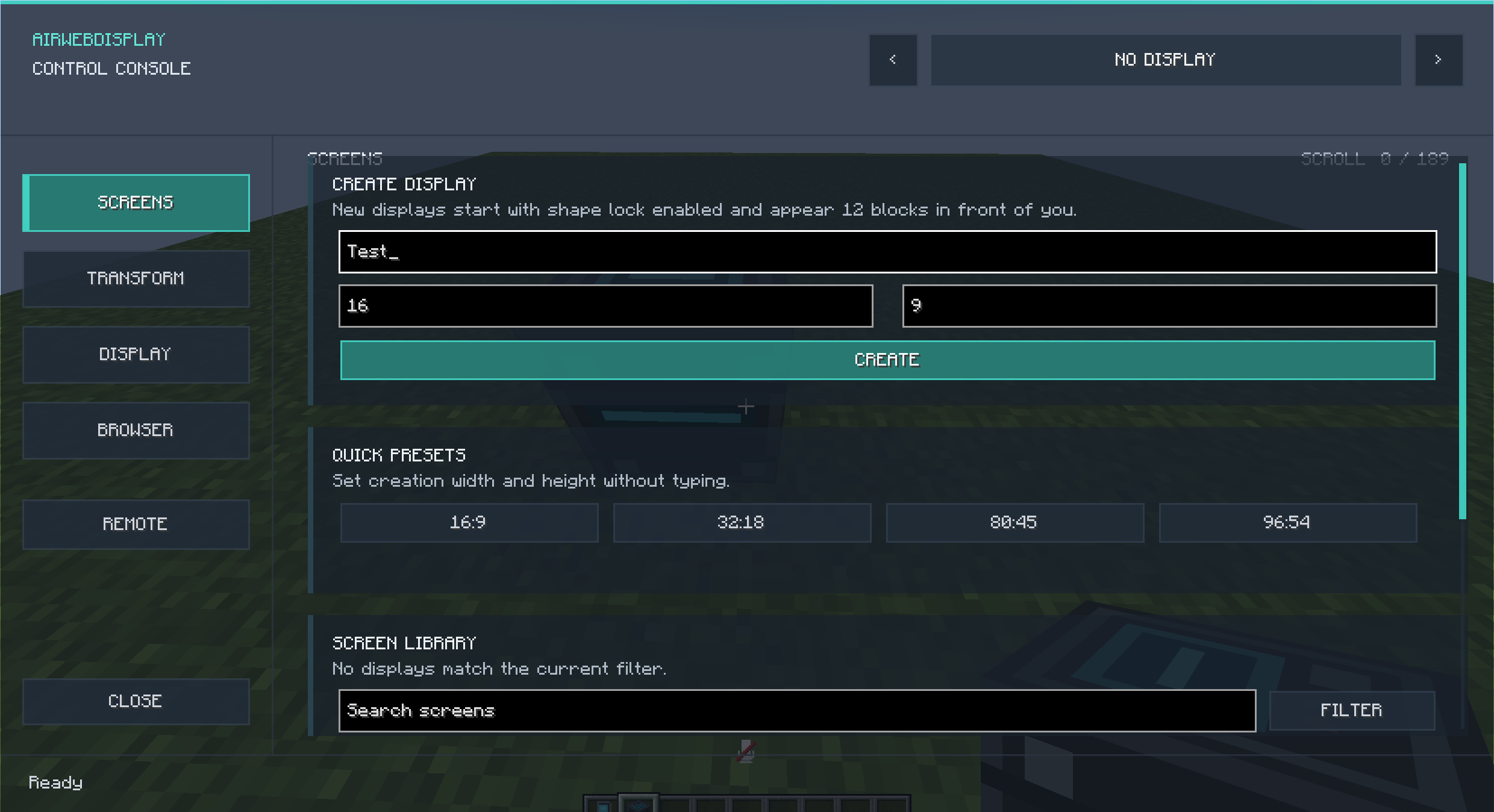
- Modern Remote Control interface
- Advanced Control Console
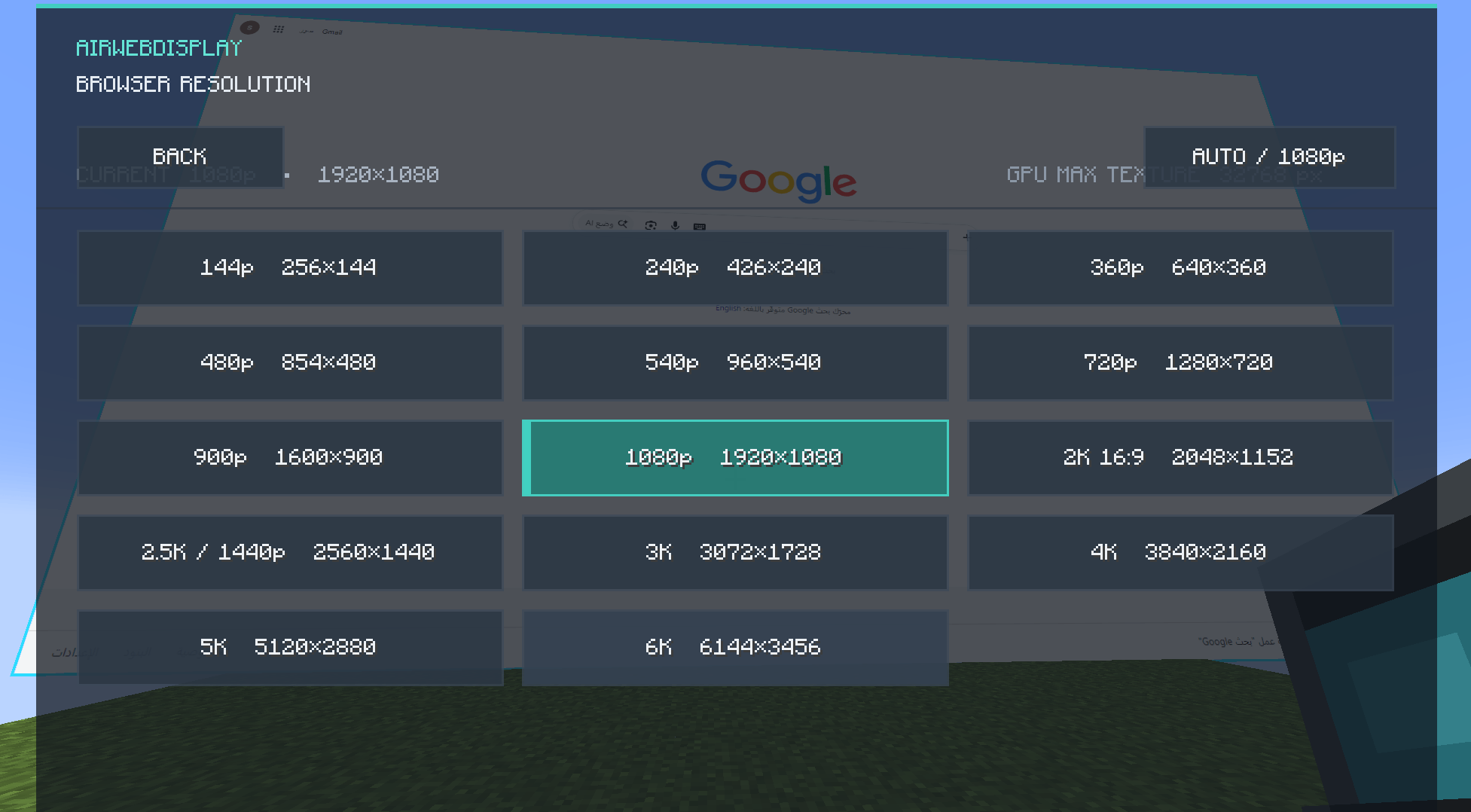
- Browser resolutions from 144p up to 6K
- 2K, 2.5K, 3K, 4K, 5K and 6K presets
- Configurable 15 / 30 / 60 FPS
- High-resolution display rendering
- Position, rotate and resize screens freely
- Aspect ratio locking
- Transform locking
- Multiple displays in the same world
- Browser Back, Forward, Reload and Restart controls
- URL controls directly in-game
- Volume and mute controls
- Distance-based audio
- Audio range warnings
- Auto-sleep for distant displays
- Show / Hide displays
- Favorites
- Duplicate displays
- Interaction mode using F8
- Transparent in-game control interfaces
- Persistent browser and display settings
## Controls
Use the AirWebDisplay Remote to quickly control the selected display.
Press **F8** to interact directly with the browser.
Use the **Control Console** for advanced screen management.
**Shift + Right Click** with the Remote or Control Console can be used to access display resolution options.
## High Resolution Displays
AirWebDisplay supports browser resolutions up to **6144×3456 (6K)**.
Higher resolutions require significantly more GPU memory and system resources.
For most users, 1080p to 3K provides the best balance between visual quality and performance.
4K, 5K and 6K are intended for powerful systems or large displays.
## Minecraft Versions
### Minecraft 1.20.1
- Loader: Forge
- Requires MCEF 2.1.6
### Minecraft 26.2
- Loader: NeoForge
- Requires Rinku 3.x
## Multiplayer
Display configuration is synchronized through the server while browser rendering happens on the client.
## License
MIT License
## Developer
Skip
The AirWebDisplay Team
