AFKAnchor
- By
A block that keeps your farms running while you’re away, as if a player were standing next to them.
afkanchor_crops.png
afkanchor_block.png
afkanchor_mob_farm.png
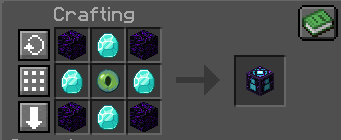
image-1793663967334.png
Description
AFK Anchor
A block that keeps your farms running while you're away, as if a player were standing there.
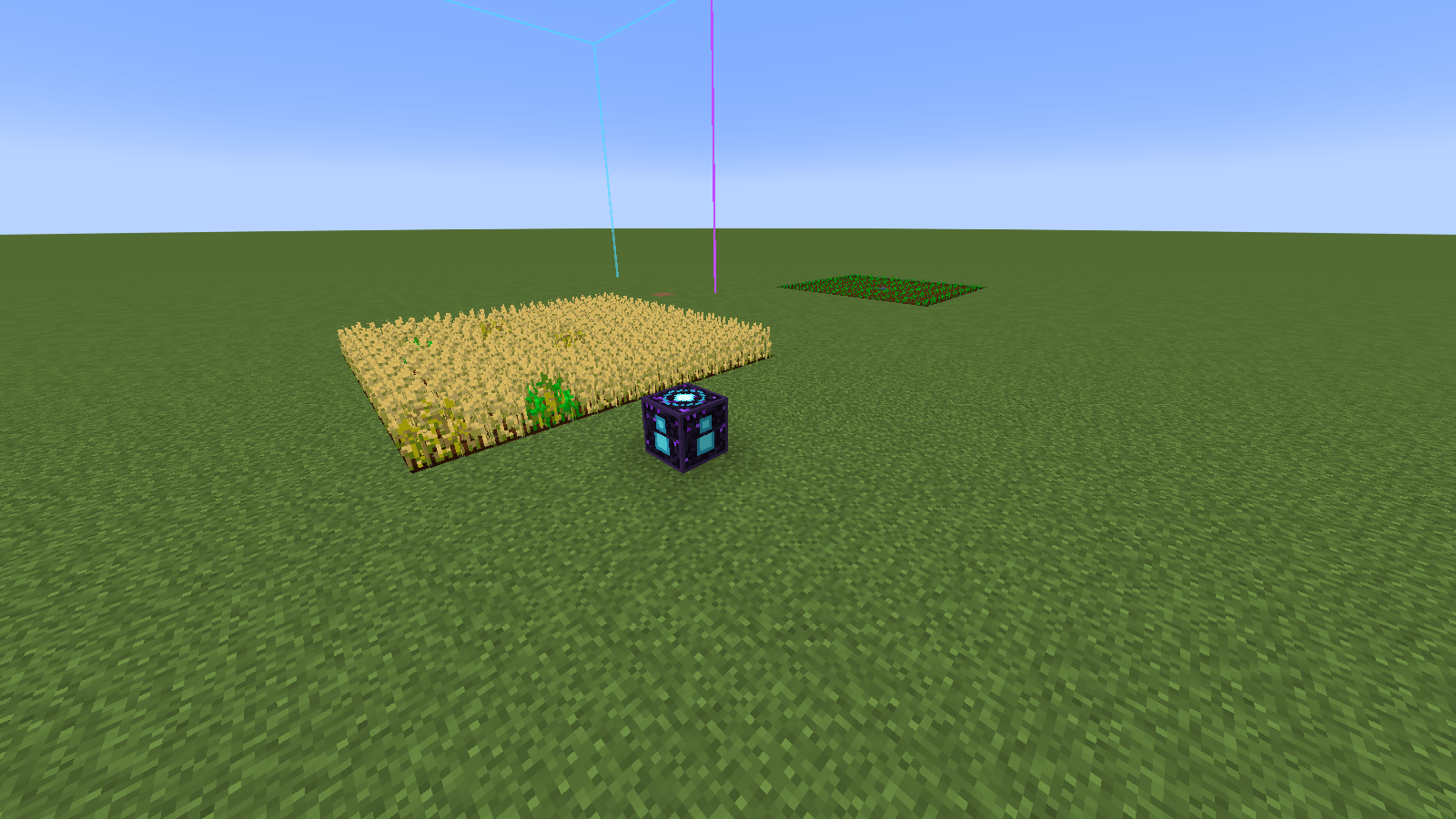
Place an AFK Anchor next to your farm and the game treats the area around it as if a player were nearby. Mob farms, spawners, crop farms and redstone keep working while you explore, build somewhere else, or log off.
Server owners also get AFK zones: any box, including a WorldEdit selection, that works the same way without placing a block.
What an anchor does
An anchor's outline has two parts, and they work at different scales. Everything here applies to AFK zones too.
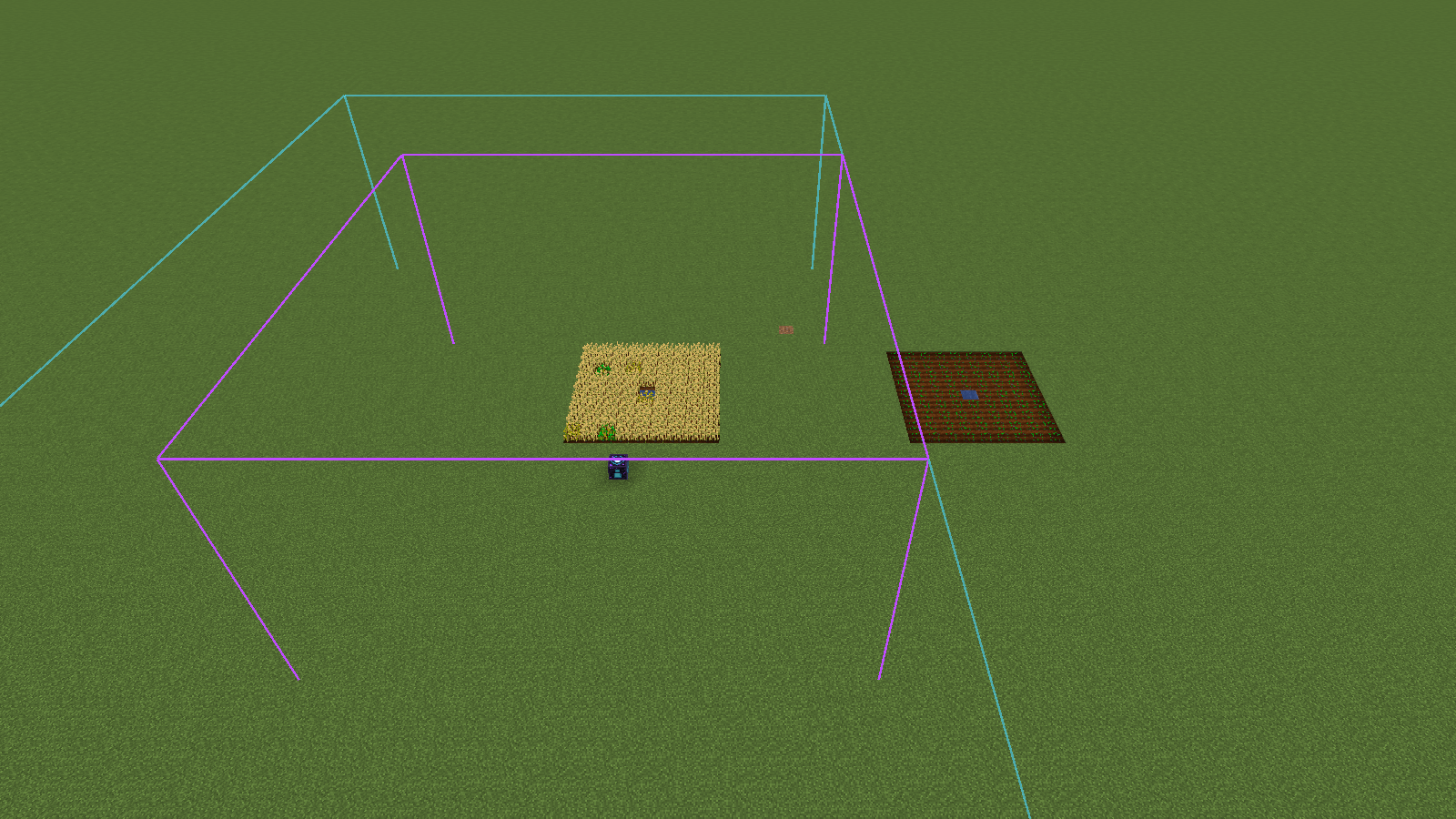
In every chunk the area touches (aqua outline)
Minecraft loads and ticks whole chunks, so these effects cover the entire chunks, not just the purple box:
- Chunks stay loaded and ticking. Redstone, hoppers, furnaces and mob movement keep running with nobody nearby. Anchors survive restarts and keep their dimension active even when it's empty.
- Crops and plants grow. Wheat, saplings, sugar cane and anything else that grows on random ticks grows anywhere in these chunks, even just outside the purple box. A real player nearby works the same way.
- Nether portals can still spawn zombified piglins.
Only inside the purple box
These effects stop exactly at the purple outline:
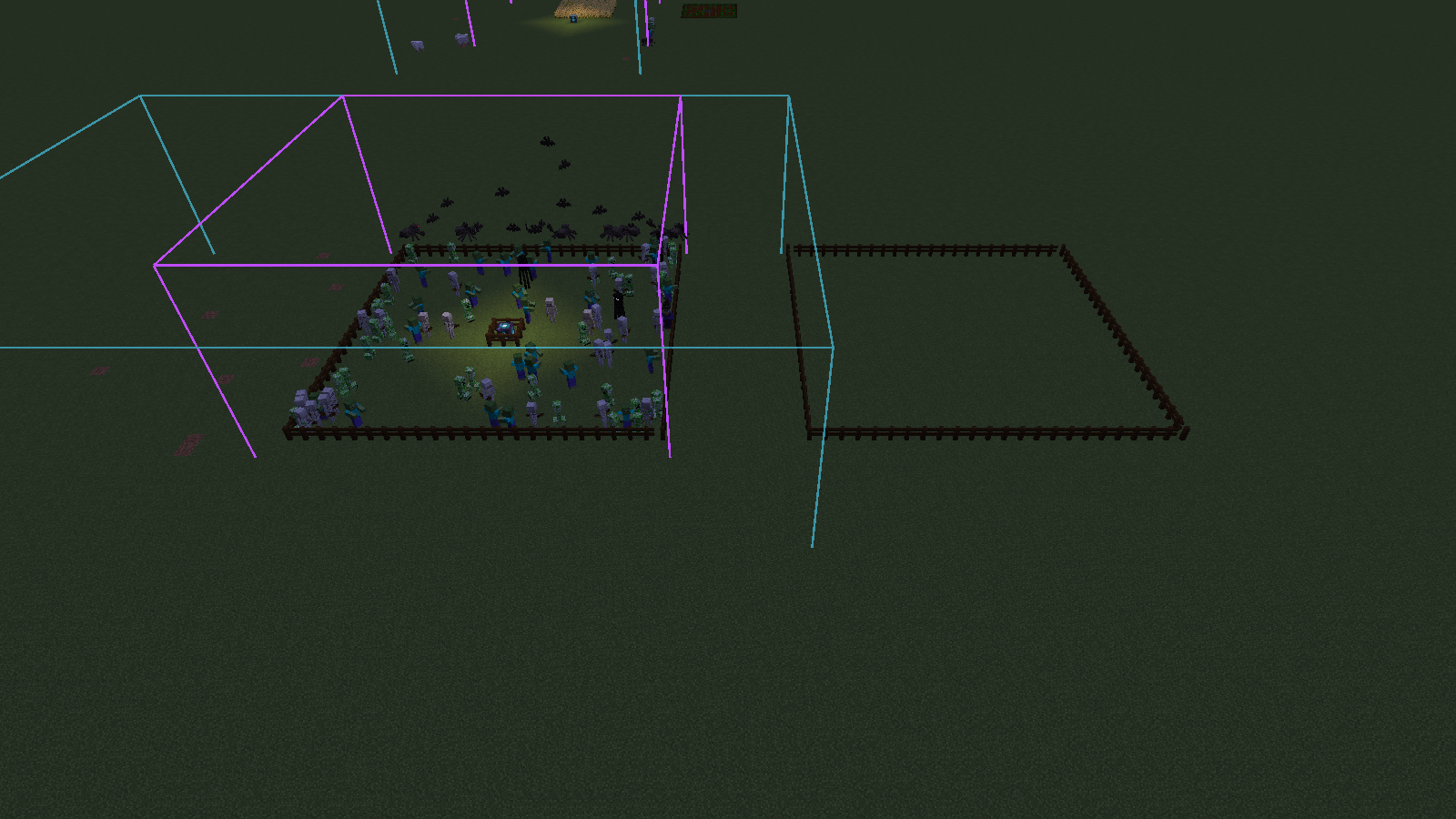
- Natural mob spawning works. The box counts as a player for the spawn range check and for the mob caps, so each anchor adds the same spawning room one player would. Mobs only spawn inside the box.
- Mobs don't despawn while they're inside the box, just like when a player is within 32 blocks.
- Monster spawners run when they're inside the box.
An anchor doesn't stop mobs spawning close to itself the way a real player does, so mob farms work right up to the anchor. A real player standing nearby still blocks spawns around themselves, the same as in vanilla.
Tip: size the purple box to fit your mob farm's spawning area, and keep crop farms inside the chunks shown in aqua.
Using the anchor
Right-click the anchor to open its screen:
- Width, Length and Depth: 1 to 128 blocks each, centred on the anchor. The default is 25 on each side (12 blocks out in every direction).
- Show outline: draws the active area in purple and the chunks it keeps loaded in aqua, so you can line it up with your farm.
- The screen shows how many chunks the area keeps loaded.
Anyone can craft, place, configure and break an anchor. It can't be pushed by pistons and needs a pickaxe to mine.
Recipe (shaped)
| Crying Obsidian | Diamond | Crying Obsidian |
| Diamond | Eye of Ender | Diamond |
| Crying Obsidian | Diamond | Crying Obsidian |
AFK zones (for server owners)
| Command | What it does |
|---|---|
/afkzone create <name> |
Turns your WorldEdit selection into a zone |
/afkzone create <name> <from> <to> |
Makes a zone from two corners (no WorldEdit needed) |
/afkzone remove <name> |
Removes a zone |
/afkzone list |
Lists the zones in your current dimension |
- Zones are saved per dimension, along with the world.
- A zone can cover up to 1,024 chunks.
- Zones are 3D boxes, so include the full height of your farm.
Permissions
| Permission | Allows |
|---|---|
afkanchor.all |
Everything below |
afkanchor.zone.create |
/afkzone create |
afkanchor.zone.remove |
/afkzone remove |
afkanchor.zone.list |
/afkzone list |
Without a permissions mod, only ops (level 2+) and the console can use the commands. LuckPerms works on every loader, for example:
/lp user <player> permission set afkanchor.all true
The anchor block itself needs no permission.
Versions
| Minecraft | Loaders | Java |
|---|---|---|
| 26.3 | NeoForge, Fabric | 25 |
| 1.21.1 | NeoForge, Fabric | 21 |
| 1.20.1 | Forge, Fabric | 17 |
- Install on both the client and the server. The anchor is a block with its own screen, so players need the mod too.
- Fabric: needs Fabric API.
- Optional: WorldEdit (7.2+ on 1.20.1, 7.3+ on 1.21.1, 7.4+ on 26.3) for creating zones from a selection.
- Optional: LuckPerms, or any permissions mod for your loader.
Good to know
- Singleplayer worlds only run while they're open. For farms that run with nobody online, use a server.
- Plays nicely with
/forceload. Chunks you force-loaded yourself stay loaded when you break an anchor or remove a zone. - On 26.3, dedicated servers pause after 60 seconds with nobody online. Set
pause-when-empty-seconds=0inserver.propertiesif your farms should keep running on an empty server. - Want it server-side only? Use AFK Farming, which has the same AFK zones without the block, so players can join with a vanilla client. Don't install both together: they both add
/afkzone.
AFKAnchor Team