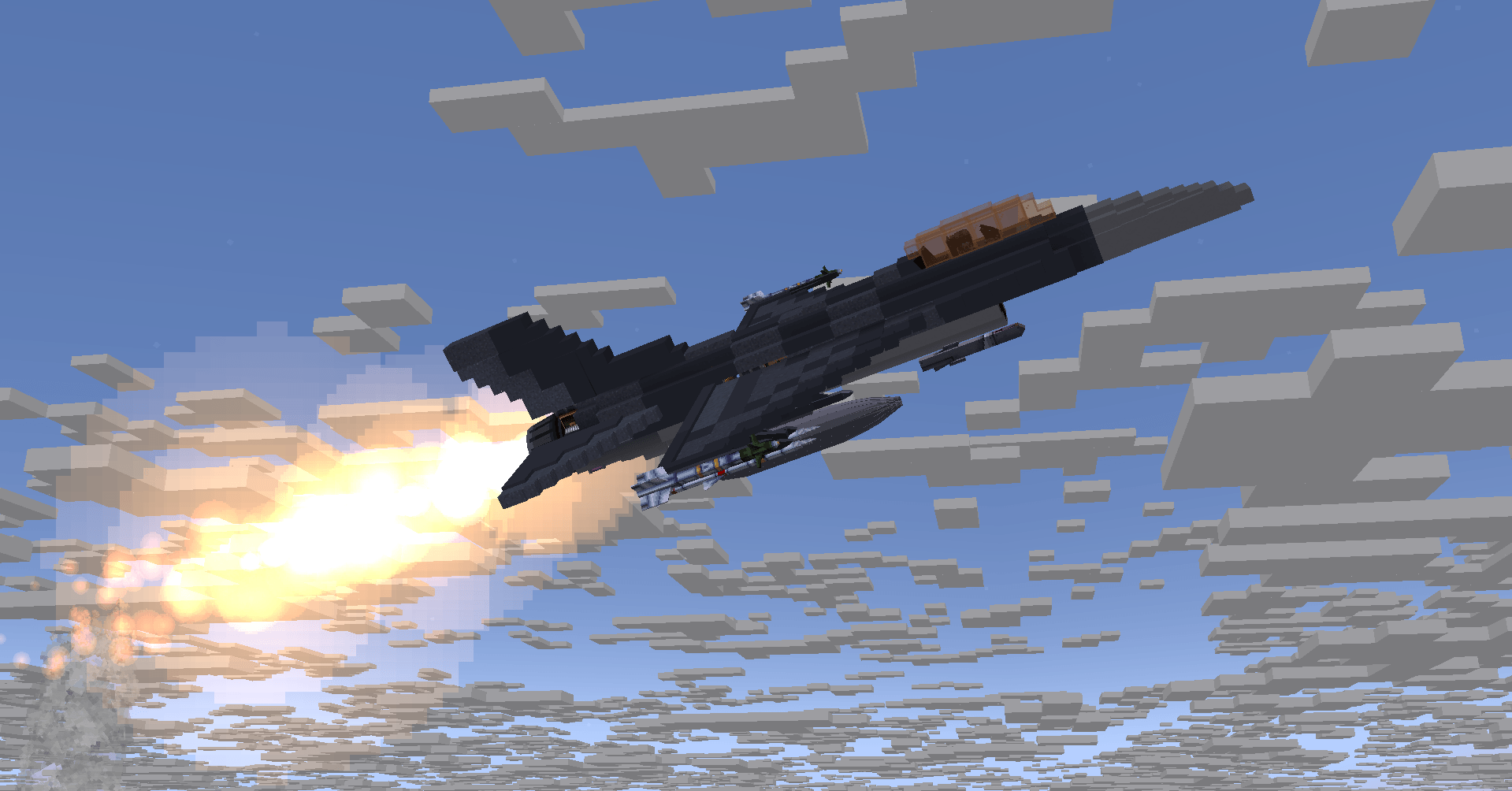
f-161.png
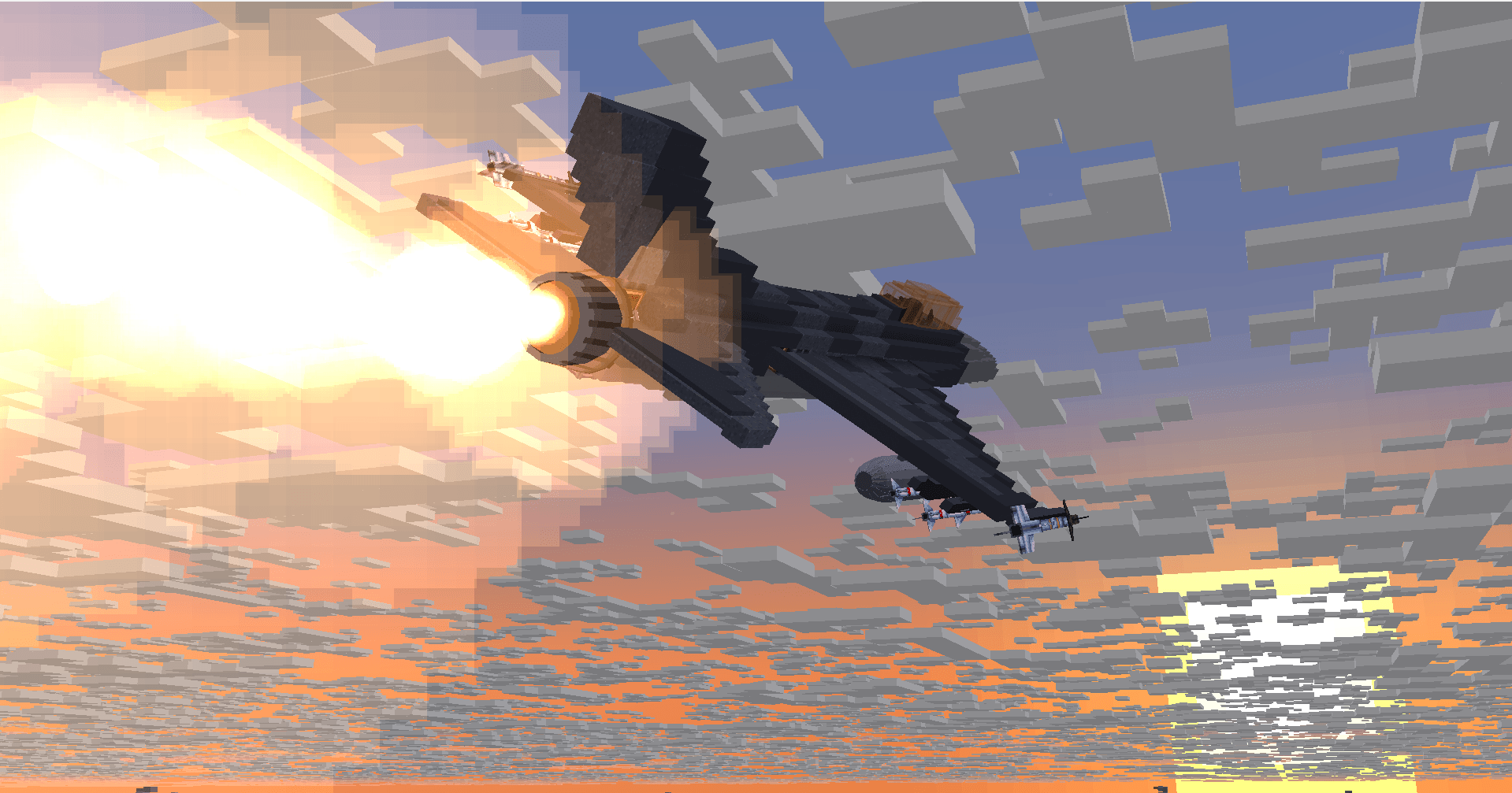
f-162.png
Description



AeroCockpit turns Create aircraft into real fighter jets. Build your airframe with Create and Sable, then place a cockpit and fly with a working HUD, radar, guided missiles, G-force physics, and now a networked base defense system to protect your home airfield.
Requires Create, Create: Sable and Create Aeronautics - Minecraft 1.21.1 (NeoForge).

- Interactive cockpits. Fully modeled 3D cockpits that become the brain of your aircraft.
- HUD. Shows altitude, airspeed, heading, the pitch ladder and targeting data in real time.
- Helmet display (HMCS). Follows your look direction, so you can aim missiles off-boresight and keep track of targets around you.
- Multi-function displays. Show ordnance status, radar sweeps and core flight systems on screens inside the cockpit.
- Radar and RWR. Radar picks up contacts at long range. The radar warning receiver plays audio cues and warns you when a missile locks or launches.

- G-force simulation. G load comes from your speed and turn rate, and it affects the pilot.
- Blackout. Strong positive G narrows your vision until you black out and lose control for a moment.
- Redout. Negative G tints your vision red.
- Flight envelope. Fast turns have to be balanced against what the pilot can take. You can tune this with the G tolerance setting.

- Short-range IR missiles. Heat-seekers for close dogfights.
- BVR radar missiles. Lock targets and engage them from long range.
- Air-to-ground ordnance. Laser- and radar-guided munitions hit ground targets precisely.
- Fire at any locked target in front of you, not only inside a narrow cone.
- Bombs drop with a single key press.
- Targeting pod with ground-point lock and its own camera view.
- Pylons and rails. Missiles hang on real rails under the wings.

New in 1.4.0
Connect your base into a single network and defend it as a team.
- Base Server. The core of a base. It claims a 5x5 chunk territory and runs in one of several defense modes and orders.
- Network Cable. Connects radars, sirens, laptops, servers and motherboards.
- Modem. Links separate bases into your team's own "internet", so devices on a modem can reach the team's servers from anywhere.
- Siren. A megaphone siren with a rotating warning light. It sounds when a threat is detected, or you can trigger it with redstone.
- Command Map. Opens from the Base RWR app on the laptop and shows:
- teams, ranks, owners and claimed territory
- incoming missiles, where they are predicted to hit, and estimated damage
- Commanders can also give orders to the whole network from here.

New in 1.4.0
A node-based programming system that needs no code.
- Open the Blueprint app on the laptop and connect nodes with wires. Values update live while the program runs.
- Upload the program to a Motherboard connected by cable.
- Node types:
| Group | Nodes |
|---|---|
| Input | Redstone input, constant, clock |
| Logic | AND, OR, XOR, NOT |
| Compare | Greater, less, equal |
| Math | Add, subtract, multiply, divide, min, max |
| Time & memory | Delay, toggle, SR latch |
| Network | Base alarm, threat count |
| Cockpit | 25 sensors: airspeed, altitude, attitude, G load, throttle, gear, flaps, fuel, engine, radar lock, RWR, missile warning and more |
| Output | Redstone output on any face |
Build your own stall warnings, auto-gear, alarm lights or base automation. Create Redstone Links placed next to the motherboard work as inputs and outputs.

New in 1.4.0
- A copycat sail that rotates on its own, with no bearing needed. Its lift and drag follow the angle it is turned to.
- Settings: angle range (0-180°), trim, speed, hinge direction, invert, and on/off.
- Drag the line on the preview to set the angle, or Ctrl+click to type an exact value.
- Sails placed next to each other group together and move as one control surface.
More features
- Sonic boom, with an adjustable trigger speed
- Smoke generator: load dye to leave a colored trail
- Parachute: double-tap Space while falling
- Kill feed with weapon icons
- Separate volume sliders for mod, missile and engine sounds
- Cinematic explosions with dark smoke arcs
- F110 engine with its own control panel
- In-game update check

| Required | Version | |
|---|---|---|
| Minecraft | yes | 1.21.1 |
| NeoForge | yes | 21.1.x |
| Create | yes | latest |
| Create: Sable | yes | latest |
| Create Aeronautics | yes | latest |

Is there a Fabric or Forge 1.20.1 version? No. AeroCockpit is NeoForge 1.21.1 only.
Does it work on servers? Yes. Teams, ranks and the base network are built for multiplayer.
Can I use it in my modpack? Yes. The mod is licensed under MIT.
My aircraft will not fly or the cockpit does nothing. Make sure Create, Sable and Create Aeronautics are all installed and up to date, then ask on Discord with your log.

Found a bug, have an idea, or want to fly with us? Join the Discord. Bug reports help us fix things faster, since AeroCockpit is still in beta.

- Developed by Antune345
- Built on top of Create by the Create team and Sable / Create Aeronautics
- Licensed under the MIT License
Aerocockpit Team