PlayerInventory.png
PlayerTradeBoard.png
PlayerTradeBoard2.png
PlayerTradeBoard3.png
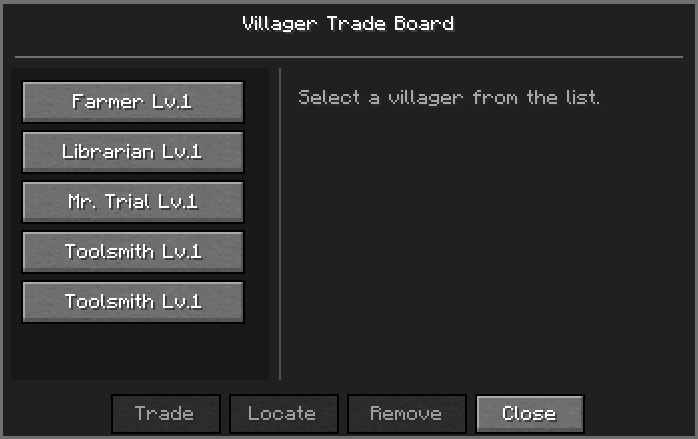
VillagerTradeBoard.png
Description
Aero Trade System
Aero Trade System is a persistent trading system for Minecraft 1.21.1 and NeoForge.
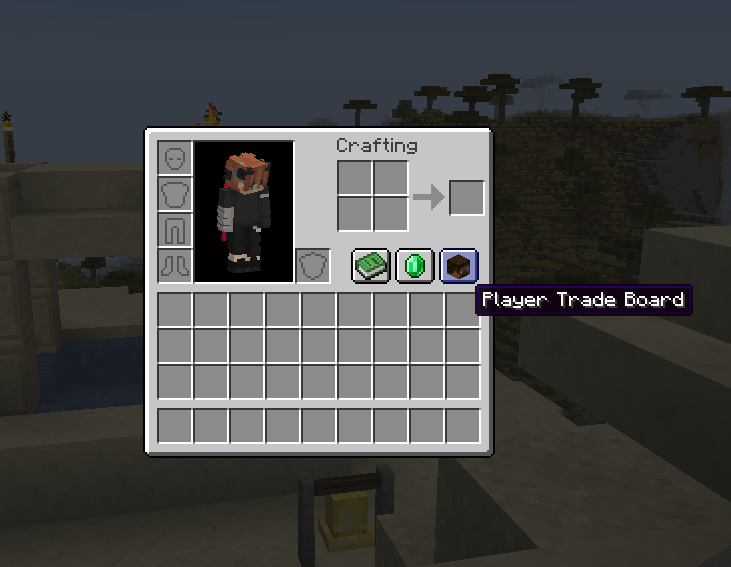
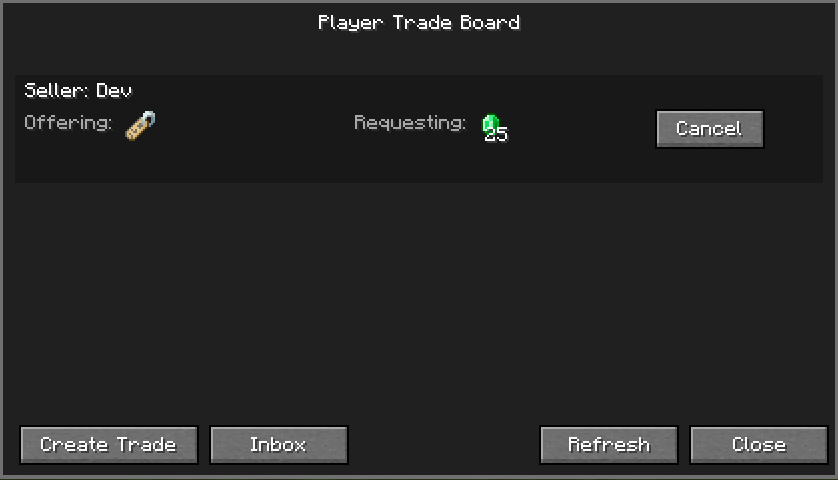
It adds a Trade Board that lets players keep track of discovered villager trades and create persistent player-to-player trade listings.
Features
Villager Trade Board
- Discover nearby villagers and record their available trades.
- Keep discovered villager trades on the Trade Board after leaving the area.
- Track individual villagers using their unique UUID.
- View a villager's last known location.
- Trade remotely when the villager is currently loaded.
- View stored trade information even when the villager is currently unloaded.
- Automatically remove stored villager information when a tracked villager dies.
- Keep villager discoveries private to each player while still supporting multiplayer.
Player-to-Player Trading
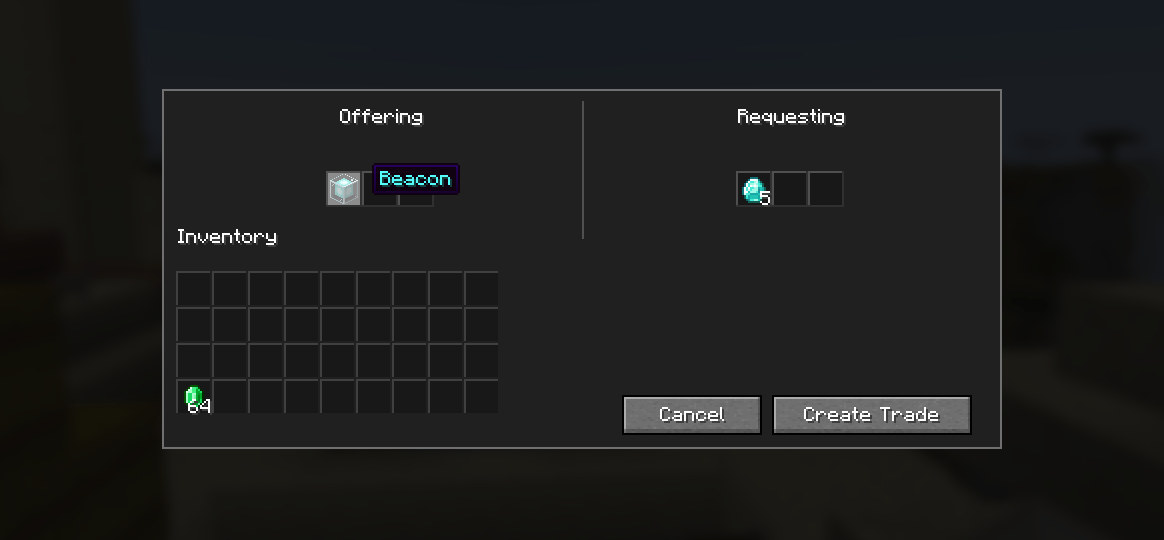
Create persistent trade listings for other players.
Sellers can:
- Offer up to three item types.
- Place offered items into server-side escrow.
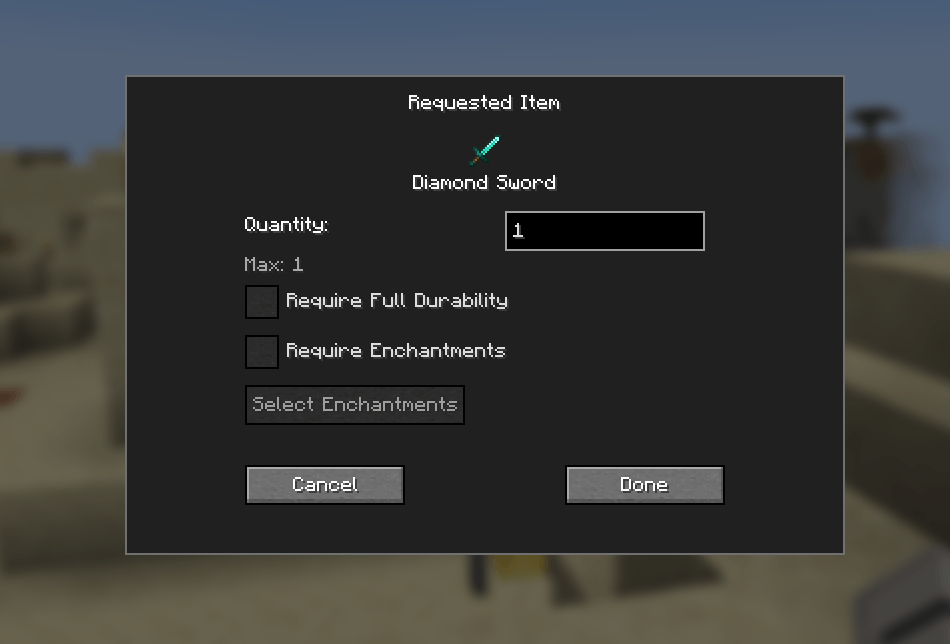
- Specify the items and quantities they want in return.
- Require full durability for requested items.
- Require specific enchantments and enchantment levels.
- Cancel their own active trades and recover their escrowed items.
Buyers can:
- Browse active player trade listings.
- Inspect offered and requested items.
- Accept trades when they meet the requested requirements.
- Completed trades are validated by the server before items are transferred.
Trade Inbox
When a player completes a trade, the items they provide are delivered to the seller's persistent Trade Inbox.
- Inbox entries survive server restarts.
- Items remain stored until the recipient claims them.
- A notification indicator appears when items are waiting.
- Inventory capacity is checked before items are delivered.
Server-Compatible Design
Aero Trade System is designed for multiplayer servers as well as singleplayer.
Important trade operations are handled and validated by the server, including:
- Trade creation
- Item escrow
- Requested item validation
- Trade cancellation
- Trade completion
- Inventory transfers
- Trade Inbox storage
Clients do not decide which escrowed items are transferred.
Requirements
- Minecraft Java Edition 1.21.1
- NeoForge 21.1.250
- Java 21
No additional mod dependencies are currently required.
Installation
Install Minecraft 1.21.1.
Install NeoForge 21.1.250.
Download the latest Aero Trade System
.jar.Place the
.jarin your Minecraftmodsfolder.Launch Minecraft with the NeoForge profile.
For multiplayer, install the mod on the server and on connecting clients.
Source Code
Aero Trade System is developed by Aerokit.
The source code is available on GitHub:
https://github.com/aerubi/AeroTradeSystem
License
Aero Trade System is distributed under the Aero Trade System Source License 1.0.
The license permits studying, using, and modifying the source code while requiring attribution to Aerokit and restricting redistribution of the original or modified mod as a separate mod.
See the included LICENSE file for the complete terms.
Aero Trade System Team