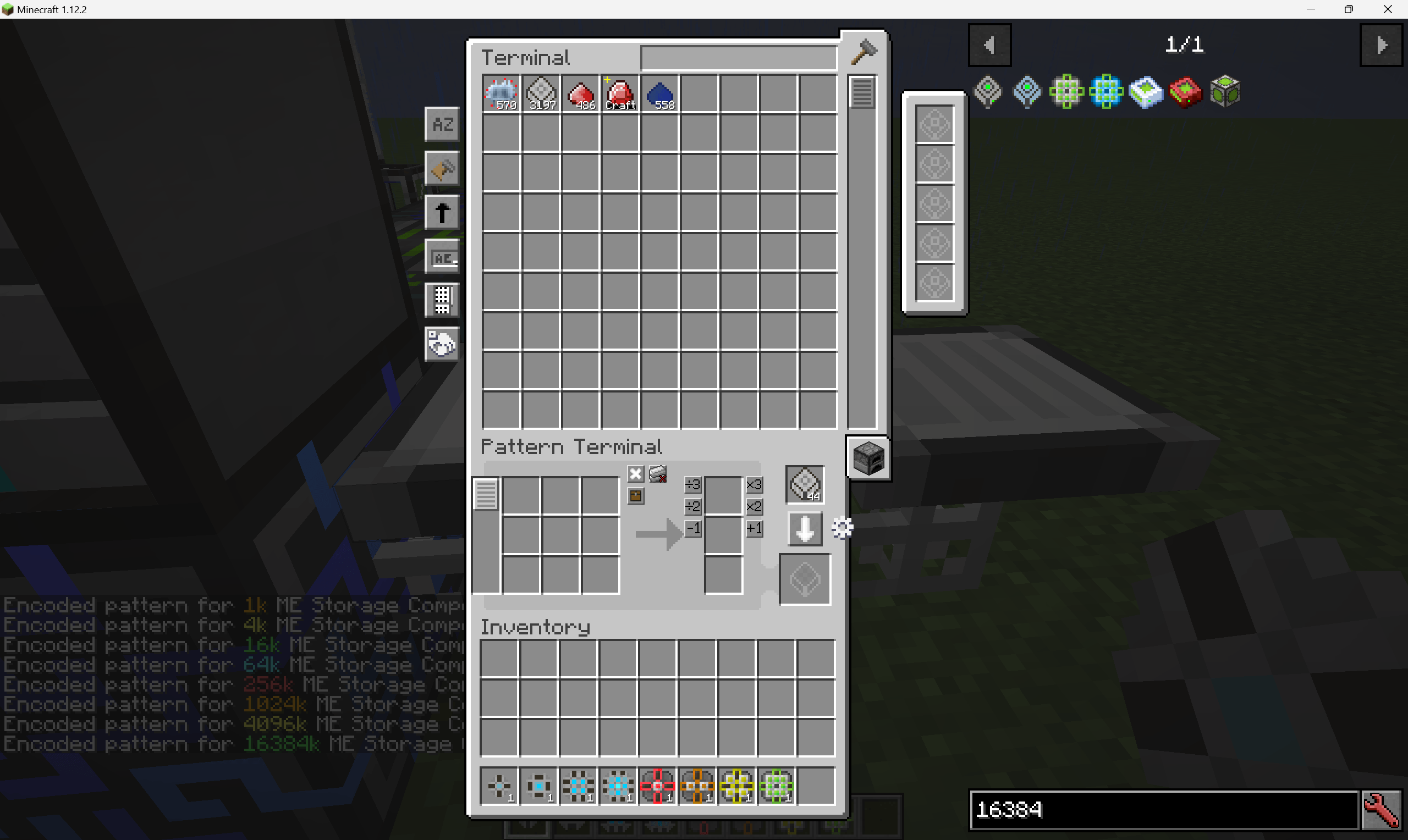
After clicking, the patterns will be placed into your inventory.If there are no empty slots in your inventory to store them, the automatic writing will stop.
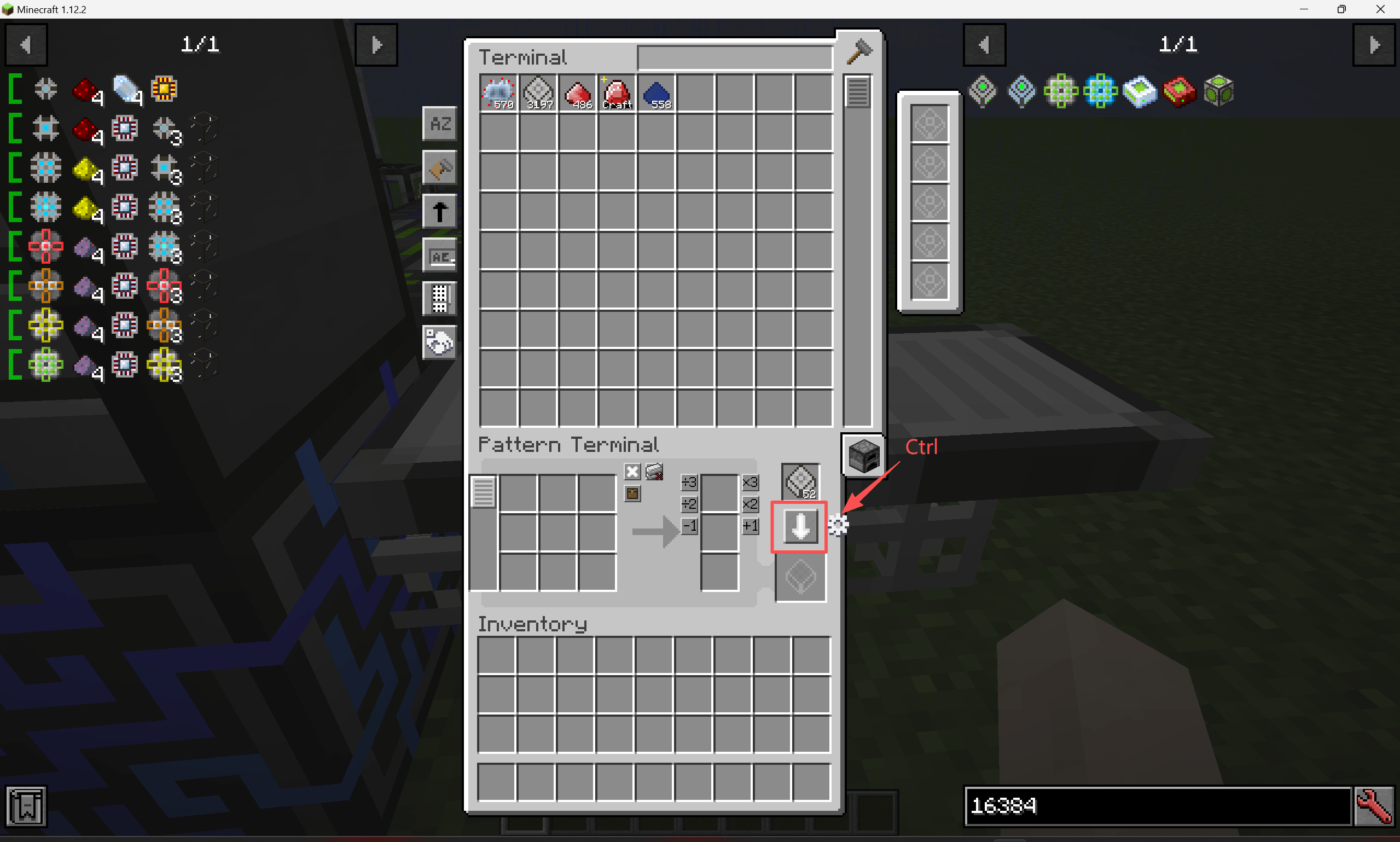
Ctrl‑click in the HEI list on the left to create patterns, and begin one‑click writing.
Description
This mod is a fast encoding add‑on based on HEI (High‑Efficiency Interface). Once you have prepared a recipe, hold down the Ctrl key and click the "Encode Pattern" button — the mod will then read from your prepared recipe and encode the pattern(s) in batch. It also supports encoding fluid patterns for AE2FC (Applied Energistics 2 Fluid Crafting).
You will find a new button labelled "Quick Encoding Settings" on the right side of the Pattern Terminal. Click it to enter the configuration mode, where you can set up:
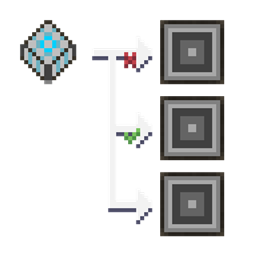
- Blacklist items — when using quick encoding, items on this list will not be included in the encoded pattern (e.g., Botania's Alchemy Catalyst, GregTech's Extruder Shape, etc.).
- NBT replacement items — items in this replacement list will have their input counterparts substituted during pattern encoding. This is mainly useful for dealing with Industrial Craft 2's Energy Crystal and Lapotron Crystal, where damage values or NBT differ but are functionally equivalent.
The AE2 Quick Encoding Team