


AE2 Crafting Priority
- By

Adds per-job crafting priority to Applied Energistics 2's autocrafting, so higher-priority jobs claim crafting machines first.
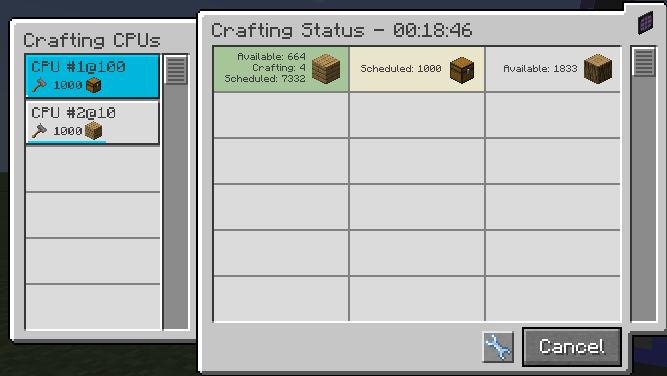
CPU #1 (priority 100) and CPU #2 (priority 10) each processing their own job. The higher-priority CPU claims the next available Pattern Provider first.
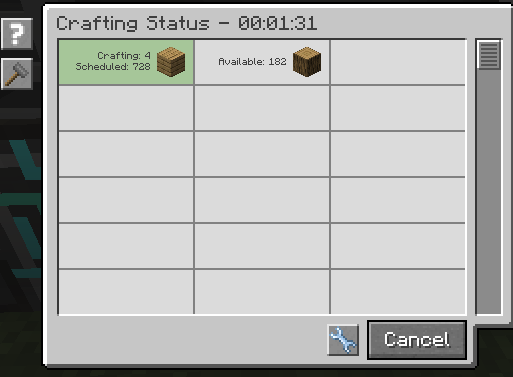
Track scheduled and available item counts in real time from AE2's Crafting Status tab, right alongside your priority settings.
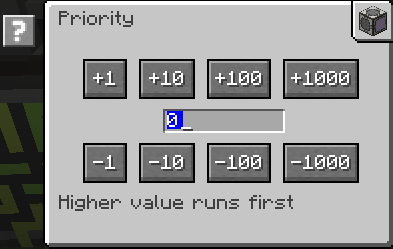
Click the wrench icon on any Crafting CPU to open this screen and adjust its priority directly. Higher value runs first.
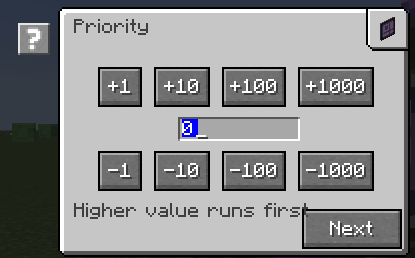
The crafting request flow now includes a priority step between amount and CPU selection — set it once, right when you queue the job.