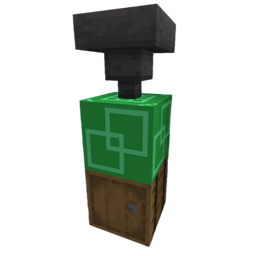
AE2 Backorder
Allows starting AE2 autocrafting jobs even with missing items. The job reserves available materials and
automatically resumes as missing items are deposited into your ME storage.
Features
- Backorder Button: Click "Backorder" in the crafting confirmation screen to queue jobs immediately.
- Auto-Resume: Missing materials are automatically pulled from ME storage when available to continue crafting.
How to Use
1. Request a craft with missing items.
2. Click Backorder on the confirmation screen.
3. Supply the missing materials to your ME network—crafting will complete automatically.
Client and server required.
AE2 Backorder Team