Advancement Confetti
- By
celebrate your advancements with confetti! screenshots your advancements so you can go back and see the moments you captured. nice for a chill playthrough :)
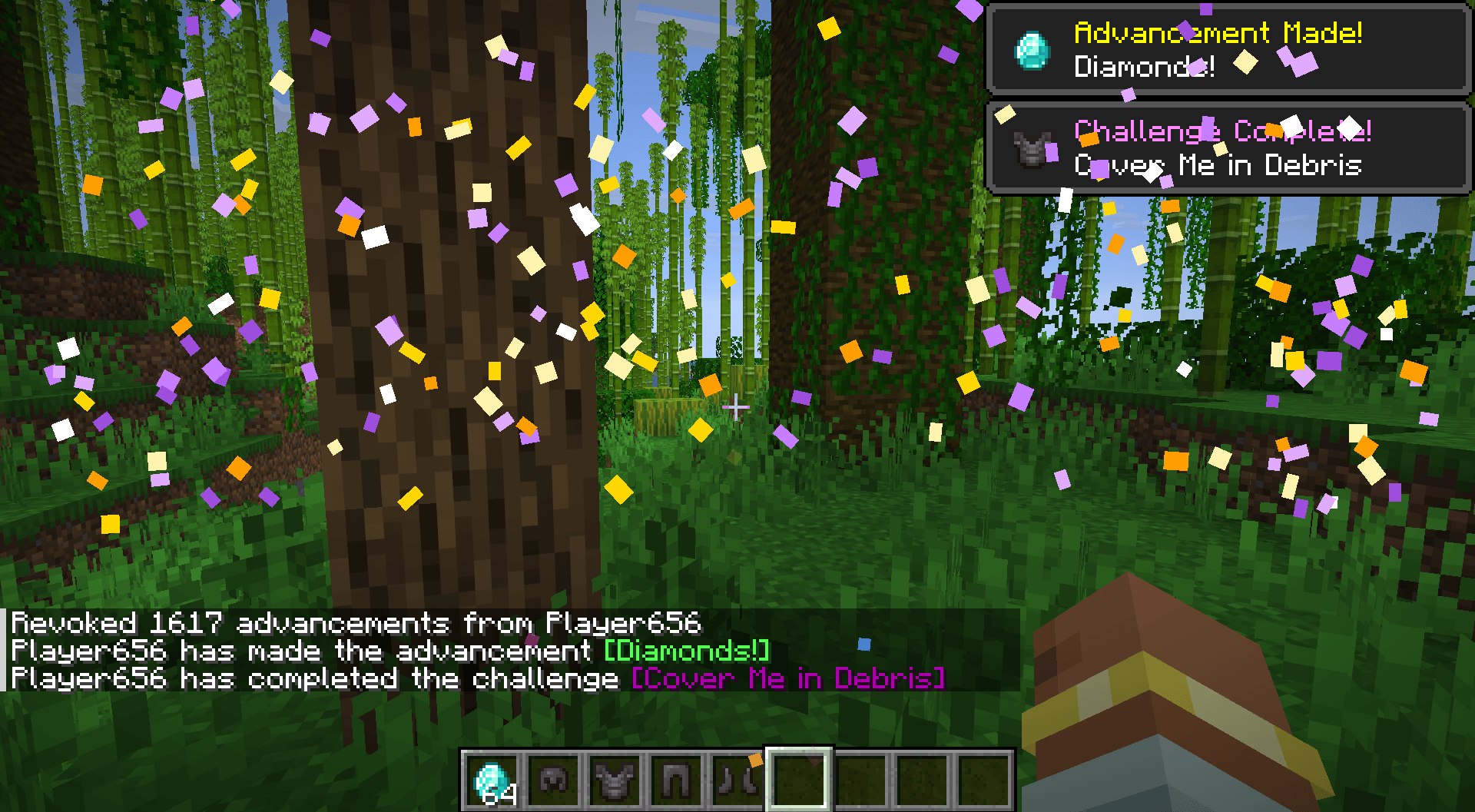
this screenshot was taken automatically using the mod, and yes, i used creative for it.
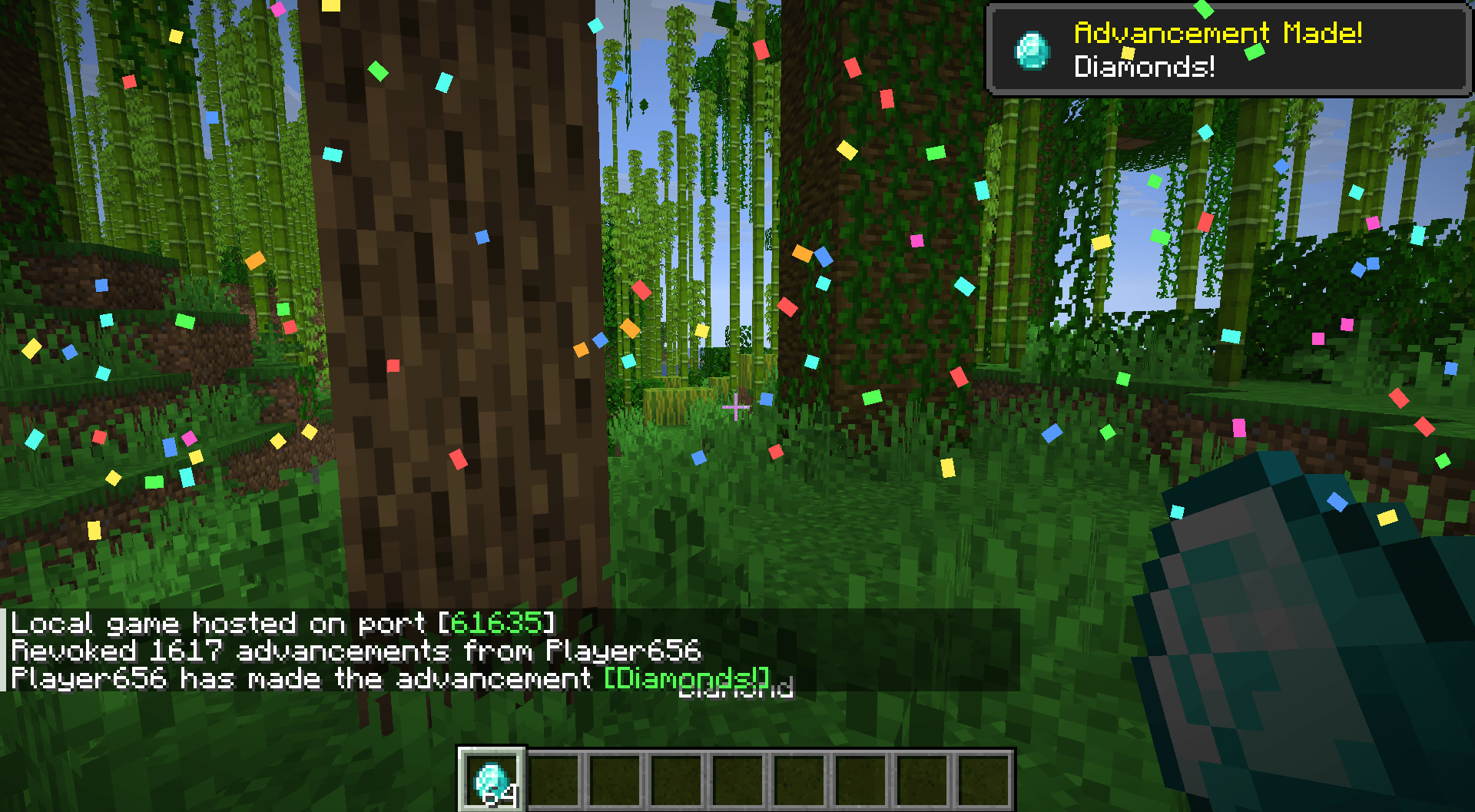
this screenshot was taken automatically using the mod, and yes, i used creative for it.
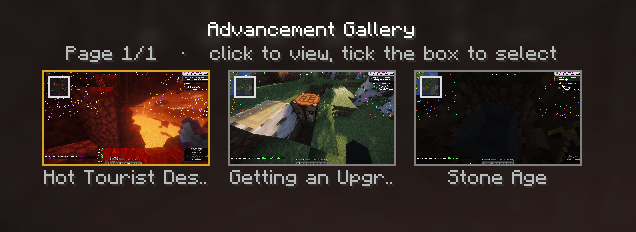
this is what the gallery looks like inside the game
Description
confetti shoots across your screen every time you get an advancement, and it takes a screenshot a second later so you keep the moment.
rare (purple) advancements get their own thing - way more confetti, gold and purple instead of the normal colours, and a different sound.
works on vanilla servers, nobody else needs it.
what it does
get an advancement, confetti fires in from both sides of the screen and falls, sound plays, screenshot happens a second later so the toast is still in frame.
screenshots go in advancementconfetti/screenshots in your game folder, not your normal screenshots folder, so they don't get mixed up with the ones you took.
the gallery
open it from the small Gallery button top right of the pause menu, or /advancementconfetti gallery.
- click a screenshot to open it full size
- tick the little box top left of one to select it
- delete removes everything you've selected from your disk, so you can free up space if needed
- open folder takes you to them on your disk
- gold border means it was a rare / challenge advancement, grey means normal
each one shows the name of the advancement under it.
settings
/advancementconfetti settings, or through mod menu if you have it.
you can turn normal and rare celebrations on and off separately:
/advancementconfetti toggle normal/advancementconfetti toggle rare
/advancementconfetti on its own tells you what they're currently set to. saved in config/advancementconfetti.txt.
requirements
minecraft 26.1.2, fabric loader 0.19.3+ and fabric api.
The Advancement Confetti Team