Note that the beta versions can crash Minecraft.
See the Bugs / Issues / Crashes section for more info on how to send feedback.

Advanced Debug
Is your default F3 screen not enough? We got you!
Features
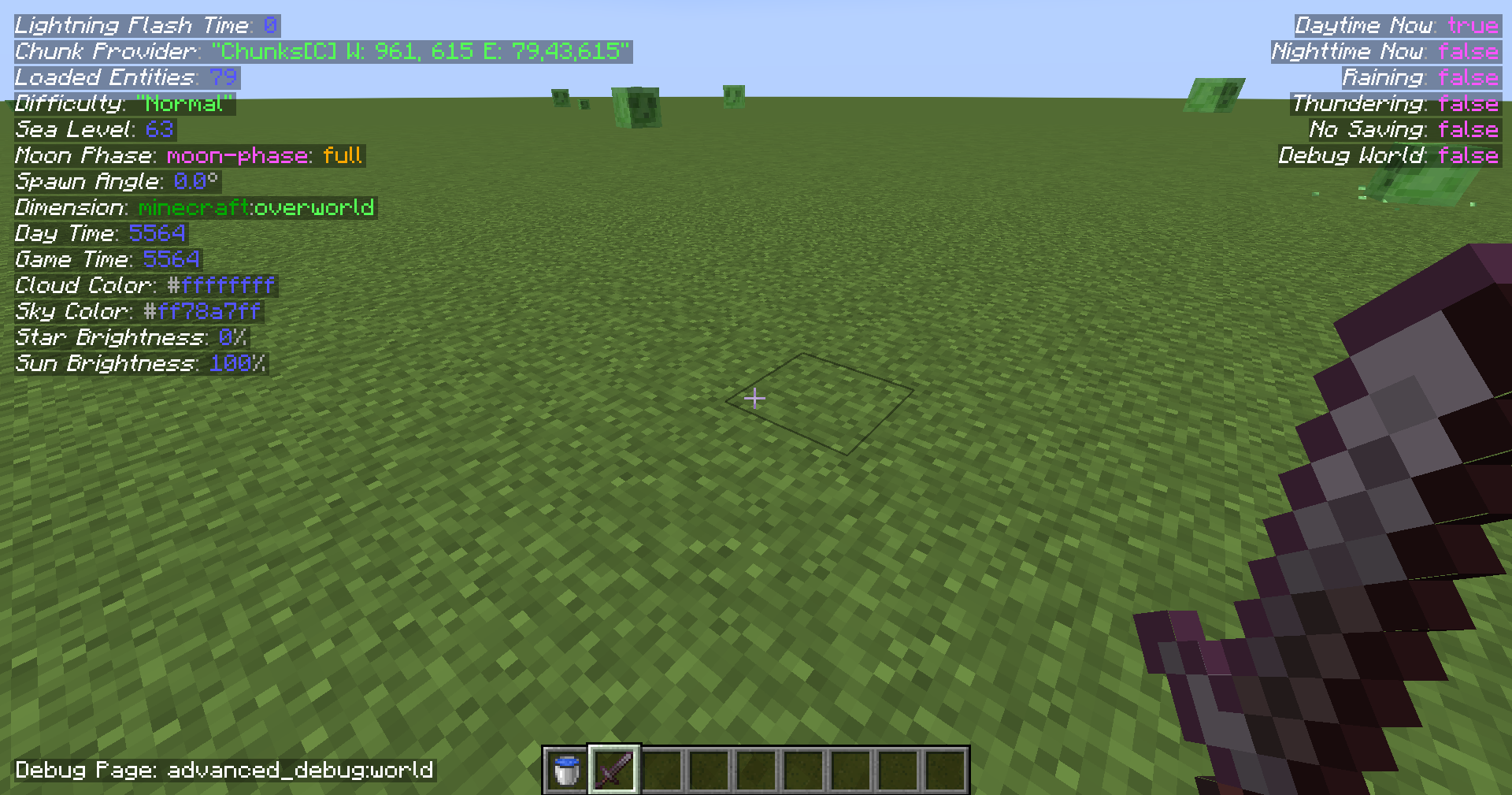
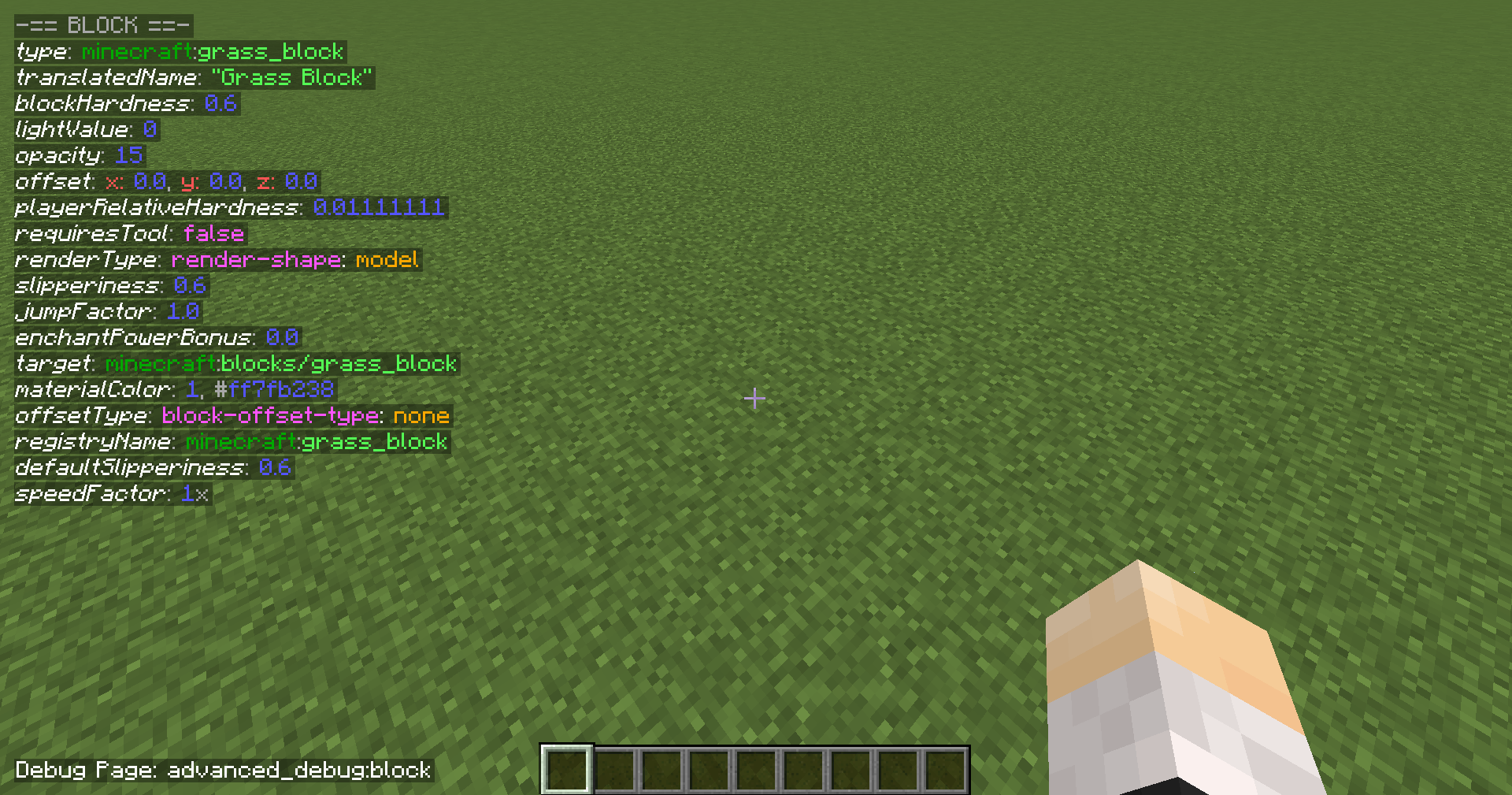
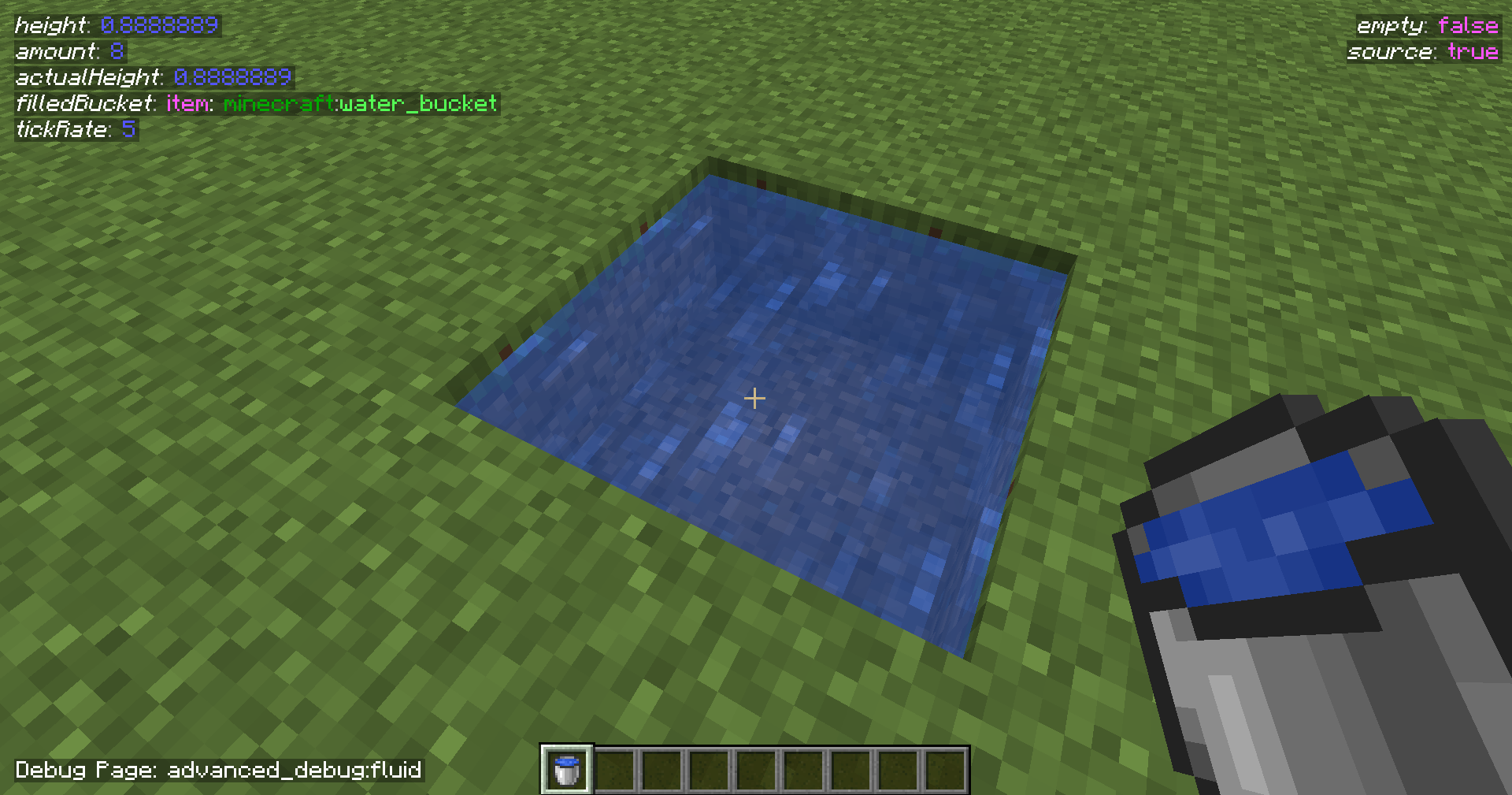
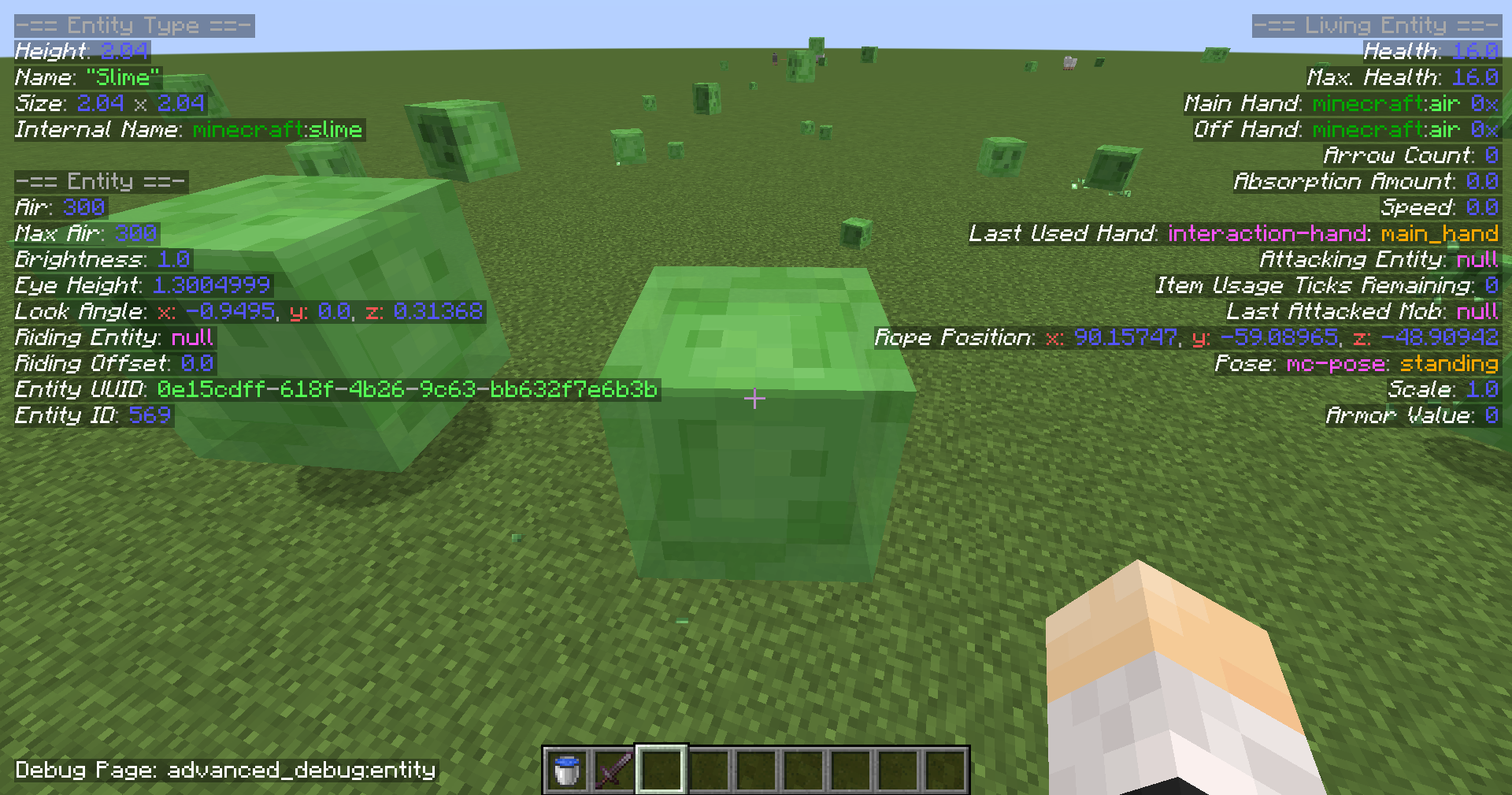
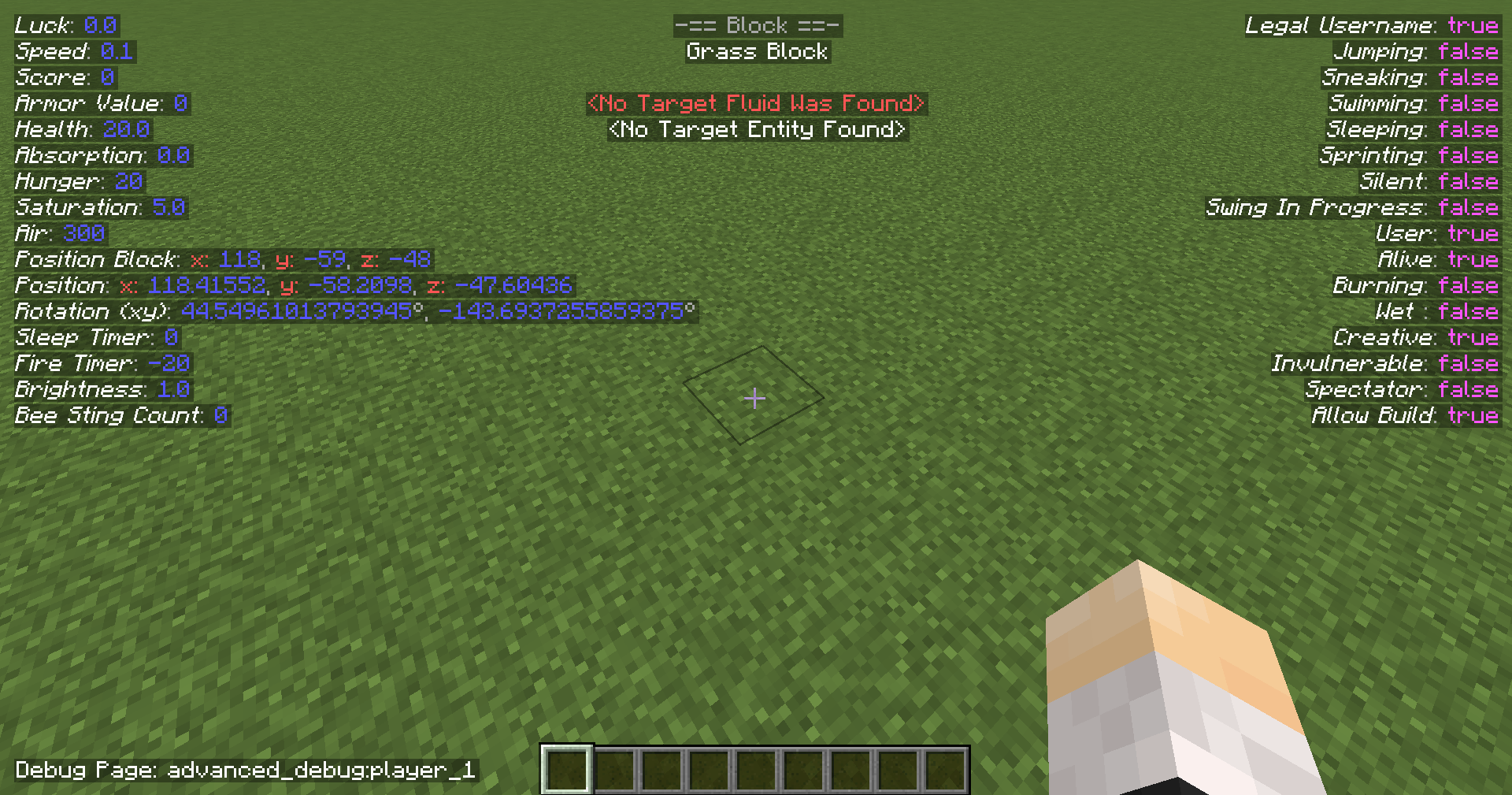
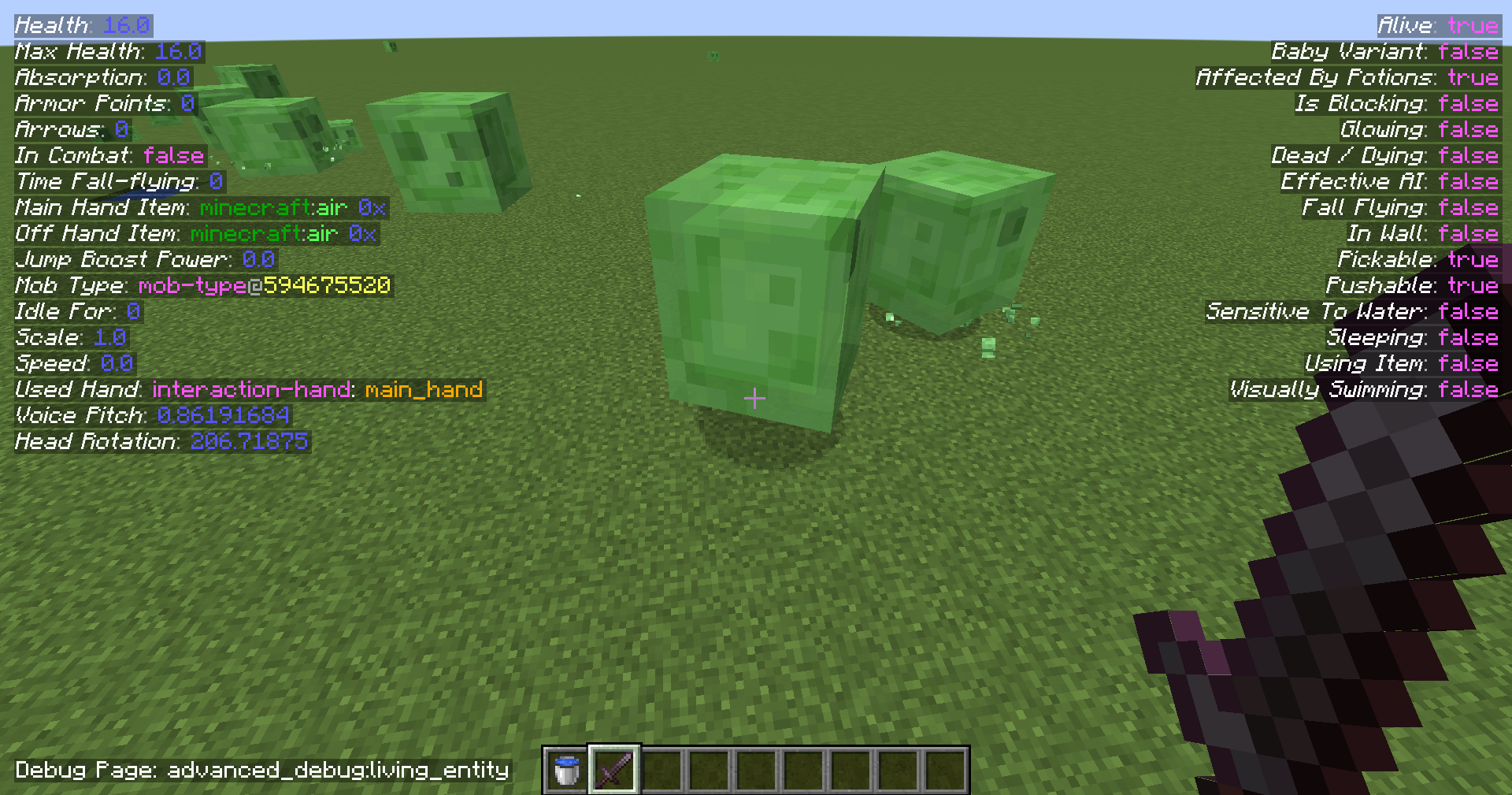
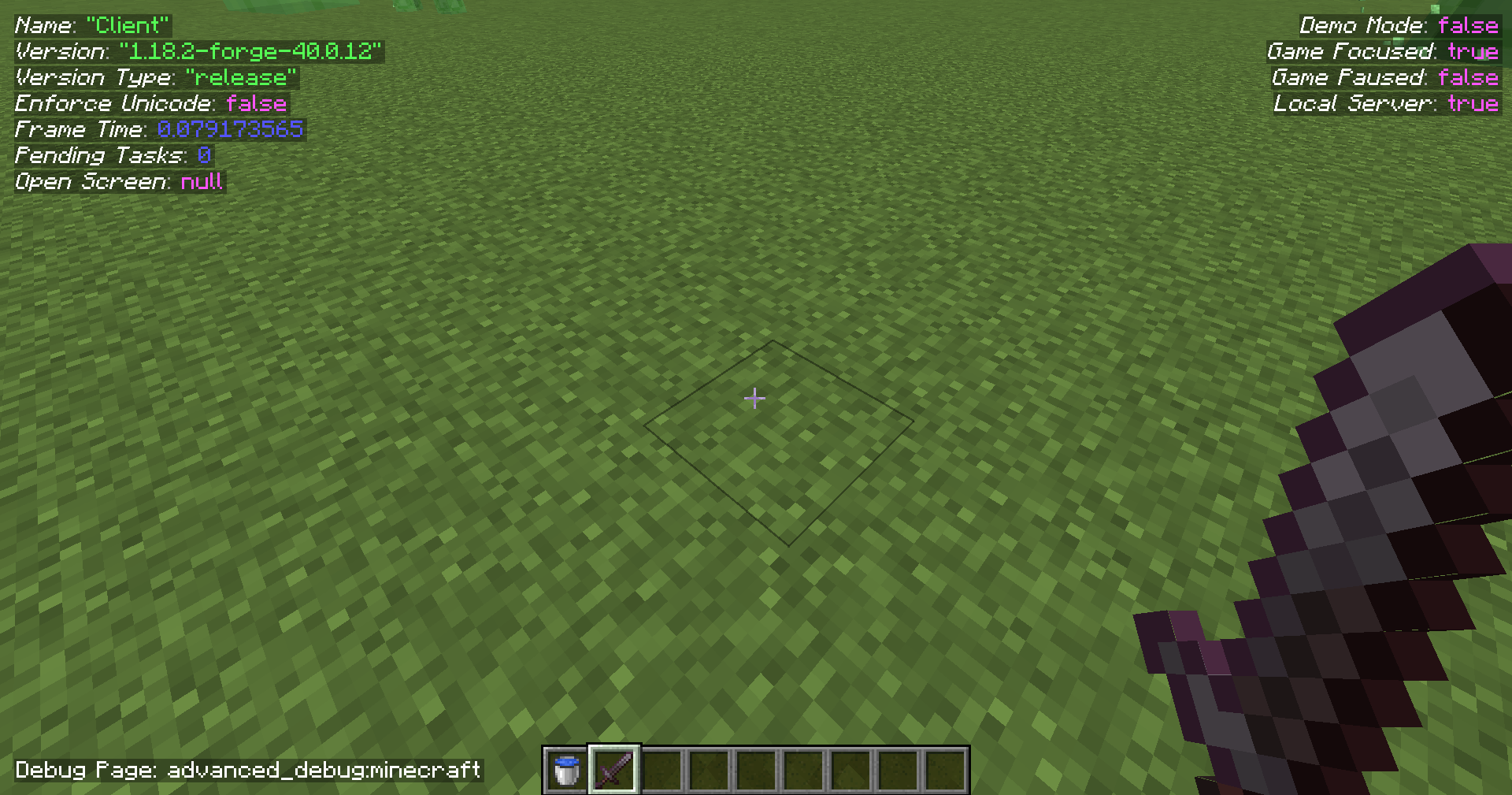
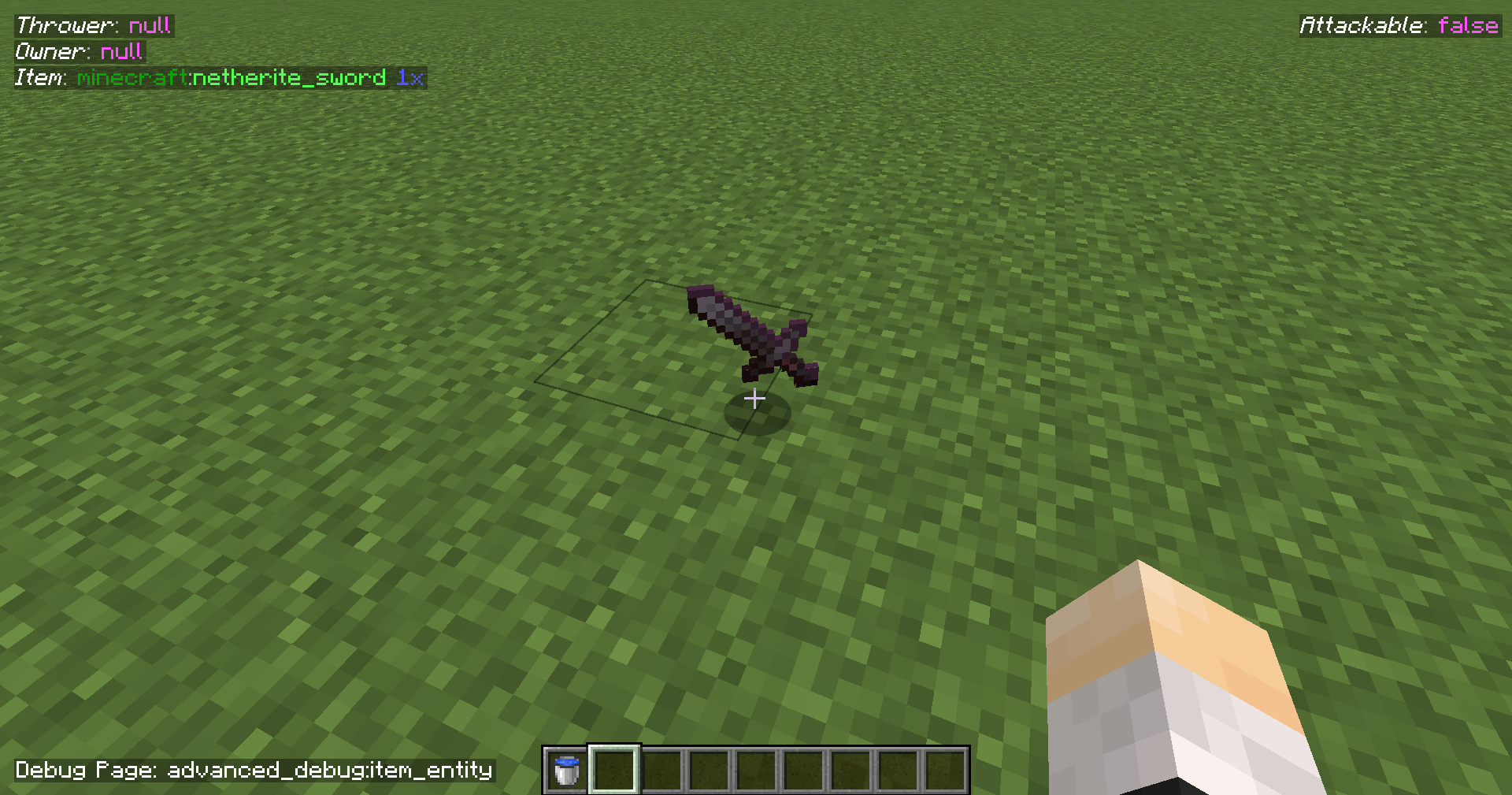
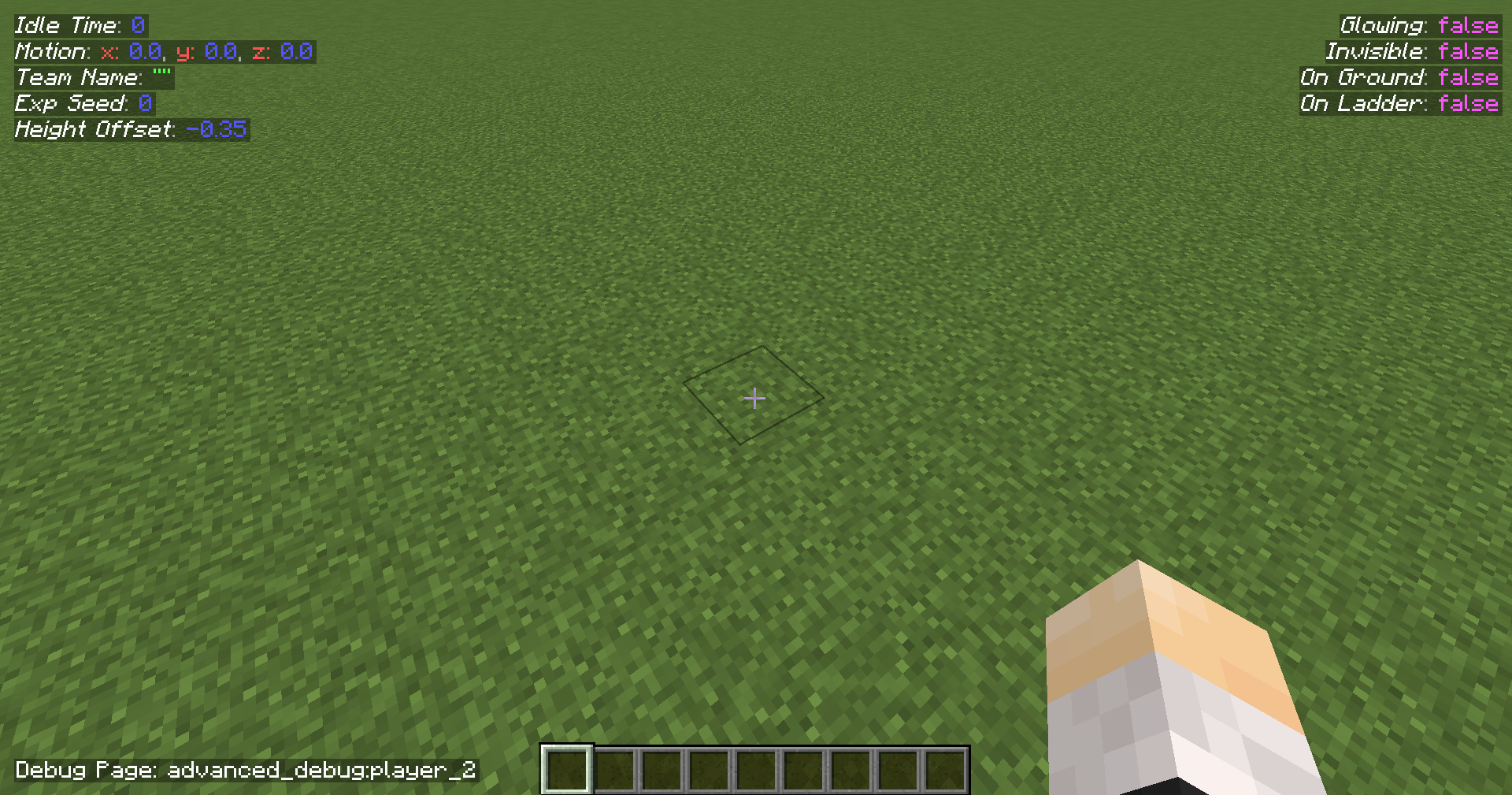
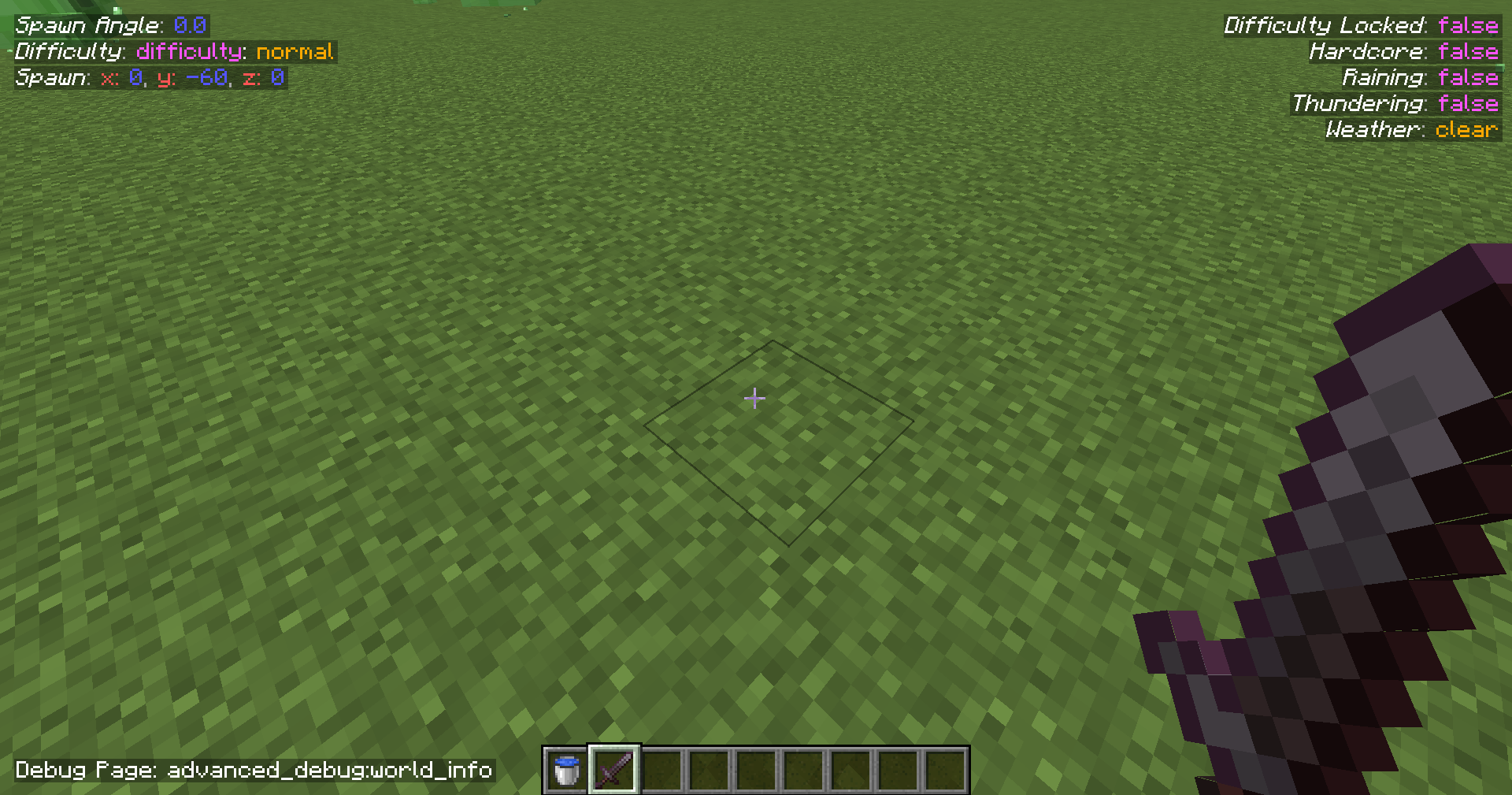
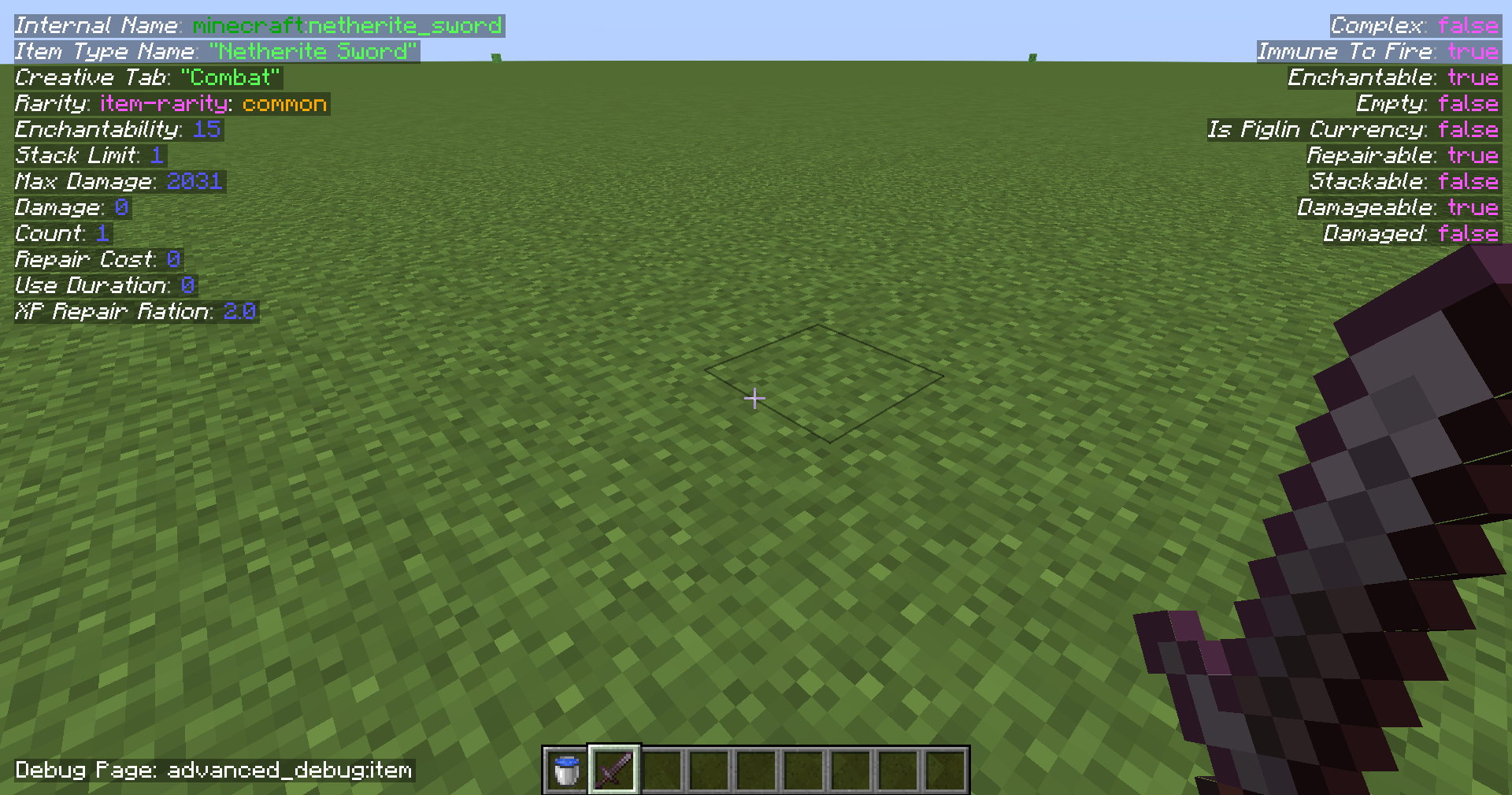
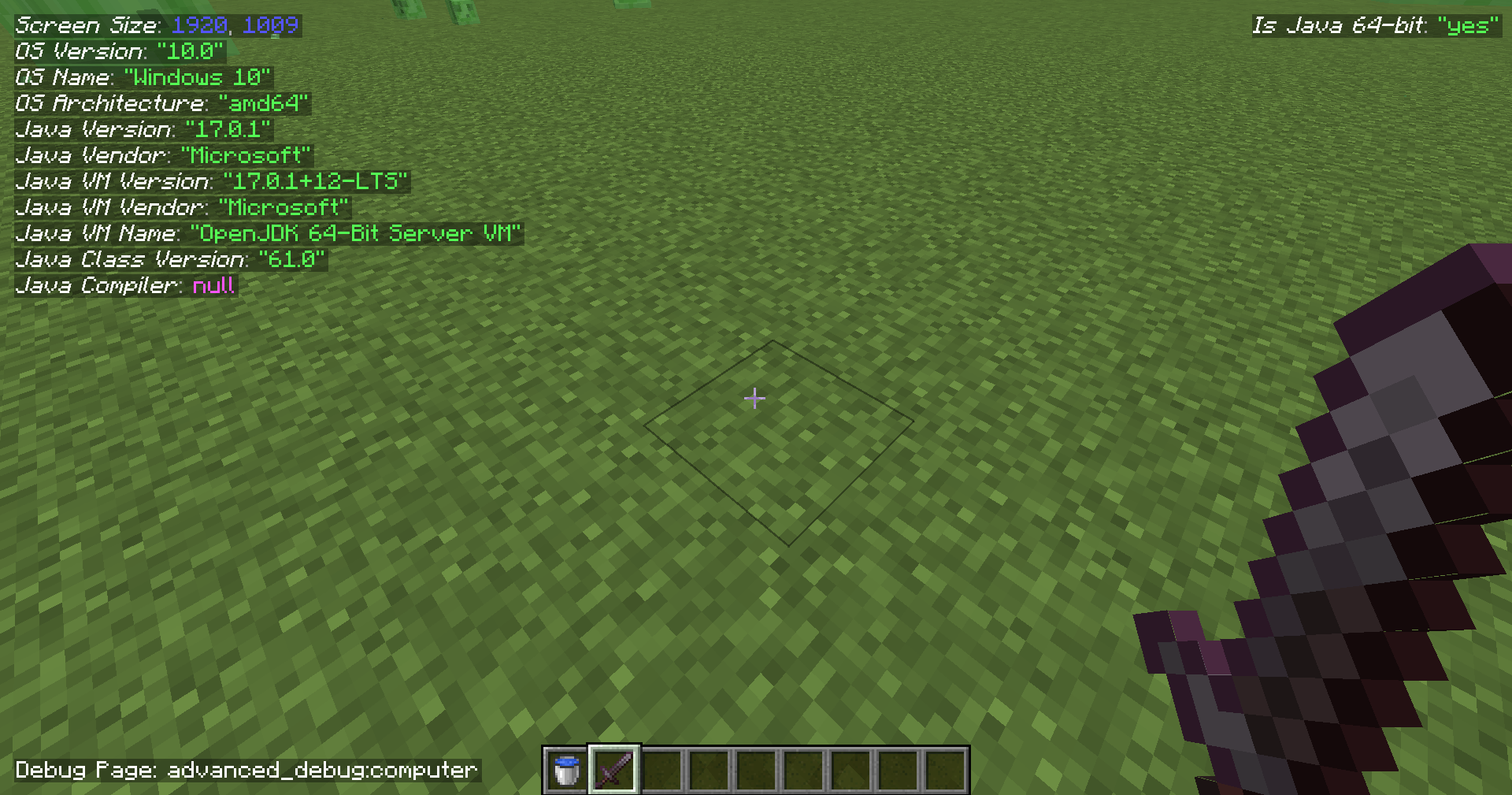
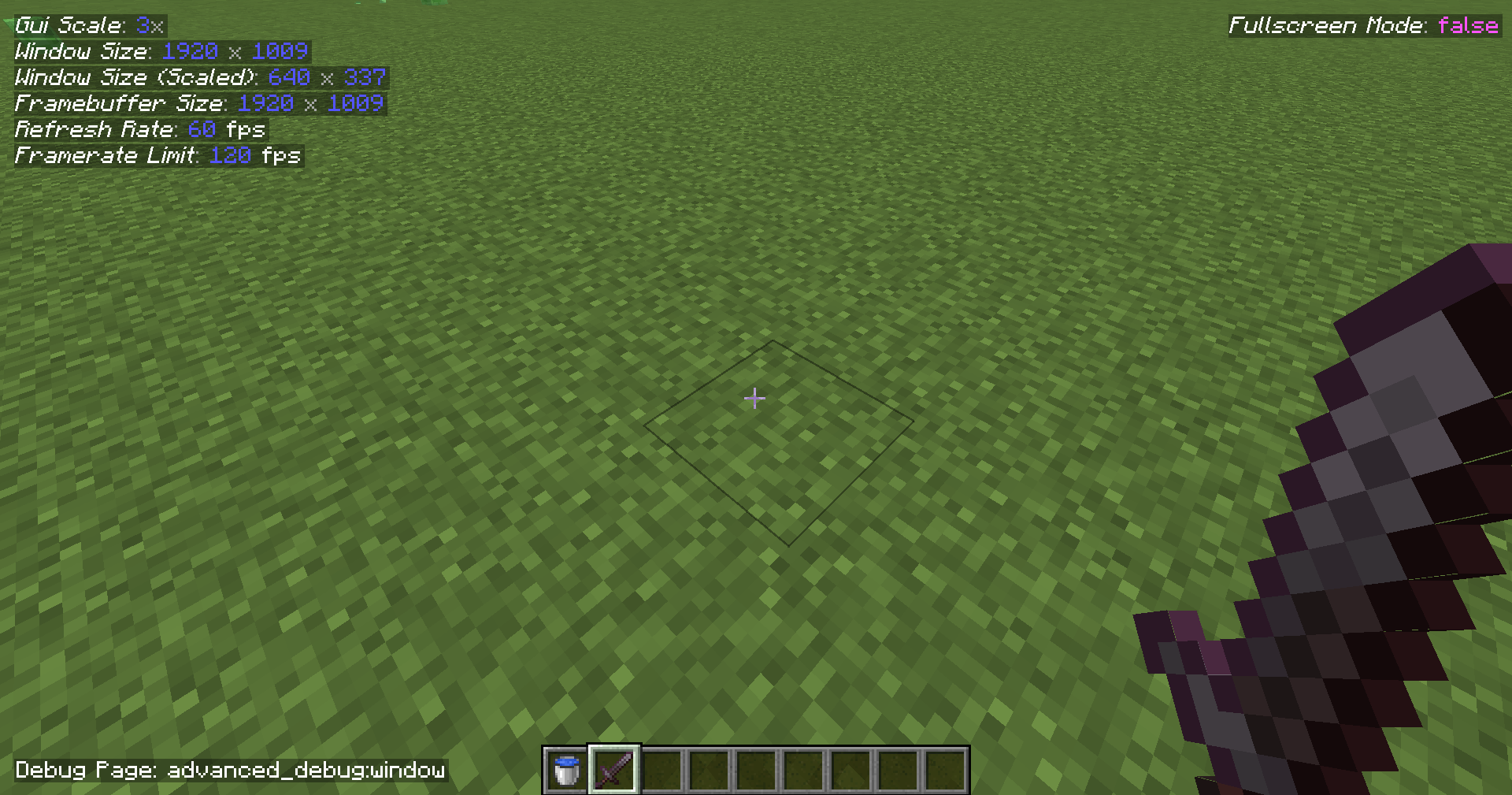
Multiple pages for the debug menu, and is changeable using F4 for keybind by default. (Also holding shift will go to the previous one instead of the next one)
Modding API available, with the ability to create pages and formatters for the objects (such as integers, strings specific enums etc.).
Keybinding is separate for the default one without interfering the default debug menu.
Hopefully, there will be more features coming soon.
There's actually an easter egg hidden in one of the pages, can you find it?
Note that the lines in the debug menu can interfere with each other if the space in the window is too small,
it's recommended have a lower scale than the maximum you normally can get.
Like having GUI scaled 2x with Minecraft maximized on a 1920x1080 screen. (1360x768 would work too)
Source code
It's on GitHub: Ultreon/advanced-debug (github.com)
Links





Bugs / Issues / Crashes
In Alpha / Beta releases stuff might change or break, it's recommended to use them for testing purposes only.
If there's a problem with the mod: don't post the crash report in the comments, but post it on the issue tracker here: Advanced Debug Issues at GitHub.
If there's no crash report but it still crashes, post the debug.log file in your .minecraft/logs folder to the issue tracker.
If there's no crash report and there's no crash in the debug.log, then there's probably a problem with the Java installation or a windows driver (what I have sometimes).
Feature requests
If you want to request a feature you can do it on GitHub.