AdminHelper – Streamline Your Server Management
AdminHelper is an essential client-side utility mod designed for server administrators and moderators running Minecraft 1.21.11. If you are tired of typing long commands or struggling to manage players during busy sessions, AdminHelper is your new best friend.
This mod provides a sleek, intuitive, and highly customizable interface that puts the power of server management right at your fingertips.
Key Features
-
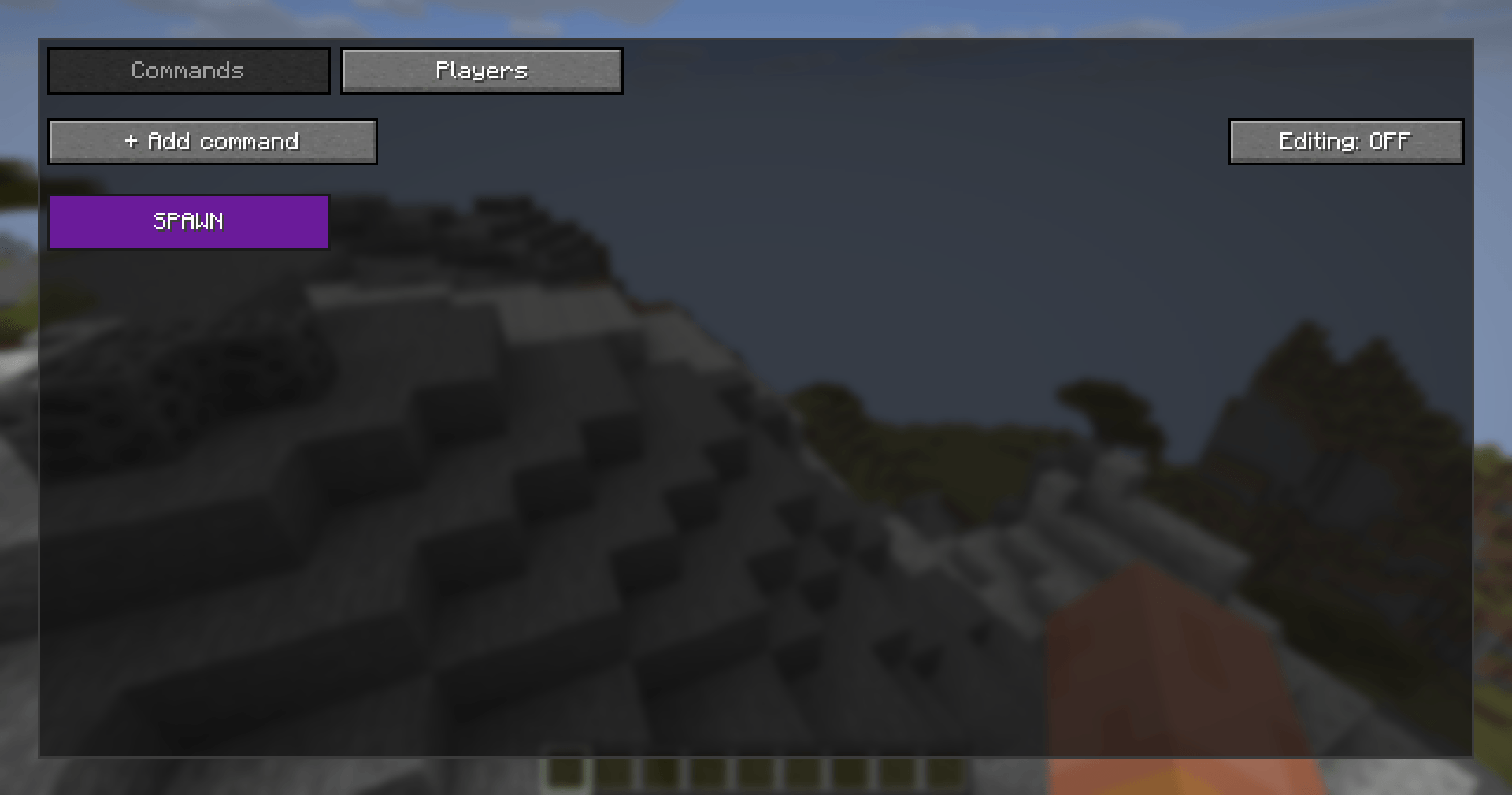
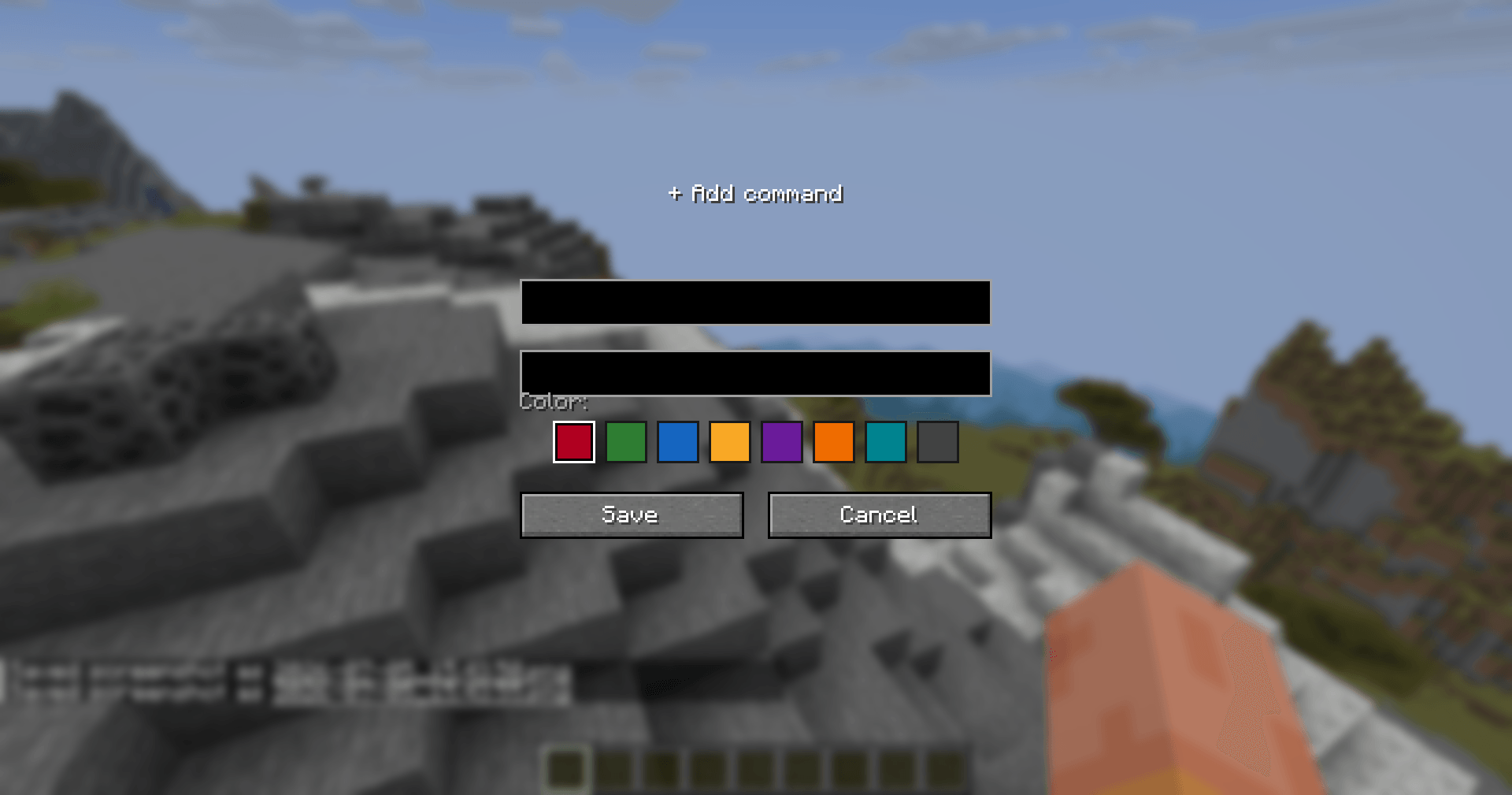
Customizable Command Board: Tired of memorizing complex command strings? Create your own dashboard of frequently used commands. You can assign custom names, define the command logic, and pick specific button colors to keep your workspace organized.
-
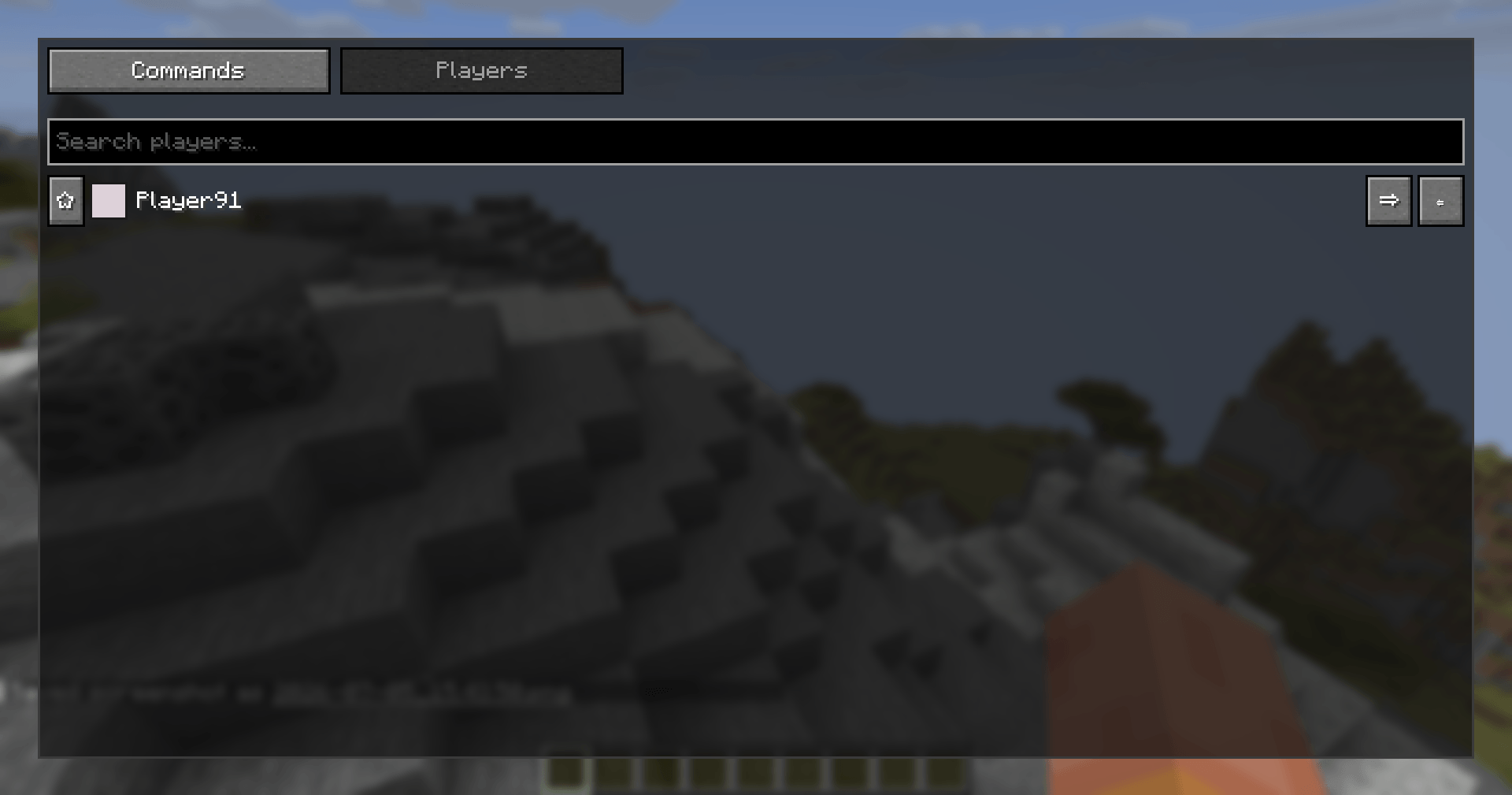
Dynamic Player Management: Manage your server population with ease. The mod features a real-time list of online players with built-in search functionality to help you find who you need in seconds.
-
One-Click Teleportation: Speed up your workflow with integrated TP buttons. Quickly teleport yourself to any player or pull them to your location without typing a single slash.
-
Favorite & Priority System: Mark your key players or staff members as "Favorites" to keep them at the top of your list.
-
Special Highlight Mode: Never lose track of important users. AdminHelper includes a dedicated priority display feature that pins specific players (such as Mogeni2921) to the top of your interface, complete with a distinct, eye-catching gold border.
-
Intuitive GUI: Switch between your Command Center and Player List seamlessly using a simple tabbed interface. The design is clean, compact, and built to blend perfectly with the Minecraft aesthetic.
How to use
-
Open the game and assign a keybind in your Controls settings (default: configurable).
-
Press your keybind to open the AdminHelper dashboard.
-
Use the Command Tab to create, edit, or delete your custom shortcuts.
-
Use the Player Tab to search, teleport, and manage players on the fly.