![Solo Leveling (ADDON) - Voice Arise [SLR] logo](https://media.forgecdn.net/avatars/thumbnails/2009/155/64/64/639233771060511155.png)
Solo Leveling (ADDON) - Voice Arise [SLR]
- By
Lets you use your voice to ressurect monsters in "Solo Leveling Reawakening" mod for Shadow Monarch!
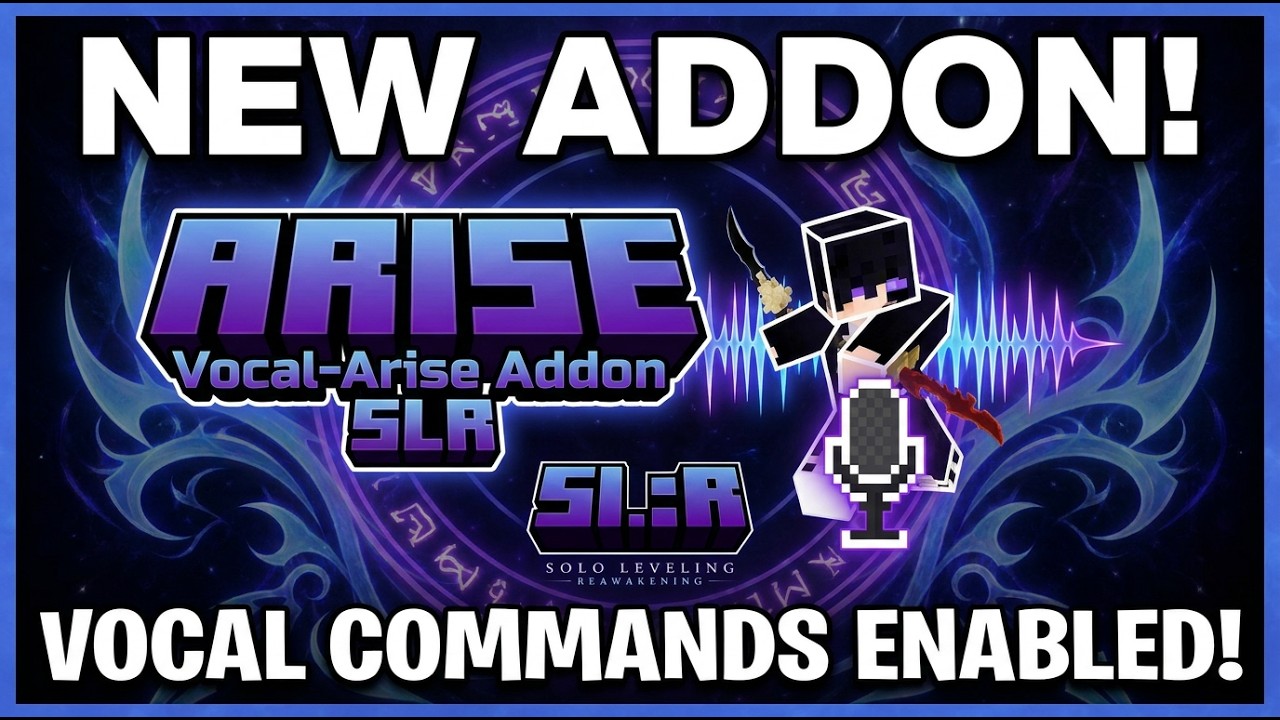
Efkrdnzz | (Addon) Solo Leveling: ...
Create a server, get 25% off your first month

Description
SoloCraft: Voice Commands
Hold a key. Say "Arise." The shadows rise.
An optional addon for SoloCraft: Reawakening that turns the Arise incantation into something you actually say out loud.
No AI. No account. No downloads. No internet.
It listens on your machine, and nowhere else
Most voice mods send your microphone to a company's server and wait for an answer. This one does not, and it cannot.
There is no AI model, no model download, no API key, no login, and no network traffic of any kind. When you first run enrollment, you record the phrase a few times in your own voice. From then on the mod compares what you say against your own recordings, on your own computer, using classic speech-signal processing.
Your phrase does not reach other players either. While the Voice Command key is held, Simple Voice Chat's proximity transmission is switched off — and only for as long as you hold it. Nobody standing next to you hears the incantation. The words stay between you and the System.
Ordinary voice chat is untouched the rest of the time.
Getting started
1. Install. CurseForge pulls in the required mods for you.
2. Join a world with voice chat connected. A LAN world works.
3. Teach the System your voice. Run:
/slrvoice enrollIt asks you to say each phrase a few times. Hold the Voice Command key
(default ', the apostrophe), speak, release. Takes under a minute.
4. Play. Hold the key, say "Arise", release.
The shadows rise immediately and in silence — the mod knows you already said the word, so it skips its own recorded "Arise" instead of talking over you.
The key defaults to apostrophe rather than
V, because Simple Voice Chat already usesV. Change it under Options → Controls → SoloCraft Voice.
Requirements
| Mod | Version | Why |
|---|---|---|
| SoloCraft: Reawakening | 1.3.0 or newer | The skill being cast |
| Simple Voice Chat | 2.6.20 or newer | The microphone feed |
| Minecraft | 1.21.1 | |
| NeoForge | 21.1.244 or newer |
Both mods are required, not optional. The addon refuses to load without them rather than half-working. GeckoLib comes along as SoloCraft's own requirement.
Everyone on a multiplayer server does not need this mod — only the players who want to use their voice. It is an addon, not a protocol change.
Commands
Everything is client-side. A server never sees your voiceprints or your settings, and never stores anything about your microphone.
| Command | Effect |
|---|---|
/slrvoice enroll |
Teach the System every configured phrase |
/slrvoice enroll <phrase> |
Teach it one phrase, adding it to your list if it is new |
/slrvoice status |
Show your mode, voice-chat state, and each phrase |
/slrvoice cancel |
Stop an enrollment part-way through |
/slrvoice forget <phrase> |
Delete one voiceprint |
/slrvoice forget all |
Delete every voiceprint |
/slrvoice mode shout |
Fire on any loud sound — the quickest way to test your mic |
/slrvoice mode voiceprint |
Back to real recognition |
/slrvoice reload |
Re-read the config file |
If it does not recognise you
The mod has no dictionary. It cannot mishear one word as another, because it does not know any words — it only knows the recordings you gave it. So when it refuses you, the fix is always the same: teach it what you actually said.
Say you keep shortening it to "Rise!" in the heat of a fight. Just add it:
/slrvoice enroll riseNow both work, and both cast Arise. Add as many variants as you like — "arise", "rise", "arise now" — each one is learned separately.
Still refusing you? Turn announceMatches on (it is on by default) and watch
the action bar. It prints how close you got versus how close you needed to be.
If the numbers are always just over the line, raise thresholdMultiplier a
little. If unrelated words are setting it off, lower it.
Nothing happening at all, not even a message? Check the microphone path first:
/slrvoice mode shoutThen hold the key and make any loud sound. If that fires, your mic works and the issue is enrollment. If it does not, check which microphone Simple Voice Chat is using in its own settings.
Settings
config/slrvoice.json, created the first time you launch. Edit it in any text
editor, then run /slrvoice reload.
| Setting | Default | What it does |
|---|---|---|
mode |
voiceprint |
shout fires on any loud sound — useful for testing your mic |
phrases |
["arise", "rise"] |
Everything that should cast Arise |
thresholdMultiplier |
1.35 |
How far off you can be and still count. Raise if it refuses you, lower if unrelated words trigger it |
absoluteMaxDistance |
60.0 |
Safety ceiling, so a sloppy enrollment cannot accept everything |
enrollmentSamples |
3 |
Recordings taken per phrase. More is steadier, and slower |
minSpeechSeconds / maxSpeechSeconds |
0.25 / 3.0 |
Clips shorter or longer than this are ignored |
shoutRmsThreshold |
0.06 |
How loud shout mode needs you to be |
announceMatches |
true |
Show the match and its score on the action bar |
You should rarely need to touch any of this. The accept threshold is not a guess — enrollment measures how much your own repeats of a phrase differ from each other, and sets the threshold from that. It tunes itself to your voice, your microphone, and your room.
Fair play
Speaking the word is a different way to press the key, and nothing more.
The client only ever asks the server to cast. The server checks the request against a fixed list of allowed skills, limits how often you can send one, and then hands it to SoloCraft, which applies every real check itself — your class, your mana, your shadow storage, your cooldown. No audio and no text is ever sent to the server. A modified client gains nothing it could not already get by pressing the keybind.
The only thing that changes is presentation: because you said the incantation yourself, Arise skips its own recorded shout and the short delay that syncs to it, so the shadows rise on your word. Mechanically it is identical.
Where your data lives
- Voiceprints:
<your Minecraft folder>/slrvoice/voiceprints.json - Settings:
<your Minecraft folder>/config/slrvoice.json
A voiceprint is not a recording. It is a small set of numbers describing the
shape of the sound — it cannot be turned back into audio, and it is useless to
anyone but you. Delete it any time with /slrvoice forget all.
Nothing is ever uploaded. There is nowhere for it to go.
Links
- SoloCraft: Reawakening — https://github.com/Efkrdnz/SLR-Minecraft-Mod
- Discord — https://discord.gg/U3RtGxd5uw
- Simple Voice Chat — https://www.curseforge.com/minecraft/mc-mods/simple-voice-chat
Created by efkrdnz. Licensed under Apache-2.0.
This is an unofficial fan project. It is not affiliated with the creators or rights holders of Solo Leveling, Mojang Studios, or Microsoft. Simple Voice Chat is by Max Henkel and is not bundled with this mod.
Solo Leveling (ADDON) - Voice Arise [SLR] Team

Owner

![Solo Leveling: Reawakening [SLR] project image](https://media.forgecdn.net/avatars/thumbnails/1944/714/256/256/639206842187744882.png)