Adaptive Performance Tweaks
- By
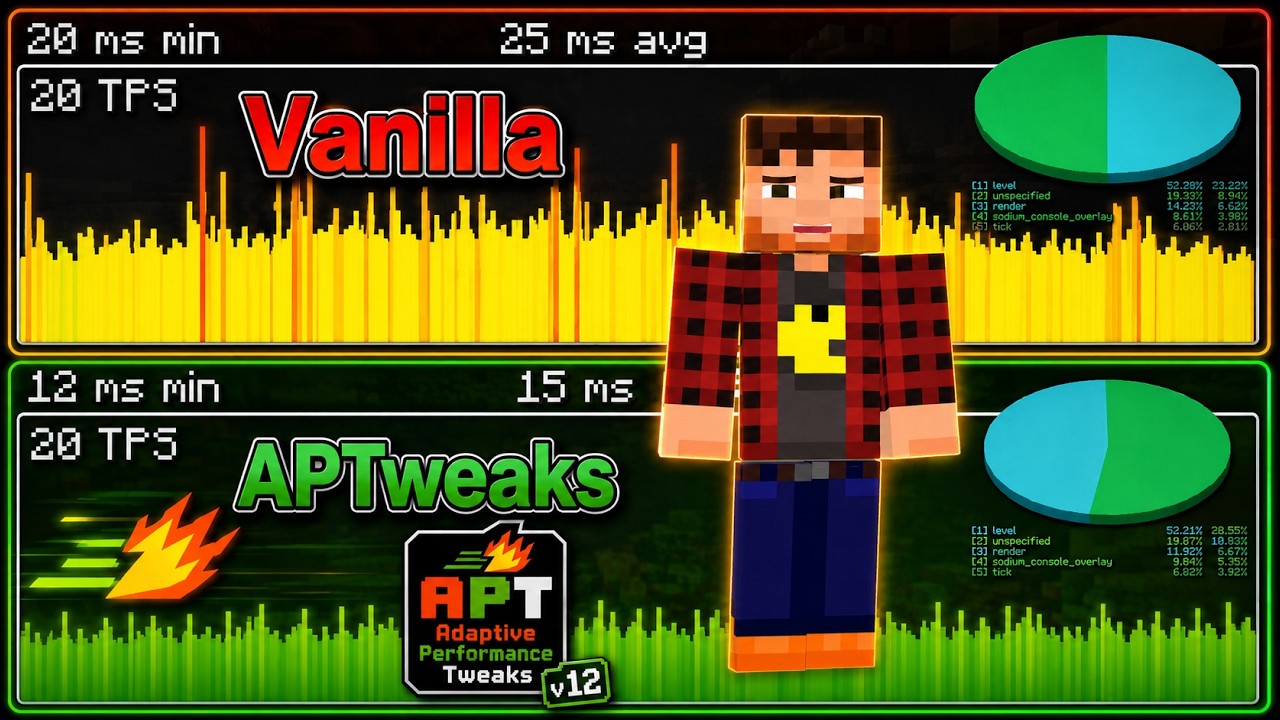
The Adaptive Performance Tweaks mod automatically adjust specific settings on the server to allow a better TPS/FPS.
Description
Adaptive Performance Tweaks (APTweaks)









⚠️ 12.x is the current unified release line. Older docs or setup guides may still describe the legacy 11.x multi-module layout.
💾 Back up your world and config files before updating. 12.x is still a early-release and some configuration details may change between releases.
📝 Known limitations before stable release There is no in-game config GUI yet. 12.x currently uses a config-first workflow, and larger servers will usually need some spawn tuning beyond the defaults.
🔄 Upgrading from 11.x? Remove all old APTweaks module jars before installing 12.x. Do not mix 11.x and 12.x files in the same
mods/folder.
Adaptive Performance Tweaks is a server-side optimization mod for Forge, Fabric, and NeoForge. It watches Minecraft's server-side load and adjusts selected systems automatically to reduce lag pressure on dedicated servers, single-player worlds, and LAN-open worlds.
That means APTweaks is not only for public or dedicated servers. It can also help in normal client worlds, because single-player and LAN sessions still run the same server-side systems for spawning, ticking, gamerules, items, XP orbs, and simulation distance.
Instead of asking you to assemble separate modules, 12.x bundles the major feature groups in one mod:
- Spawn control and spawn presets
- Game rule adaptation
- Item, XP orb, and arrow cleanup
- Player login and beginner protection
- Adaptive simulation distance with movement-aware throttling
- Optional advanced throttles for AI, chunk generation, and view distance
- Monitoring and benchmarking tools
🎥 Introduction and Overview Video
What APTweaks is good at ✨
APTweaks helps most when performance problems are caused by:
- too many mobs or repeated spawn attempts
- large amounts of dropped items, XP orbs, or stuck arrows
- overloaded exploration and chunk generation
- worlds or servers that need softer automatic reactions instead of permanent hard limits
APTweaks is especially useful for:
- dedicated servers that need adaptive protection under changing player load
- modpacks with heavy entity pressure
- single-player worlds with farms, exploration, or too much dropped loot
- LAN worlds where the host machine struggles with the integrated server load
It is less helpful for issues that come mainly from:
- heavy redstone or machine logic
- one specific broken mod or entity
- world corruption or storage bottlenecks
Quick start 🚀
- Remove any old 11.x APTweaks jars from
mods/. - Install APTweaks 12.x via
the CurseForge
or Modrinth launcher.
Manual install: download the jar for your loader from one of those pages and place it in
mods/. - Start the game, world, or server once.
- Review the generated files in
config/adaptive_performance_tweaks/. - Leave defaults on for a first test run before tuning anything.
- If you run a larger server, review spawn limits early. The fallback spawn defaults are tuned for about 4 players.
Spawn presets are loaded from:
config/adaptive_performance_tweaks/spawn_presets/data/<namespace>/aptweaks/spawn_presets/
If you want to customize presets, start with the templates and examples in wiki/SpawnPresets.
Feature overview 🧩
| Feature | What it does |
|---|---|
| Spawn | Limits mob pressure with load-aware checks, view-area logic, and configurable presets |
| Game Rules | Adjusts selected gamerules when the server gets stressed |
| Items | Merges or removes excess dropped items |
| Experience Orbs | Clusters XP orbs to lower entity counts |
| Arrows | Cleans up stuck arrows without touching active projectiles |
| Player Protection | Protects players during login and helps newer or listed players |
| Simulation Distance | Lowers simulation cost automatically under load and can temporarily throttle harder during heavy exploration |
| View Distance | Optional advanced safety valve for heavy servers |
| AI Throttling | Optional advanced slowdown for far-away mob AI |
| Chunk Gen Throttle | Optional advanced slowdown for chunk generation work |
| Monitoring | Optional log-based visibility into load and entity pressure |
| Benchmark | Built-in scenario-based baseline/active measurement suite for real worlds, servers, and modpacks |
Simulation Distance stays load-aware as before, but can now also clamp down harder during
heavy exploration at MEDIUM+ load and then recover gradually after players stop moving or finish
logging in.
Commands 🔧
The main command root is /aptweaks.
Useful commands include:
/aptweaks status/aptweaks load/aptweaks stats/aptweaks stats items/aptweaks stats xp_orbs/aptweaks stats arrows/aptweaks stats reset/aptweaks entities overview/aptweaks feature <id> <true|false>/aptweaks playerPositions/aptweaks kill all_dropped_items/aptweaks reload/aptweaks debug/aptweaks benchmark/aptweaks benchmark start/aptweaks benchmark start scenario <general|items|xp|entities|recovery>
If something feels wrong, run these four commands first:
/aptweaks status/aptweaks load/aptweaks stats/aptweaks debug <module> true
Reload note:
/aptweaks reloadreloads the.cfgfiles- spawn preset JSON changes are safer with vanilla
/reloador a restart - feature on/off changes may still require a restart to take full effect
Learn more 📚
The wiki is the main 12.x documentation:
Adaptive Performance Tweaks Team

Owner