Adaptive Music Control
- By
Choose which Minecraft music can play in each game mode and dimension.
Adaptive Music Control
Known issue: Enabling “Biome and environment music” in the “Menu” tab causes a crash. To fix it, you need to manually edit the config file(config/creativemusicinsurvival-webui.json).
Choose which Minecraft music can play in each game mode and dimension.
Usage
- Start Minecraft.
- Open
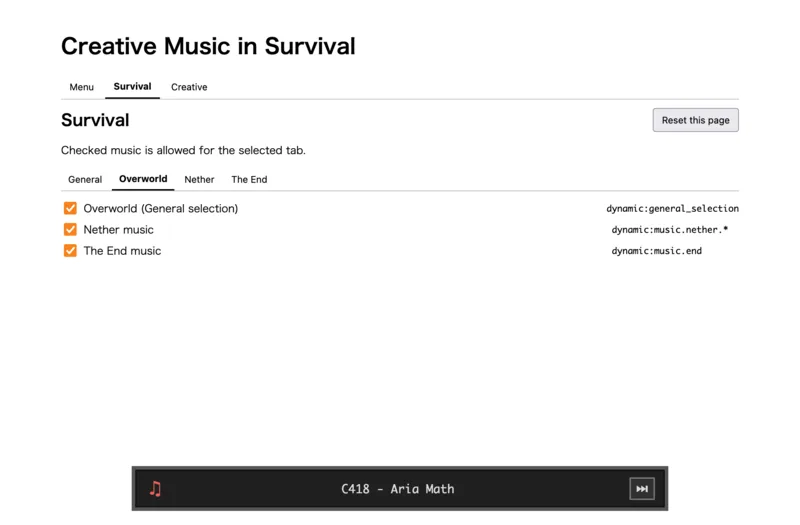
http://127.0.0.1:56001/. - Select a game mode and dimension, then choose the music.
Changes are applied immediately. Reset this page restores the selected tab's default settings.
The bottom player shows the current track. Use the next button to reroll it.(26.1.2 or later only.) 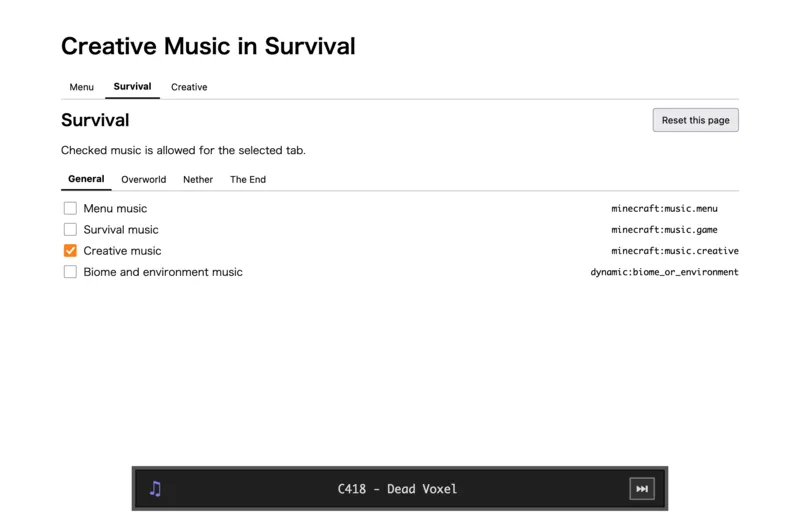
Adaptive Music Control Team