



Description
NOTE: RECIPE UNLOCKER DATAPACKS ARE INCOMPATIBLE WITH THIS DATAPACK.
Important: This datapack needs a resourcepack. download it here
Recommendation: Use a invisible item frame datapack along with this datapack
for the best results.
Would you like to add more life into your gardens?
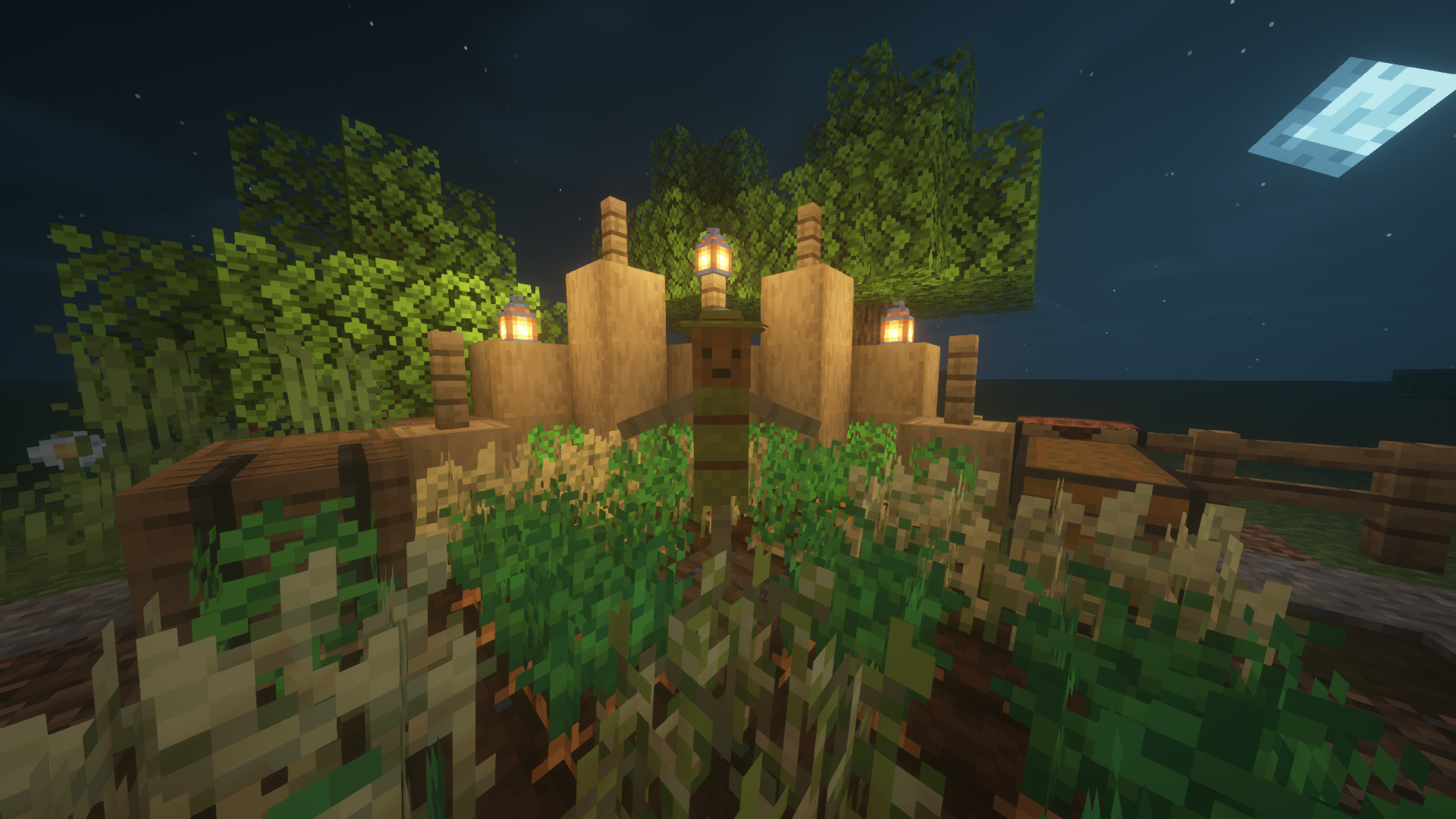
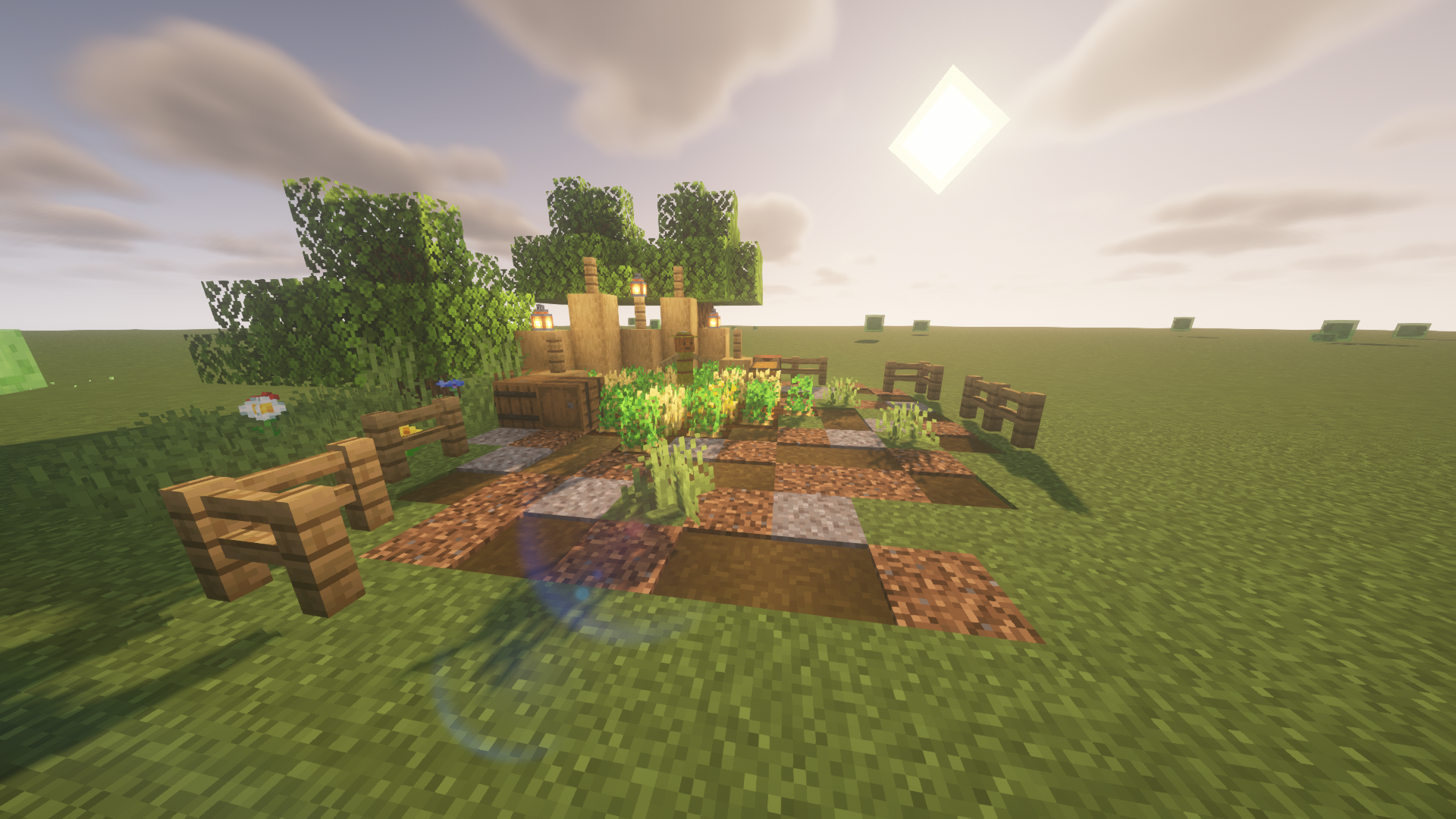
Well with this pack you can craft scarecrows
that you can decorate your gardens with
using item frames.
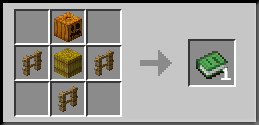
Step 1: First craft a scarecrow.
Recipe:
-------------------------------------------------------------------------
Step 2: Place the scarecrow in a
item frame (on the ground) and rotate
it if you like.
-------------------------------------------------------------------------
Step 3: Place a string on the same
block the item frame is placed.
Prevents you from accidentally
rotating or seeing the name of
the item.
-------------------------------------------------------------------------
Step 4: Hover your cursor over the string
so you can see it's hitbox. After that you
want to place a glass pane on the string.
This makes it seem like the scarecrow
has a actual hitbox, but its just the glass.
-------------------------------------------------------------------------
Enjoy!
For new worlds:
Step 1: Download this datapack and the resource pack
Step 2: Launch minecraft and click on options.
Step 3: Click on "Resource Packs" and then click
"Open Pack Folder".
Step 4: Copy and paste the Resource pack into
the Resource pack folder.
Step 5: Create a new world and click on "Data packs".
Then copy and paste the datapack into the world folder.
You are done!
For existing worlds:
Step 1: Download this datapack and the resource pack
Step 2: Launch minecraft and click on options.
Step 3: Click on "Resource Packs" and then click
"Open Pack Folder".
Step 4: Copy and paste the Resource pack into
the Resource pack folder.
Step 5: Find your minecraft folder and navigate to
"Saves"
Step 6: Open your world folder and click on the "Data packs"
folder. Then simply copy and paste the datapack
into the folder.
You are done!
Scarecrow Team