
Dynamic 3rd Person Camera
- By
boat.jpg
Description
Dynamic 3rd Person Camera
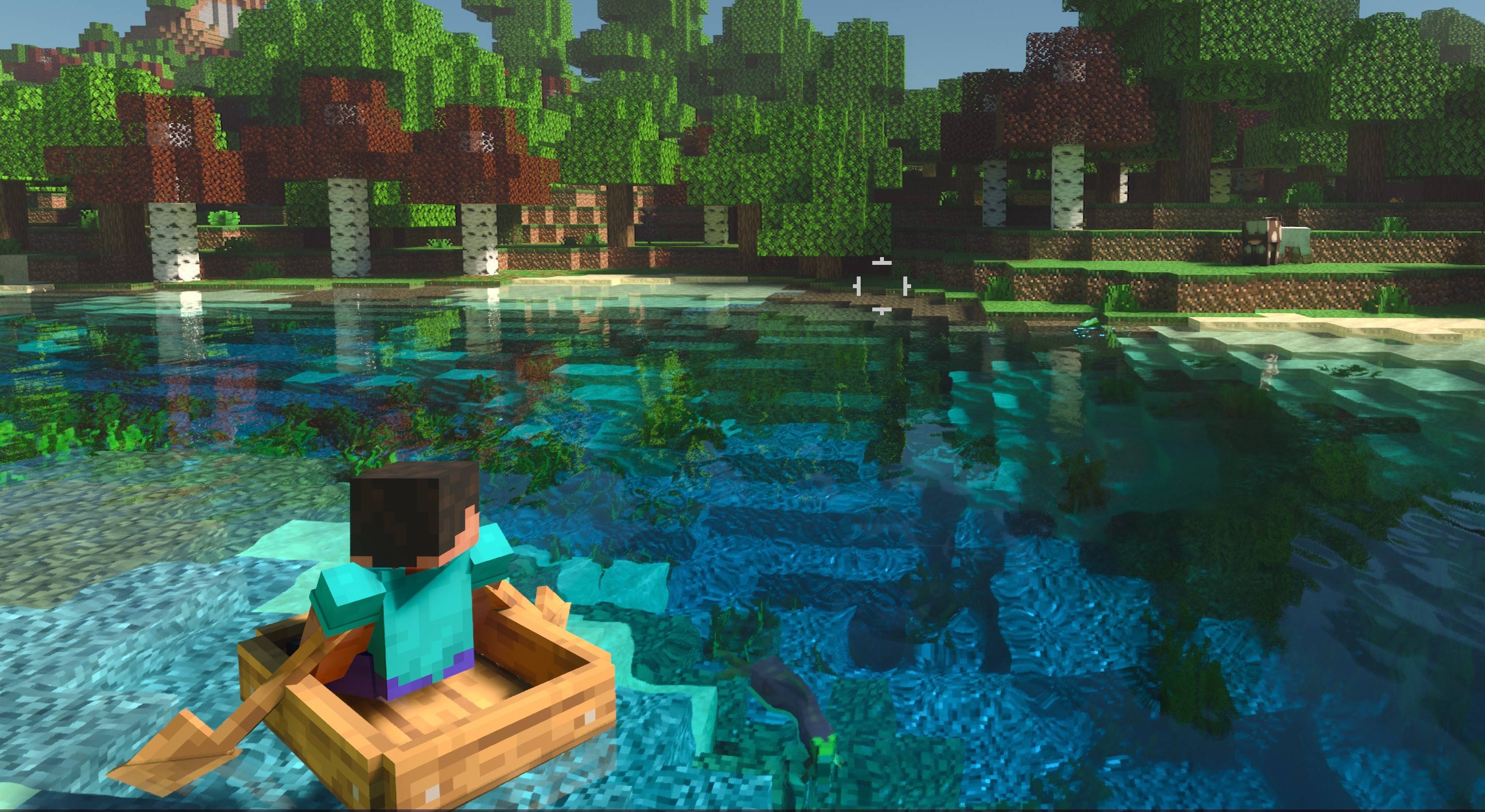
Dynamic 3rd Person Camera is a highly customizable third-person camera add-on for Minecraft Bedrock.
Instead of using one fixed third-person view, the camera can automatically adapt to different player states while still giving you full control over how each view feels.
Customize Your Camera
Use the Glass Ball in-game to open the camera settings.
You can customize:
Camera distance
Camera height
Left / right shoulder position
Camera follow smoothing
Different camera configurations for different player states
The camera can automatically switch between configurations depending on what you are doing, including normal movement, sneaking, gliding, riding different entities, aiming, and more.
Camera Features
-
Dynamic over-the-shoulder third-person camera
-
Fully adjustable distance, height and shoulder offset
-
Smooth camera follow
-
Automatic camera collision / obstacle avoidance
-
Automatic camera presets for different player states
-
Dedicated aiming camera
-
Offset crosshair support
-
Sneak aim assist
-
Option to disable sneak aim assist while holding a shield
-
Left and right shoulder switching
-
First-person options for aiming, sneaking and narrow spaces
-
Multiplayer and server support
Native Camera Rotation
When camera smoothing is set to 0, the add-on can use Minecraft's native camera rotation behavior.
This provides a much more immediate and responsive camera feel, which may be preferable for PvP players or anyone who wants faster camera control.
Experimental: Camera Rotation Smoothing Override
The add-on also includes an experimental Camera Rotation Smoothing Override.
Normally, camera movement and camera rotation share the smoothing value defined by each camera configuration. With this option enabled, rotation smoothing can be controlled separately.
This allows you, for example, to keep smooth positional camera follow while making camera rotation much more responsive.
As this feature is experimental, its behavior may continue to be improved in future updates.
Multiplayer
Dynamic 3rd Person Camera supports:
-
Singleplayer
-
Multiplayer worlds
-
Servers
Camera settings are handled individually for each player.
How to Use
After importing and enabling the add-on, use the Glass Ball to open the configuration menu.
From there, you can adjust the camera and customize how it behaves in different situations.
Dynamic 3rd Person Camera Team
