Both the datapack and resource pack are required for this pack to work!
Way(More)Points adds over 5 million new custom waypoints to Minecraft in a vanilla-friendly(ish) way. Throw a compass on a lodestone to mark its position in your world on the waypoint bar, then dye and customize the icon to your liking!

Creating/Removing Waypoints
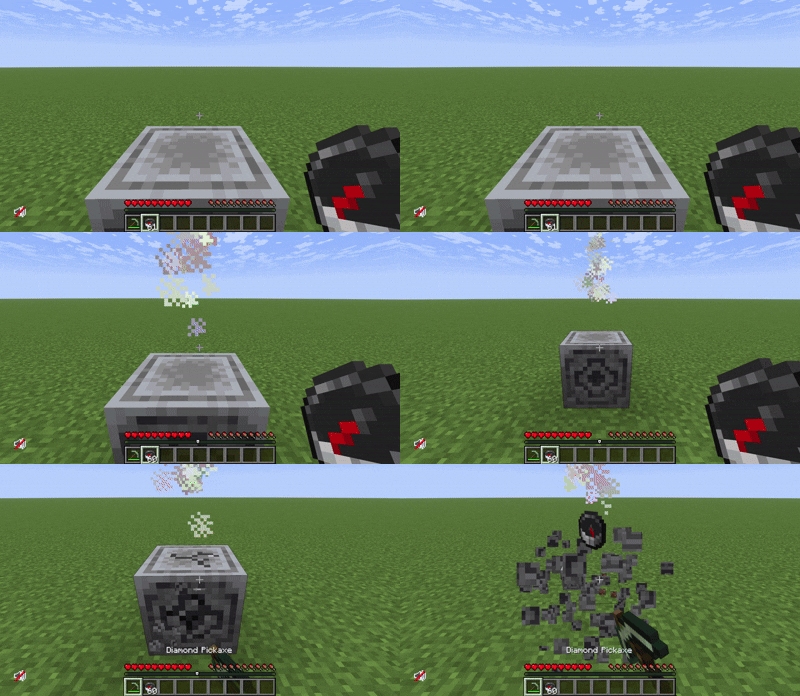
Lodestone waypoints can be created by throwing a compass on top of a lodestone. If you no longer want a waypoint at that location, just break the lodestone.
Waypoint Colors
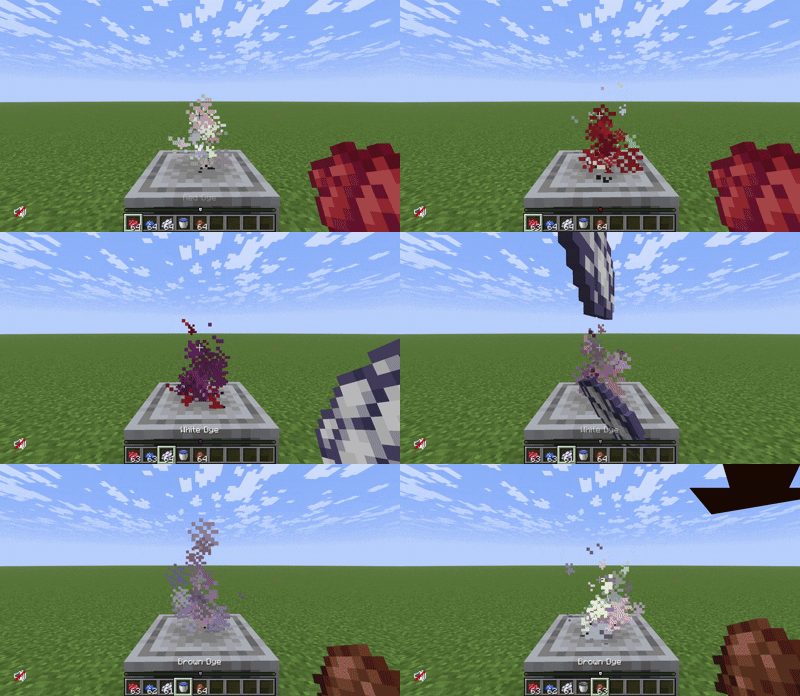
Way(More)Points lets you dye waypoints just like leather armor, meaning your waypoints can be any of over 5 million colors! The code for dyeing leather armor was rewritten with commands, meaning you can use any online leather color calculator to pick your waypoint color. Changing the color of a lodestone waypoint is easy: just throw dyes onto an activated lodestone and watch the colors combine! Don't like the color you created? Just throw a water bucket onto the lodestone to clear its colors.
Waypoint Icons
Way(More)Points adds 11 new icons to help identify different types of waypoints. Player waypoints still use the vanilla square icon, but your lodestone waypoints will use one of the new icons. Changing the icon of your waypoint is as easy as throwing an item onto an activated lodestone.
"Pin" Icon
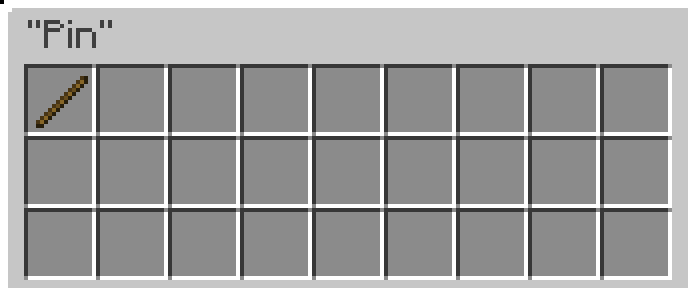
This is the default icon for lodestone waypoints. You can revert your lodestone waypoint to the "pin" icon with a stick.

"Home" Icon
You can set your lodestone waypoint to the "home" icon using any door.


"Portal" Icon
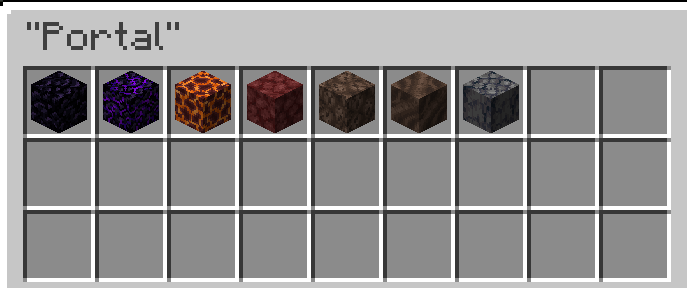
You can set your lodestone waypoint to the "portal" icon using obsidian, crying obsidian, magma, netherrack, soul sand, soul soil, or basalt.

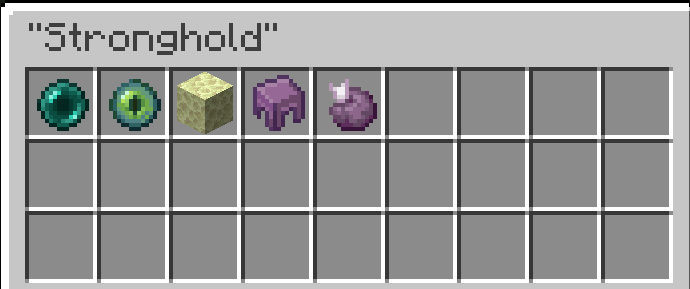
"Stronghold" Icon
You can set your lodestone waypoint to the "stronghold" icon using an ender pearl, eye of ender, endstone, shulker shell, or chorus fruit.

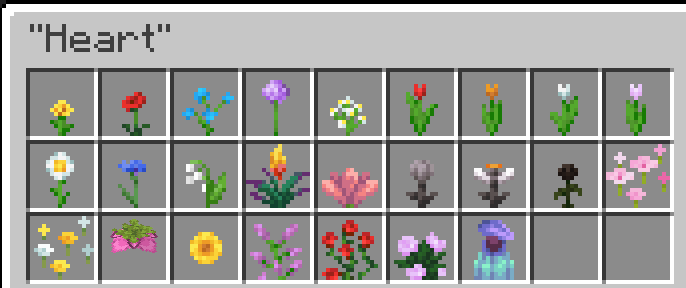
"Heart" Icon
You can set your lodestone waypoint to the "heart" icon using any flower.

"Mountain" Icon
You can set your lodestone waypoint to the "mountain" icon using stone, deepslate, granite, diorite, andesite, calcite, tuff, dripstone, blackstone, cobblestone, or cobbled deepslate.


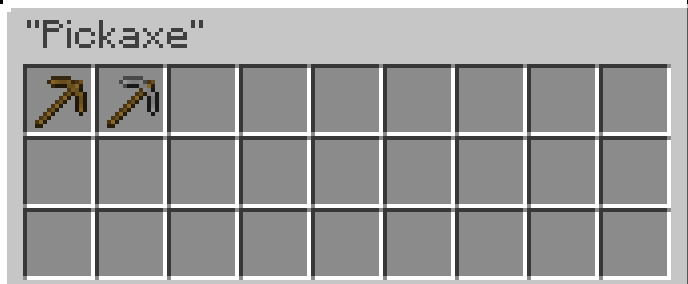
"Pickaxe" Icon
You can set your lodestone waypoint to the "pickaxe" icon using a wooden or stone pickaxe.

"Sword" Icon
You can set your lodestone waypoint to the "sword" icon using a wooden or stone sword.


"Mob" Icon
You can set your lodestone waypoint to the "mob" icon using a bone, feather, string, leather, rabbit hide, ink sac, glow ink sac, turtle scute, armadillo scute, slime ball, gunpowder, rotten flesh, or spider eye.


"Tree" Icon
You can set your lodestone waypoint to the "tree" icon using any overworld sapling.


"Food" Icon
You can set your lodestone waypoint to the "food" icon using an apple, watermelon slice, sweet berry, glow berry, wheat, carrot, potato, poisonous potato, beetroot, bread, any raw meat, or any crop seed.


Notes
Upon breaking an activated lodestone, you will only get the lodestone and compass back. None of the dyes or icon modifiers are dropped.