Resettable Vaults

Reset Vaults So That the Same Player Can Loot Them Multiple Times!

IMPORTANT - I (AverageTaTeMan) only share my content on Planet Minecraft, Modrinth, and CurseForge.  If you see this project on any other site, IT IS NOT ME AND SHOULD NOT BE TRUSTED!

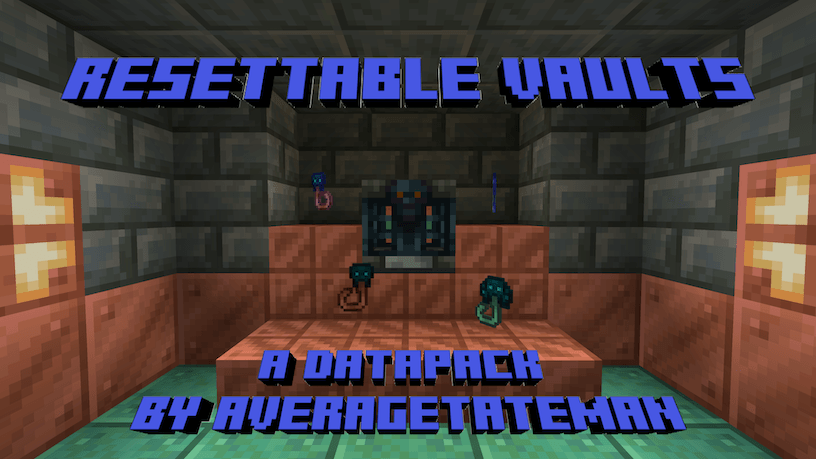
This Data Pack adds Trial Resetters, crafted with Trial Keys and Echo Shards. As the name suggests, dropping one on top of a Vault resets it so that it can be opened again. Happy Trials!

If upgrading your pack and the Trial Resetters are missing their textures, run the following command(s) with the items in your inventory - /function resetvault:upgrade/self

Runs the previous command for all players - /function resetvault:upgrade/all_players

Installation Instructions to Get the Data AND Resource Packs:

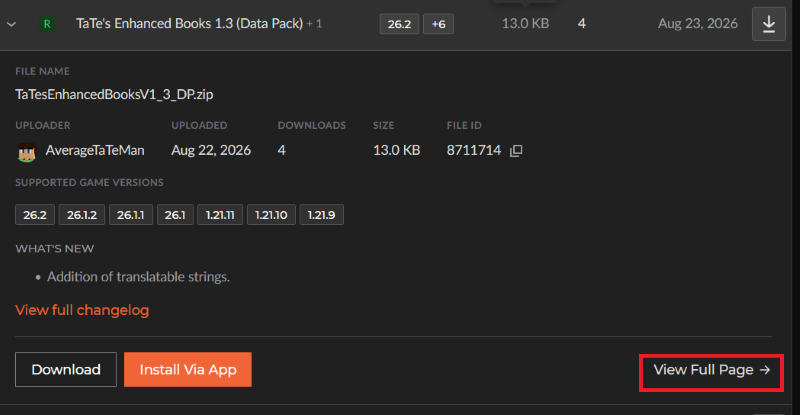
1) Select "Files"

2) Select a Version
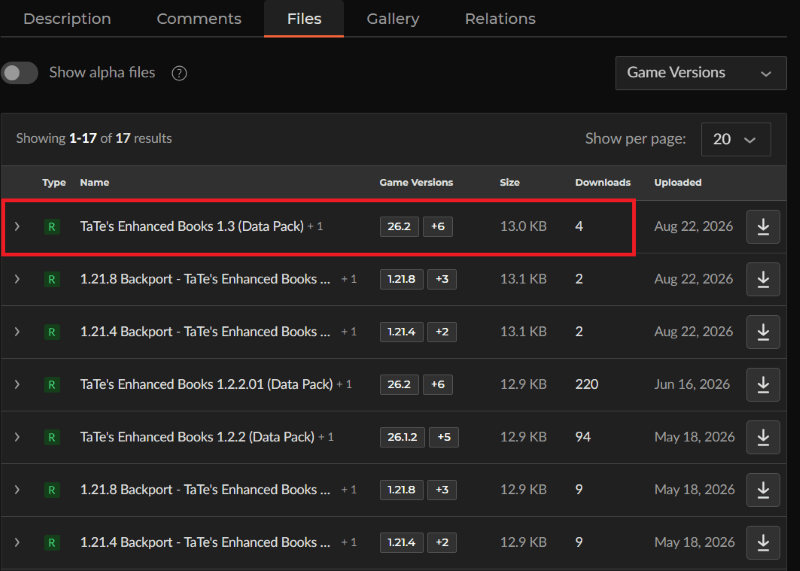
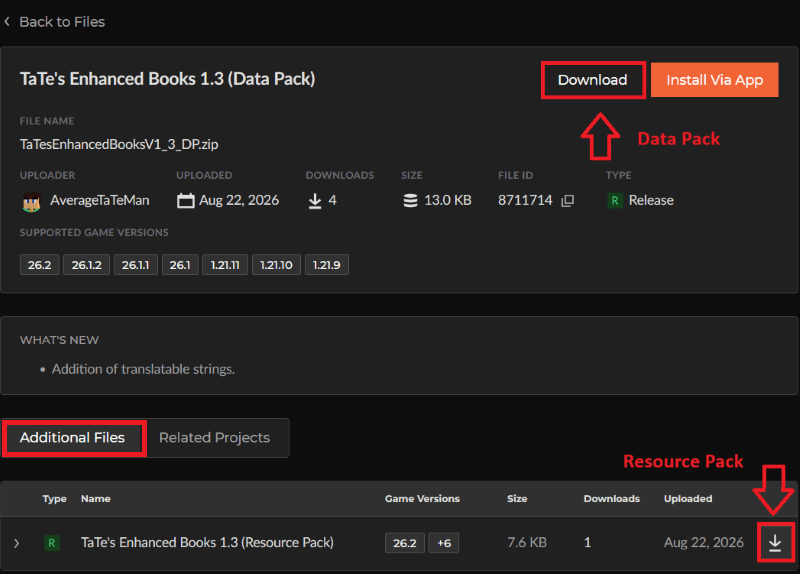
3) Click "Download" to download the data pack file, click "Additonal Files" to show the resource pack file, then click on it


4) Click "Download" to download the resource pack file.

5) Unzip the files (optional, but recommended as that's how I use/test them). 

6) Add the resource pack to your Selected Packs (ideally at the top) in your Resource Packs menu. 

7) Add the data pack to either your Selected Packs in the Data Packs menu (if adding at world creation) OR put it in your world's 'datapacks' folder (if adding afterwards.  Recommended to either not have world open at the time or to close and reopen it afterwards).

8) You may get a prompt about experimental settings not being supported when opening the world.  This can safely be ignored, but it's also never a bad idea to make a backup if it's a world you care about.


The Resettable Vaults Team

profile avatar
  • 3
    Followers
  • 15
    Projects
  • 54.9K
    Downloads

I develop Data/Resource Packs, mainly focusing on adding solutions to grievances I've had while playing Vanilla and/or adding stuff that I think would be fun.

More from AverageTaTeManView all