





CONTRAST Pack
- 1.7K
- Resource Packs
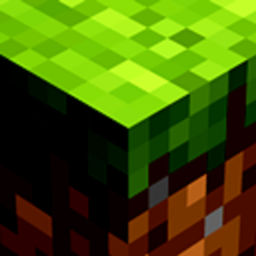
TexturePack that increases the contrast of the game, both menus, panoramas and GamePlay.
- 1.7K
- September 15, 2026
Best Saturation Pack
- 41.8K
- Resource Packs
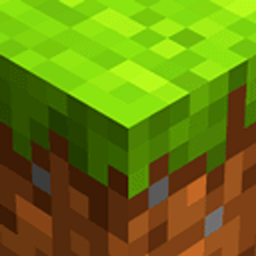
This TexturePack reinterprets the way we see the game and adds more vibrant and eye-catching colors, improving your viewing experience.
- 41.8K
- September 15, 2026
Best Saturation x Fresh Animations
- 43.4K
- Resource Packs
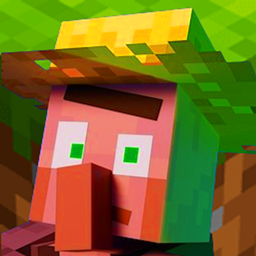
A TexturePack (ResoucePack) that makes BestSaturation_pack compatible with FreshAnimations
- 43.4K
- April 1, 2026
CONTRAST Pack
- 1.7K
- Resource Packs
TexturePack that increases the contrast of the game, both menus, panoramas and GamePlay.
- 1.7K
- September 15, 2026
Best Saturation Pack
- 41.8K
- Resource Packs
This TexturePack reinterprets the way we see the game and adds more vibrant and eye-catching colors, improving your viewing experience.
- 41.8K
- September 15, 2026
Best Saturation x Fresh Animations
- 43.4K
- Resource Packs
A TexturePack (ResoucePack) that makes BestSaturation_pack compatible with FreshAnimations
- 43.4K
- April 1, 2026