Playtime Tracker This utility is a lightweight, lag-free solution for monitoring player activity. It converts raw game ticks into a readable format without requiring a permanent, clunky scoreboard on the side of your screen.
Players can use these /trigger commands without needing operator (OP) permissions:
/trigger pt_show: This displays the player's Total World Playtime (Hours, Minutes, and Seconds) directly in the chat. It pulls data from the engine-level statistics, so it includes time spent before the datapack was installed.
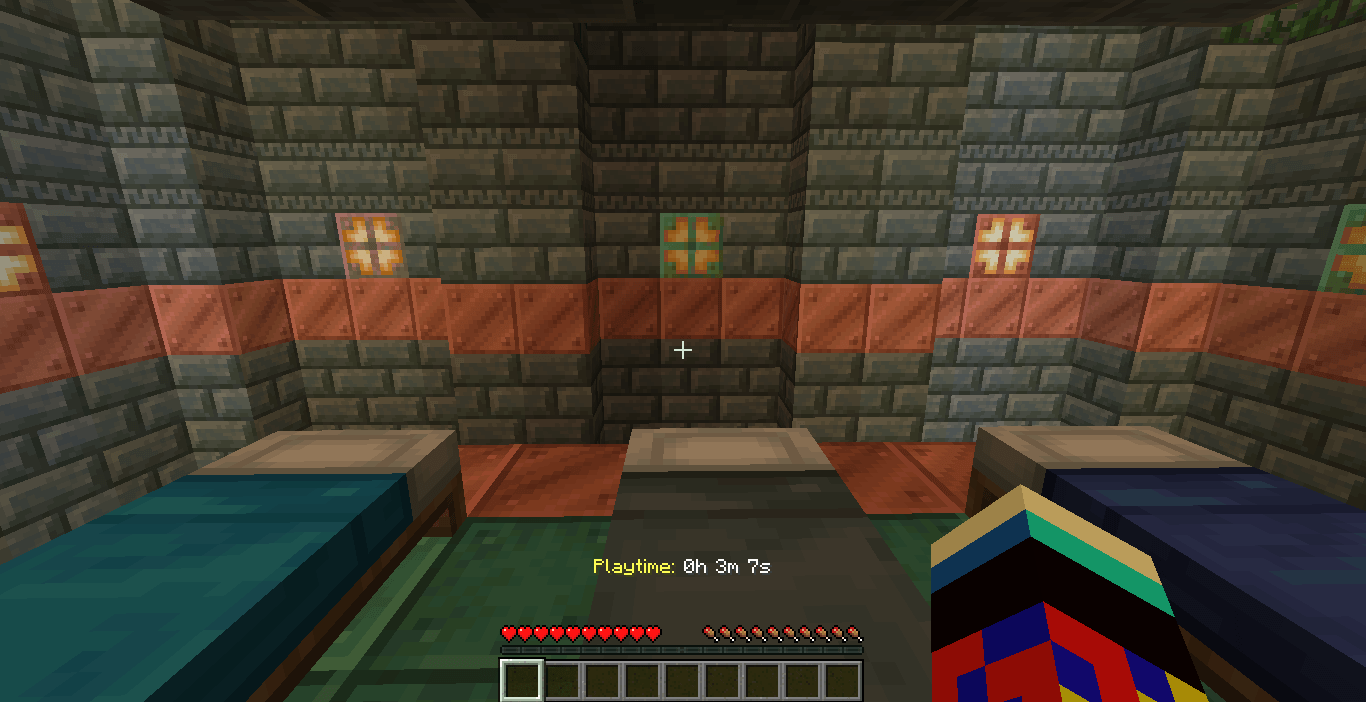
/trigger pt_on: This enables a persistent Hotbar Display. The playtime will appear and update in real-time right above the player's item bar.
/trigger pt_off: This disables the hotbar display and clears the text from the screen if a player prefers a clean UI.
How to Install/Download the File: Ensure you have the Playtime_Datapack_Fixed_V2.zip ready.Navigate to Save Folder: Open your Minecraft directory, go to saves, and select your specific world folder.
Drop in Datapacks: Open the datapacks folder and move the ZIP file inside.Reload the
How to UseThe Command: To see your current time, simply type: /trigger pt_show. The Display: You will see a private chat message formatted as: Your total playtime: 1h 12m 30s.
Caution: This datapack will only show the playtime from the amount of time you have installed this datapack