Gravehills
- By
Player graves where you fall, and ancient burial mounds with epitaphs of a world that remembers.
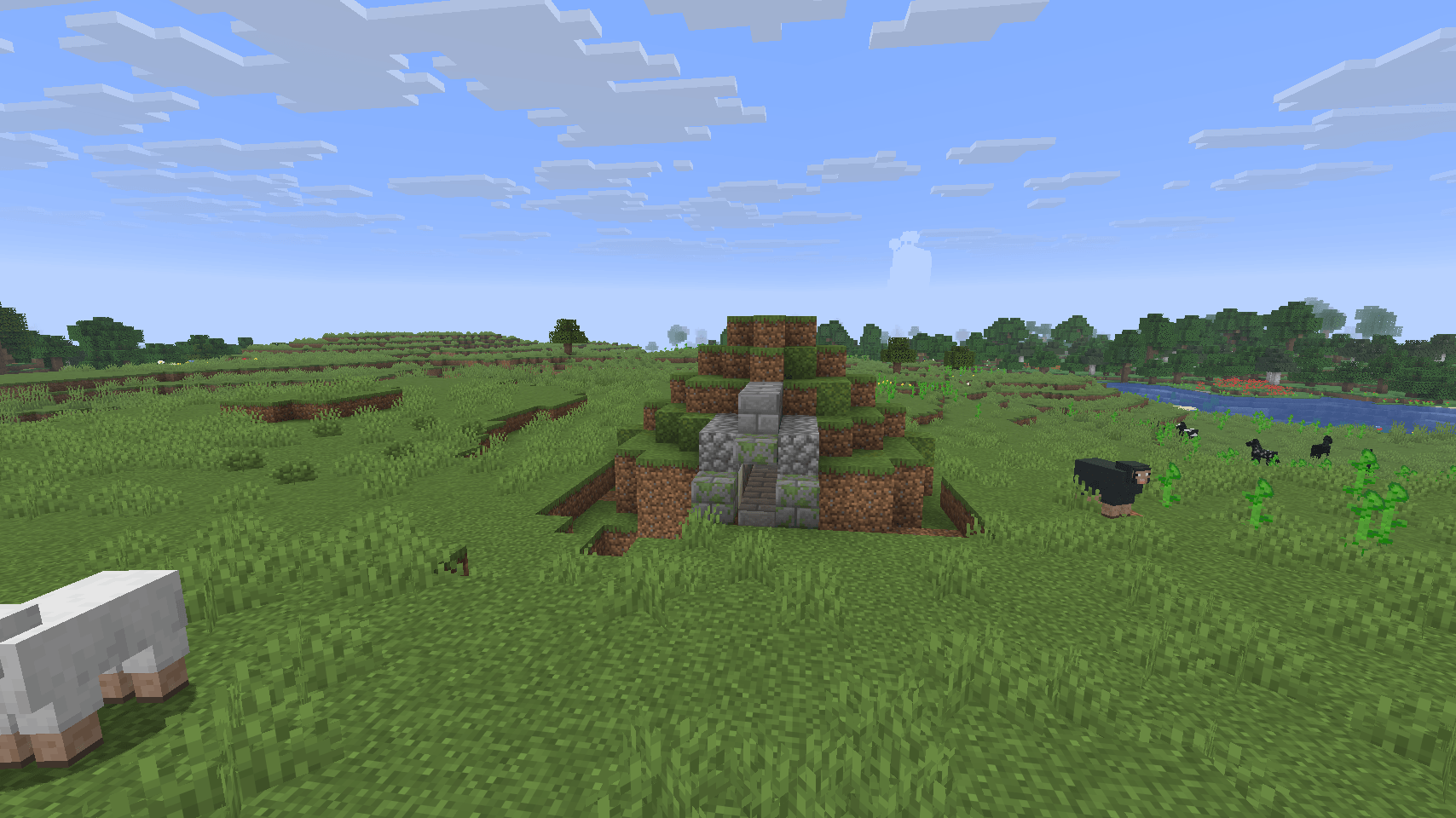
mound_exterior.png
mound_chamber.png
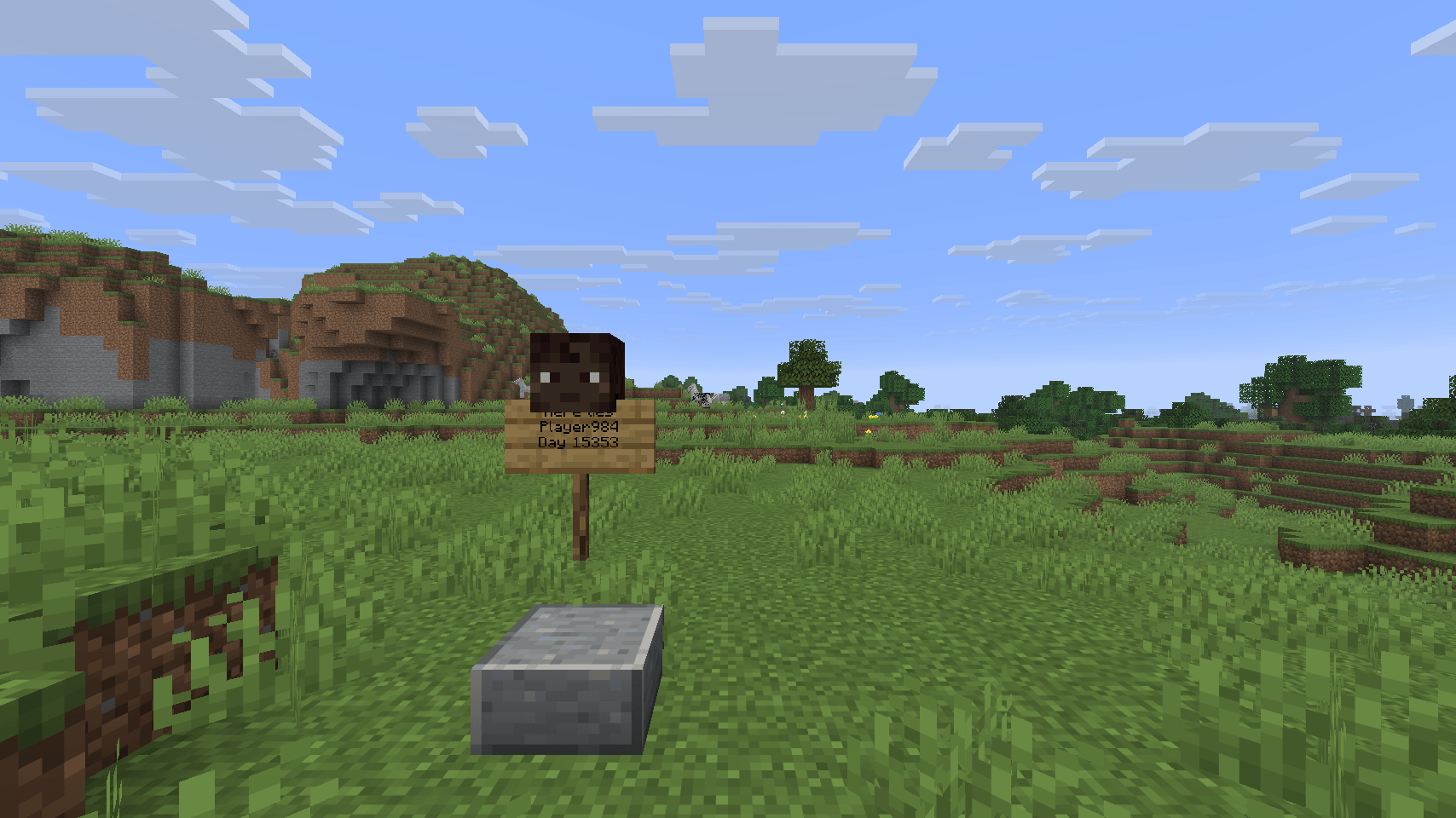
grave_closeup.png
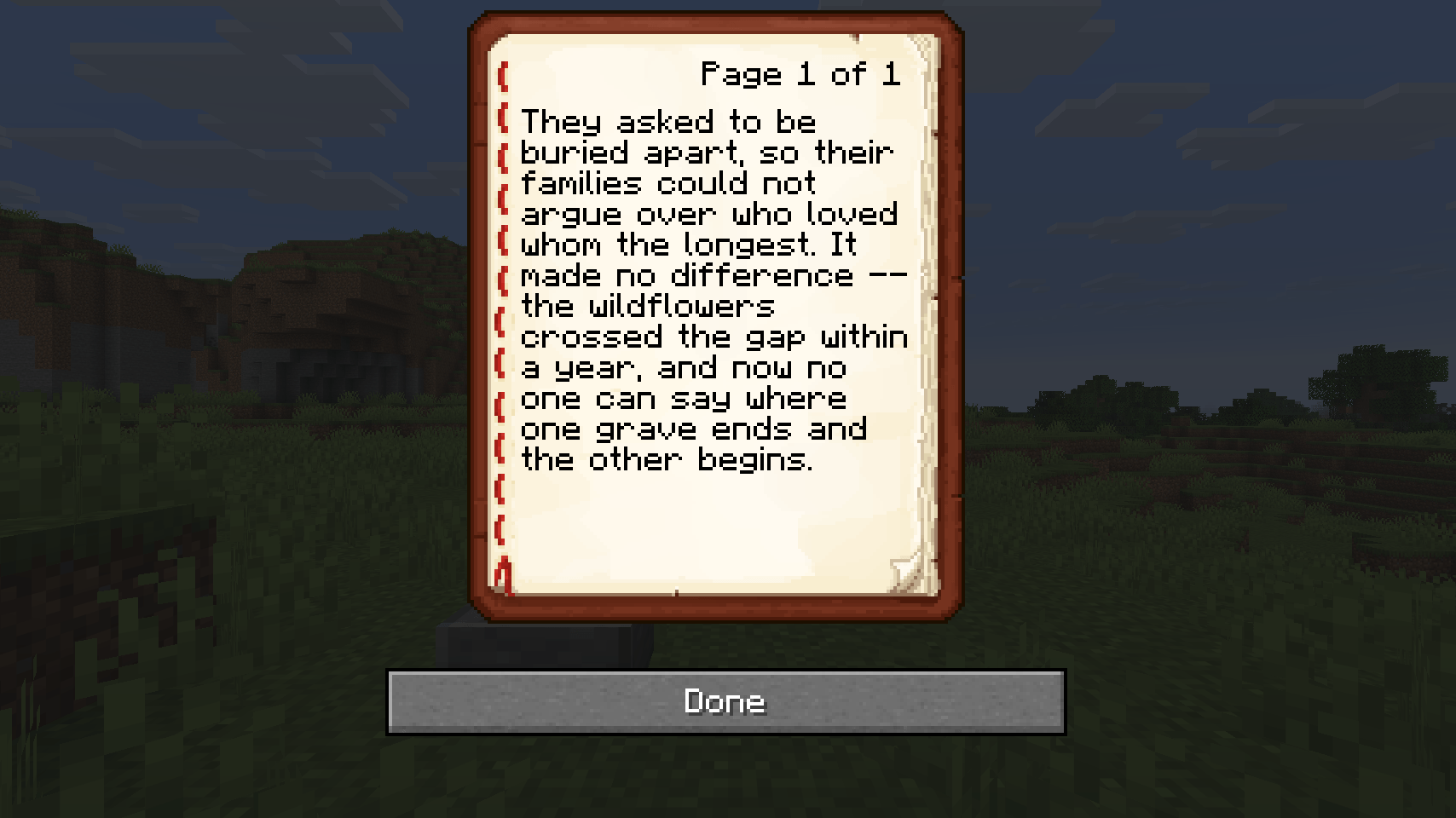
epitaph_book.png
Description
The world remembers.
Gravehills gives Minecraft two layers of the past. Die, and the place you fell gets a proper grave — your name, your face, the day it happened. Explore far enough from home, and you'll find graves that were never yours: burial mounds raised long before you arrived, holding grave goods, pottery sherds, and the weathered words of people the world has otherwise forgotten.
Your graves
- Die anywhere in the Overworld, Nether, or End, and a small grave marker rises on the spot: a sign with your name and the in-game day you died, topped with a block bearing your actual skin.
- Died somewhere with no ground to stand a grave on — the void, an odd edge of the build limit? You get a plain stone obelisk instead of nothing.
- Your grave's coordinates are printed to chat the moment you respawn, so "where did I even die" is never a question.
The mounds
- Ancient burial mounds generate naturally in plains, savanna, and taiga biomes — three different shapes, so not every hill on the map looks the same.
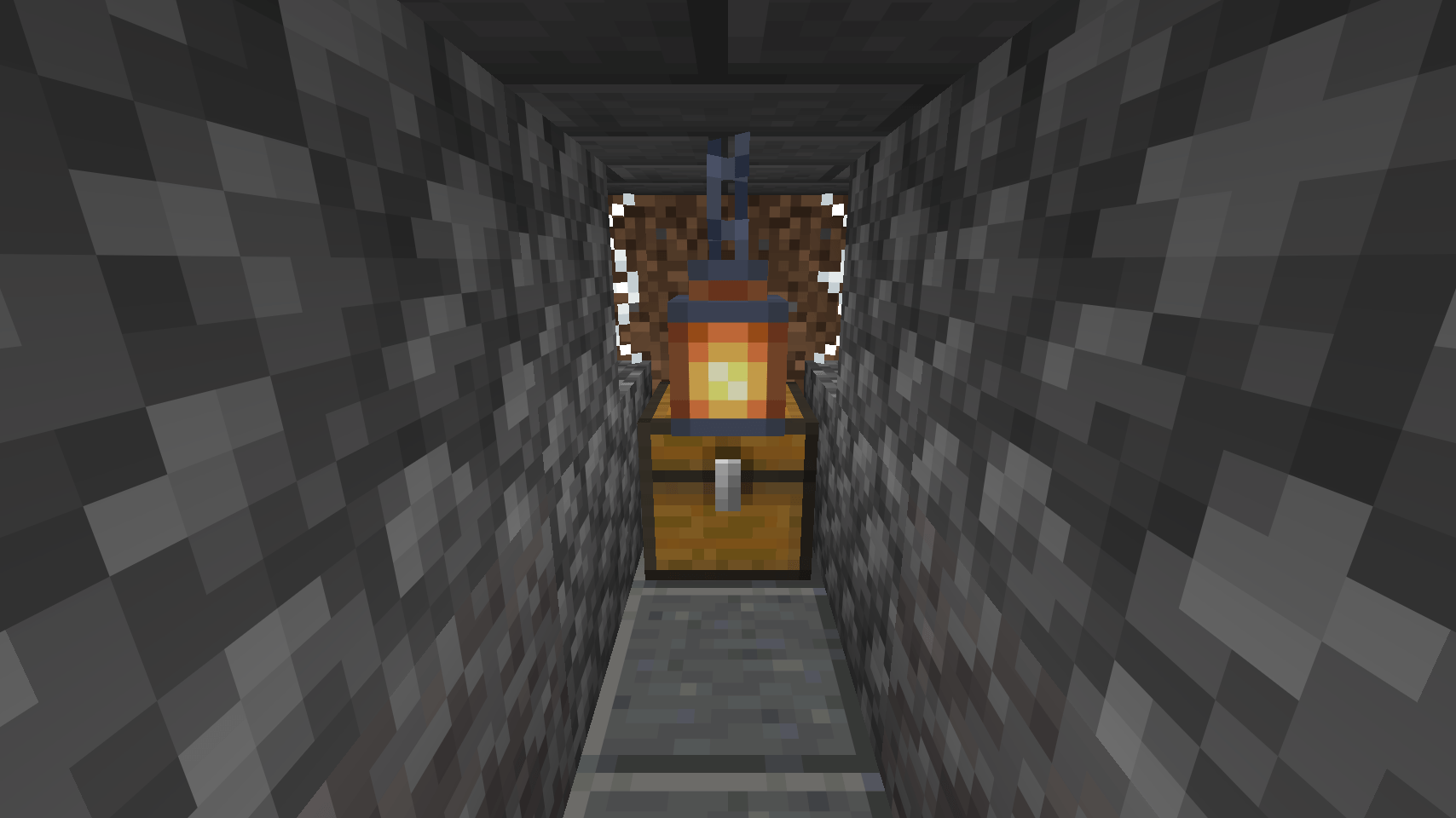
- Each mound hides a sealed chamber: a chest of grave goods and a patch of suspicious gravel worth brushing. Excavate it properly and you'll turn up pottery sherds alongside the usual bones and candles.
- Every mound's chest holds a Weathered Epitaph — a book of short, half-legible stories about whoever is buried beneath it. Ten different epitaphs are in circulation.
Installation
Gravehills is a datapack, not a mod — no loader needed. Drop the zip into your world's datapacks folder (or add it on the world-creation screen) and run /reload if the world was already open. Requires Minecraft 26.1.2. Runs entirely server-side — singleplayer and multiplayer both just work.
Nothing here is an inventory-recovery gimmick. Gravehills doesn't hold your items, doesn't add a UI, and doesn't change death mechanics. It just marks the spot.
Made for Minecraft ModJam 2026 — "Echoes of the Past" (Datapacks category). If you like the theme, check out its sibling project Death Echoes (https://modrinth.com/mod/deathechoes) — a separate mod that turns your deaths into looping ghostly replays instead of graves. They work fine together or apart.
The logo is composed entirely from official Minecraft block textures using ImageMagick — no AI-generated imagery was used anywhere in this project. Source: https://github.com/eis79/gravehills
Gravehills Team