Easter Demon is a terrifying creature that takes the form of a twisted Easter Bunny. It rarely spawns near the player, both in the Overworld and the Nether. Don’t try to run—its many abilities make escape nearly impossible. The only way to get rid of it is by offering a carrot when it has no smoke particles. While it’s distracted eating, quickly move several blocks away. If you succeed, the demon will vanish.
Abilities of the Easter Demon: - Watches the player from a distance or from behind. - Tricks the player into thinking it could appear at any moment. - Performs a jumpscare when the player is facing it. - Digs underground to emerge near the player or directly on their block. - Climbs blocks. - Swims in both water and lava. - Crawls through 1-block gaps. - Runs on all fours, drastically increasing its speed. - Detects hidden players unless they are sneaking. - Summons killer rabbits around players who are not sneaking. - Disables Ender Pearls and Fireworks for players nearby. - Breaks boats and minecarts in its vicinity.
Easter Egg: There is also a mysterious red-and-black Easter Egg hidden throughout the Overworld and the Nether. If the player gets too close, it will rise from the ground and begin to crack. The player must quickly move away before it fully breaks. Otherwise, the chance of the Easter Demon spawning will increase—and this probability grows each time a player breaks an egg.
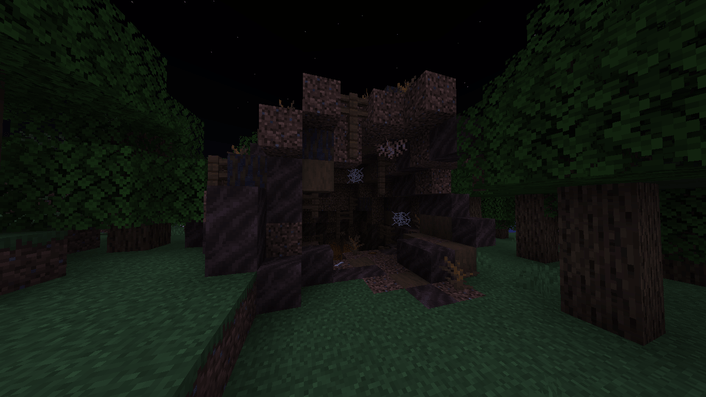
Burrow: A new structure may also appear in the world—a massive burrow. Inside, you’ll find killer rabbits, iron, carrots, meat, and mysterious papers that reveal how to evade both the Easter Demon and the cursed Easter Eggs.
Commands: (The data pack is enabled by default) - Activate the data pack:
/function 6dt18_easter_demond:on
- Deactivate the data pack:
/function 6dt18_easter_demond:off
How to Install: 1. Open your world folder inside ".minecraft/saves". 2. Inside, open the folder named "datapacks" and drag the zip: **Easter Demon data pack v1.0**. 3. Then, drag the zip: **Easter Demon data pack v1.0** into the folder ".minecraft/resourcepacks". 4. Launch Minecraft and activate the resource pack. 5. Once activated, enter your world and type the command:




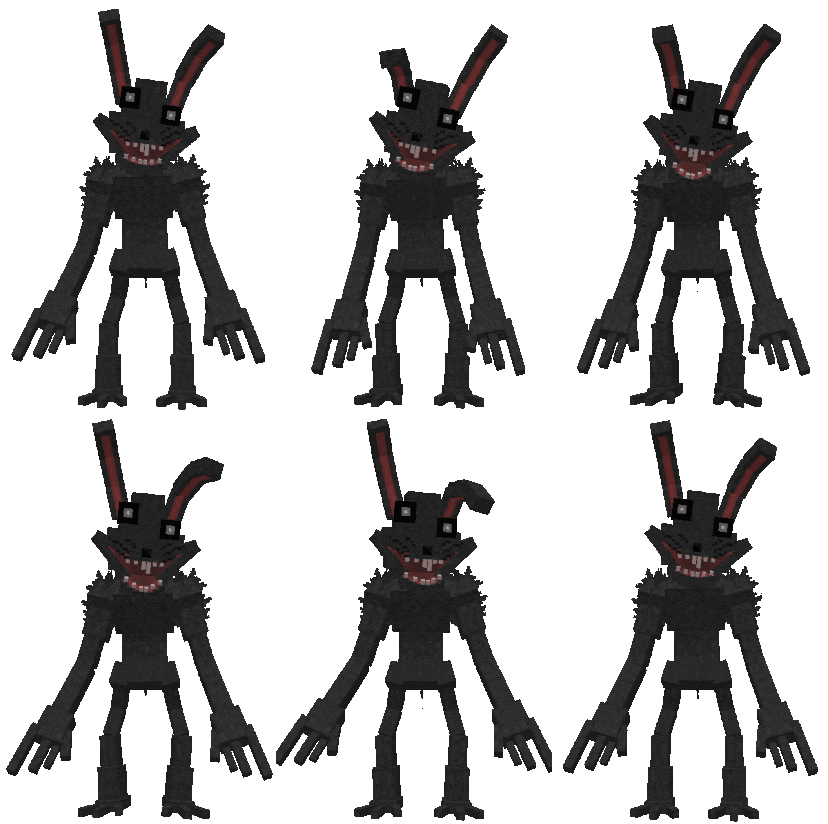 Abilities of the Easter Demon:
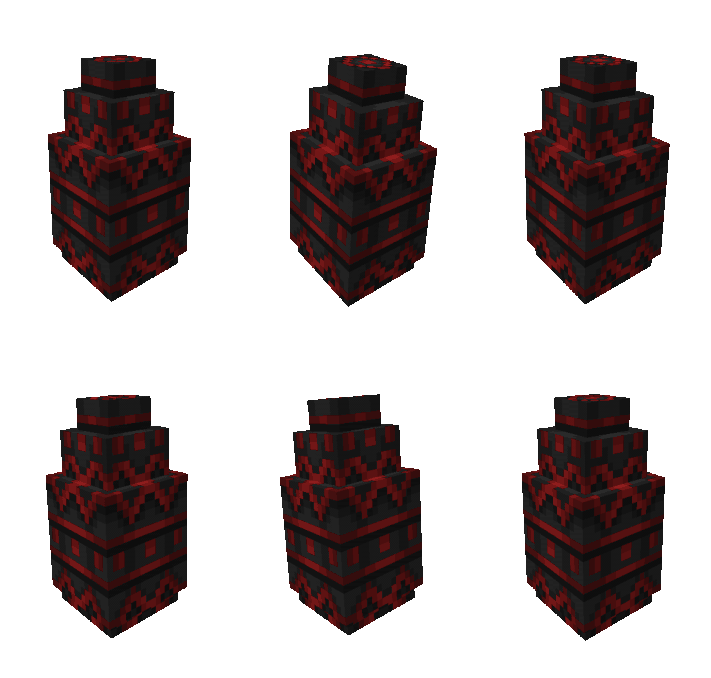 Easter Egg: