Chest Door Lock
- By
Lock is a lightweight and multiplayer-friendly Minecraft datapack that allows you to easily secure your items and structures.
61d55233b6b6e288d4772d3b0d1c5ec01facdfbb.png
Description
Team Lock is a comprehensive and multiplayer-friendly datapack designed to secure your belongings and structures. Whether you are playing with a group of friends or running a multiplayer server, this datapack ensures your items stay yours while offering advanced team-sharing capabilities.
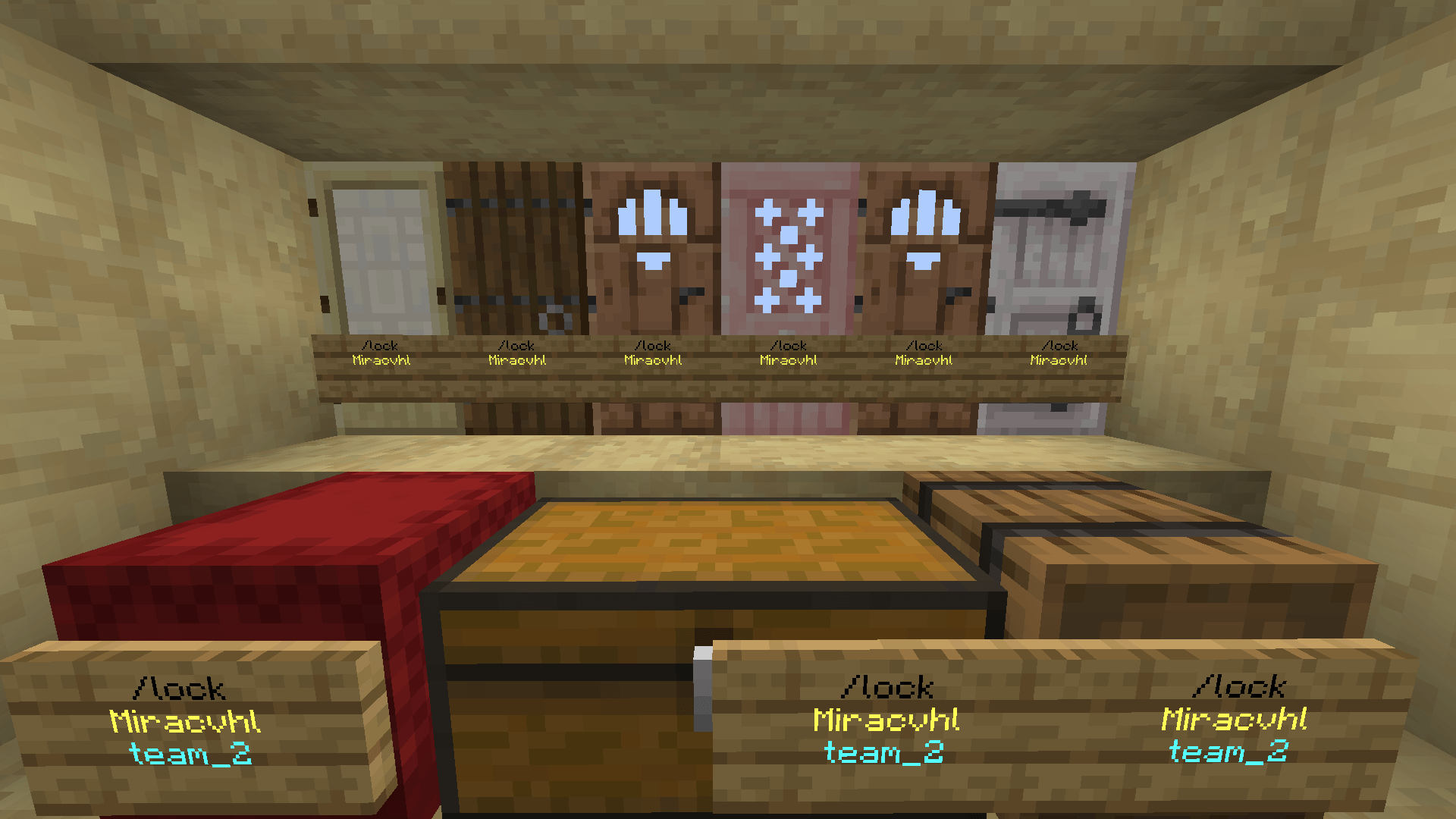
✨ Key Features Universal Locking: Easily lock doors single and double chests barrels, and other containers Sign-Based Interaction: Lock your blocks intuitively using signs and interact with them easily through clicks or hits.
Advanced Anti-Grief Protection Hopper Protection: Prevents items from being drained using hoppers beneath locked chests Explosion Resistance: Locked blocks are protected from TNT and End Crystal damage
Team System: Don't want to play alone? Create a teamsend invites and share access to your locked doors and chests with your team members
🛠️ Admin & Server Utility Server admins have full control over the system to prevent abuse and manage abandoned locks Lock Breaking & Overrides: Admins can forcefully break or reset locks if needed Team Management: Ability to delete teams or manage players Diagnostics: Built-in tools to check system health and fix errors Safe Uninstallation: A dedicated uninstall function ensures the datapack can be removed safely without corrupting your world
⚙️ How to Use 🔒 Locking Process: Place a sign on the door, chest, or barrel you want to lock. Write /lock on the sign and place it. Right-click once on the sign to confirm the lock. Your item is now locked! Only you and your team members can open it.
🔑 Accessing & Unlocking:
To Open: Simply right-click the locked item normally. To Remove the Lock: You can break the sign while sneaking (holding Shift). 👥 Team System: If you want to share your items with your friends, you can create a team! Invite your friends to your team, and once they accept the invite, they will automatically have access to all your locked items. 📚 In-Game Guide: If you forget how to use the system or want to see all the commands, simply type the following command in the chat:
/trigger Tutorial
This command will open the in-game guide that explains everything about the system
Chest Door Lock Team