Aeternum is an RPG Datapack for minecraft 1.21.4+ inspired by the Origins Mod!
Embed Removed: https://www.youtube-nocookie.com/embed/zLjoYqC5d_k
⚠ Click on a spoiler to see more details!
Discord Server
List of all the abiltiies
Commands
/trigger aeternum.credits - View credits/trigger aeternum.config - View config
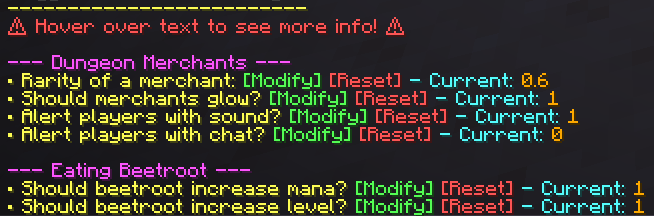
Config
Overview:
Aeternum is an RPG Datapack for Minecraft, featuring:
- Over 400 abilities
- 16 classes
- dungeons (soon™)
- an energy system
- A level-up system
- Custom items + mobs (soon™)
- boxes (loot-boxes)
- gods
- and so much more!
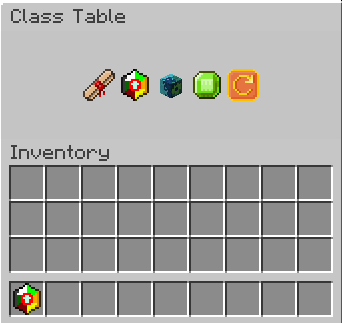
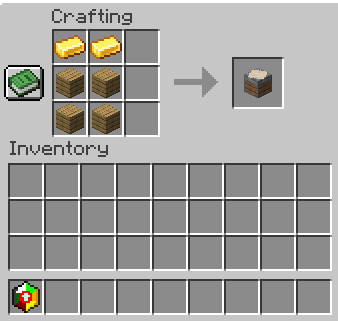
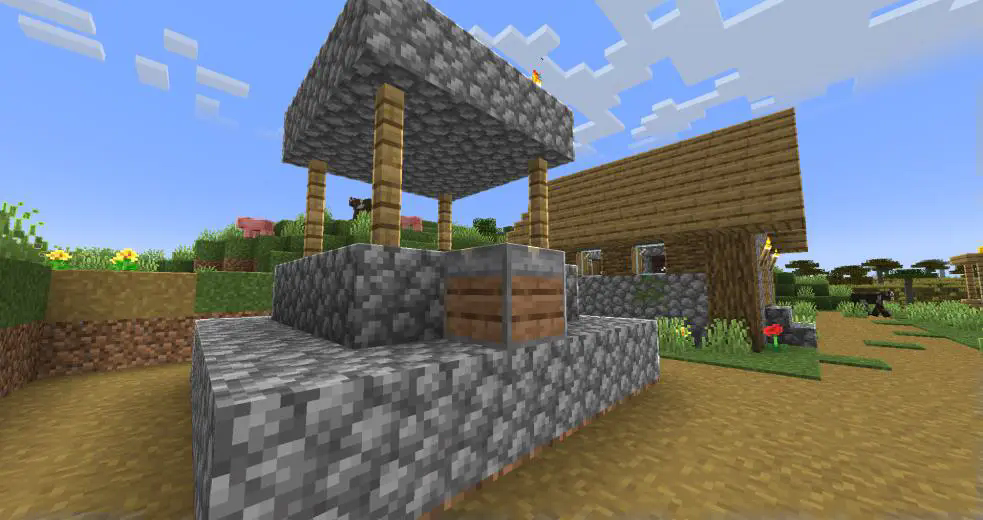
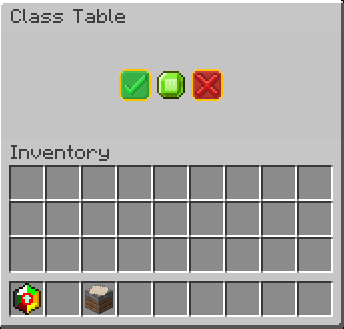
Class Table
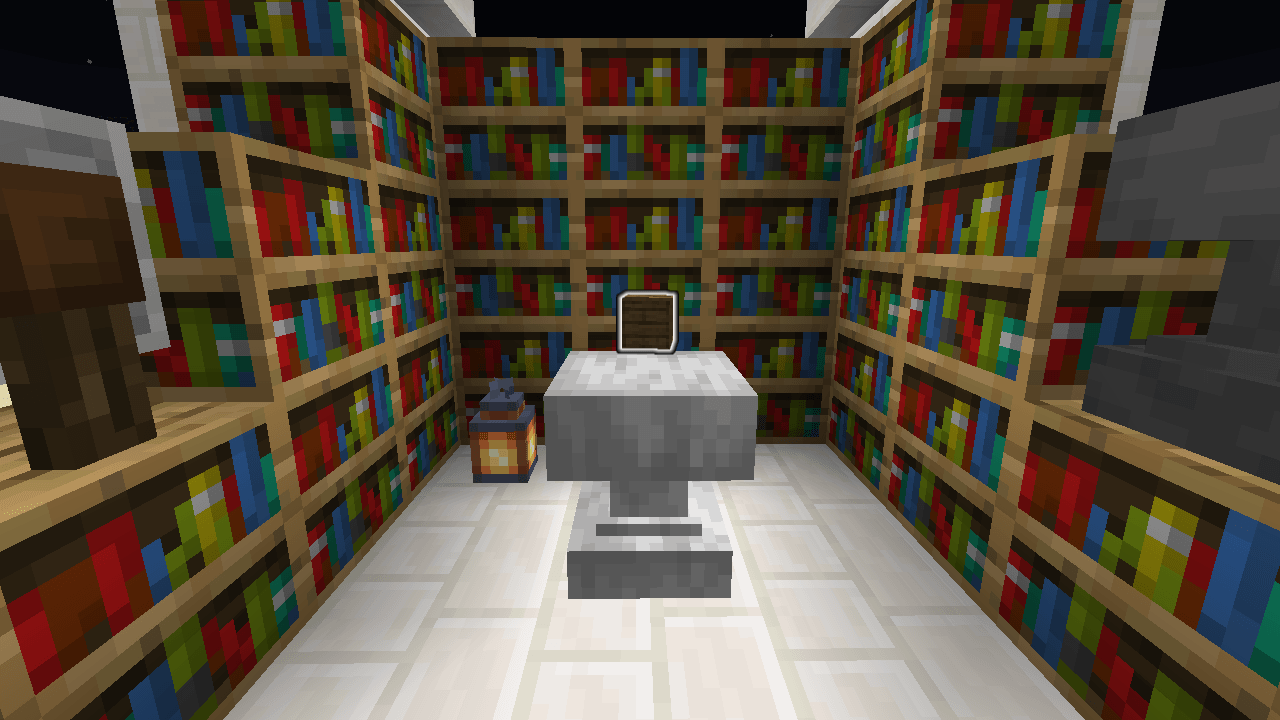
Use /loot give @s loot aeternum:class_table to give yourself a class table
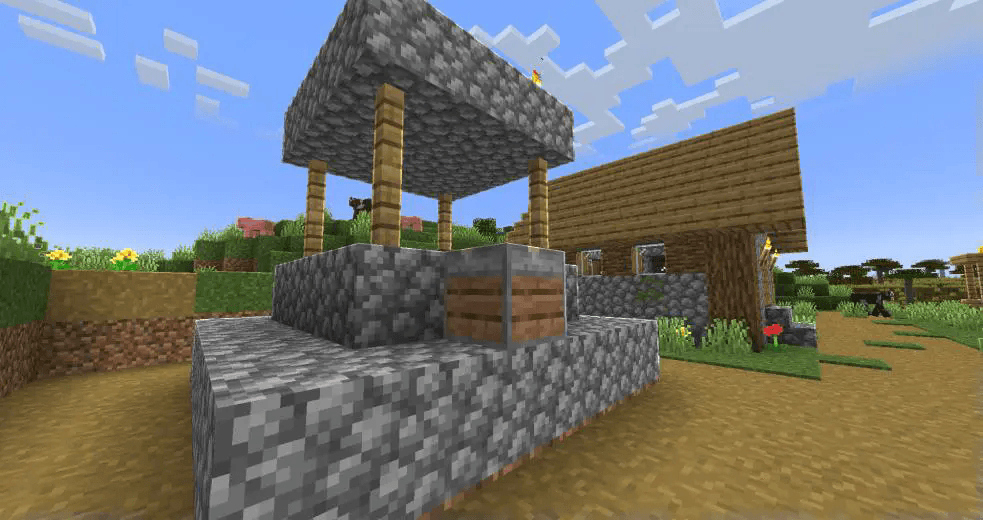
Found in plains villages
Allows you to:
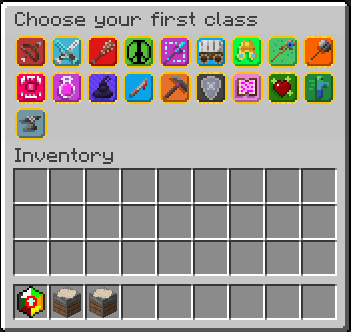
- Choose your first ever class
- Learn class abilities
- Change your class using a class stone
- Change the slots in your ability wheel
- Choose a new class once you’ve mastered your selected class
Choosing a new class
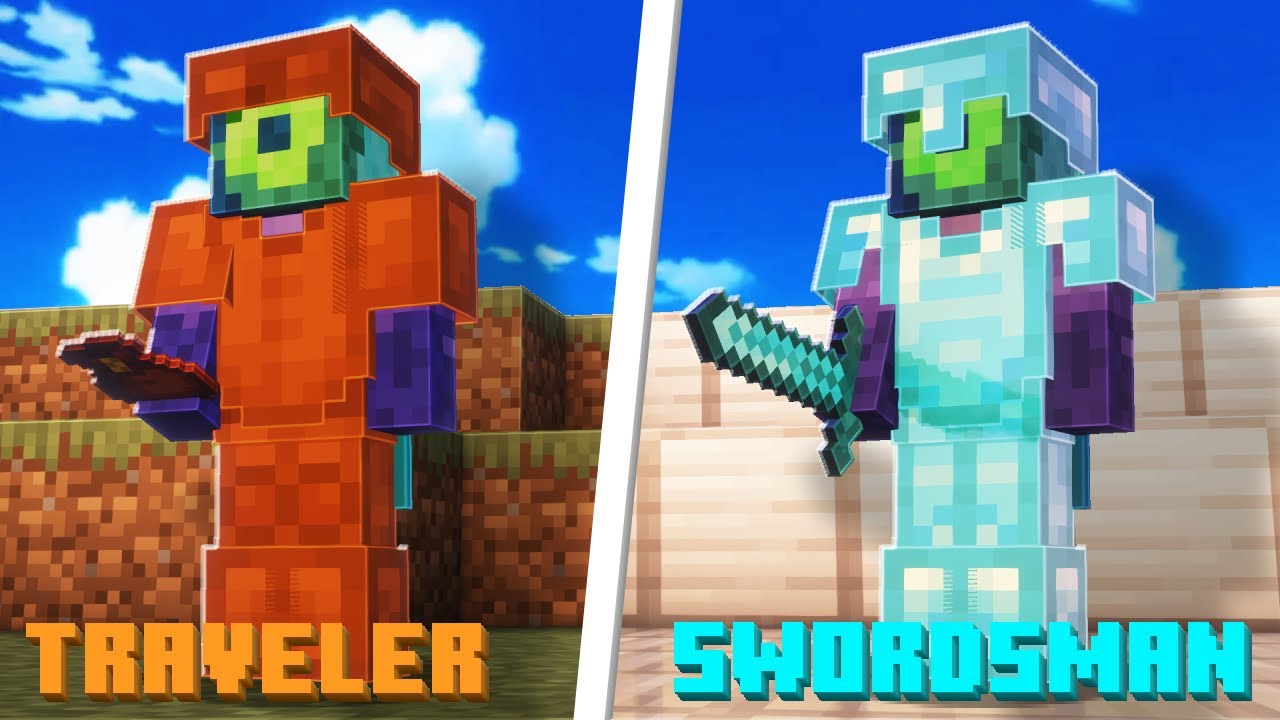
In order to use Aeternum's features, it is advised to learn a choose a class first. In the class table, and as of release alpha, there are 5 classes to select.
- Archer
- Mage
- Swordsman
- Rogue
- Healer
In v1.0, 11 new classes have been introduced:
- Miner
- Enchanter
- Smith
- Soldier
- Warrior
- Summoner
- Druid
- Traveler
- Alchemist
- Monster
- Barbarian
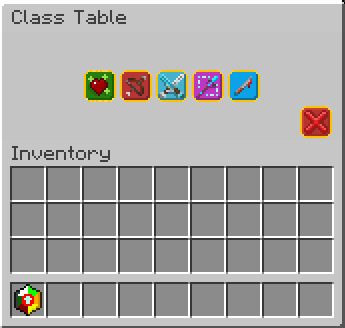
Choosing a new class will give you a starting ability to use, and might provide custom items (for example, swordsman's longswords and rogue's daggers).
After you choose a class, you can master that class by leveling up to level 10 in that class.
After doing so, you will able to choose another class, through class stones, or through the GUI shown above.
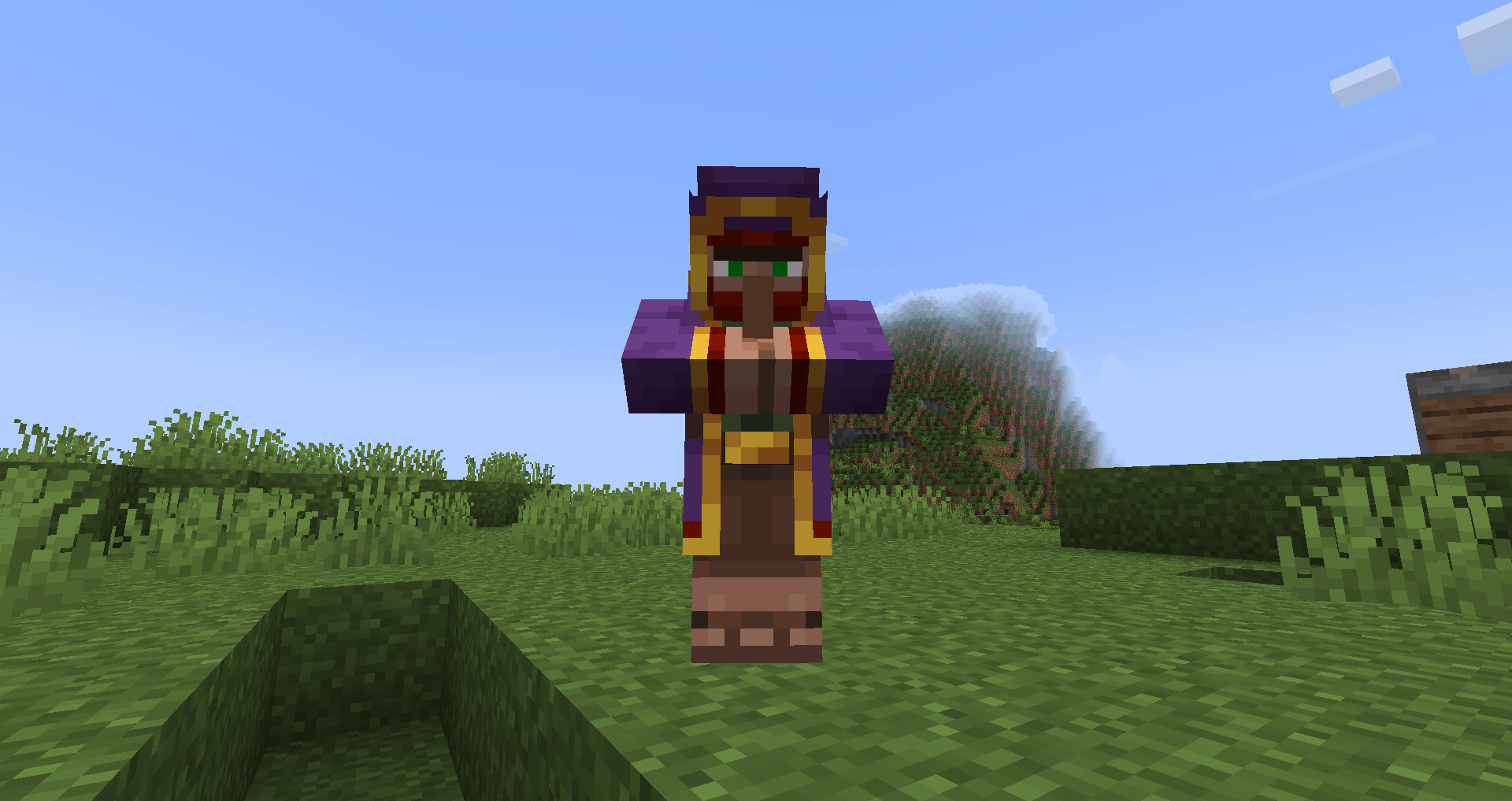
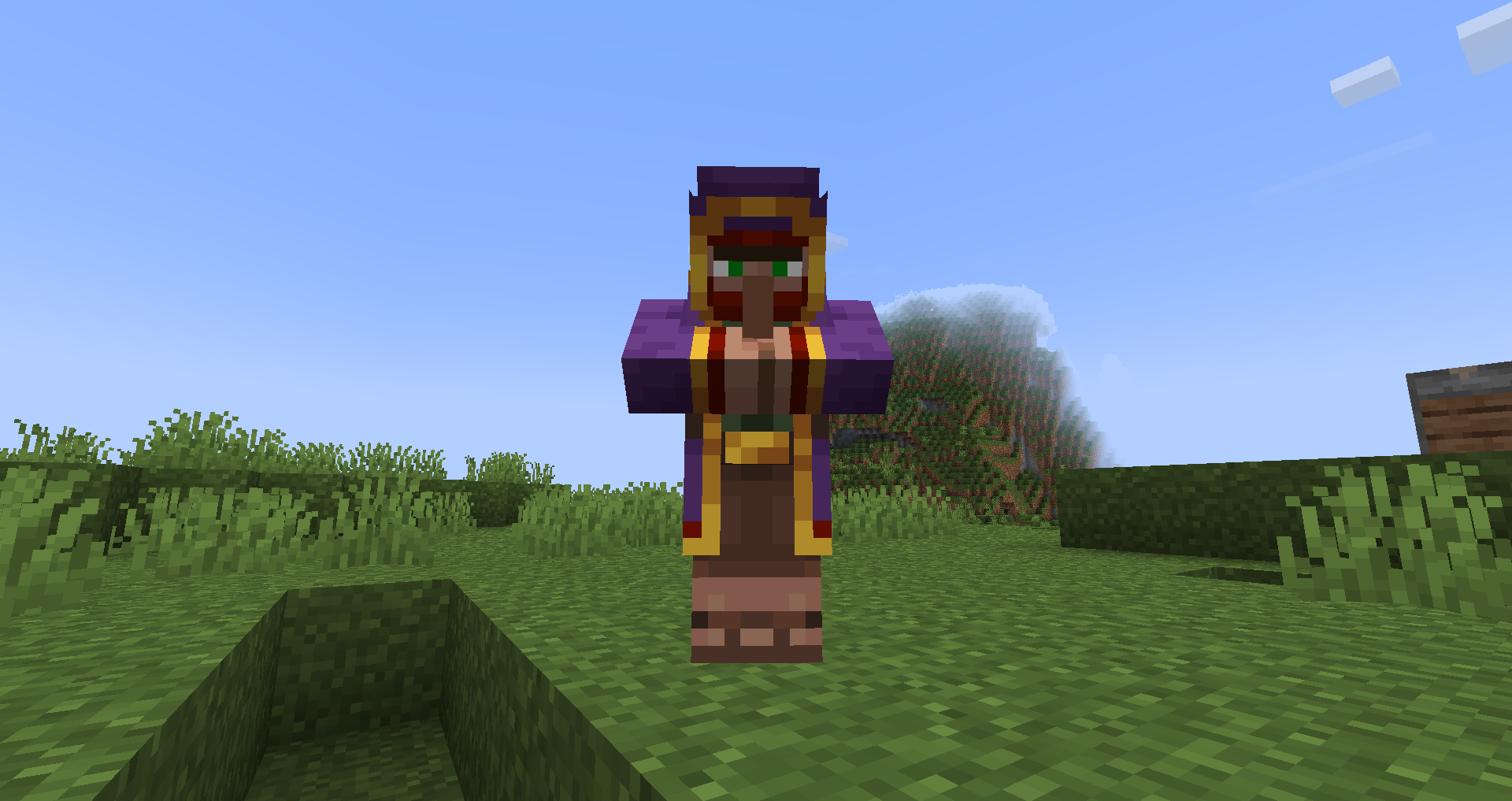
Dungeon Merchant
Use /function aeternum:merchant/summon to summon a merchant
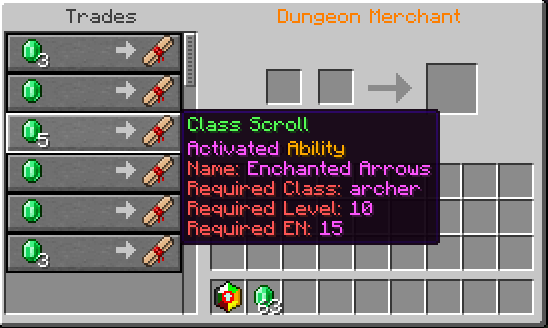
The merchant will sell class scrolls, and class stones (v1.0).
A merchant has a 60% chance to replace the spawn of a wandering trader. This can be changed using the config.
By default, merchants will glow and make a sound to players within 30 blocks of it when spawning.
Optionally, it is possible to make them display a message when spawned using the config.
Trader Totem [v1.0]
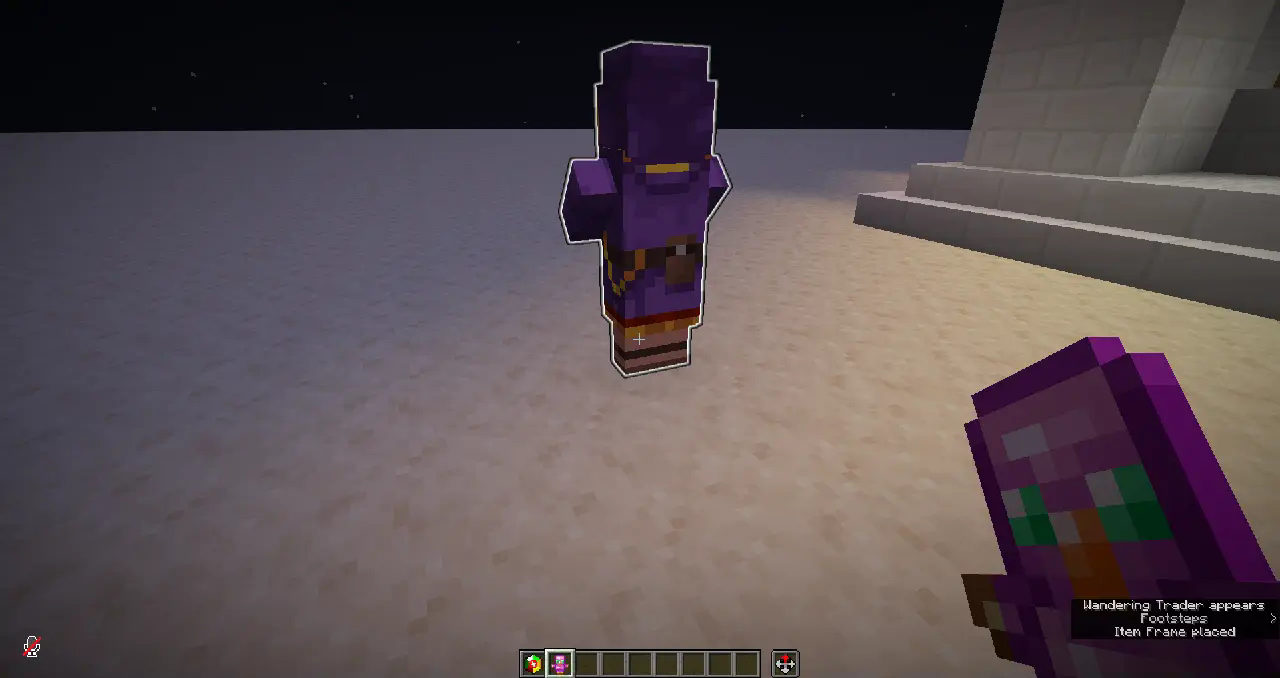
The trader totem is dropped by the dungeon merchant when it dies. It is basically a spawn egg that allows you to summon another dungeon merchant wherever you please.
Learning abilities
Use /loot give @s loot aeternum:scrolls/... to give yourself class scrolls
Throughout your journey in the minecraft world, you may find class scrolls (obtained from dungeon merchants [alpha], and boxes [v1.0]), which are the various abilities your class gives you. To add a class scroll to your unlocked abilties, you may use the "Use a class scroll" menu in the class table.
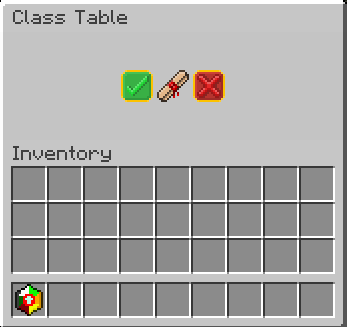
Each class scroll can only be used in this menu if you have the required class and its required level. This information can be seen in the tooltip of the scroll.
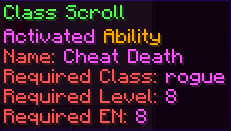
Selecting an Ability
As Aeternum offers a lot of unique abilties, this menu will serve as a guide to keep track of them all. Here you can select abilities to put in your ability wheel, remove them from the slots in the ability wheel, and scroll through 24 pages of possible abilities to choose from (that is, if you unlocked all of them).
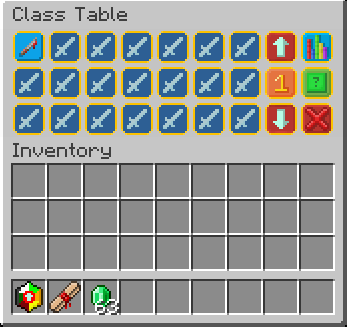
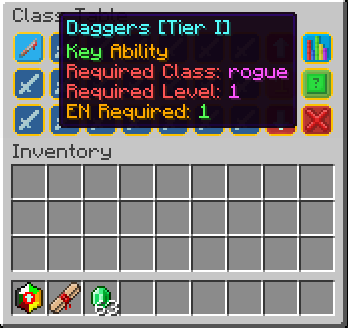
- Clicking on the number button (between the arrow buttons) will cycle between all the ability wheel slots you can modify
- Left-clicking on an ability will result in that ability being selected
- The arrow buttons will change pages
- The button on the top right (when clicked on) will show all the abilities that are currently in the ability wheel.
- The green button below it clears the currently selected slot.
Ability types
- Activated: activate when used through the ability wheel item.
- Passive: will give you passive effects, as long as the ability is in the ability wheel.
- Key: grant you access to special items only available to specific classes, with unique effects such as increased reach or attack damage!
Ability wheel and Ability slots
The ability wheel is the item that lets you use all of your active-type abilities.
It cannot be removed from the inventory.
When holding it in hand, you will see the amount of energy you have on the bottom, and you can rightclick to activate an ability, or put the item in **offhand (F by default) to swap between your available ability wheel slots.
When using an ability, it will consume your energy. Each ability will use up various amounts of EN. If you do not have enough EN for an ability, you cannot use that ability.
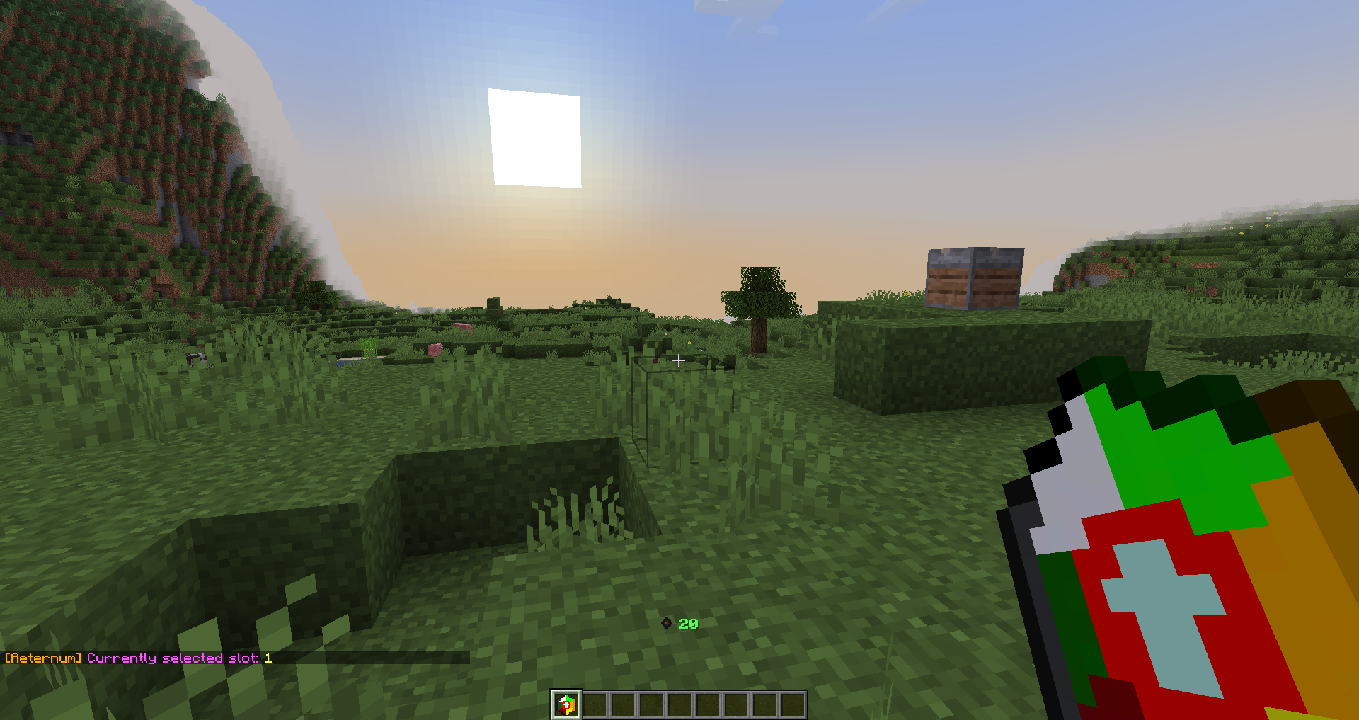
Unlocking ability wheel slots is pretty straightforward. When you level up your first class, you will automatically unlock new ability wheel slots. The maximum amount of ability wheel slots is 8. This is to balance the features in the datapack.
Energy
The energy system works as a system to make sure you can't use too many abilities at once.
- It regenerates like normal health.
- Generally an ability costs an EN amount equivalent to the level of the ability to use.
- Passive abilities and Key abilities do not use EN.
- Your current amount of EN is displayed when you hold the ability wheel.
- A different icon will show depending on your current class. (Have fun seeing them in survival - or by ripping them from the resourcepack!)
- Eating Beetroot will generate 2 mana. This can be disabled in the config.
 This is just an example lol
Icon list:
- Summoner - Spirits
- Smith - Metal
- Archer - Focus
- Swordsman - Slash
- Barbarian - Charge
- Mage - Mana
- Traveler - XP
- Druid - Nature
- Warrior - I genuinely don't remember this one
- Monster - Blood
- Alchemist - Potion
- Soldier - Shield
- Healer - Life
- Rogue - Shadow
- Miner - Rock
- Enchanter - Paper
Leveling Up
To level up a class in aeternum you need to do a specific thing related to your current class.
Here are all the ways to level up a class:
- Summoner - Breed animals
- Smith - Use weapons (change durability of weapons)
- Archer - Kill enemies (bow/crossbow ranged damage)
- Swordsman - Kill enemies (swords)
- Barbarian - Kill enemies (axes)
- Mage - Eat a potion ingredient (Will change)
- Traveler - Ride an entity (Will change)
- Druid - Use hoes (change durability of hoes)
- Warrior - Kill enemies (mace/trident)
- Monster - Kill enemies
- Alchemist - Brew Potions
- Soldier - Entity hurt player
- Healer - Cure zombie villager
- Rogue - Use potions of invisibility
- Miner - Use pickaxes (change durability of pickaxes)
- Enchanter - Enchant Items
As of v0.1.3, new methods to level up have been introduced.
- Eating beetroot (Can be changed using the config.)
- Learning an ability
- Using a class stone
- USING an ability
- Using an energy capsule
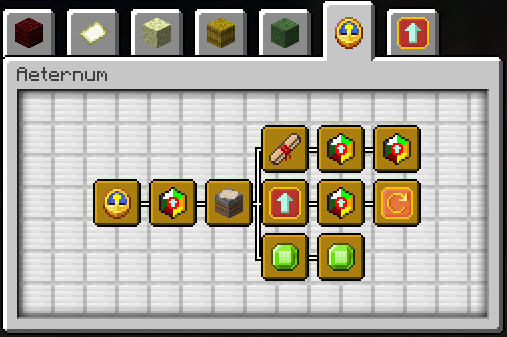
- Obtaining an advancement from the aeternum advancements
- XP level up
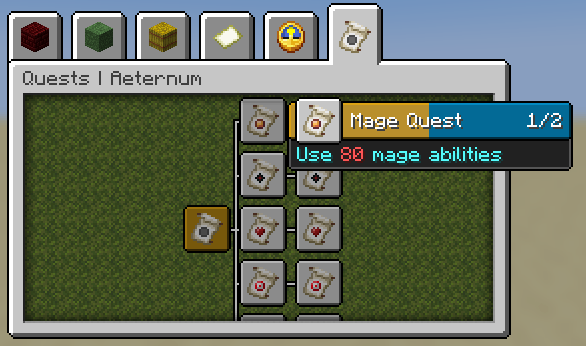
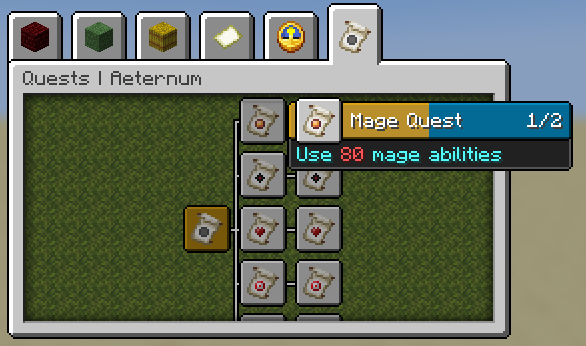
v0.2.0 introduced quests, and you can complete quests to level up as well.
Quests and Quest Merchants
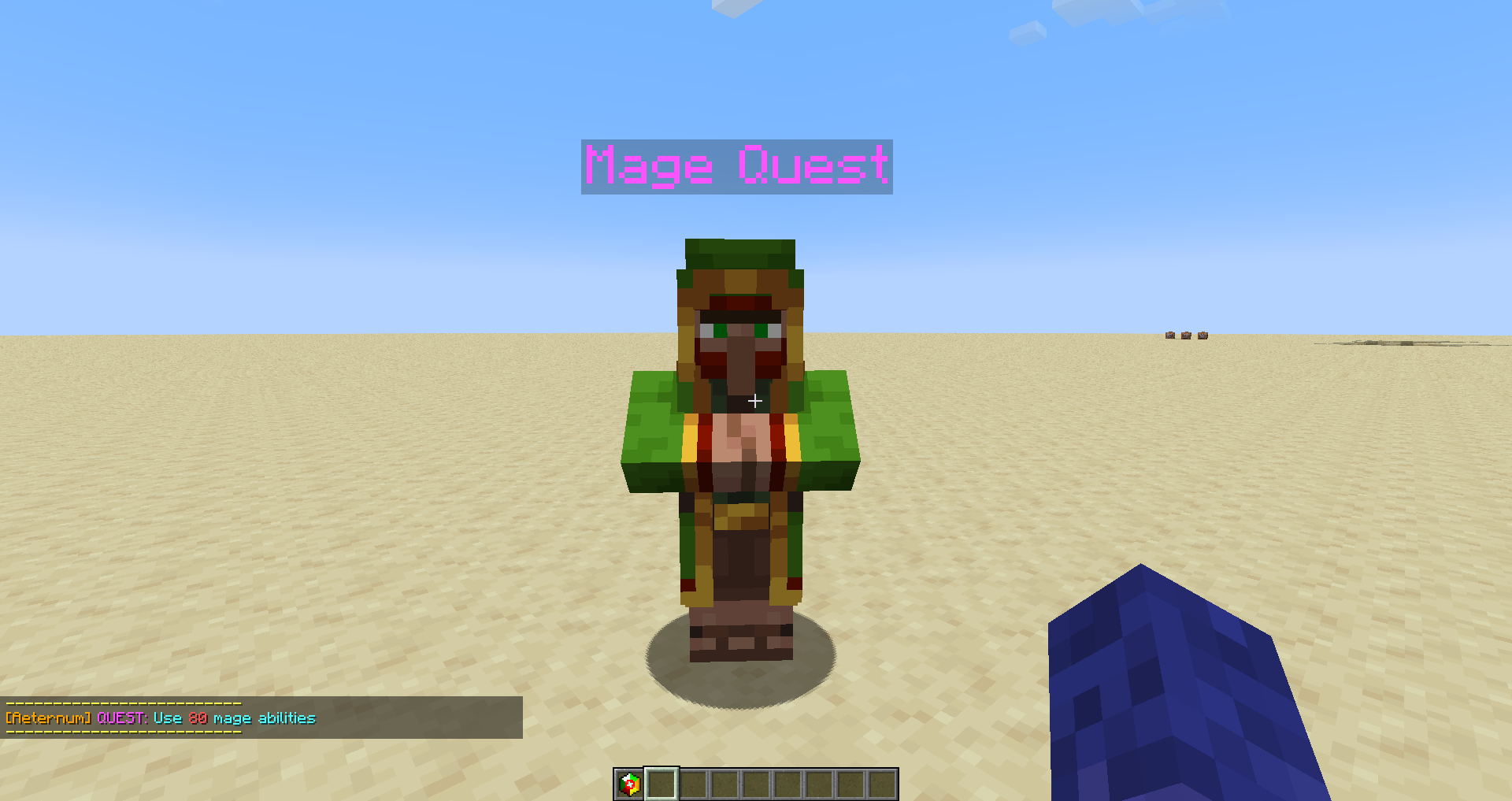
/function aeternum:merchant/quest/summon to summon a quest merchant
Quest merchants will offer you different quests, when you interact with them. There are 5 quests for each class. You can only complete a specific quest if your current class is the required class. For each quest completed you are also given an advancement.
Advancements
Class Stones [v1.0]
Allows you to learn classes that are outside of the base 5 you see in version alpha.
Obtained from the dungeon merchant [alpha], or by boxes [v1.0].
Class Items/Key Items
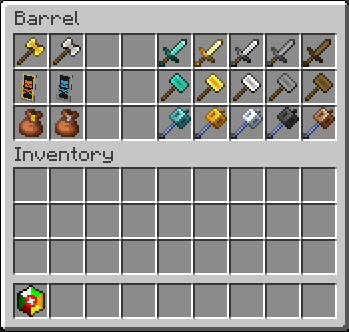
These Items can be obtained through key abilities found in certain classes. These items (usually) give effects exclusive to the class, such as increased damage/range, or an effect.
Gods and Altars [v1.0]
Throughout the world, you find structures that look like this:
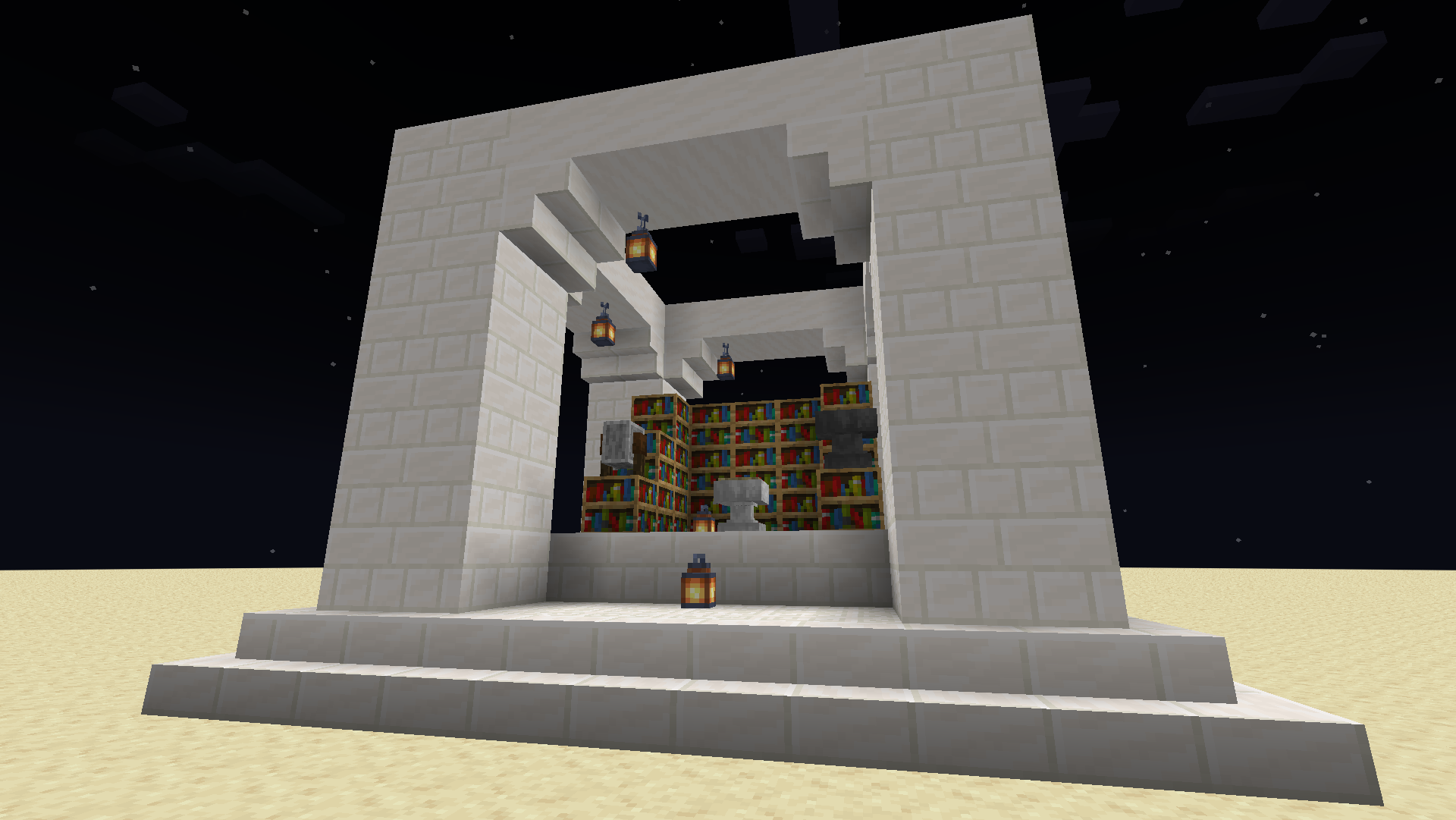
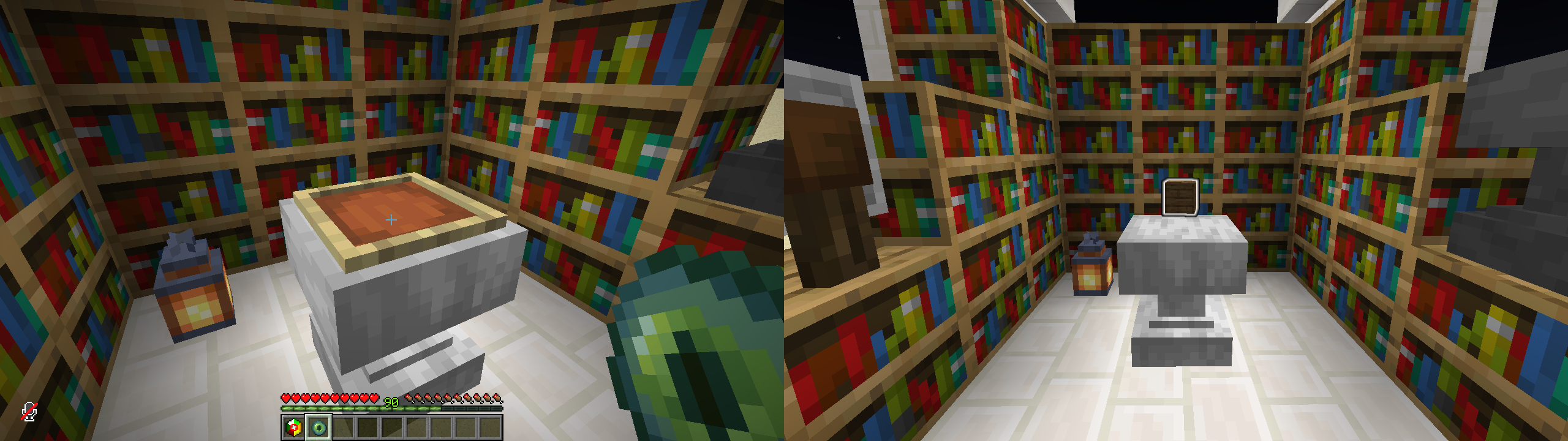
Inside these structures, there will be an altar. If you place an ender eye inside the item frame, it will reward you with a blessing or box!
Blessings [v1.0]
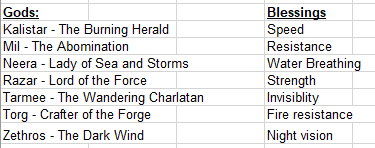
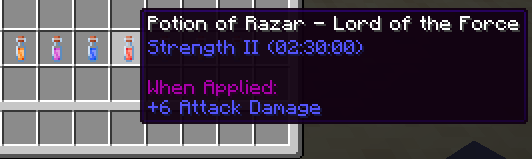
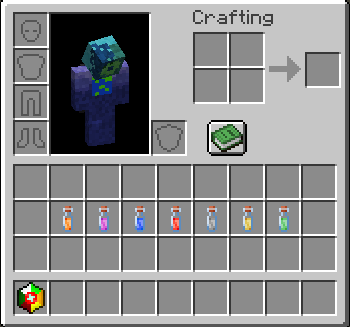
Blessings are basically potion bottles that have an effect that lasts 2.5 hours, and can only be obtained from altars.
There are 7 different types of blessings, that can be obtained from different gods:
Boxes [v1.0]
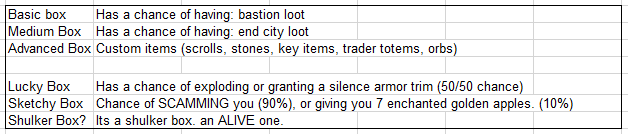
Boxes are what you'd expect. They're lootboxes, and can be obtained from altars.
Here are all the box types:
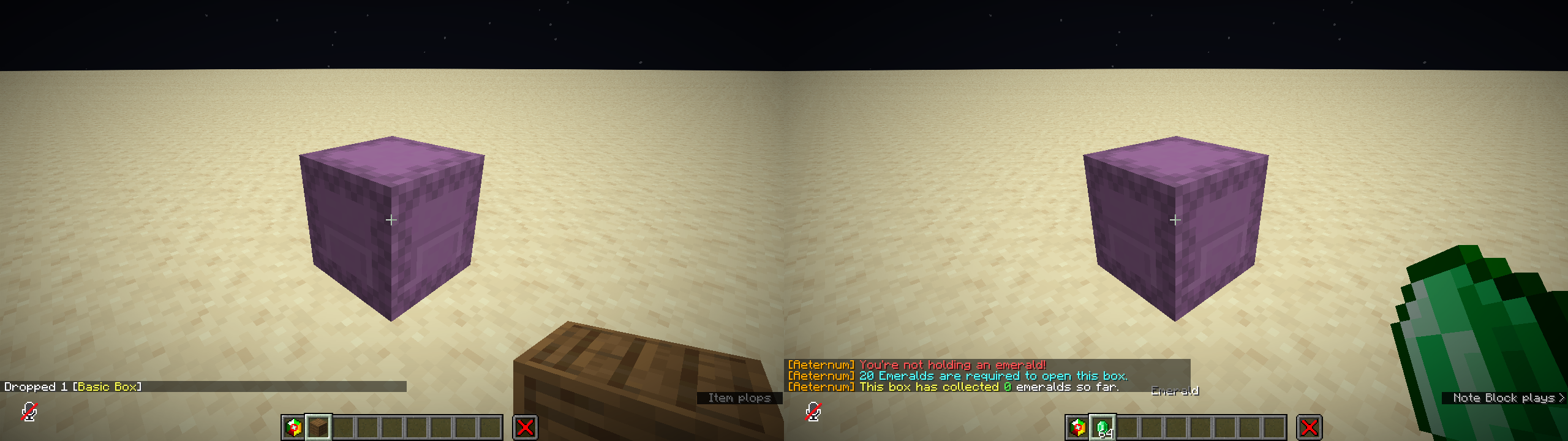
- When you get the box, you have to place it down
- When you right click the interaction entity, it will tell you how many emeralds are required to open the box, and how many emeralds it has recieved so far
- When you right-click the interaction with emeralds, the emerald item will be removed and a scoreboard in the interaction will increase by 1.
- When the scoreboard reaches a certain amount (20), the interaction entity is removed and the effect of the box (i.e. loot, explosion, etc) is given
- You can then open the box and get your rewards (advanced box only)
- Advanced Box Loot:
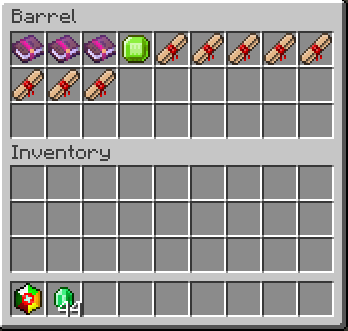
???
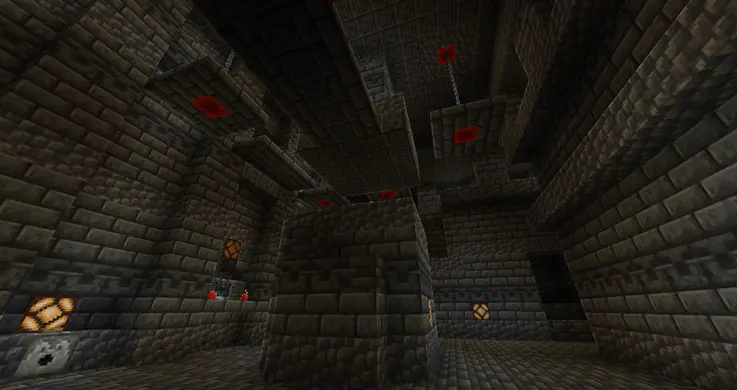
Soon™
Credits
Use /trigger aeternum.credits to view credits in-game
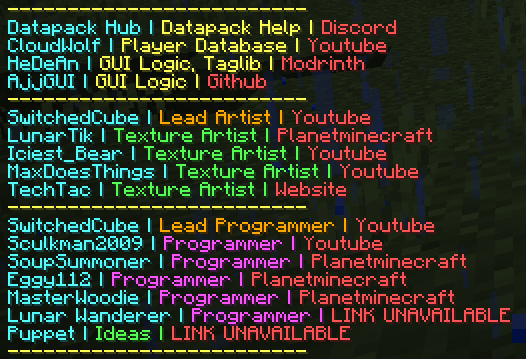
Did you know?
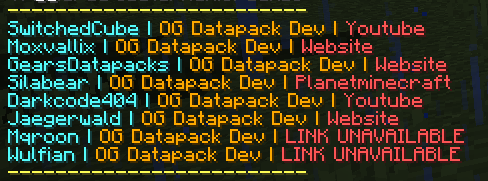
- Aeternum was a project that started in 2022, and was discontinued after a year. But now, i've remade it, and hope to show it to the world!
- Shout out to the OG Creators:
- "Aeternum" in latin means "forever"! How cool!
=<mark><mark>License=================================</mark></mark>
Aeternum © 2024-2026 by ShardGate is licensed under Attribution-NonCommercial-NoDerivatives 4.0 International
An exception is made for video content, which can be monetized. However,
video creators must give appropriate credit by leaving a link to this page and/or the ShardGate discord in the video description.