
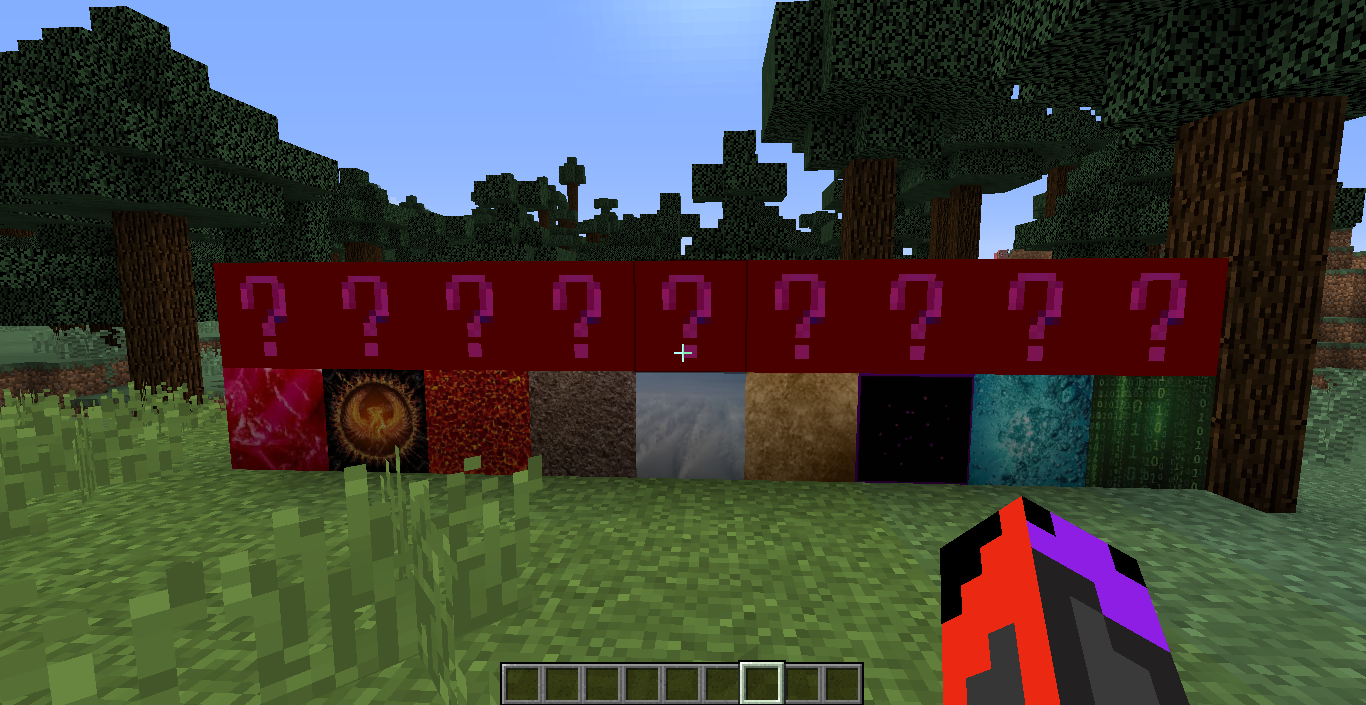
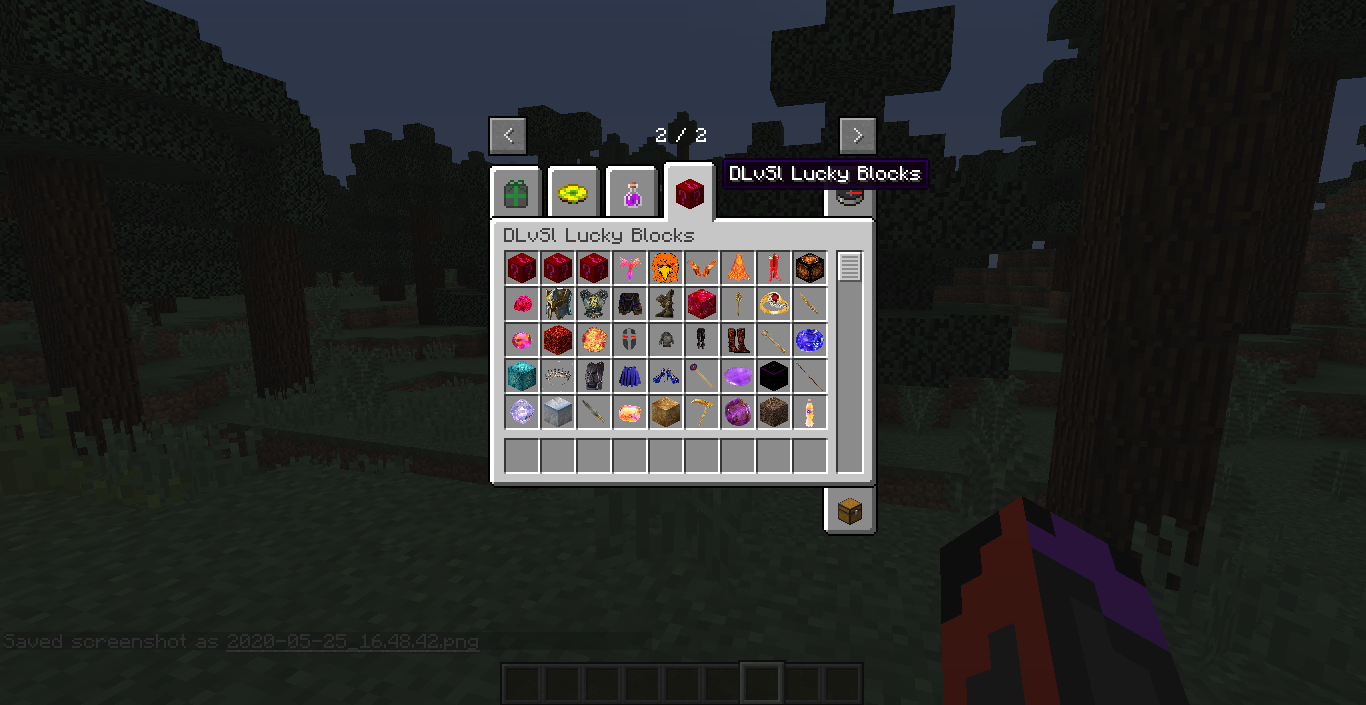
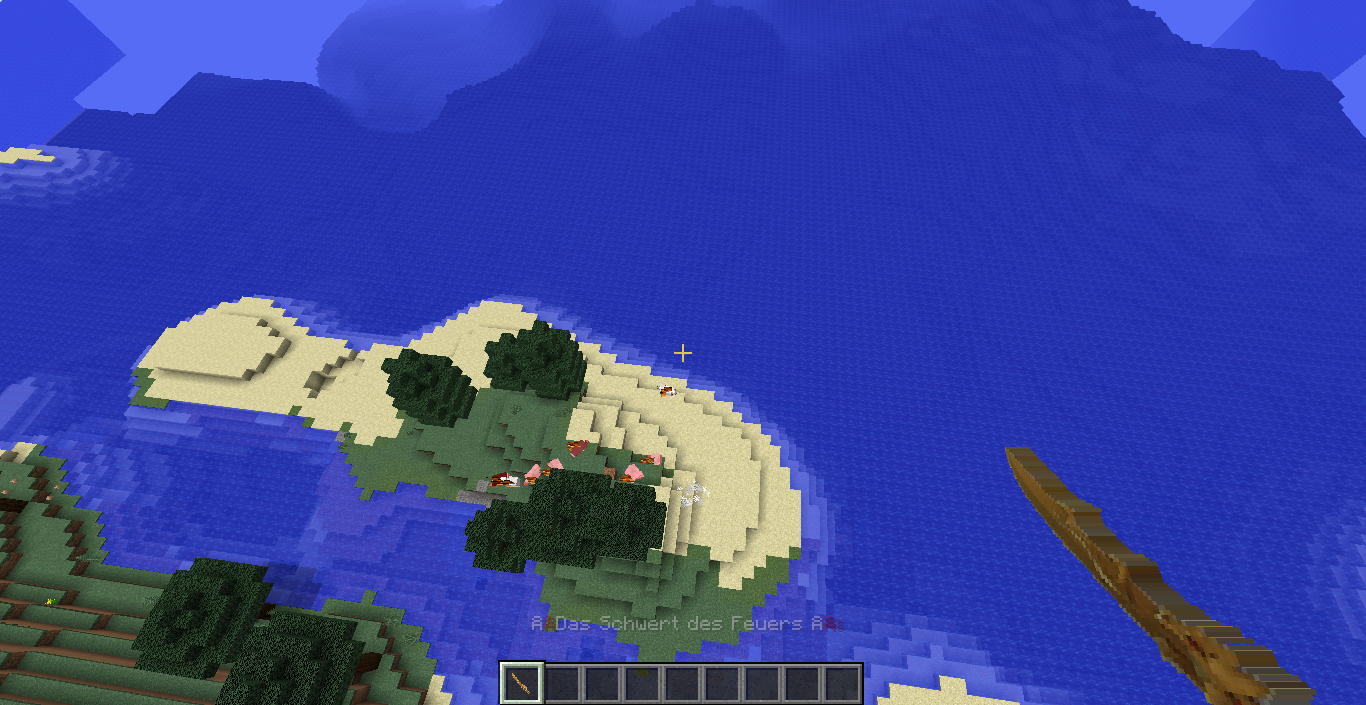
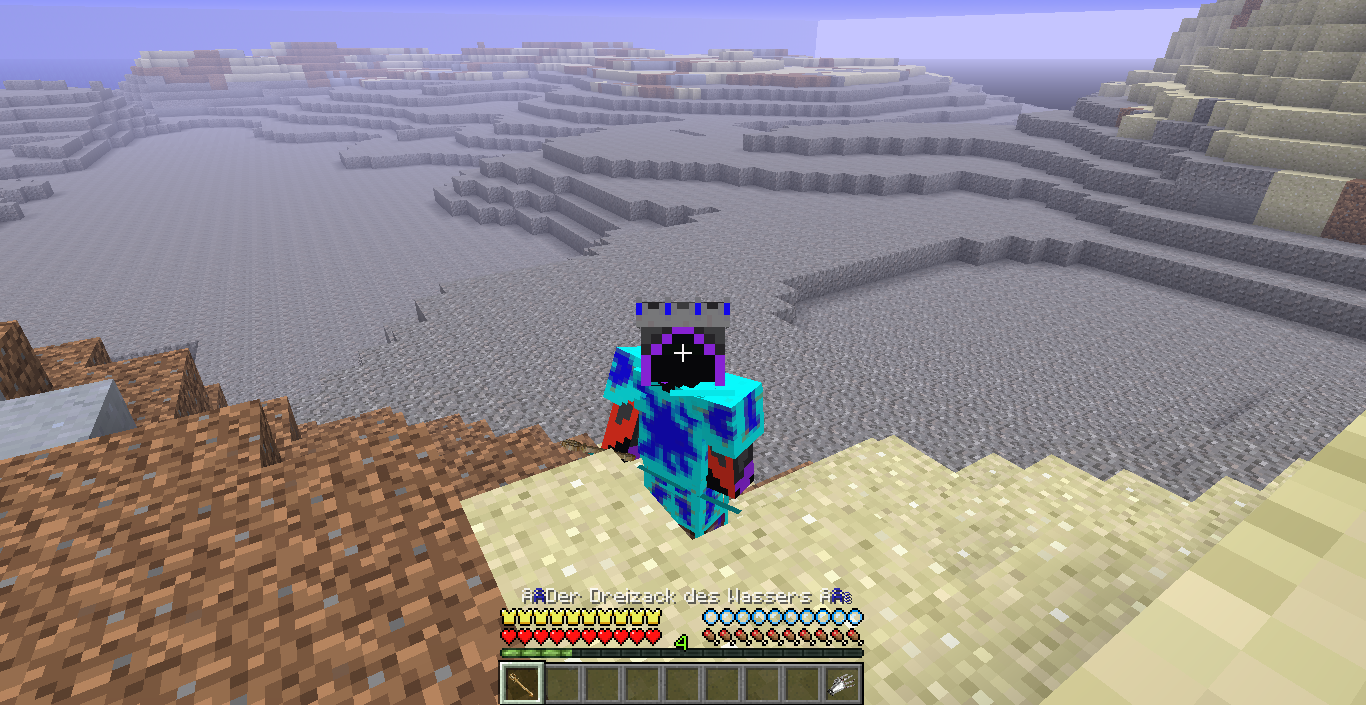
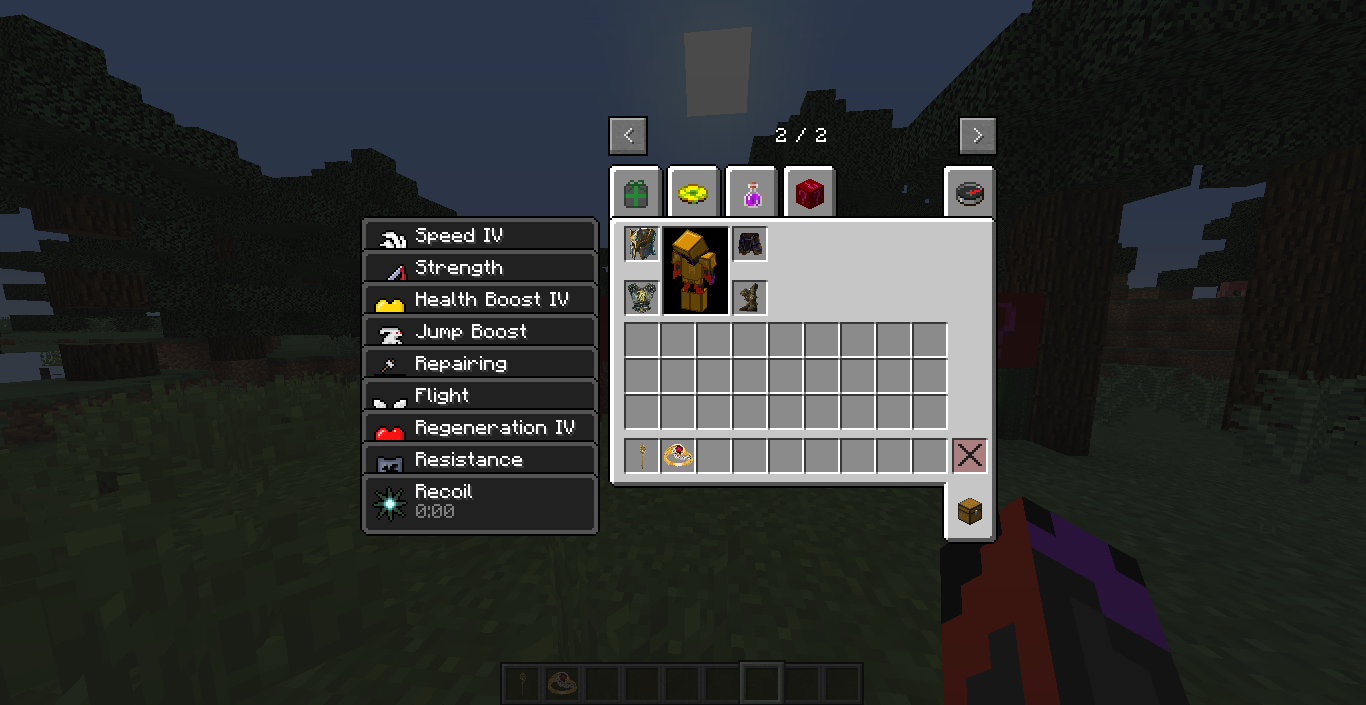
Description
CHECK OUT MY LATEST LUCKY BLOCK: LUCKY BLOCK UNIVERSE
It´s a Lucky Block to my story: "The Legend of Superlandia"
You can find the story here (in German):
BUT: The Block and story are in GERMAN.
Maybe, I´ll upload a English version in future too...
And, of course, you need Minecraft Forge for 1.8.0. The directions, how to install the Lucky Block, you find, if you scroll down this page.
Mods (Version 1.8.0) :
Needed:
Empfohlen:
Not Enough Items (Mod for 1.8.0) USE it for looking up the recipes!!! (You need for that the CodeChickenCore) IMPORTANT: DOWNLOAD IT FOR 1.8.0
The new texture of the Lucky Block is by FireCreeper21
To install the Lucky Block mod, you need to download Minecraft Forge (with the link above). It is recommended that you run the Minecraft Forge installer for a simple install process. Lastly, you must place the Lucky Block Mod file, and the other mod-files (Links above) in the .minecraft/mods folder (if it isn´t there, create it!). Then create an addons folder in .minecraft. In this folder you create a folder Loot++ and a folder lucky_block. In the lucky_block folder, you put the ZIP-File of the Superlandia Lucky Block (or anotherone). Then you have to right-click and take the button extract all. Press extract and wait. When the window is closed, delete the ZIP-File and open the Minecraft Launcher. Create a new profile of the version forge-1.8.0 (search it in the versions-list). Then play this profile.
If you did all right, there has to be my Lucky Block, if you play a world. HAVE FUN with it.
The Superlandia Lucky Block Team

