There is a standalone mod version that also replaces the NeoForge early loading:
Stargate Early Loading
Stargate loading for Drippy Loading Screen is discontinued.
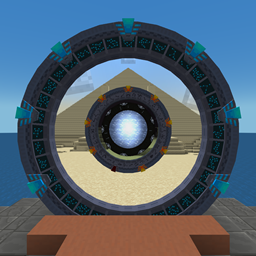
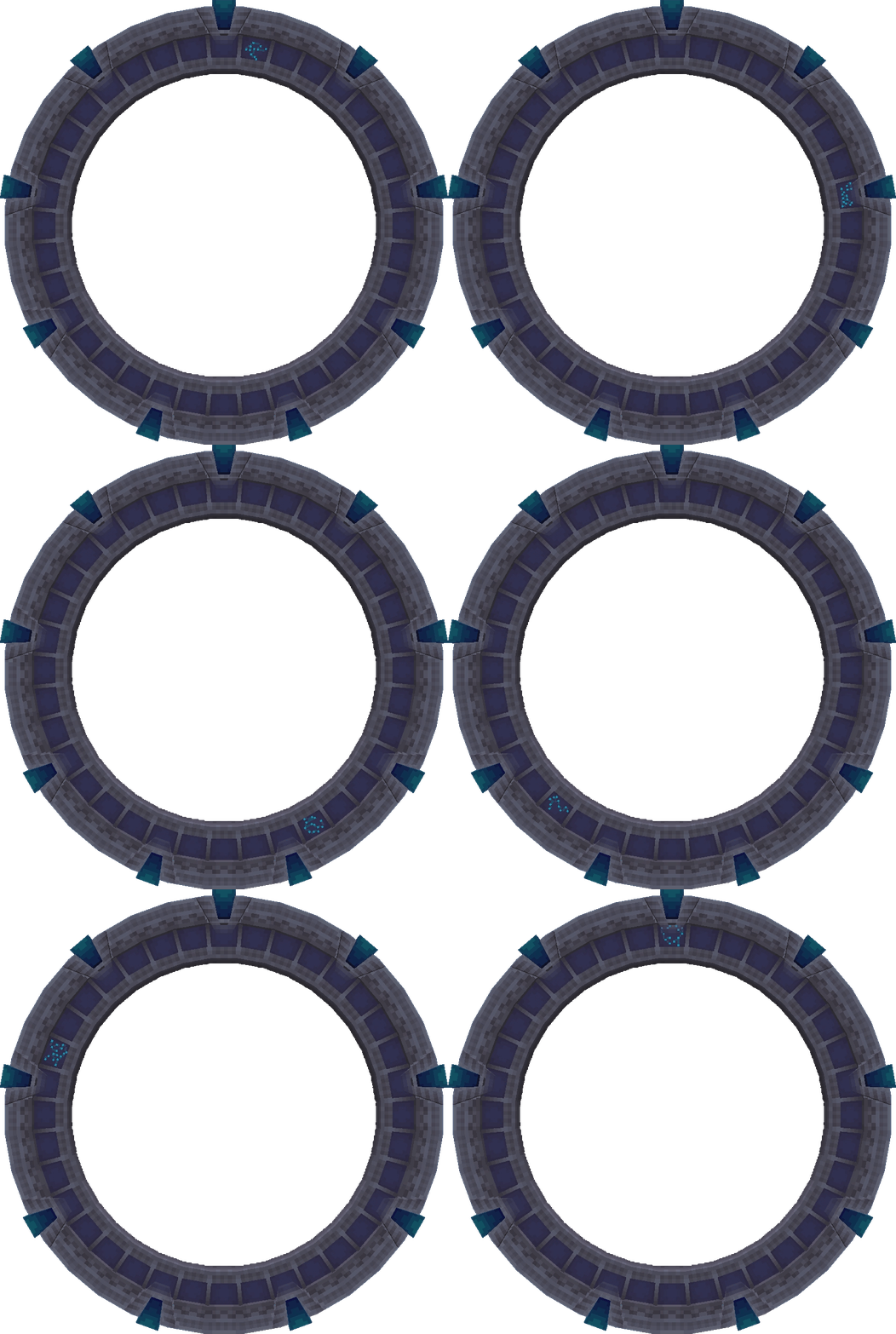
Replaces the default Minecraft loading screen with a static Stargate image that lights upchevrons based on the game loading progress.
You can install more than one variant, in that case, random variant will be chosen on each loading.
Stargates are from Stargate Journey mod by Povstalec and Refreshed variants from Stargate Journey: Refreshed resource pack by SGUDest1ny.
The main file of each version is always the loading screen with the Milky Way Stargate loop animation.
Other variants are available in additional files; each must be installed manually (click on the version, scroll down a little, and check the Additional Files section).
Requirements
These mods need to be installed for the loading screen to work.
Setup
The main file of each version is always the loading screen with the Milky Way Stargate loop animation.
Other variants are available in additional files; each must be installed manually (click on the version, scroll down a little, and check the Additional Files section).
Installation steps:
1. download the zip archive with the desired loading screen
2. open the archive
3. locate your installation folder (the folder where folders like config, mods, saves, etc. are - in CurseForge launcher, left to the play button, click the three dots, and select open folder)
4. copy the config folder from the archive into your installation folder
(5.) In case you are manually adding FancyMenu into your modpack, go to config/fancymenu/options.txt and set B:modpack_mode = 'true'; that will hide the toolbars for customization.
Milky Way Stargate Animated loop
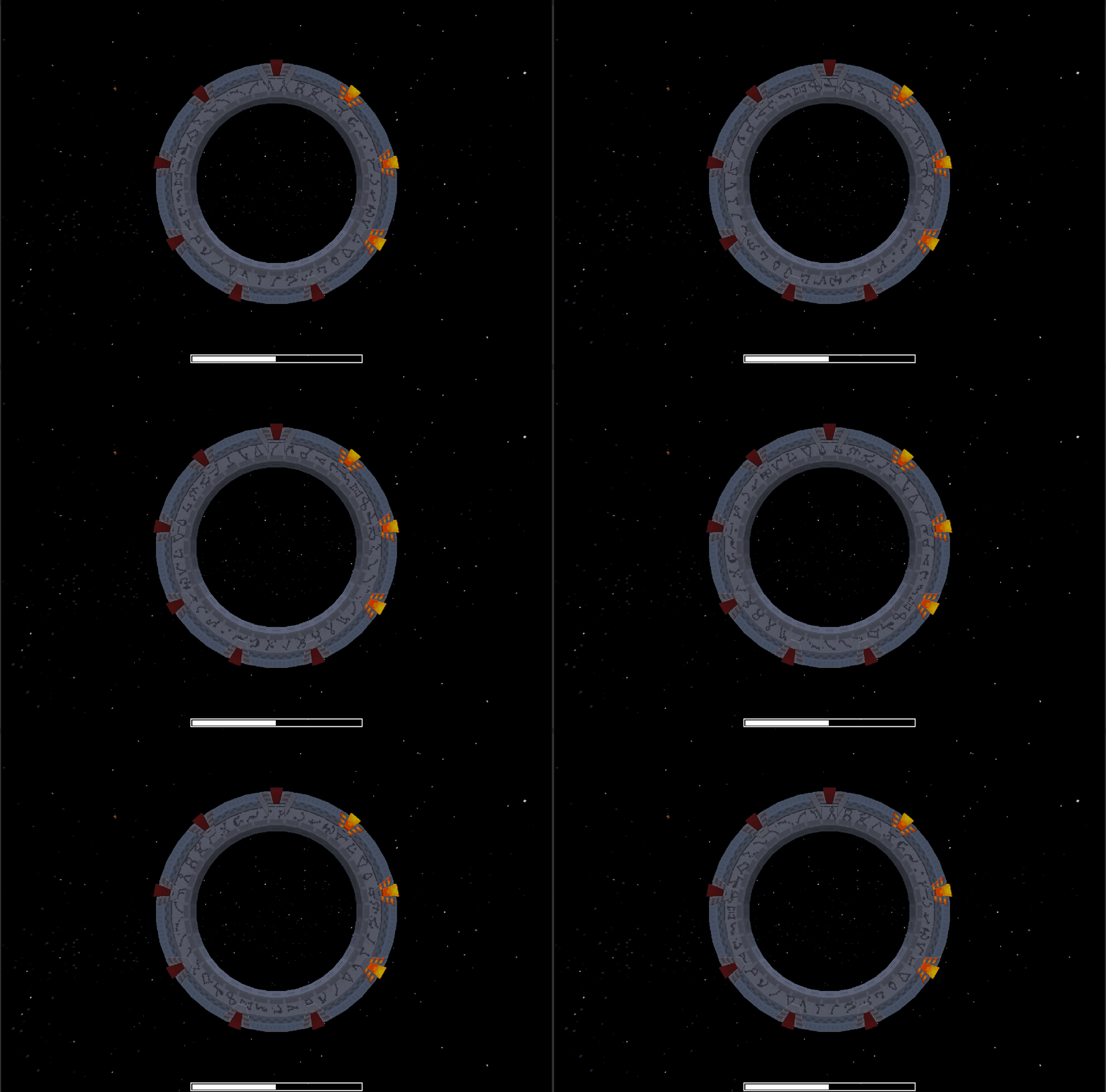
Pegasus Stargate Refreshed animated
Pegasus Stargate Refreshed animated loop
Stargate Journey Loading Screen Team


Owner