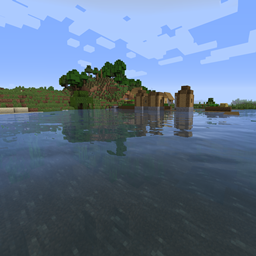
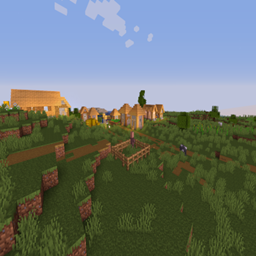
Sildur's Vibrant shaders
- By
Very optimized shaderpack for MC: Java edition, around since 2012! Runs on any hardware and supports every MC version since 1.7.10.
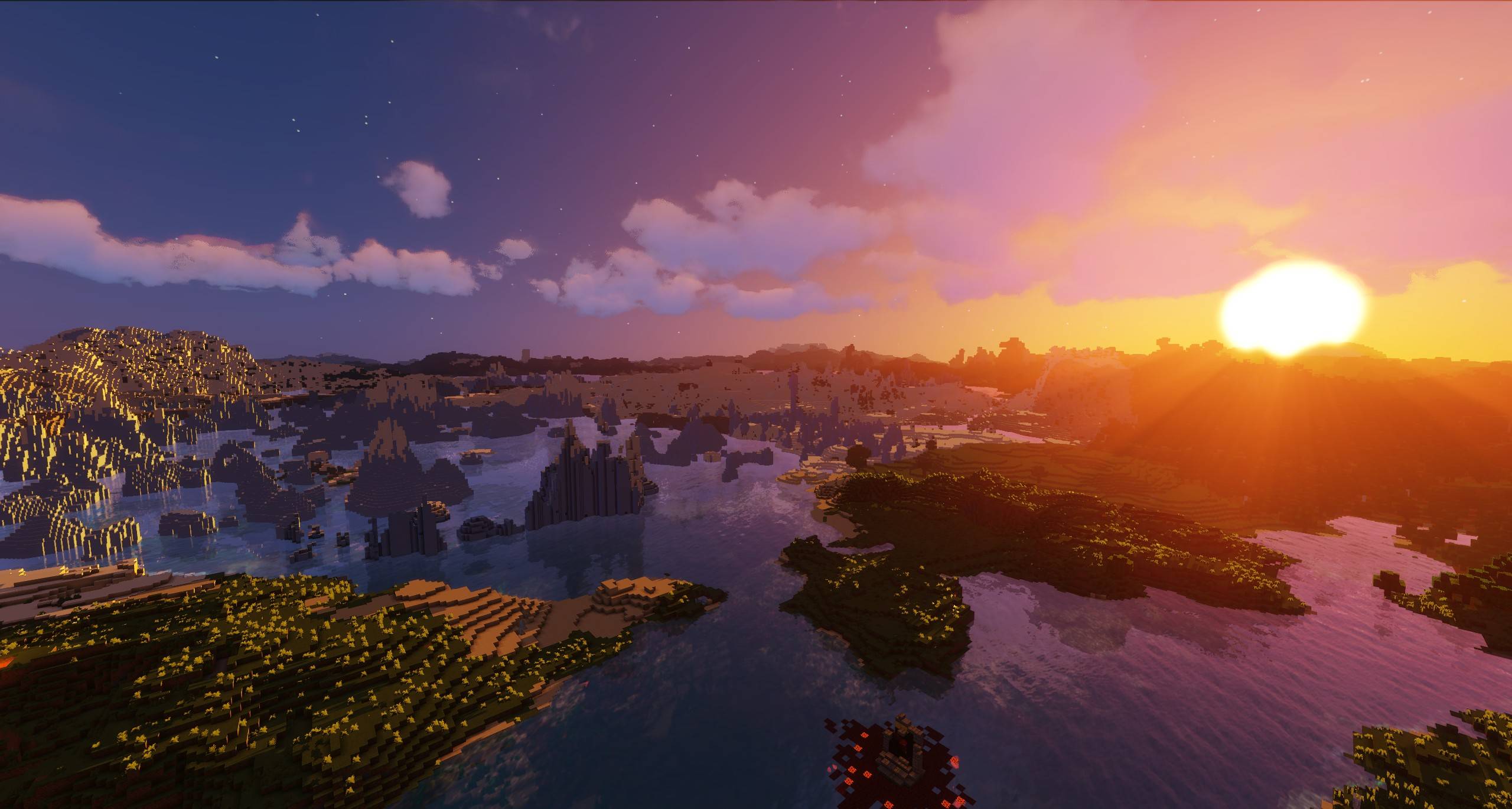
Distant Horizons 1
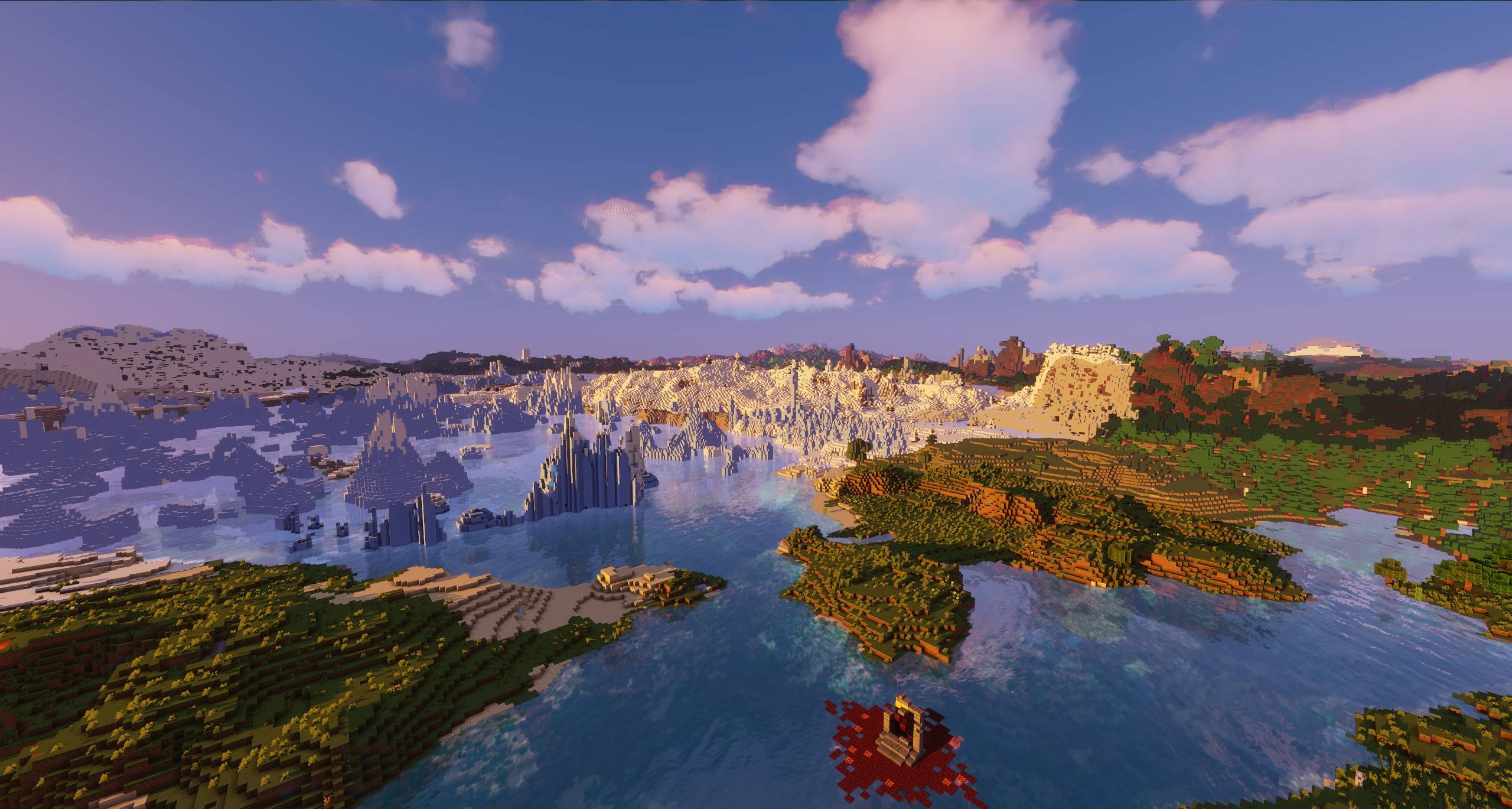
Distant Horizons 2

Distant Horizons 3

Vibrant Shaders v2.0
Description

Sildur's Vibrant Shaders
Official Website & Changelogs | Patreon Support
Enhanced Default | Basic Shaders
About:
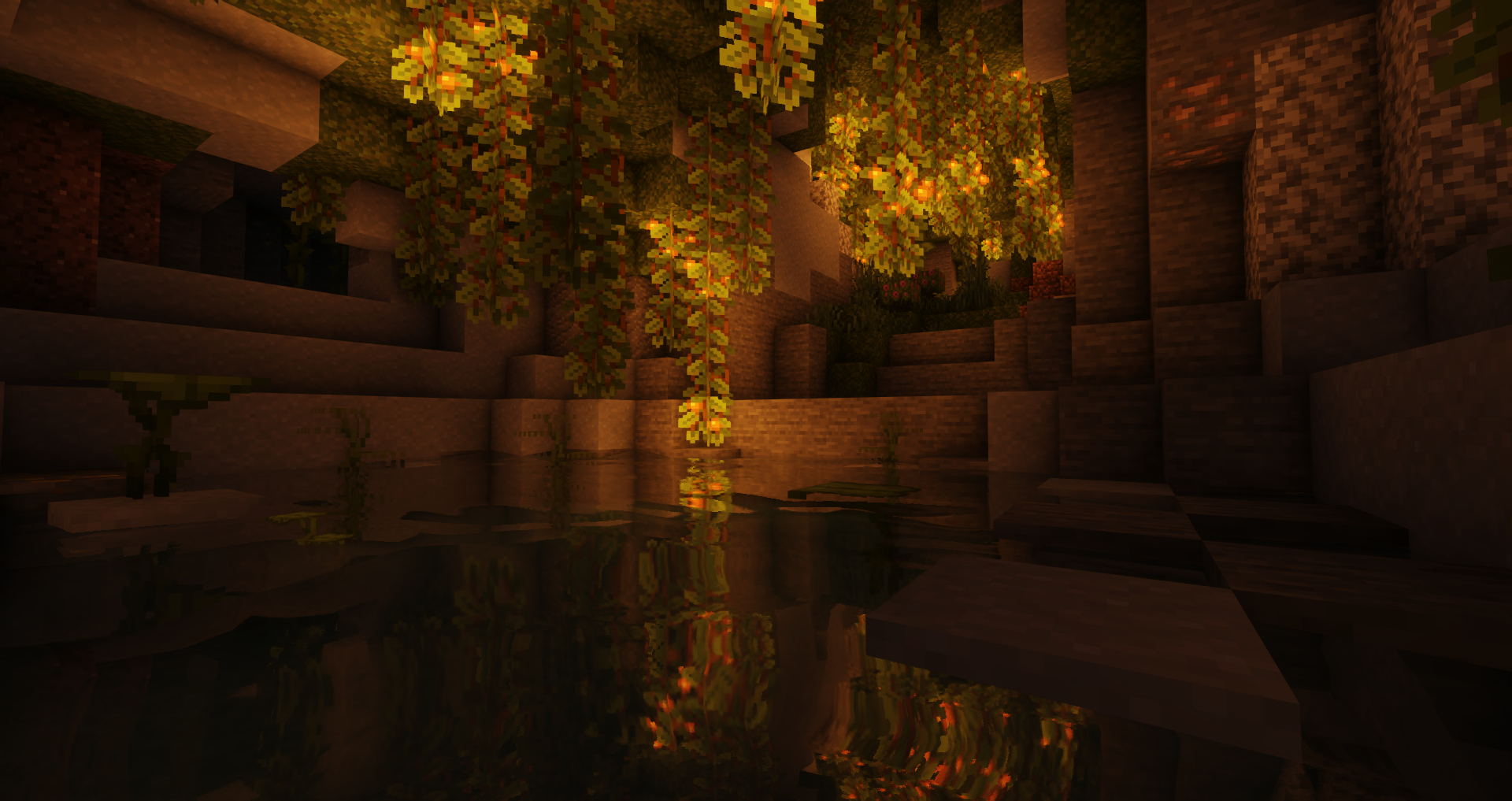
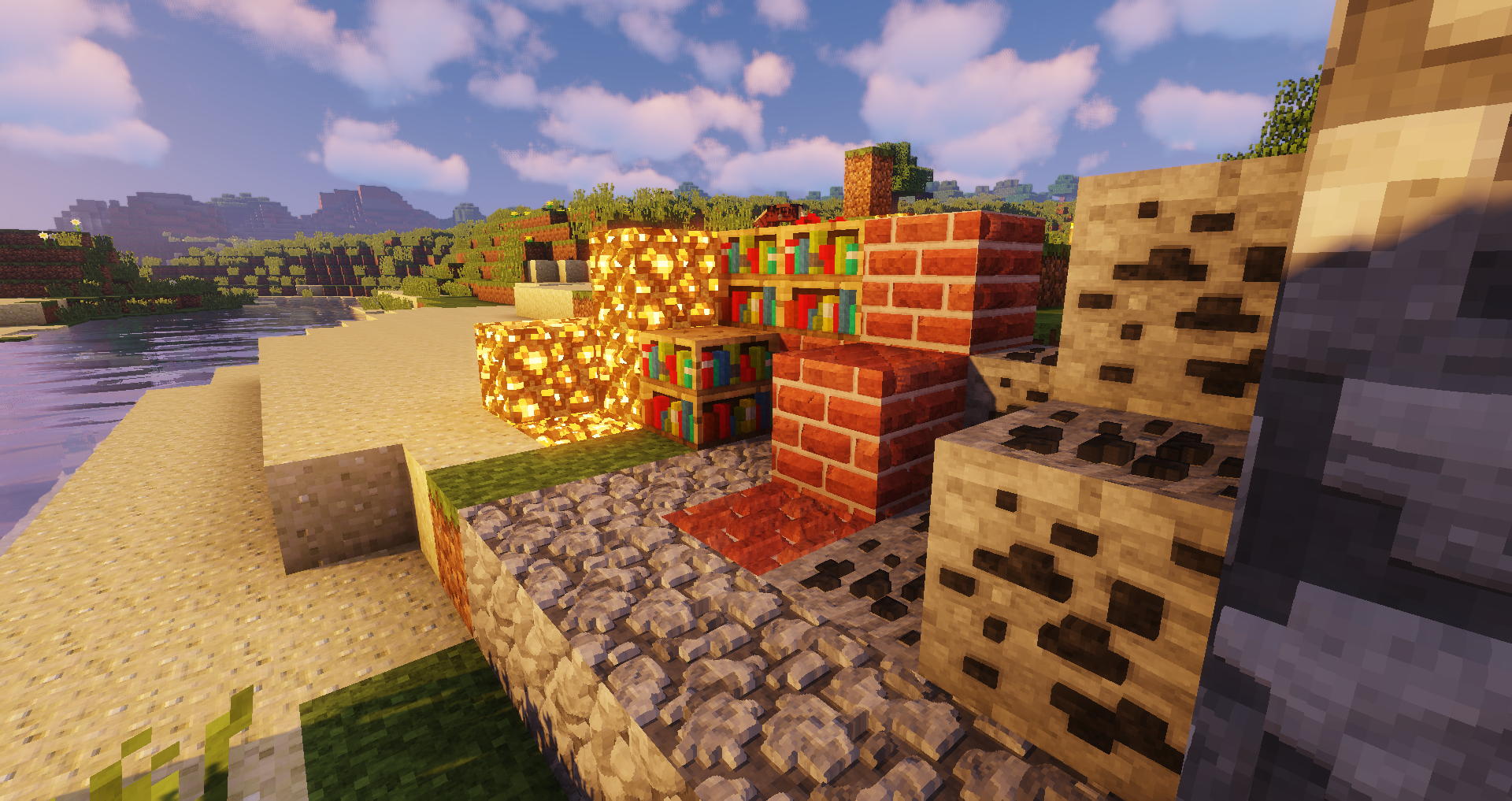
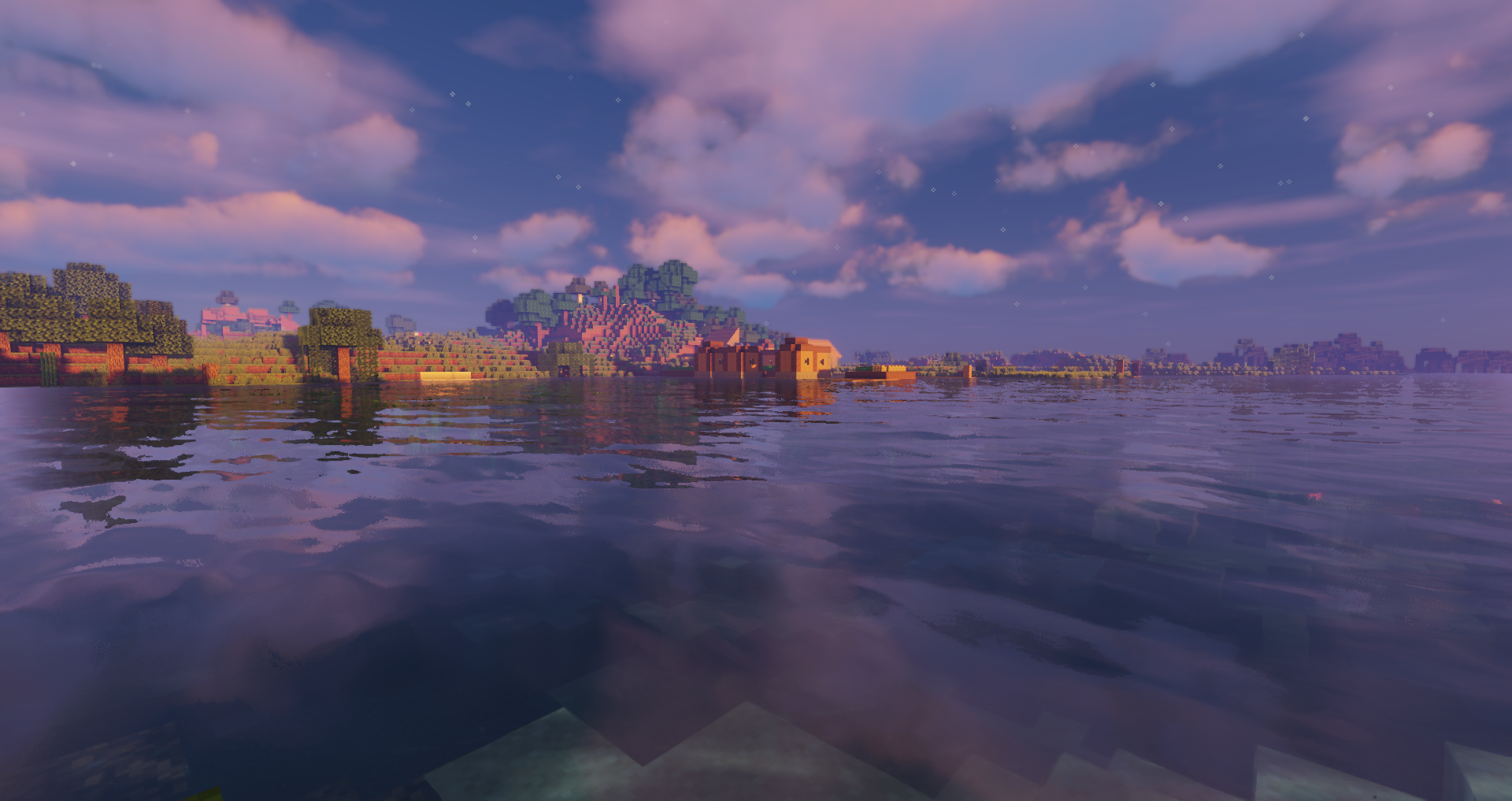
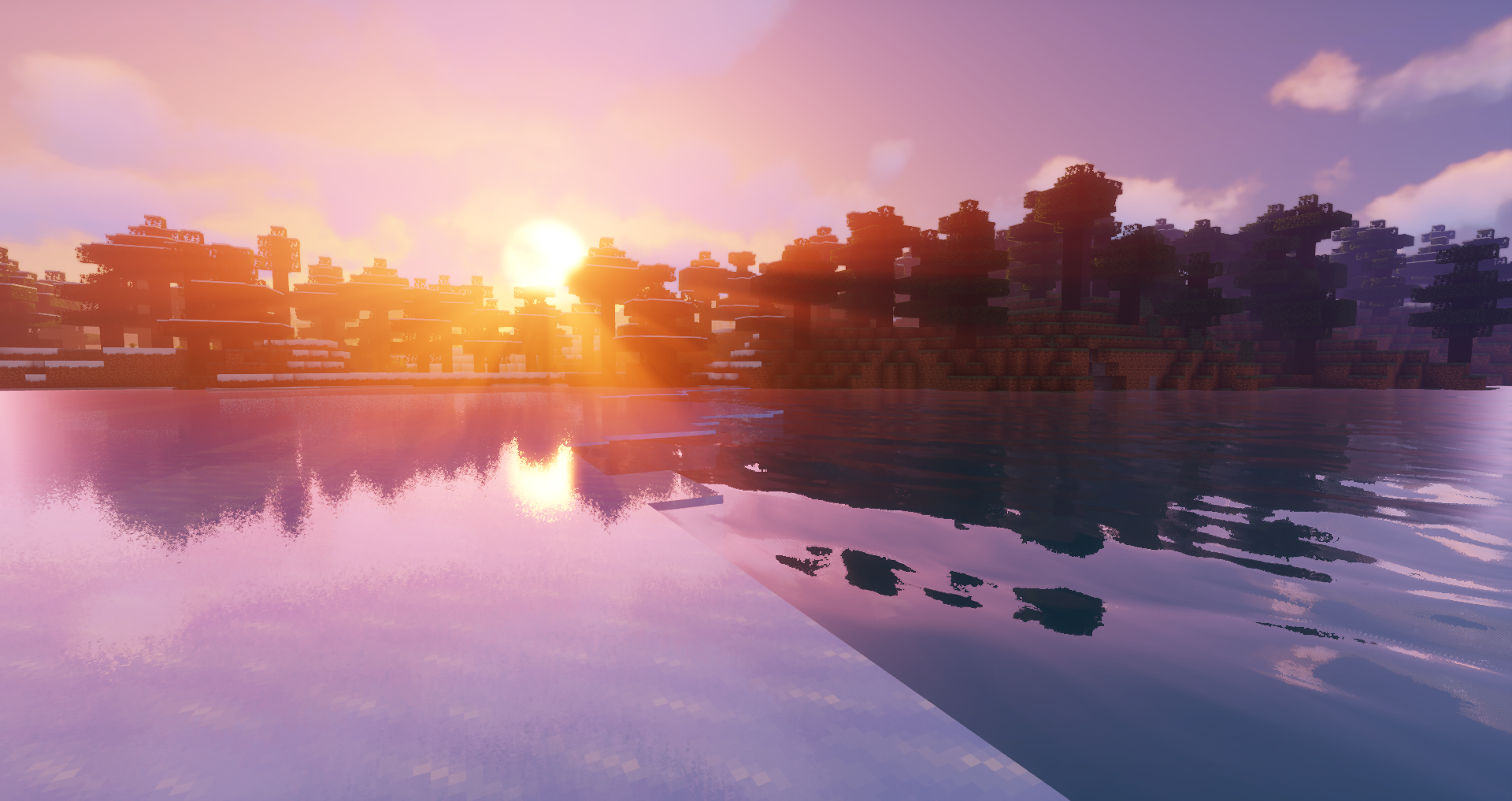
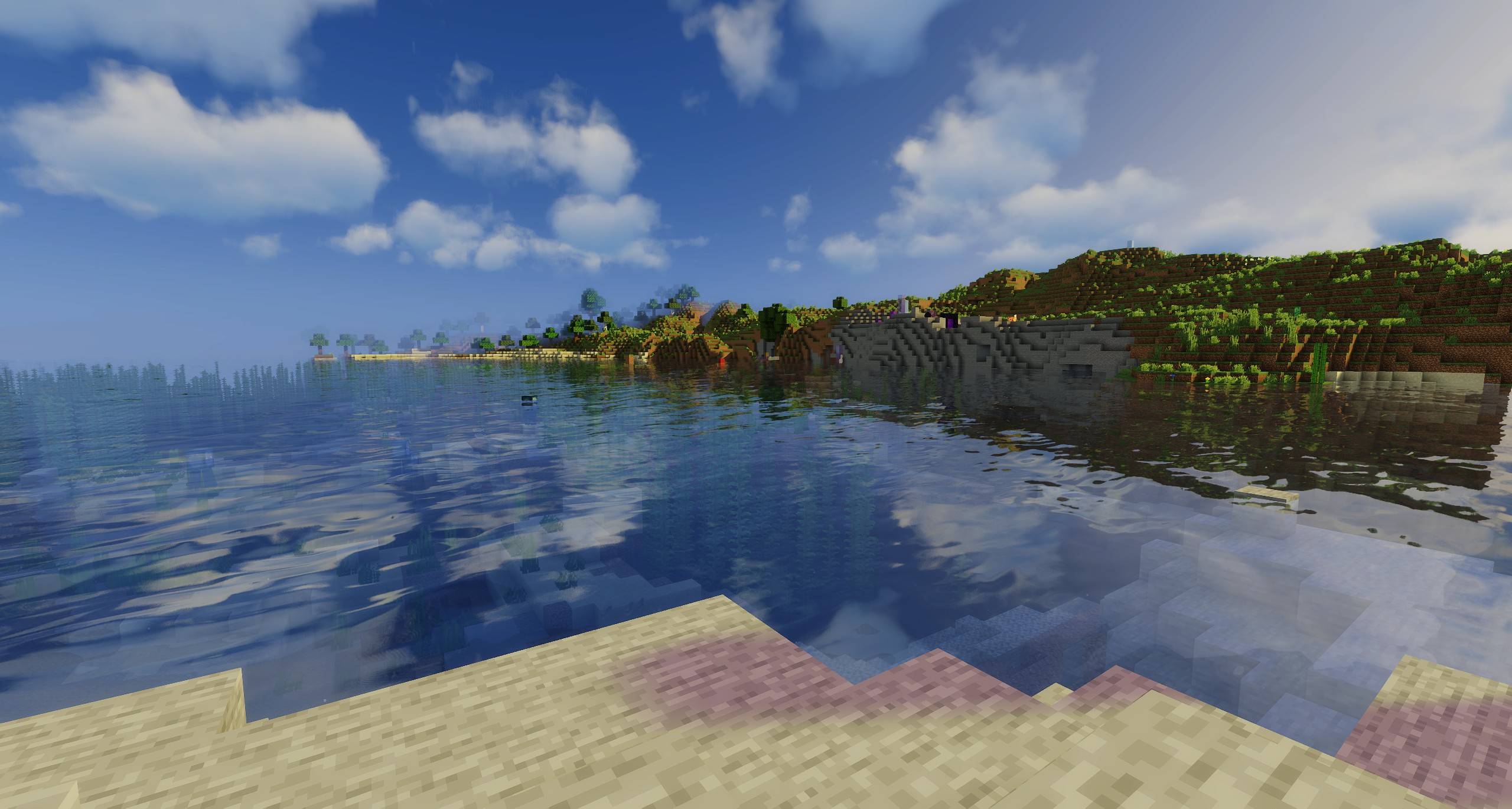
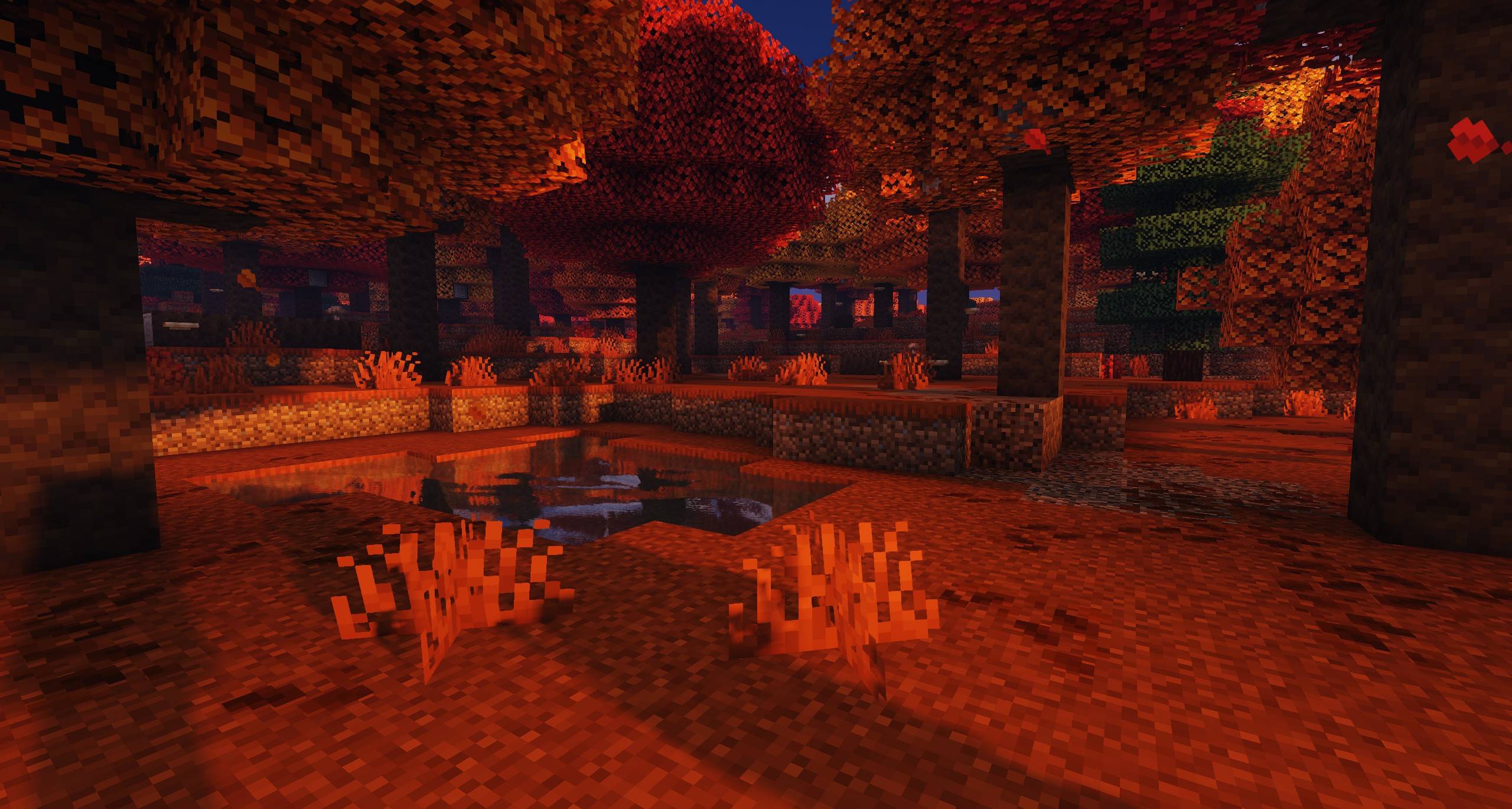
Sildur's Vibrant Shaders have been around since 2012. The pack completely revamps the lighting system of minecraft and adds advanced effects like volumetric lighting, bloom, ambient occlusion and reflections. While still maintaining high performance and compatibility with many systems, like mac and intel gpus. It comes in different presets, medium or high should work fine on a GTX 960.
Compatibility:
- Support for Distant Horizons and Voxy
- Minecraft Versions: 1.7.10 up to the latest release
- Supports: Iris and OptiFine
How to Install via Iris:
- Download and run the Iris Installer.
- Select "Iris and Sodium", choose your Minecraft version, and install.
- Open the Minecraft Launcher and select the new Iris profile.
- Launch the game, go to Options -> Video Settings -> Shader Packs.
- Click "Open Shader Pack Folder" and drop the Sildur's Shaders .zip file inside.
- Select the pack from the in-game list.
How to Install via OptiFine:
- Download and run the official OptiFine jar file to create an OptiFine profile.
- Open the Minecraft Launcher and select the new OptiFine profile.
- Launch the game, go to Options -> Video Settings -> Shaders.
- Click "Shaders Folder" at the bottom of the screen.
- Drop the Sildur's Shaders .zip file inside and select it in-game.
Permissions:
You are not allowed to edit, copy code, or redistribute this shaderpack under a different name or claim it as yours.
Modpack Policy:
Permission is not required for modpacks hosted on CurseForge or Modrinth. You may freely add this shaderpack as long as you use the platform's built-in system. Do not bundle or re-host the raw .zip file inside your project download.
Socials & Support:
Sildur's Vibrant shaders Team

Owner