

Description
Make sure to install both the Datapack and the Resource pack!
As without it you will not see the custom items.
This Datapack adds in different hero classes
to use and level up in survival
Hero Classes:
- [ Wizard ] A fiersome fighter, Utilizing magic in combat
- [ Feline ] A ferocious warrior, Using claws instead of swords
- [ Cyborg ] A talented scientist, Wielding ingenius inventions
- [ Undead ] A powerful being, Possesses the ability to summon undead
- [ Incognito ] A sneaky robot, Knows everything about everyone
- [ Enchanter ] A cryptic mage, Capable of damaging but also healing
- [ Shard Sage] A almighty sage, Limited by only their low health
- [ Discoverer ] A hero in disguise, And sometimes a cat
- [ Summoner ] A powerful duelist, Wielding only the best cards
- [ Bombslinger ] A whacky figther, Throwing bombs anywhere possible
- [ Shieldmaster ] A fighter taking defence. to offence
- [ Raider ] A pillager who leaves no chest unlooted
- [ Steampunker ] A smart avian, utilizing steampowered contraptions
How to get started:
Type '/trigger start' to choose your class
Then throw together a stone sword + a book to get the Powercraft guide.
First you will need the assembler, craft that as its listed in the guide
Then start crafting the gems. (The recipes are shown in in the guide)
Using the Green Blue and Purple ultium gems you can use your powers.
Using the White ultium gems you can level your class up to level 5.
Using the Black ultium gems you can level up past level 5
Using the Red ultium gems you can reset your class
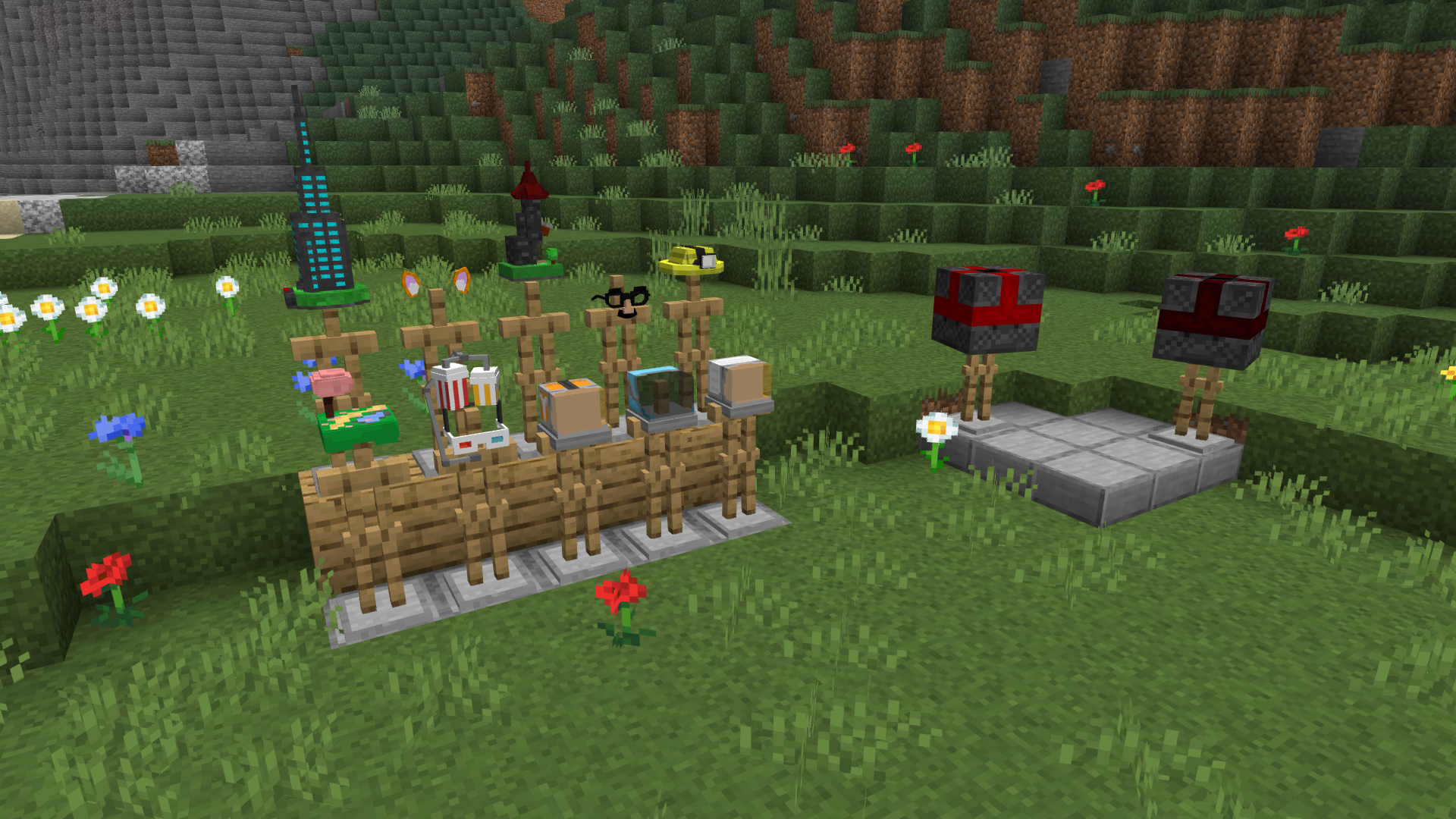
You can use /trigger sethat set (1-12) to get hats!
if you want to check out the aftermath without making various items to get there, use:
/execute in powercraft:the_aftermath run tp 0 250 0
Installation Guide:
- To install go to your worlds folder, and put the powercraft datapack in there
- Then go to your resource packs folder and makesure "Powercraft Textures" is in there.
- then go to minecraft, enable the resource pack via settings > resource packs > enable the pack
A big thanks to the Adventurecraft community for helping test this pack!
PowerCraft Team