Thanks to Adri526.
Description
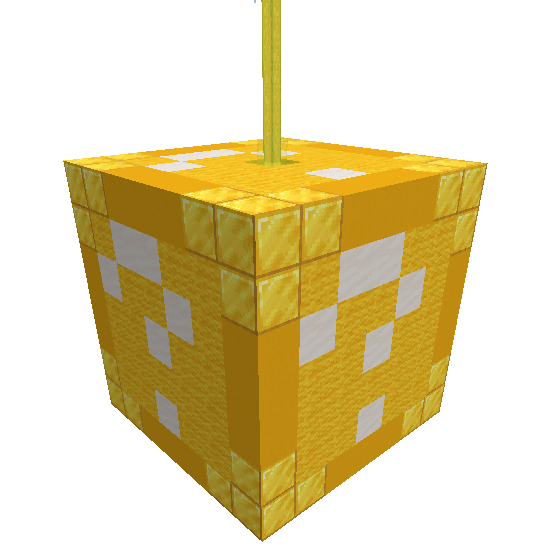
Luckyblocks Datapack
After the first version in 1.13 with many bugs, here is the version in 1.14 with new events, new features and customization possibilities.
There are currently more than 150 events with different categories.
Read the License before any use. If you find any bugs, please contact me.
If you want to re-upload the datapack, please contact me.
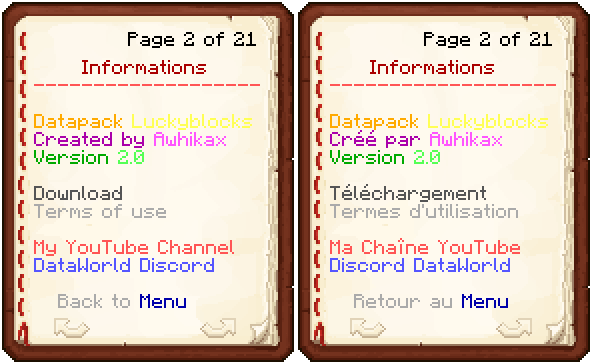
If you find bugs or have problems, any questions, suggestions or anything else, you can contact me using private message or on DataWorld's Discord.
Trello : https://trello.com/b/bpfGnQd1/luckyblocks
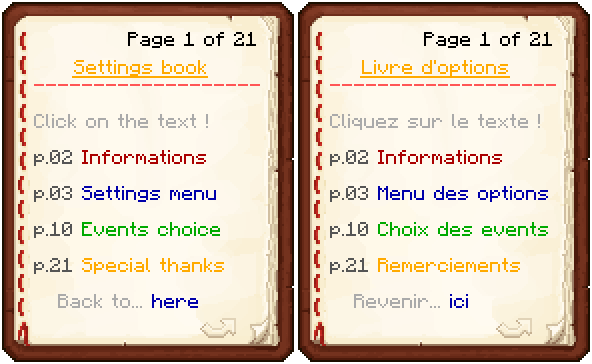
Use /function luckyblocks:book to get the settings book.
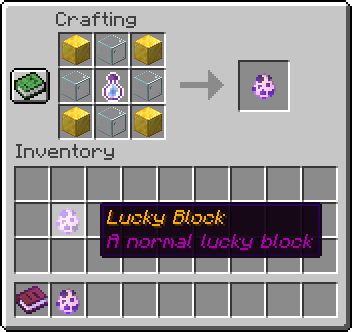
Crafting :
Features :
More than 100 events with structures, entities, items...
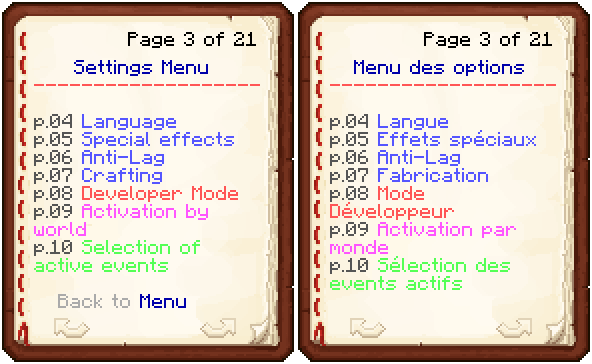
Language selection : English or French.

Activate or not special effects (rotation and particles).
Anti-Lag that prevents chain reactions.
Possibility of authorizing or not the crafting.


Choose the worlds in which luckyblocks can be used.


Select the type of events you want, one by one.
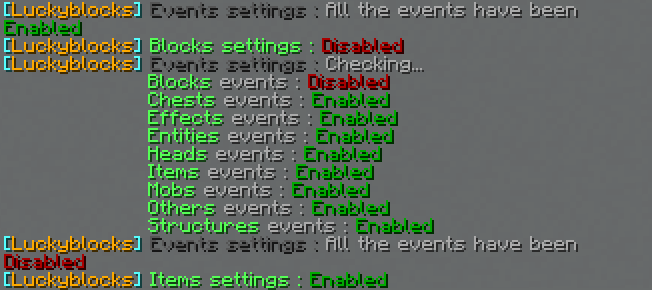
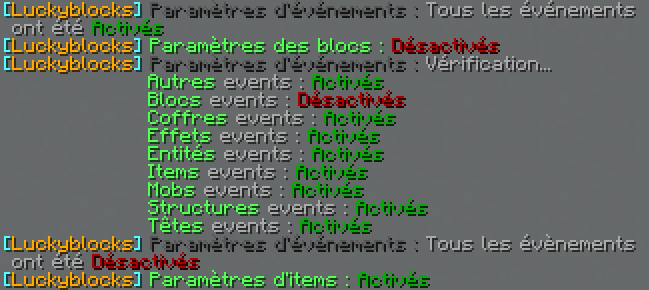
More informations in game, using the datapack.
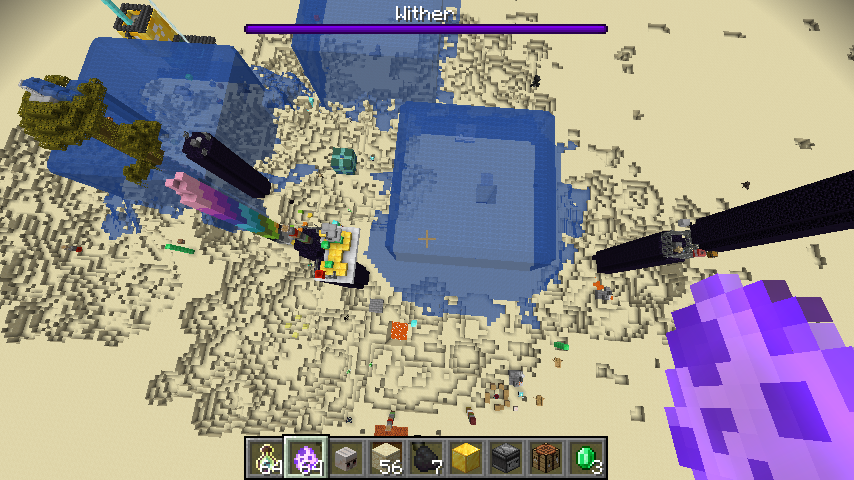
A few events :
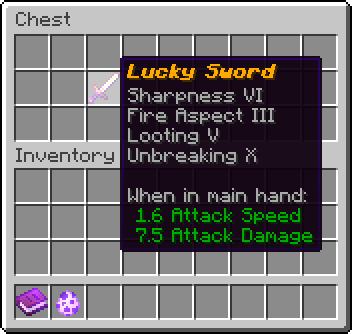
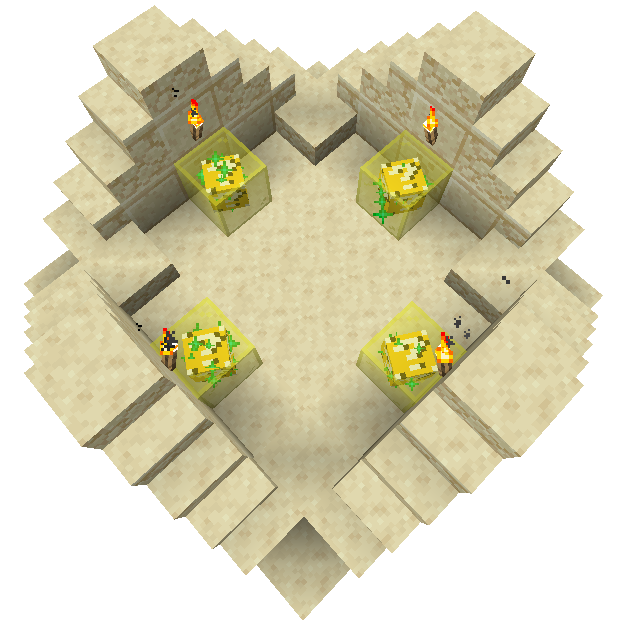
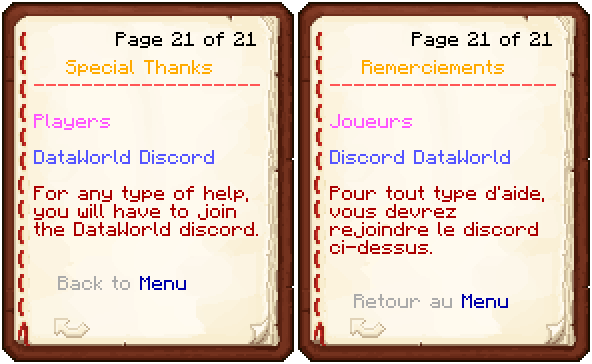
All the settings book :
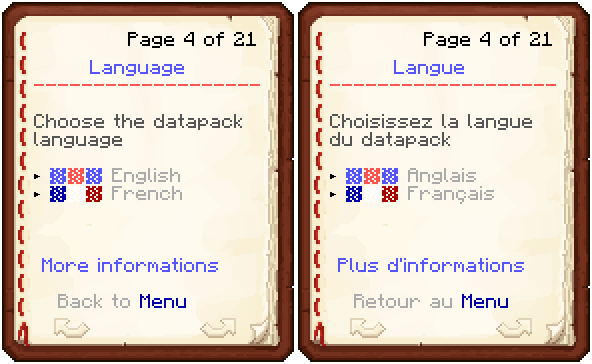
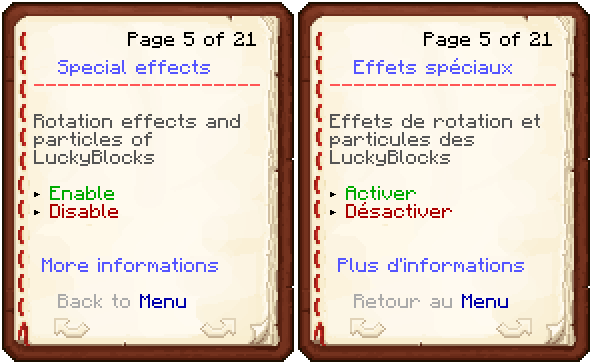
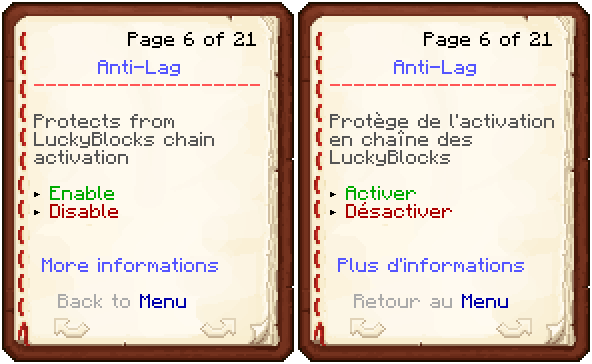
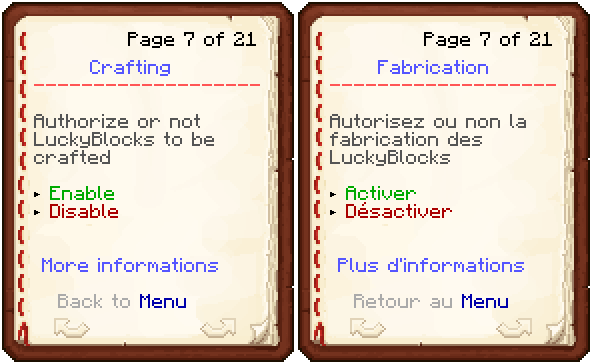
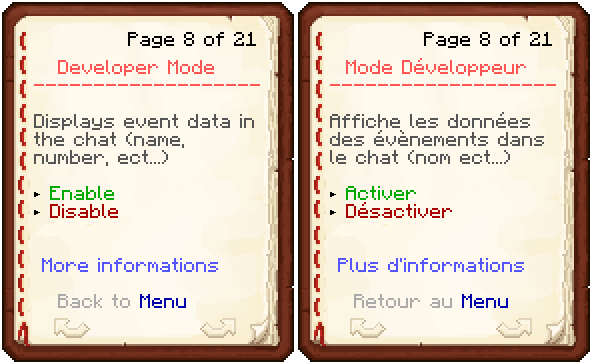
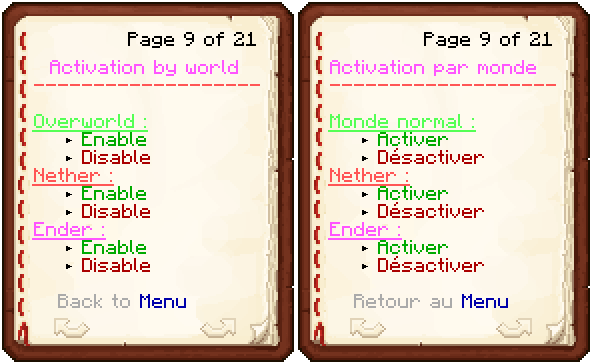
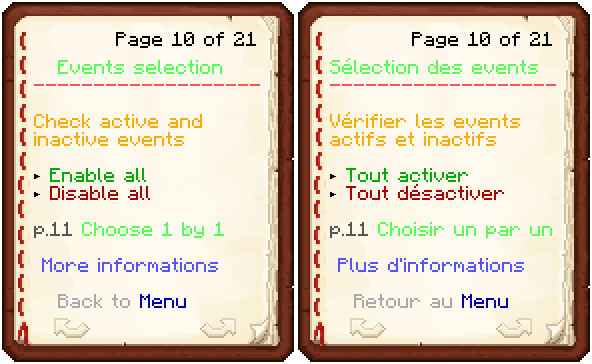
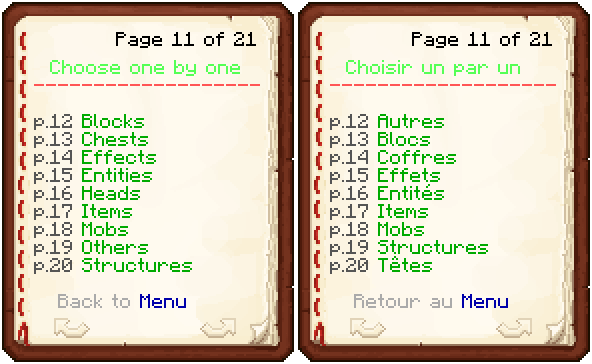
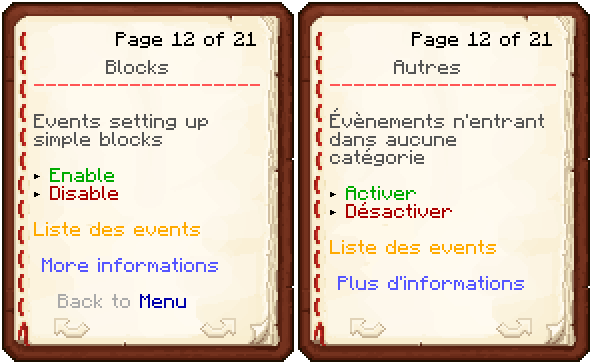
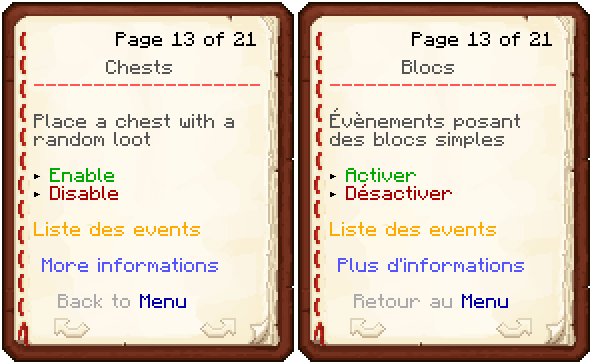
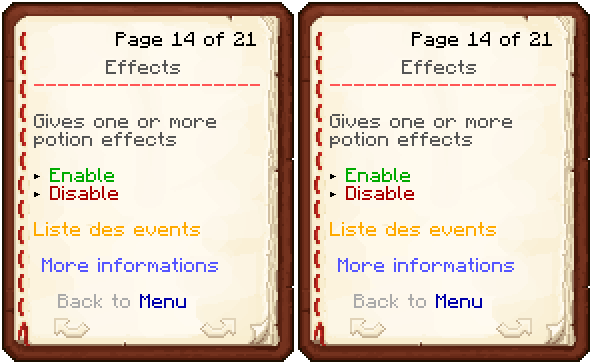
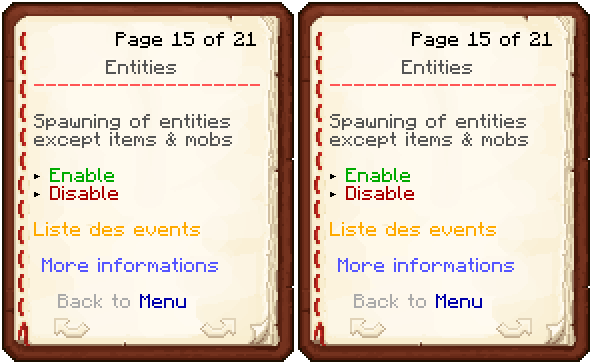
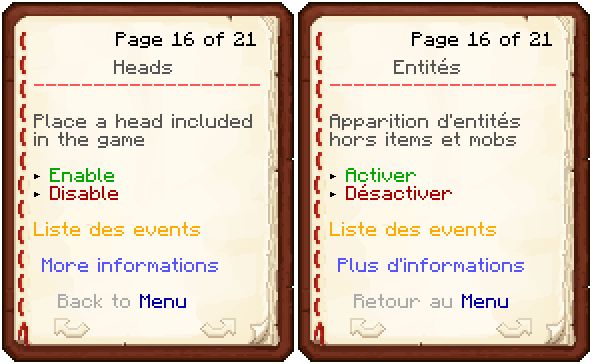
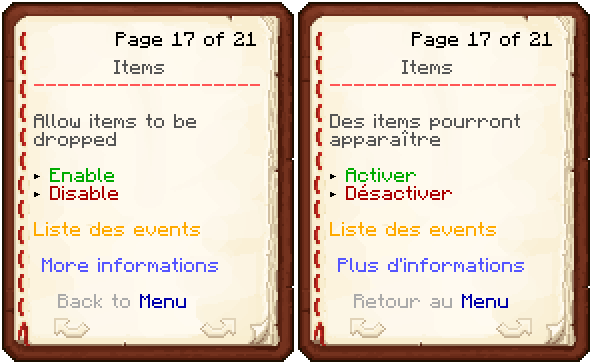

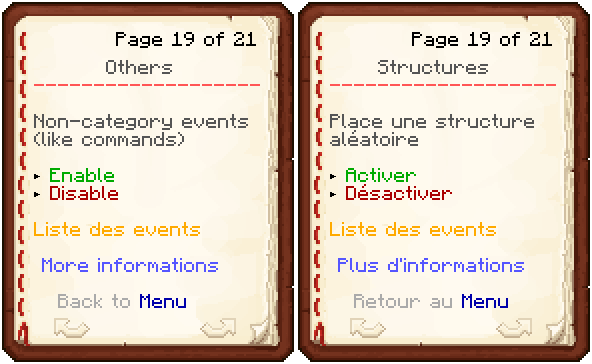
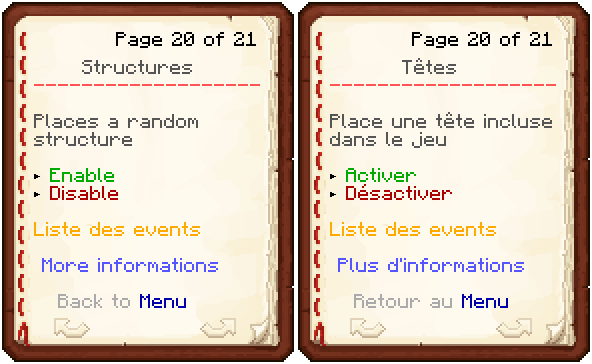
How to install :
1. Download the datapack.
2. Launch Minecraft and select the world on which you want to install the datapack.
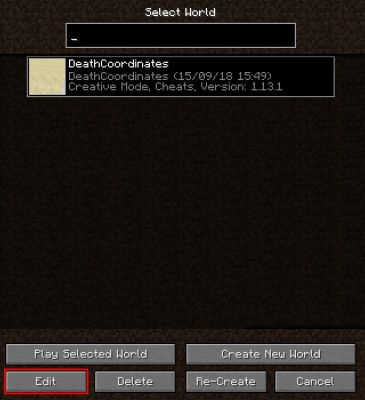
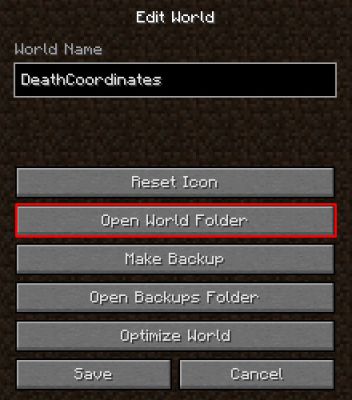
3. Click on Edit and next on Open World Folder.
4. In the open folder, find the datapacks folder. If your map is less than 1.13 dated, you will need to create it.
5. Open the datapacks folder and put the datapack in it.
6. Launch your Minecraft world.
You don't need to unzip (extract) the datapack.
Presentation videos :
English :
French :
Notes & Credits :
This is not the final version of the datapack. This means that some bugs may happen.
If you find bugs or have problems, any questions, suggestions or anything else, you can contact me using private message or on DataWorld's Discord.
Thank's to Aragorn1202 who helped me to create the datapack's structures.
Thank's to DataWorld's discord for their help for some commands.
The Luckyblocks datapack Team