


EasyImmersiveRoleplay (datapack+resurcepack)
- By
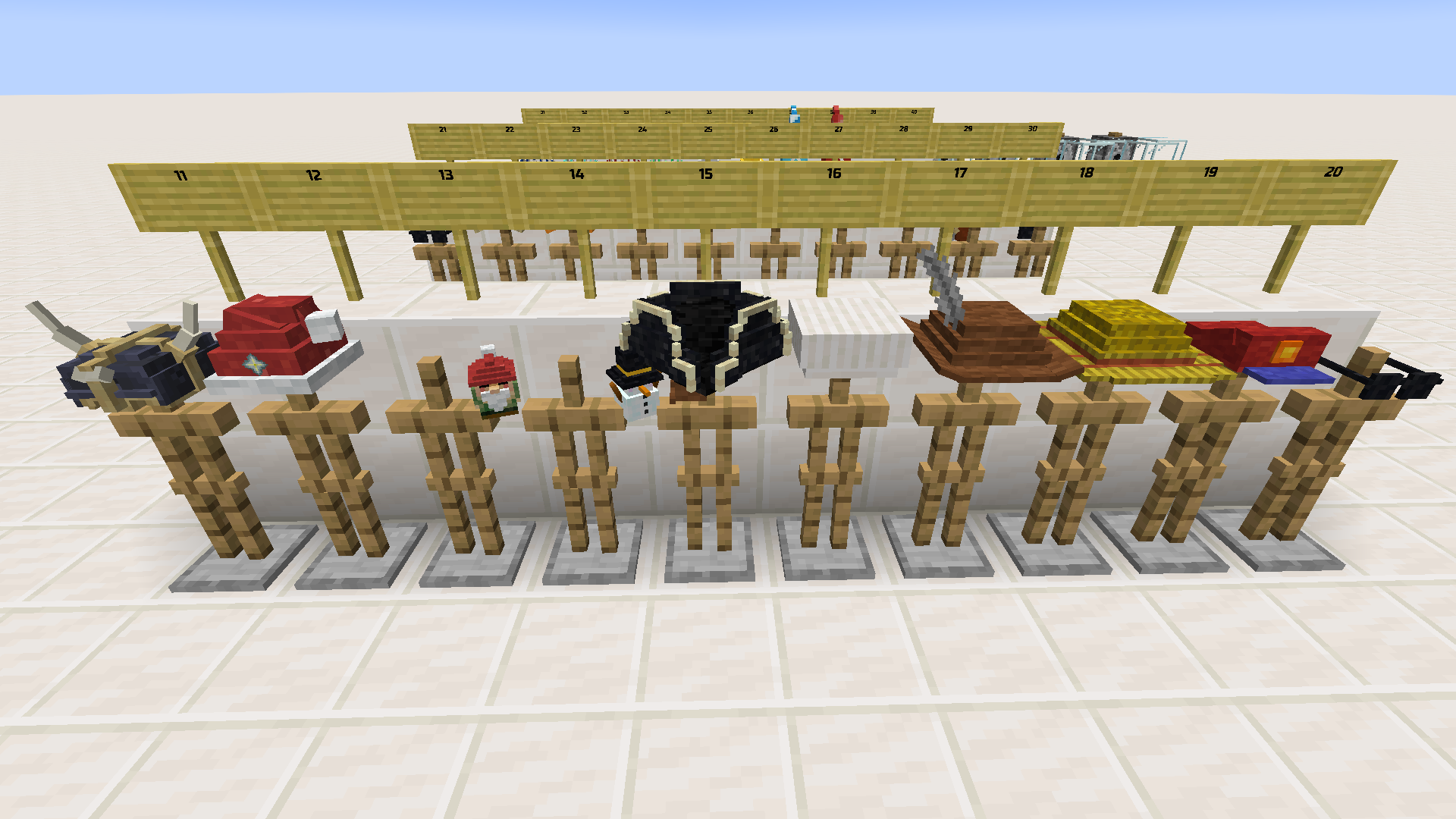
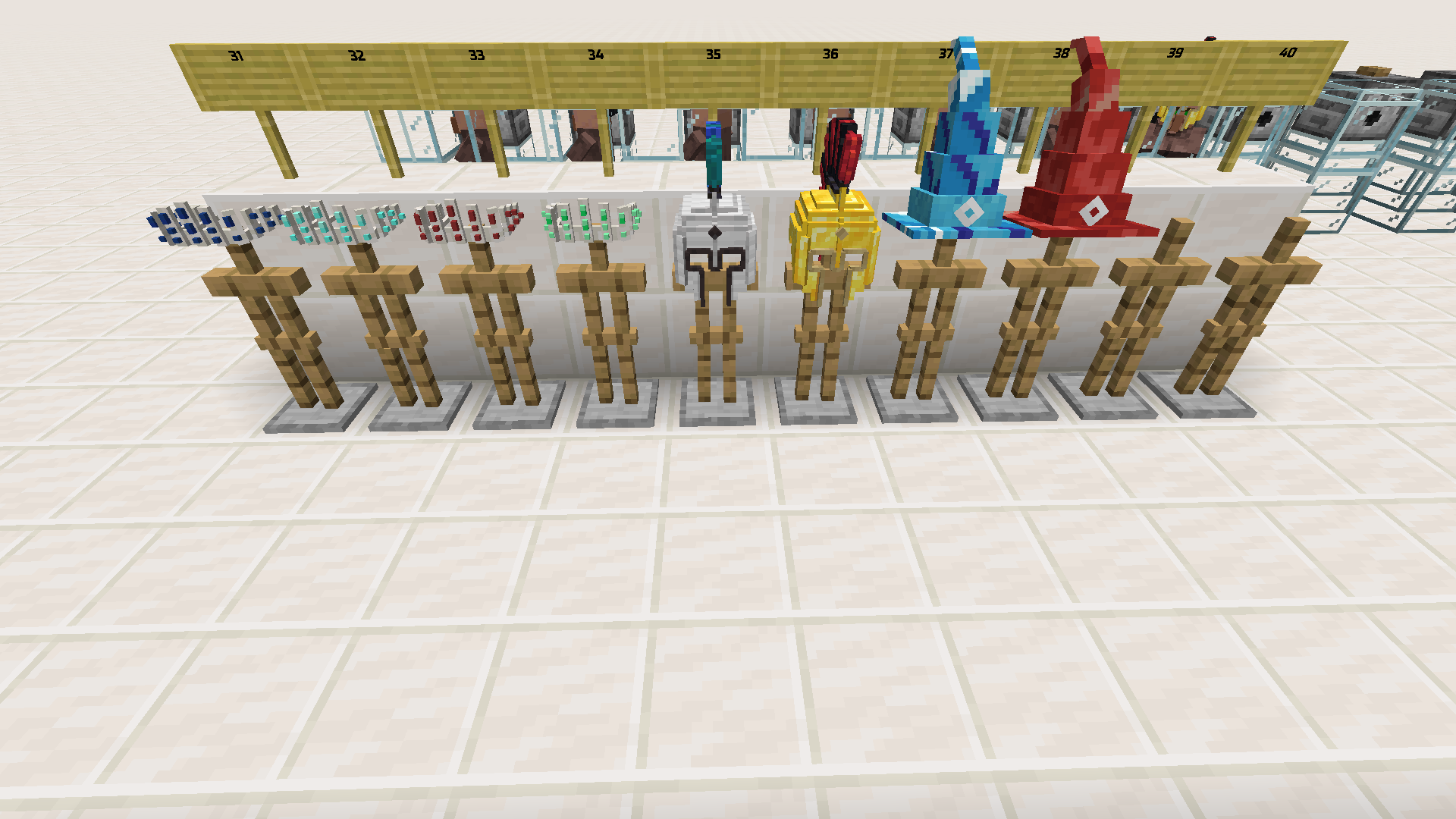
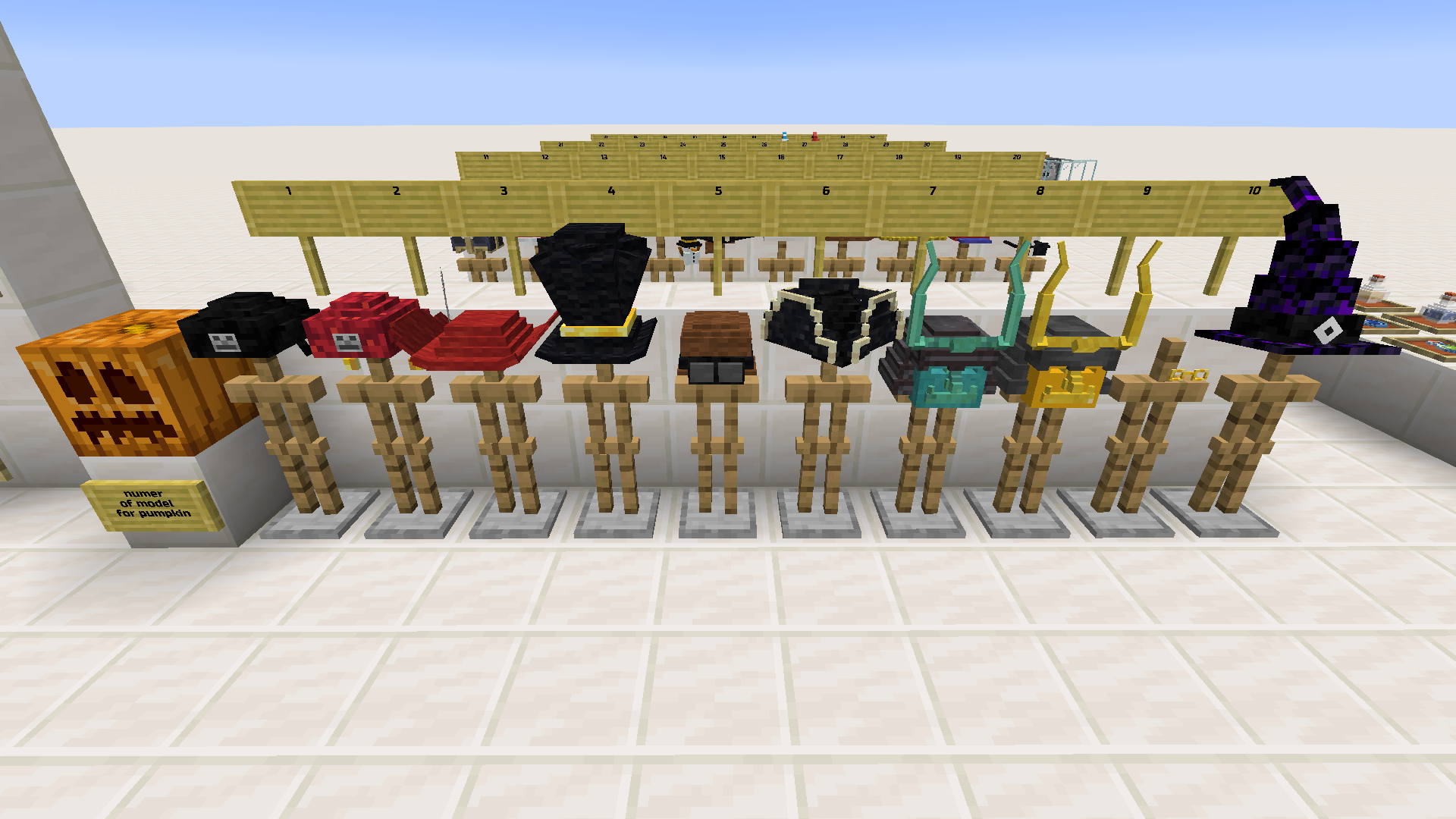
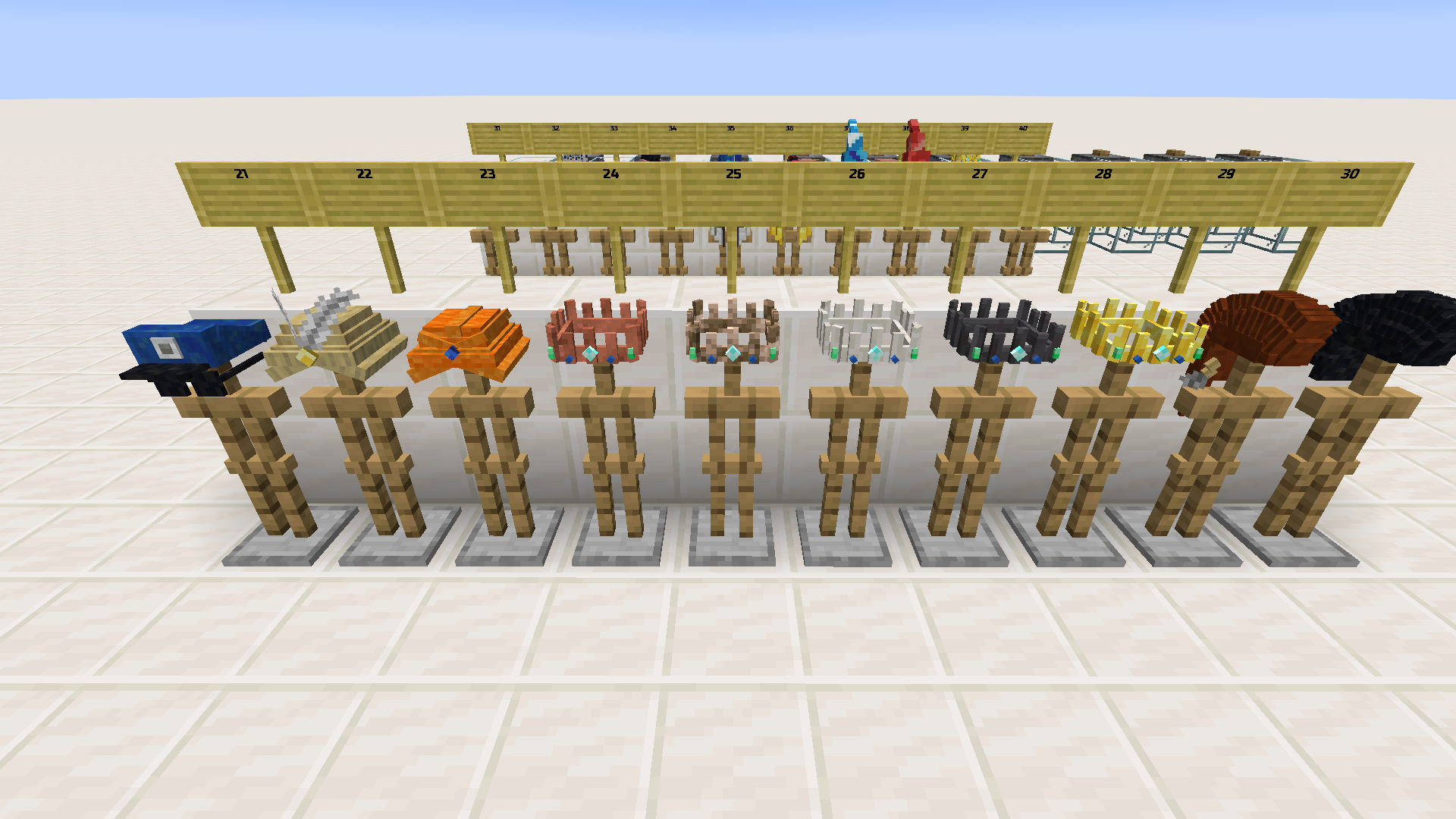
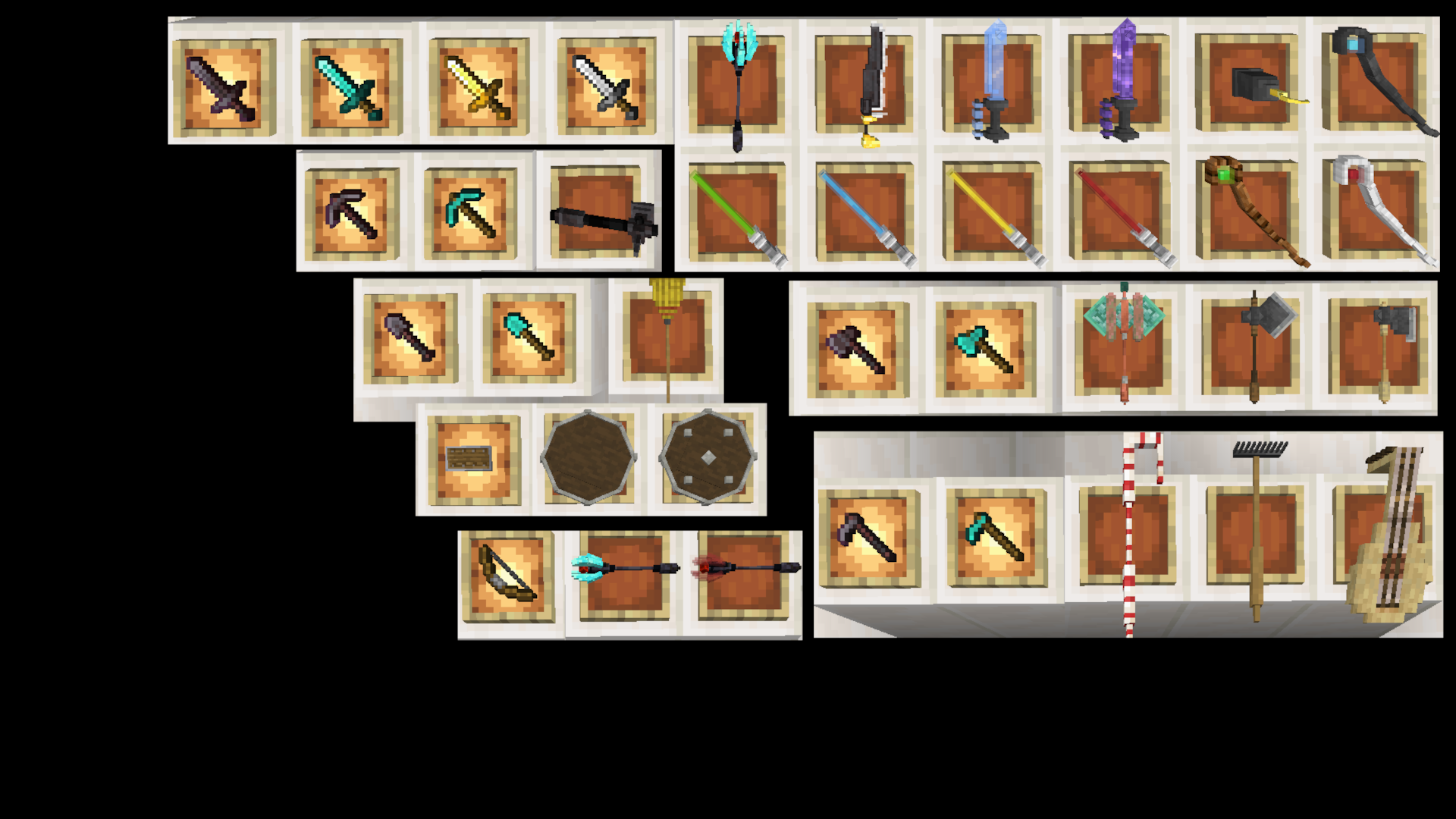
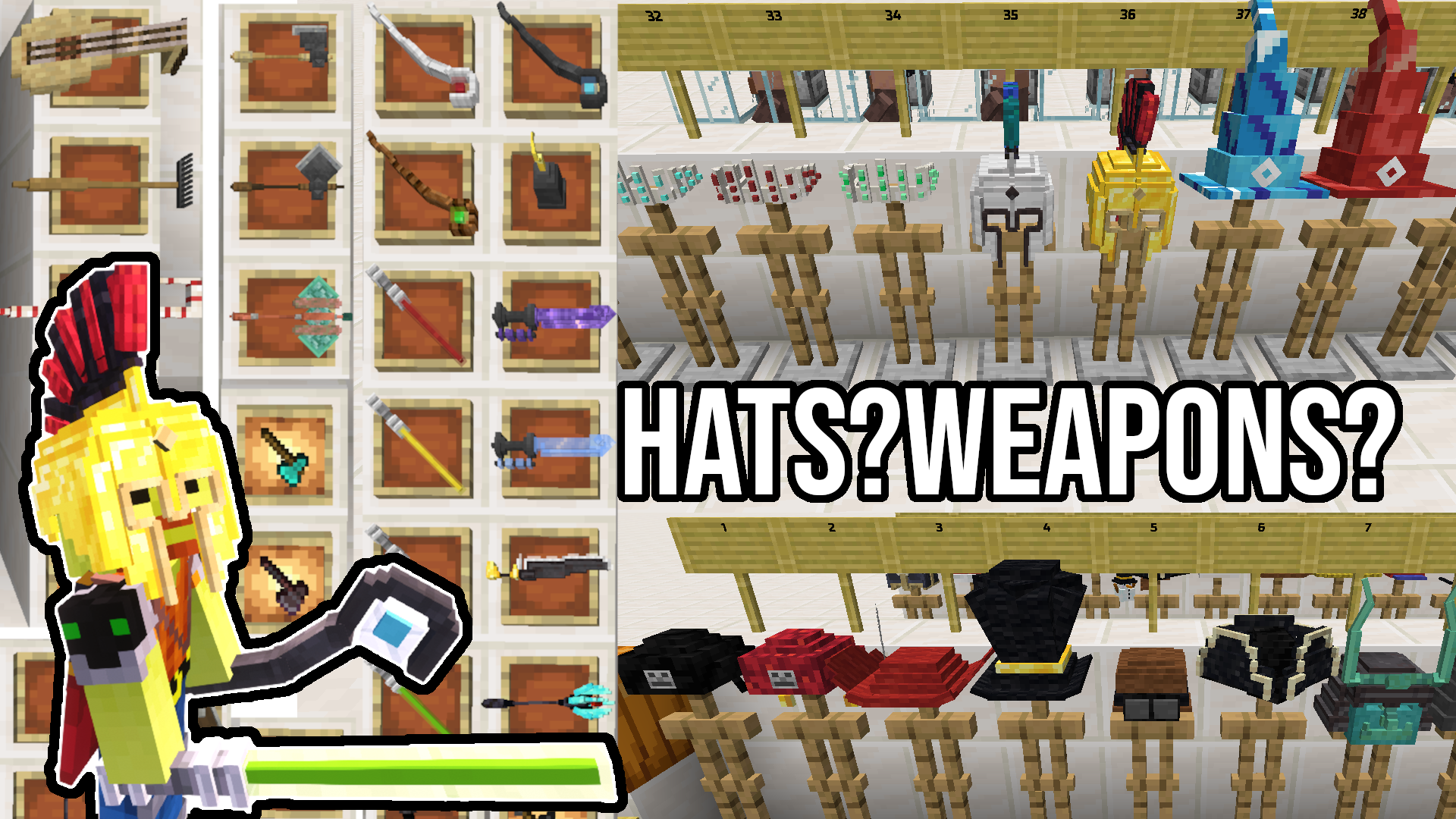
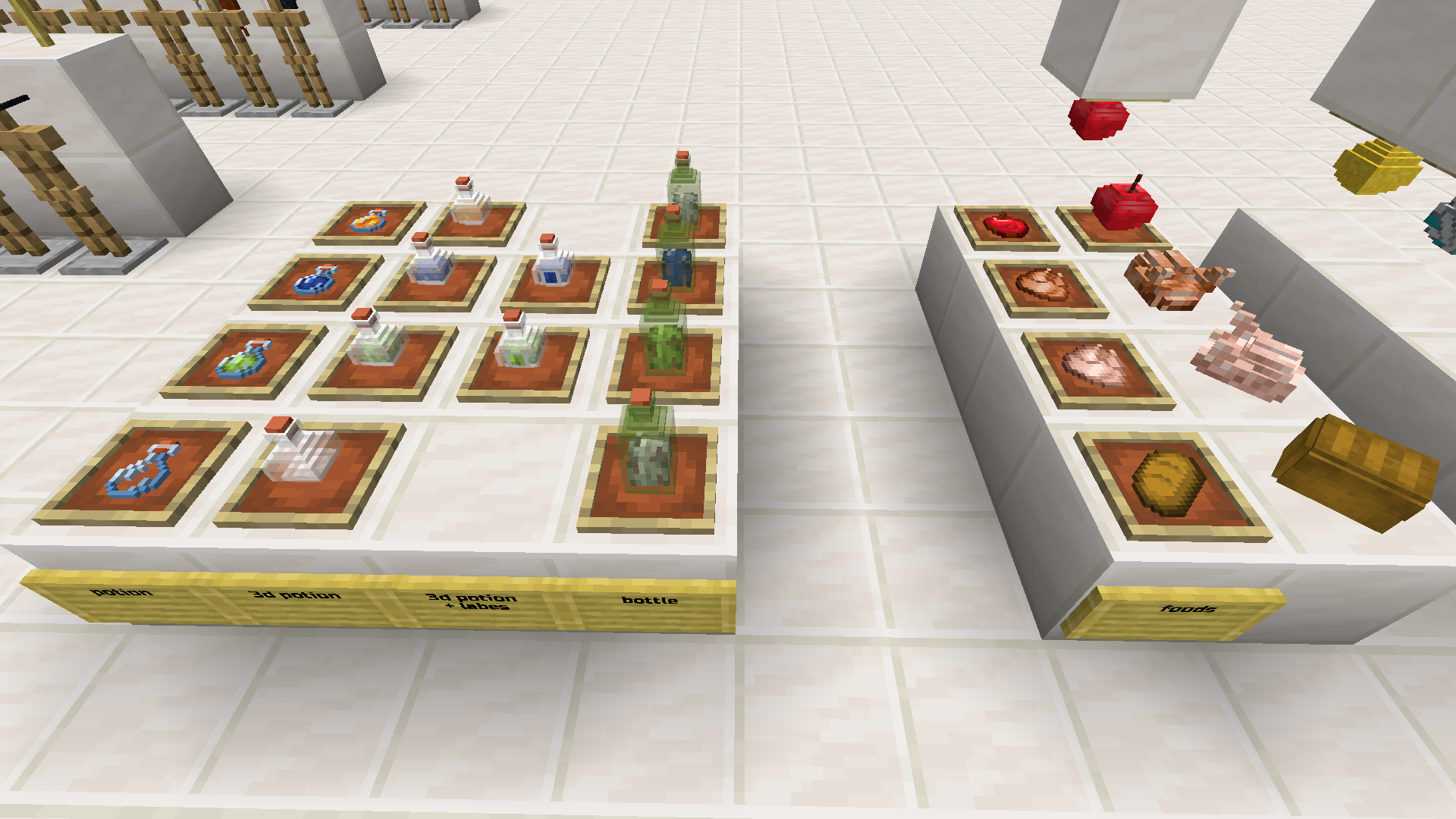
The datapack's goal is to add an immersive experience within minecraft through custom models that do not alter the survival gameplay in any way. The texture pack add easy custom models
Description
Features
The datapack's goal is to add an immersive experience within minecraft through custom easy models that do not alter the survival gameplay in any way.
The texture pack add easy custom models.
The datapack adds two main features:
- manage custom models for objects.
- make item frames and glow item frames invisible.
These features can be used through commands or through additional tools.
Videos
English made with a text to spech
Italian language
Commands
/trigger helppack for a quick help in chat
/trigger CustomModelData set number
make the nearest item frame invisible: /trigger invisib set 1
make the nearest Glow Item Frame invisible: /trigger invisib2 set 1
Custom TOOLS
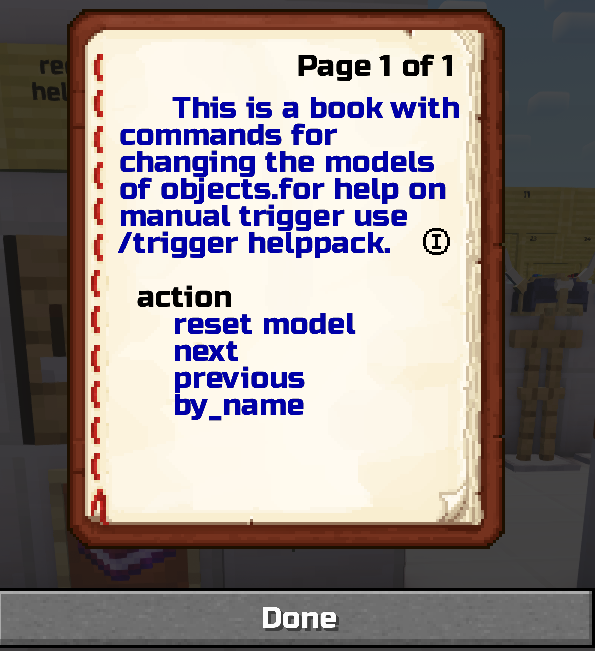
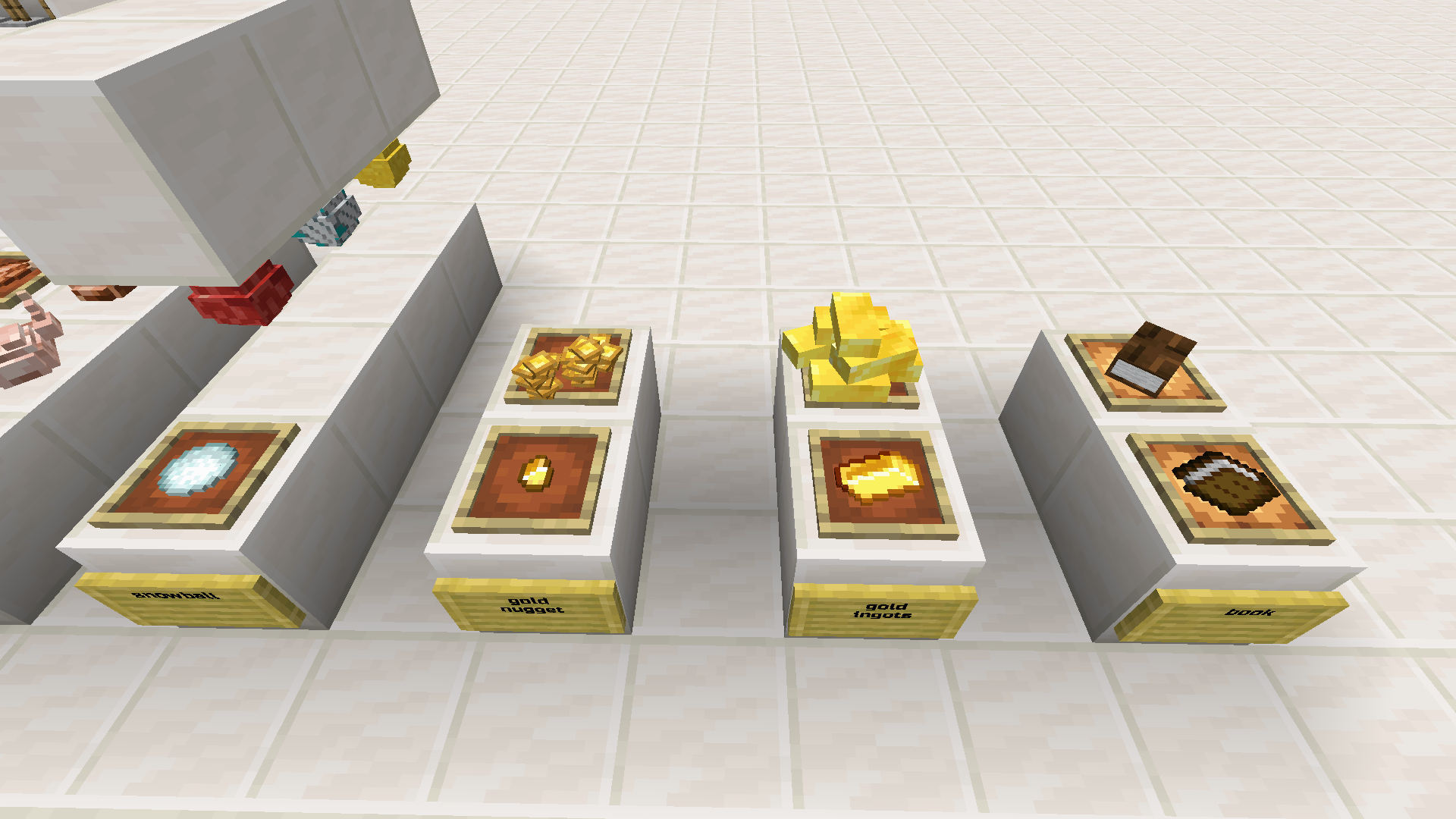
The written book = book + ingot ingot
Allows you to change the model of the object held in the other hand.
You can reset, go forward and backward with the model.
You can also remane an item with the number of model (support "1" to "99") and use "by_name" for change the model based on name.
The tool for invisibility = Warped Fungus on a Stick + iron ingot
with the tool in your right hand pressing the right click will make the nearest item frame invisible
with the tool in your left hand pressing the right click will make the nearest Glow Item Frame invisible
Custom Recipe (from version 1.21)
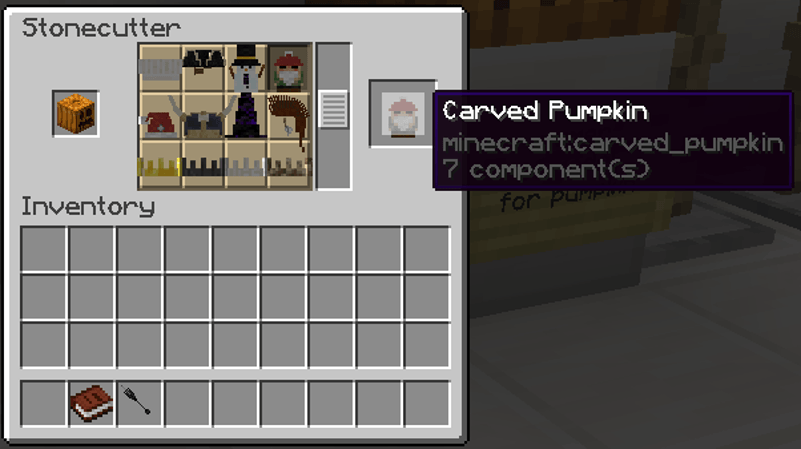
Added custom carved pumpkin recipe to stocutter
Installation & Use
Download the datapack and resourcepack from file page.
To install the datapack you have to place it inside the datapacks folder of your world.
To install the resourcepack, insert it inside the appropriate folder of your minecraft installation.
You can download the sample world to try it,(unzip it) remember to insert the resourcepack as well otherwise it won’t work.
Let me know if you like more models.
Let me know if you find anything wrong.
Updating: tools can stop working if you update from old version, make a new one.
Permissions:
Do not re-upload, steal, or copy anything, You are not allowed to modify it.
Content Creation:
You may use this in your video/short/story as long as you credit or link back to this page in the description.
You may use this in your video/short/story as long as you credit or link back to this page in the description.
Modpack:
You may use this in your modpack as long as you credit or and link back to this page.
Server:
You may use this in your server as long as you credit or link back to this page.
The EasyImmersiveRoleplay (datapack+resurcepack) Team

![Maialovia Solforosa [Sulfur Cube Monorail] project image](https://media.forgecdn.net/avatars/thumbnails/1934/298/256/256/639202607566962756.png)