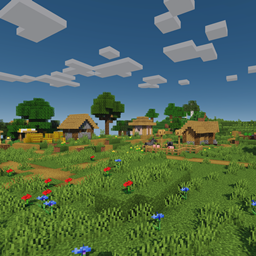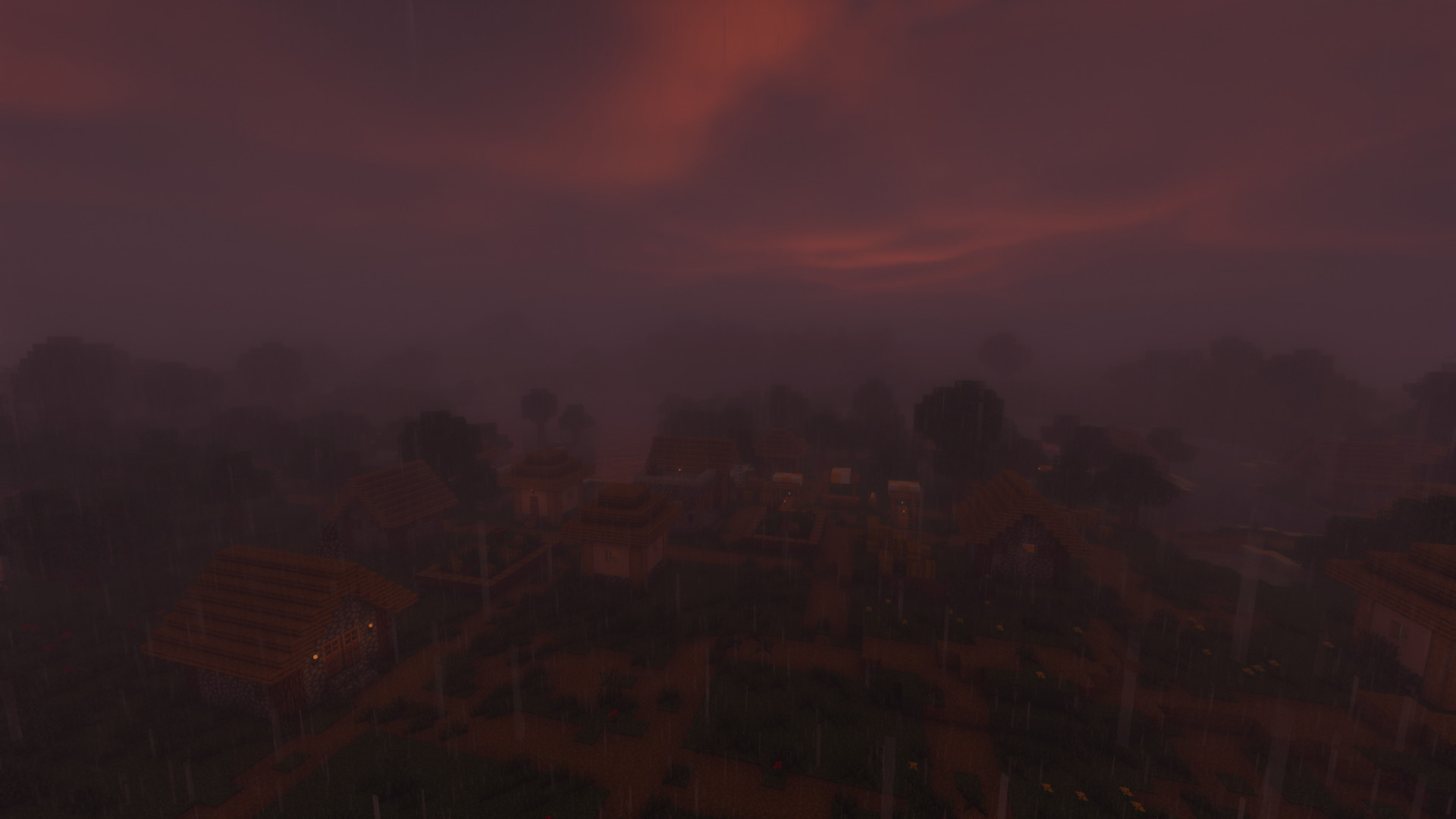
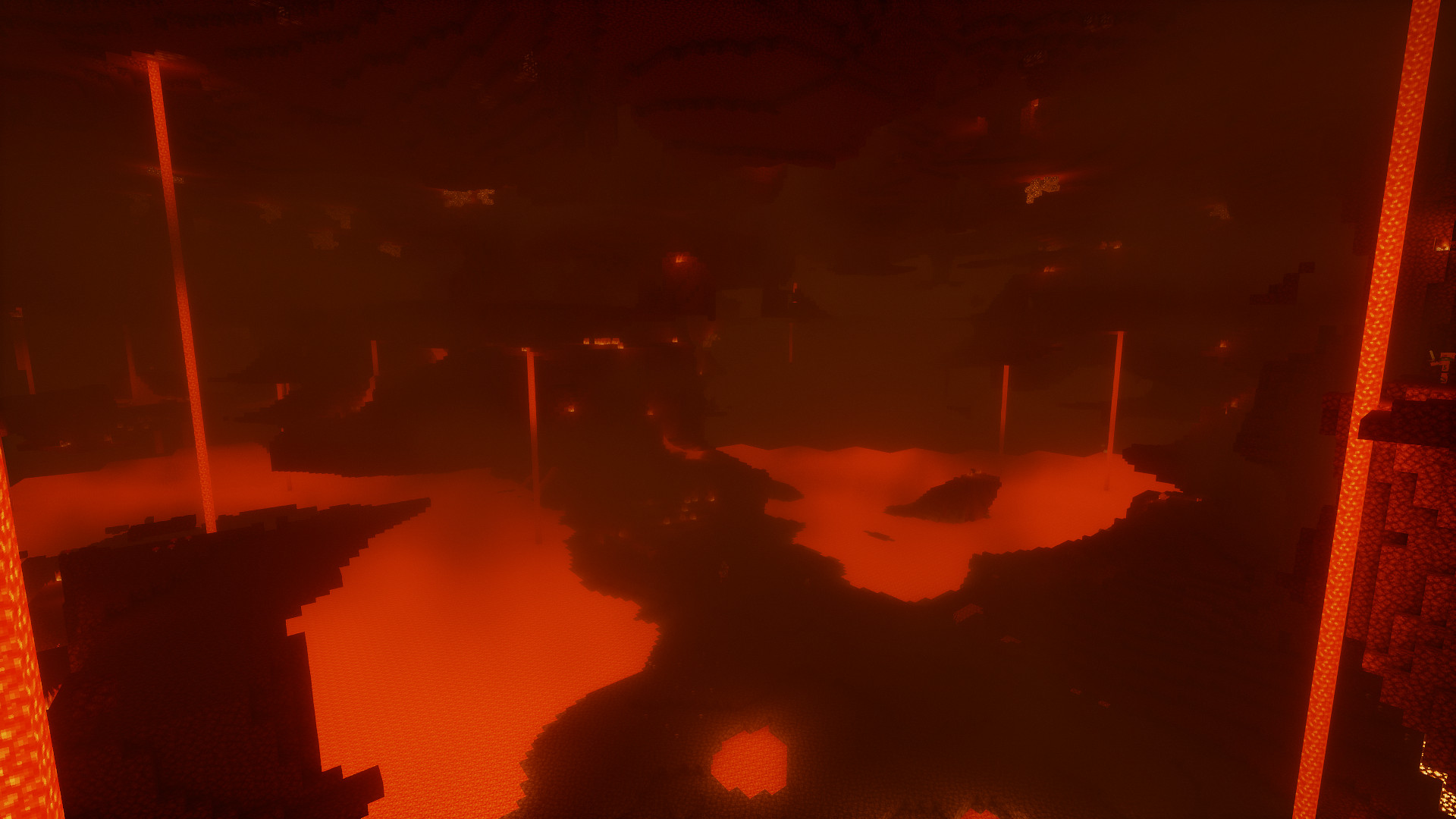
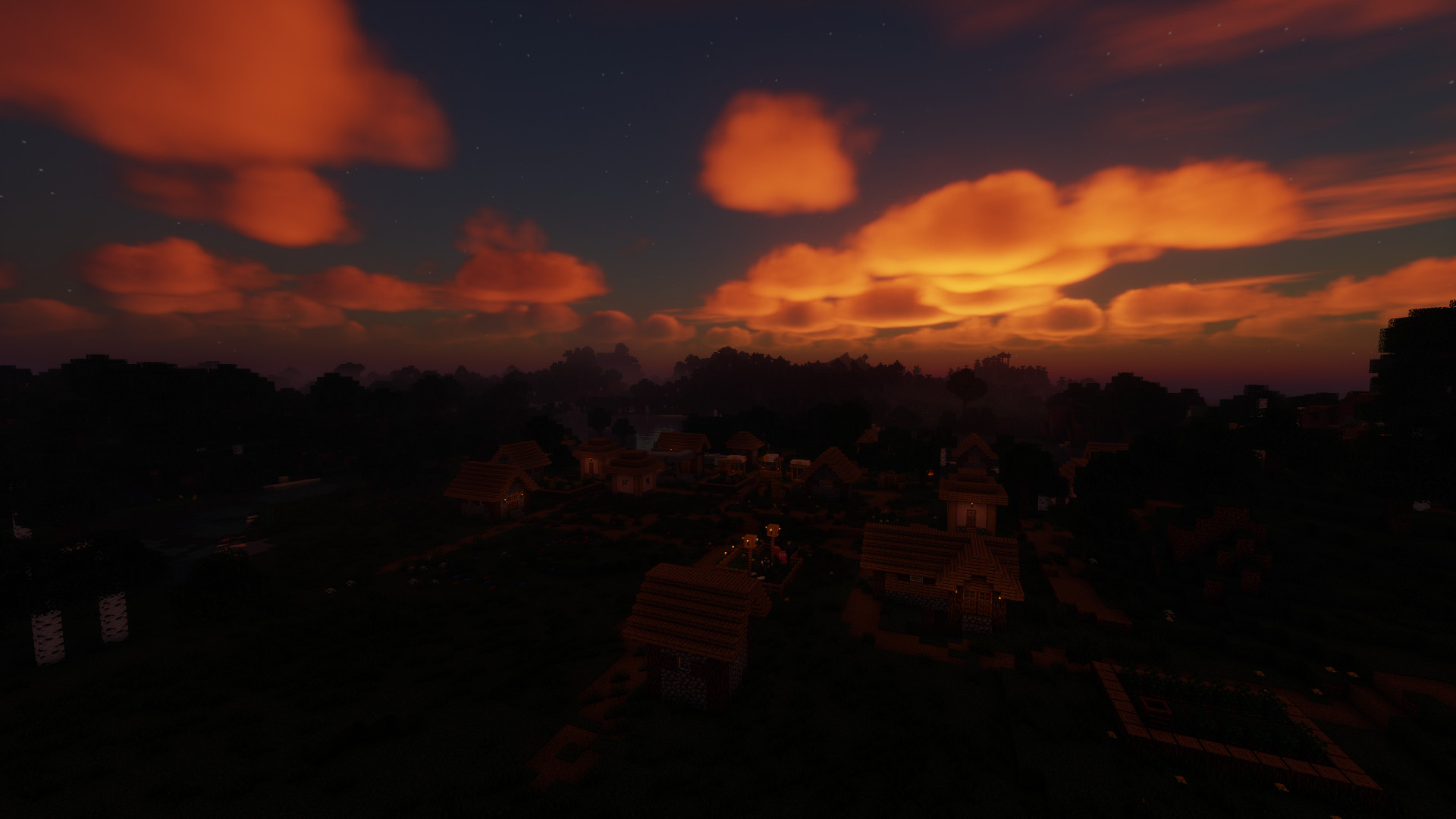
Description
Chocapic13' Shaders
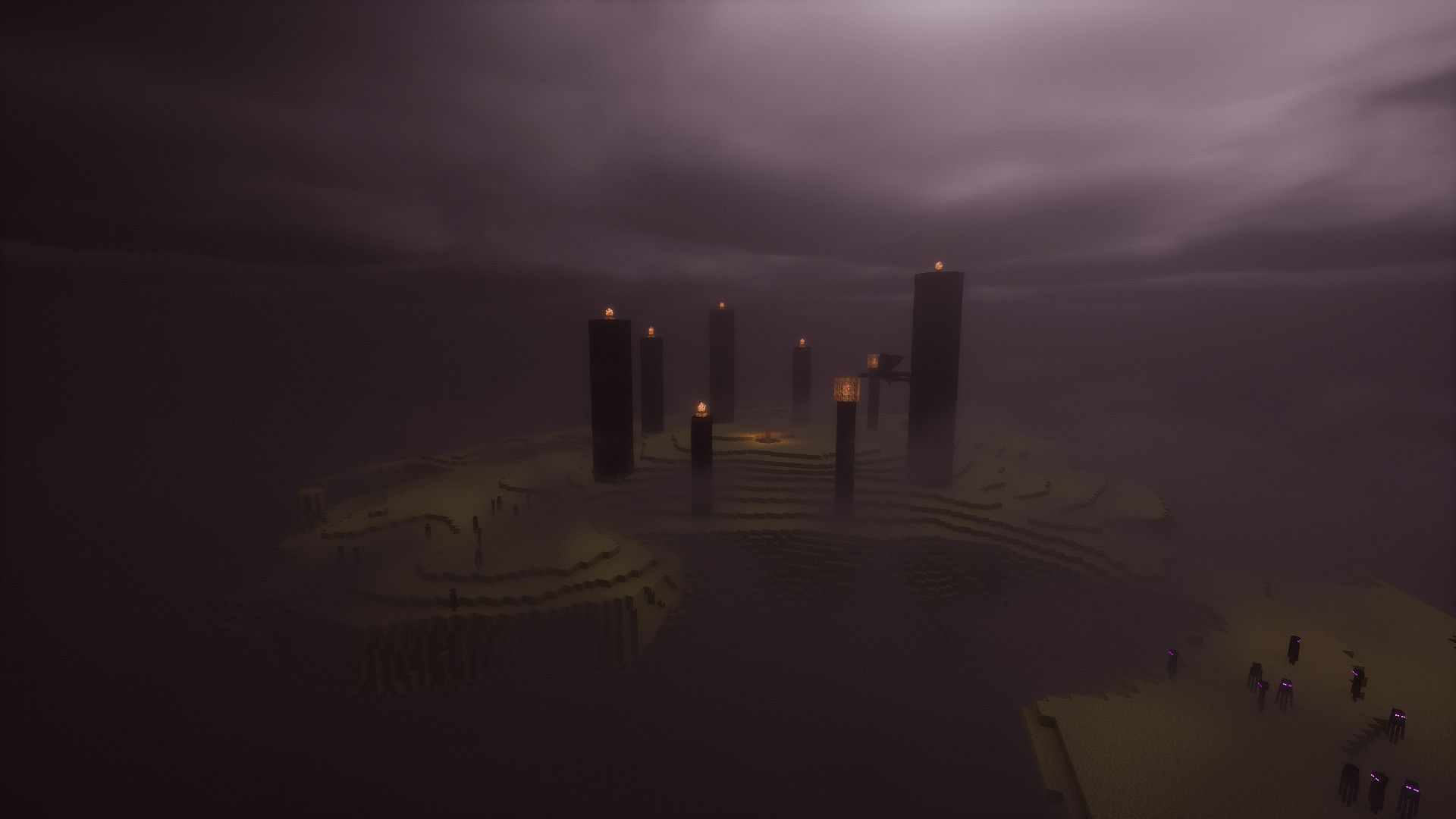
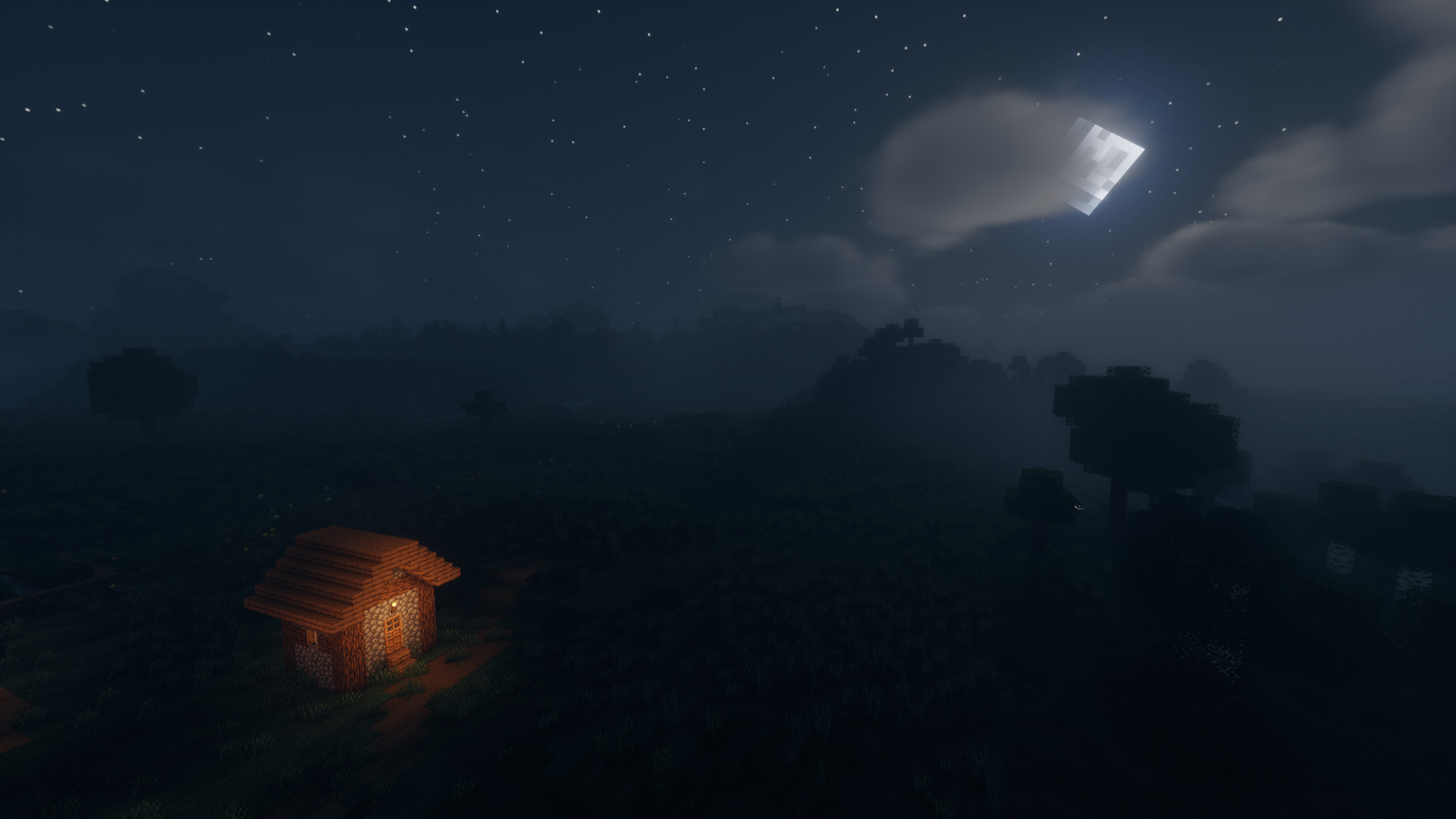
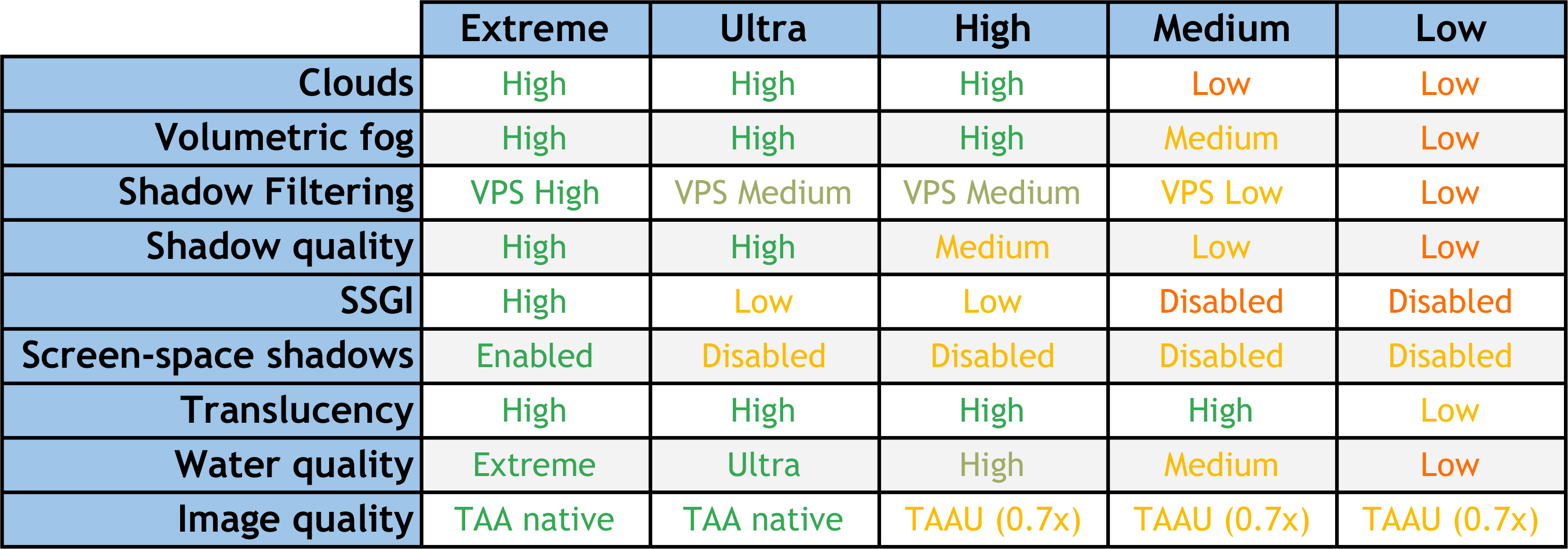
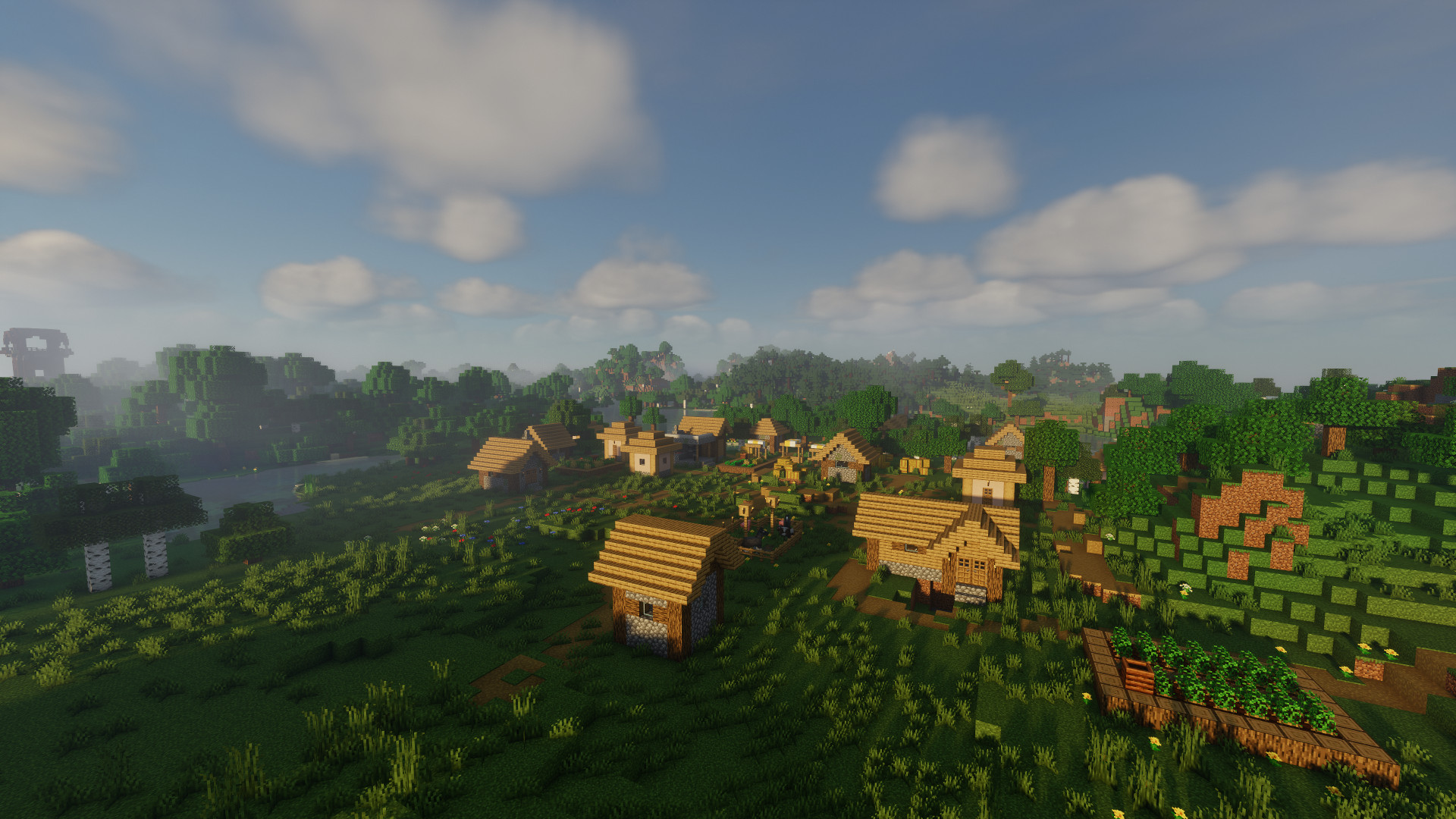
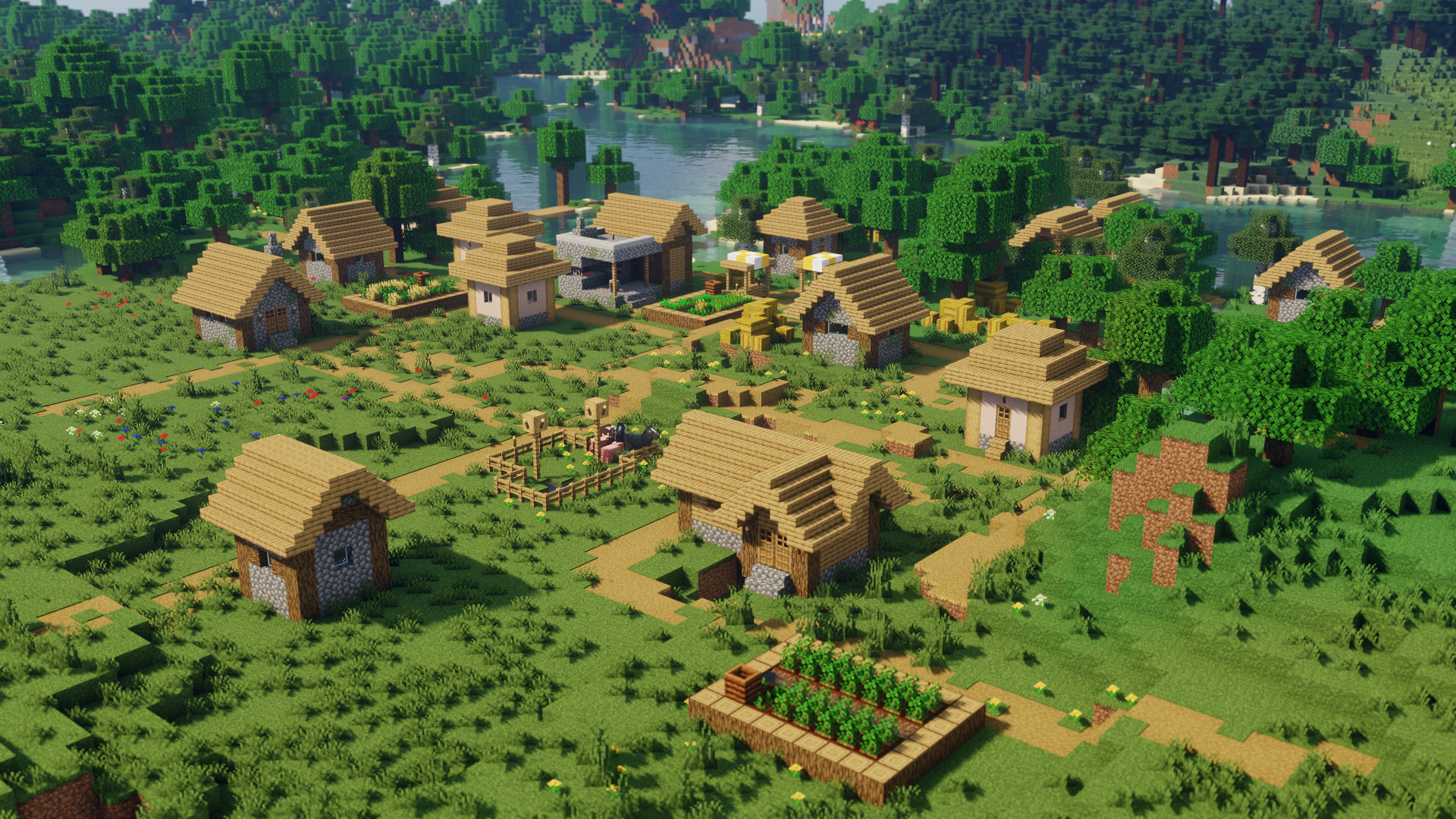
High quality/performance ratio shaderpack scaling to a large range of hardware configurations.
Unlike many lightweight shaderpacks, this one tries to maintain a decent quality level even at the lowest possible preset. The high-end presets are able to run at around 80-100 fps, and over 120 on a simple scene on a mid range gpu like the RX 570 or the GTX 1060 while offering high quality visuals.
Features (V9)
- Dynamic Time of Day cycle
- Physically plausible High Dynamic Range lighting system
- Shadows with variable penumbra size
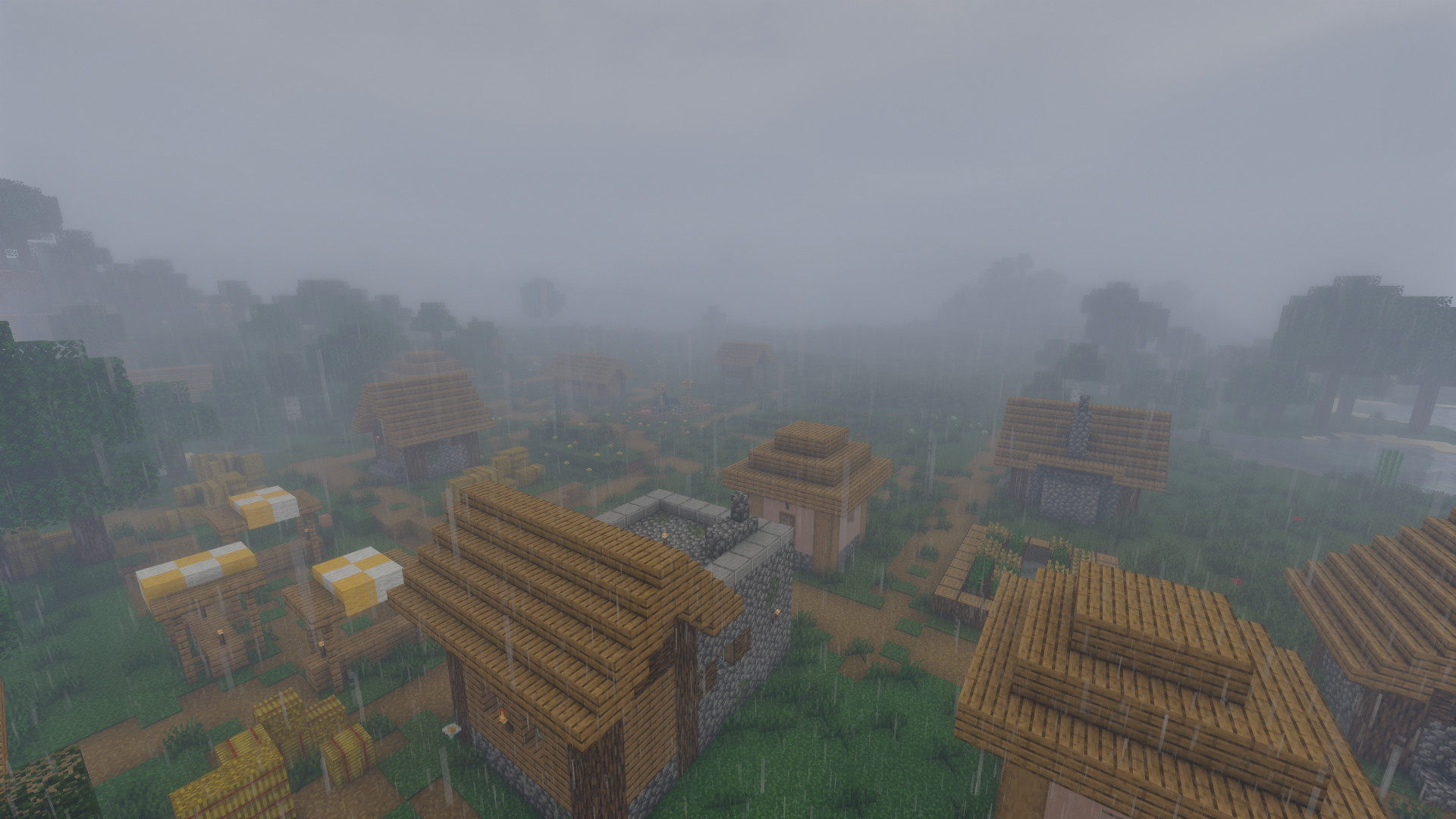
- Variable density volumetric fog with shadows
- Volumetric clouds
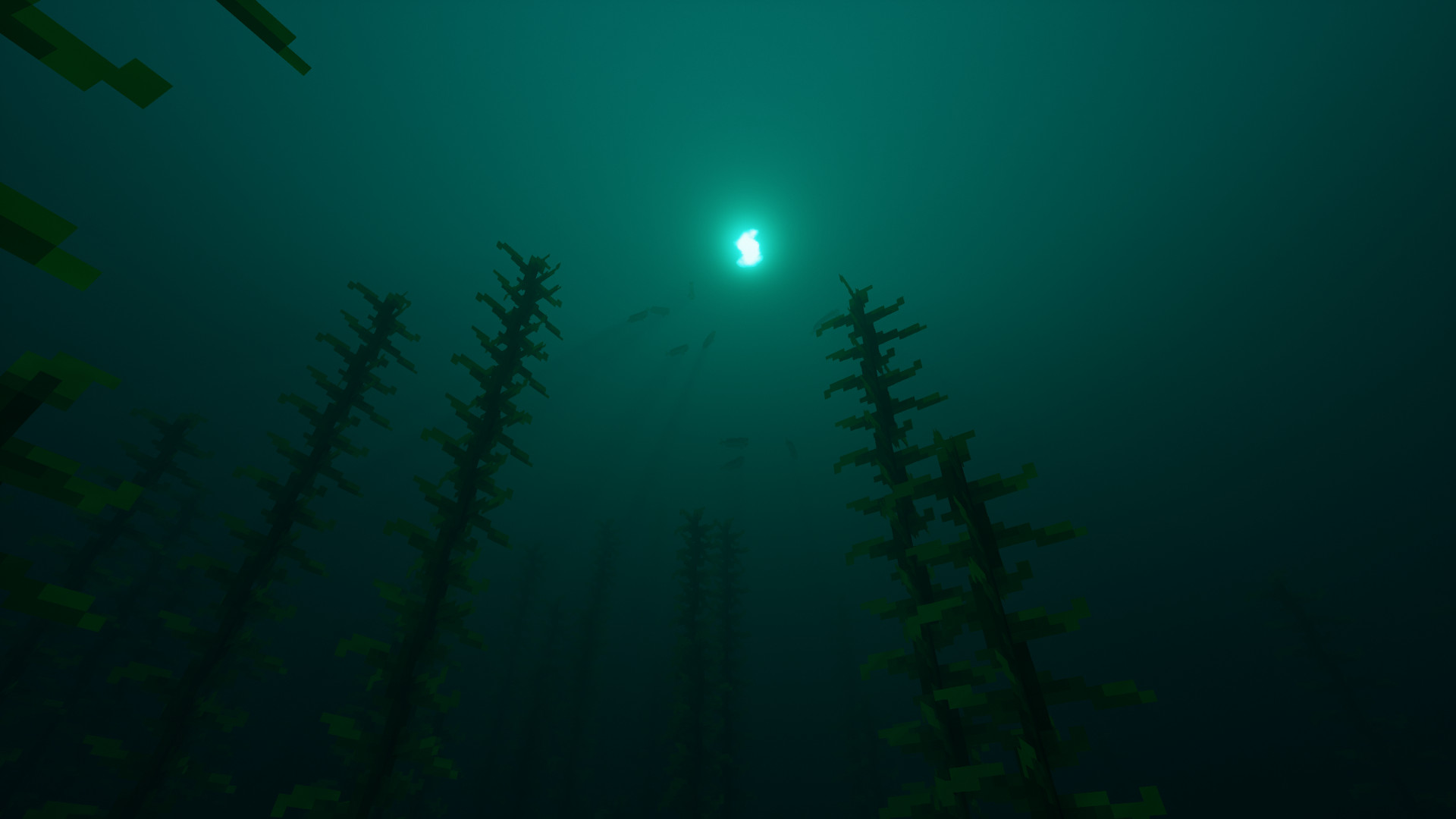
- Water shader with water fog, reflections, caustics and refractions
- Screen Space Global Illumination (SSGI)
- High quality Temporal Anti-aliasing and upscaling (TAA / TAAU)
- Custom Nether and End with biome support
- Bloom
- Depth of Field
- Contrast-adaptative sharpening filter
- Wavy plants
- ... and much more !
Also check out my High Performance Shaders !
Installation
Shaders should work as long as Optifine is updated indepently of the MC version.
- Download and install Optifine
- Download the shaderpack
- Launch Minecraft
- Open Options, Video Settings, Shaders, Shaderpack Folder
- Put the shaderpacks (presets into zipped file) inside .minecraft\shaderpacks
- Select the shader in the shader list
Requirements and known issues
- Use the latest available graphic driver
- Requires at least 500 pixels on each axis on the target resolution to work properly
- Leave Shadow quality to 1.00x in optifine menu, and use the shader options to change shadow resolution.
- Set sky to On in optifine settings
- Set "Old lighting" to Off or Default
- Ressourcepack custom sky is usually not supported - Mods may work or not work and I won't work on mod compatibility
- Connected overlay texture have issues when under water
About the different versions
- V6 should run on every minecraft version
- V7, V8 and V9 requires at least Optifine for 1.12
- There is no in-game options in order to switch between presets because each preset has specific optimizations that can't be enabled with the current shader option API
Donations:
- If you want to support me making this shader (and can afford it) you can do a small donation which is always highly appreciated ! :)
- There's no super fancy "premium only" raytraced stuff planned for the future because i want this shader to be available to everyone, you don't earn anything by donating
Chocapic13' Shaders Team

Owner