

Nyutilities
A small collection of quality-of-life features for Bukkit-based Minecraft servers
- 245
- June 10, 2023


Nyutilities
A small collection of quality-of-life features for Bukkit-based Minecraft servers
- 245
- June 10, 2023



Logo
Try out the 1.20.4 version on the official test server:

Zenchantments is a custom enchantment plugin adds 70+ new enchantments to the game, covering a multitude of different uses. These include target-tracing arrows, lumber axes, block-breaking lasers, and much more. These custom enchantments are obtained through the normal enchantment process, and act like regular enchantments, capable of being combined and merged. A complete list of all these enchantments can be found below.
Zenchantments seamlessly expands the possible range of enchantments available using the enchanting table. Their appearance is made to match that of the original enchantments as closely as possible!
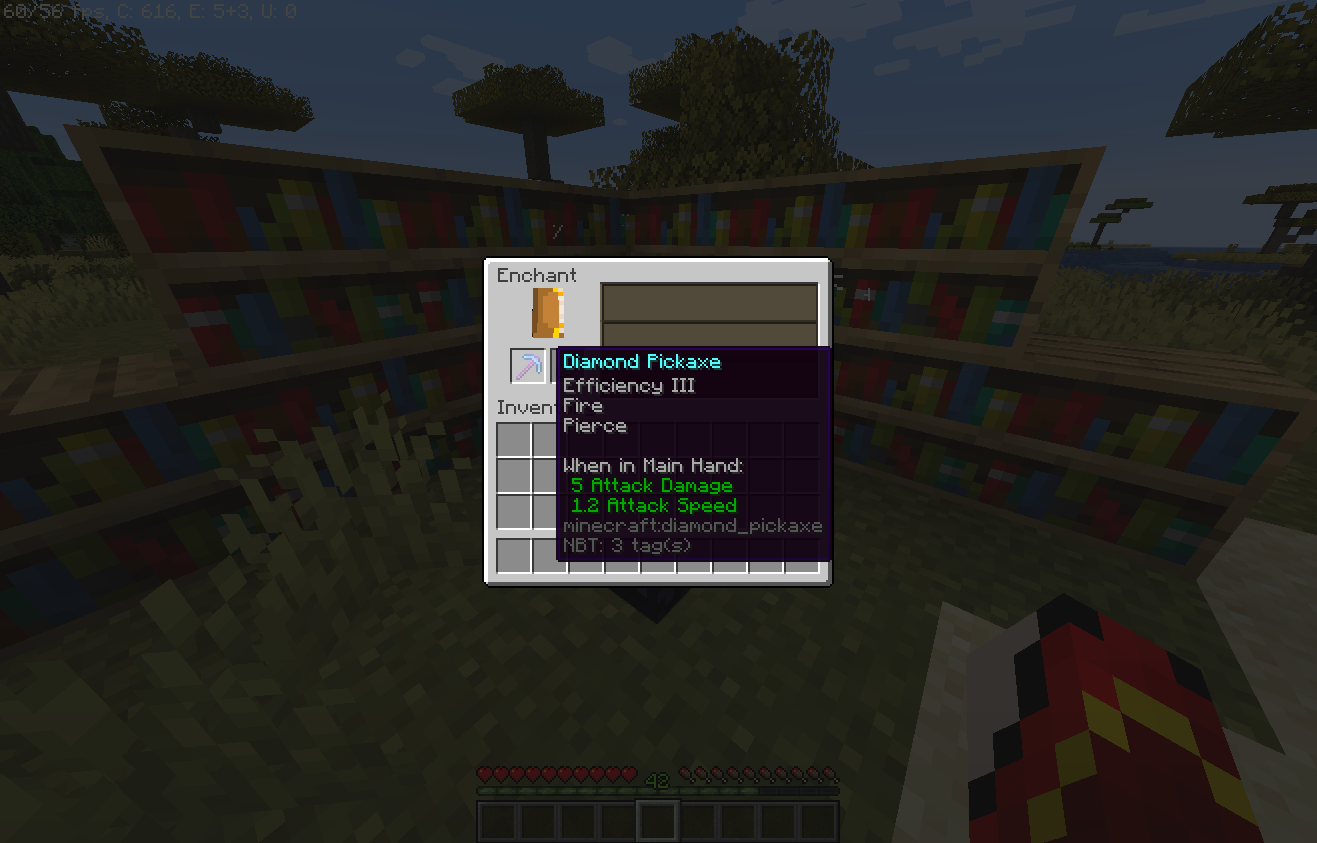
A freshly enchanted pickaxe with new enchantments
Zenchantments can be merged between tools in the Anvil and removed using the Grindstone.
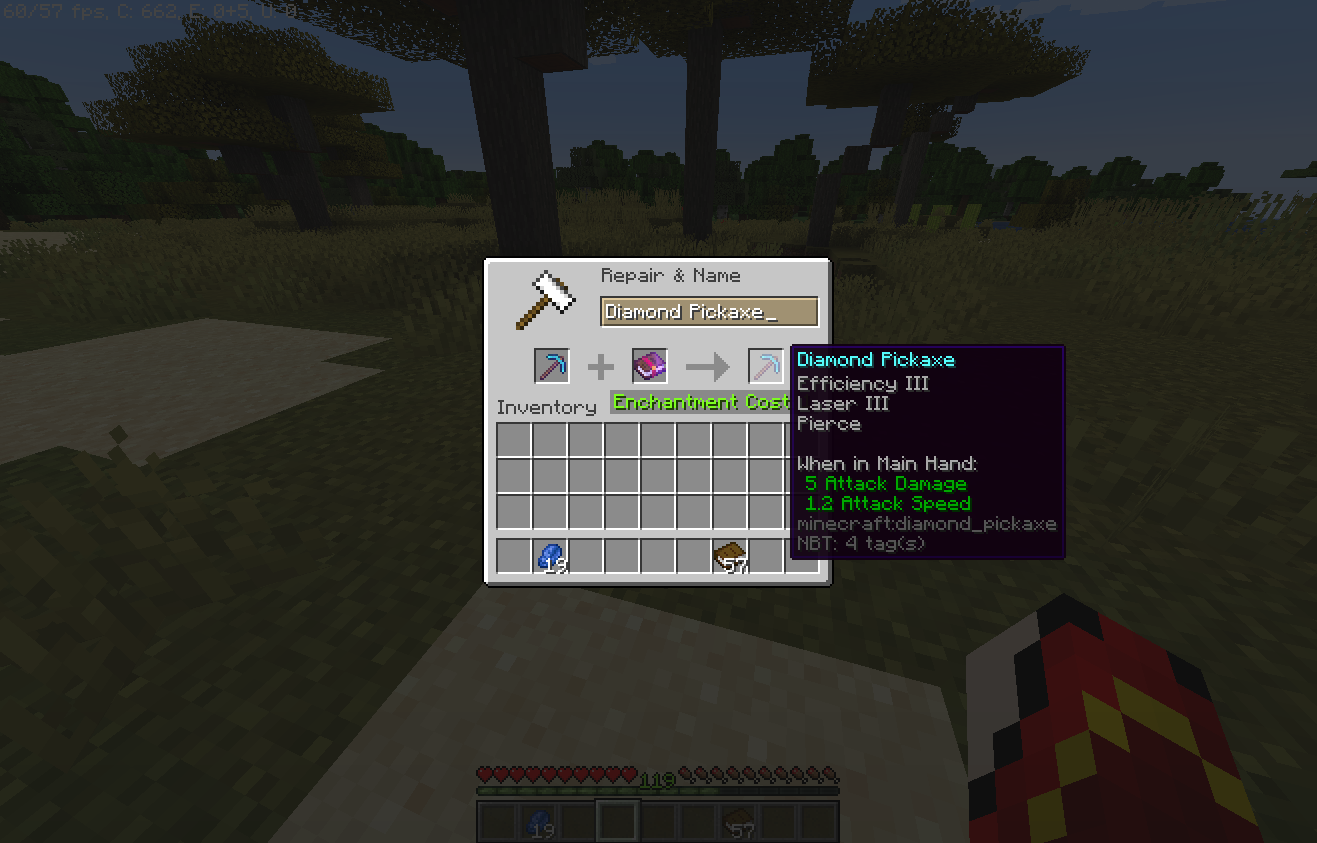
Using the anvil to apply more Zenchantments to a tool
Once applied, Zenchantments can have effects when a tool is used, when you are under attack or continuously depending on how you deck out your gear.
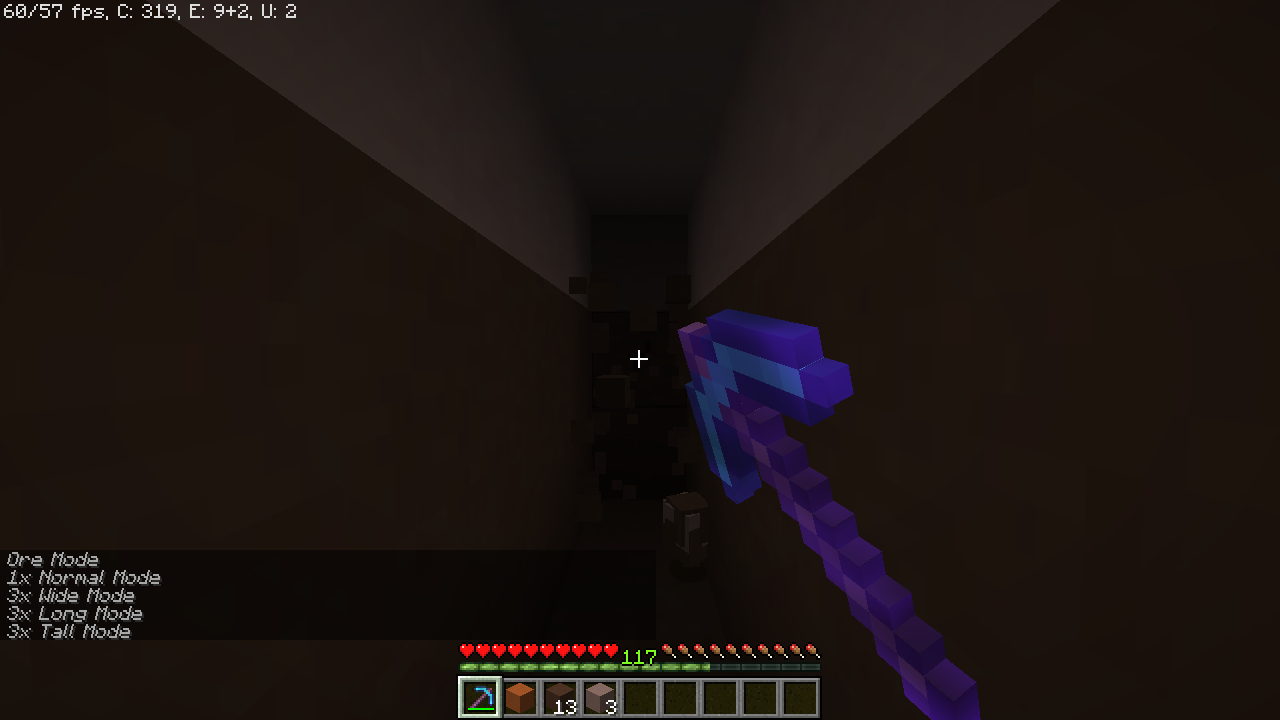
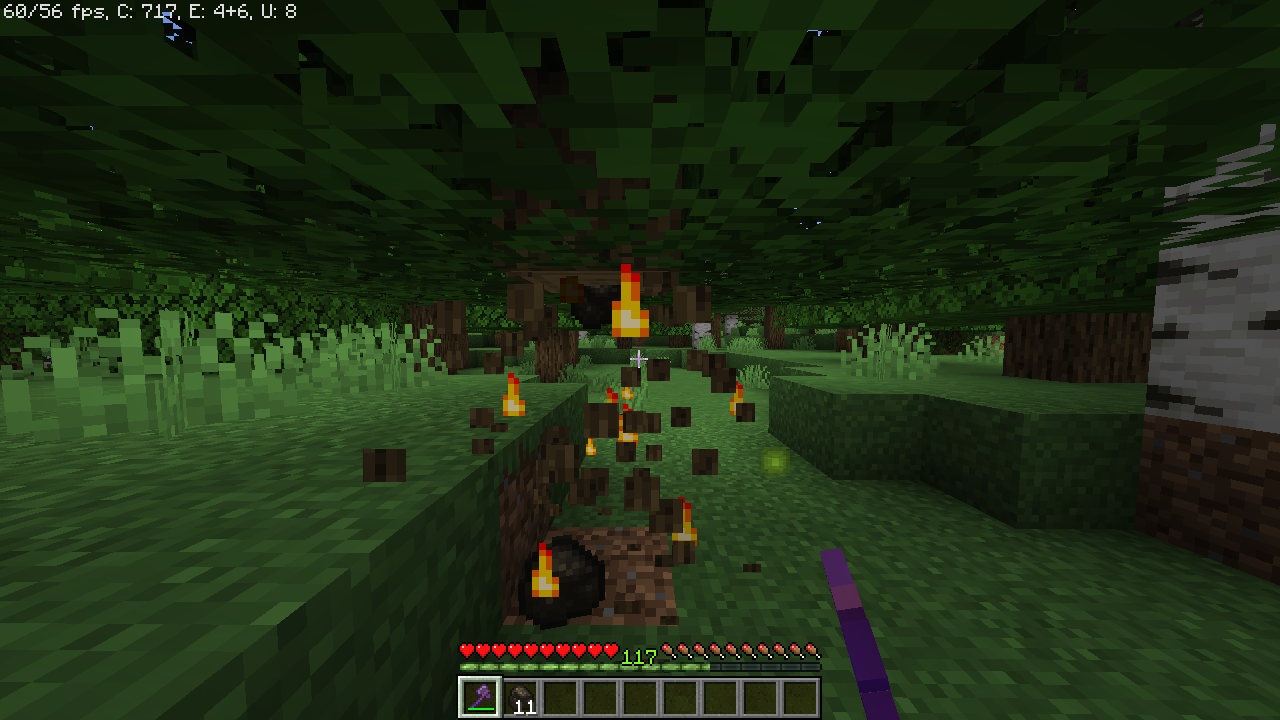
Pierce mining a tall shaft, Fire smelting logs while being broken
The displayed name of each Zenchantment can be edited in each world's config file. Before you start editing those though, we will add proper multi language support in the coming weeks.
Because of the way Zenchantments recognizes enchantments on your tools, you must not change the enchantment display names after you have created enchanted items. Items with the old name for an enchantment will cease to work!
Each Zenchantment has a short description which can be enabled towards the bottom of the config file. If you change this setting after creating a few items with Zenchantments, the description will appear/disappear on each tool when it is repaired in the anvil. The enchantments will continue to work regardless of the descriptions setting.
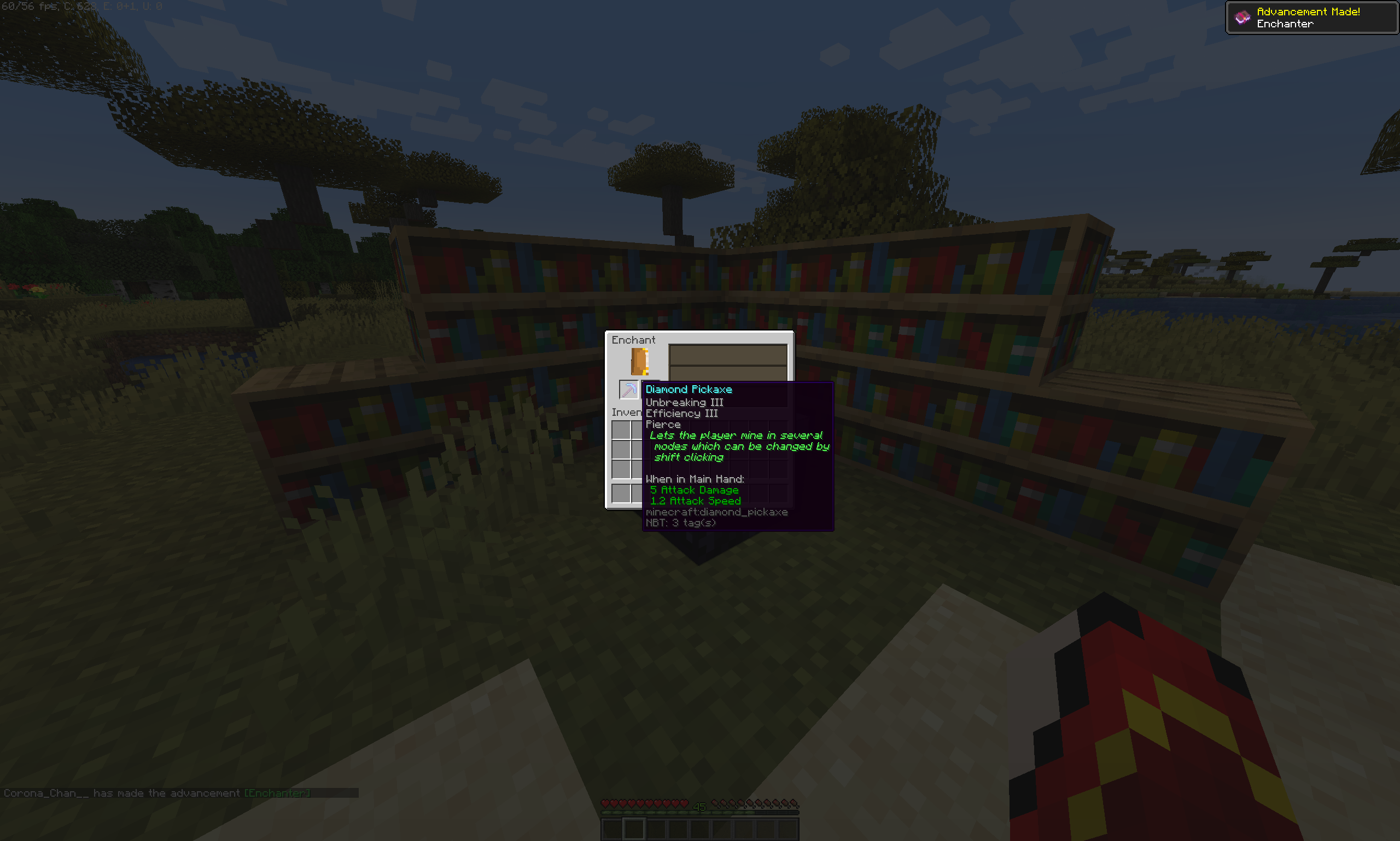
Descriptions allow new players to quickly undersatand the function of the enchantments on their tools
Zenchantments does its best to respect protection and logging plugins and is confirmed to work reliably with WorldGuard as well as HawkEye or CoreProtect. Most other protection/claims plugins such as Factions should work and no particular dependencies exist.
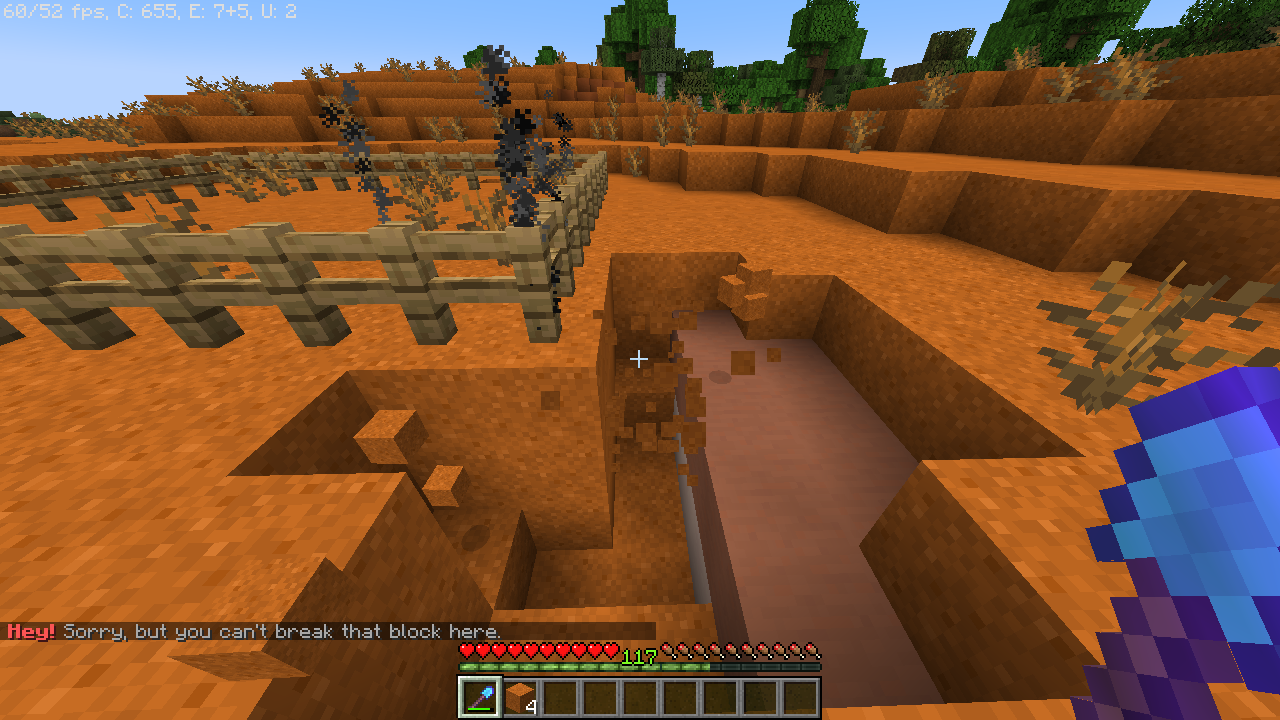
A shovel with Shred V is sparing somebody's plot protected by WorldGuard
If you still have a Zenchantments config from an older version, we strongly recommend you to delete the old files, let it generate a fresh set, and re-apply any changes you made.
To install Zenchantments, simply add it to your plugins folder. Zenchantments creates one config file for each world active on your server. In it, you can disable enchantments individually, change their abundance, maximum available level and, for some of them, fine tune their power. To be fair though, the config file is pretty ugly. We can help you set it up if you contact us.
Out of the box, Zenchantments is configured to add a distinctly more powerful late-game experience without ruining the fun of the daily grind. Check out the list of available enchantments to see if there are any deal-breakers in it, then just set their probability to 0.0!
If you don't want to redo your changes to the default Zenchantments config, simply add these items to the end of the list of enchantments in each .yml file:
      - Blanket:
              probability: 3.0
              tools: Axe, Shovel, Sword, Pickaxe, Hoe
              name: Blanket
              max-level: 3
              cooldown: 0
              power: 1.0
      - Caffeine:
              probability: 4.0
              tools: Helmet
              name: Caffeine
              max-level: 3
              cooldown: 0
              power: 1.0
      - Chitin:
              probability: 5.0
              tools: Elytra
              name: Chitin
              max-level: 4
              cooldown: 0
              power: 1.0
      - HelpingHand:
              probability: 3.0
              tools: Chestplate
              name: Helping Hand
              max-level: 1
              cooldown: 0
              power: 1.0
      - MasterKey:
              probability: 4.0
              tools: Chestplate
              name: Master Key
              max-level: 1
              cooldown: 0
              power: 1.0
      - Trough:
              probability: 5.0
              tools: Chestplate, Leggings
              name: Trough
              max-level: 1
              cooldown: 0
              power: 1.0
If you get errors while loading the config file, make sure your text editor didn't accidentally add any Tab characters to any .yml files, because servers are highly allergic to those.
Contact us on Discord, here on CurseForge, on GitHub or send an email to ZedlyDev@gmail.com for any suggestions or bug reports. Don't forget to include Plugin version and a Console error if there is one. Thank you!



A small collection of quality-of-life features for Bukkit-based Minecraft servers
A small collection of quality-of-life features for Bukkit-based Minecraft servers