WorldQuest Banner
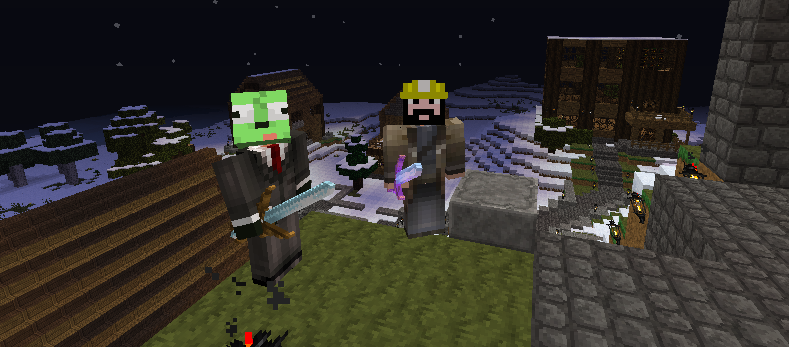
Winterhold on AuthentiCity with owner Baron girtacos9
Description
WorldQuest

Create Quests based on players position activating triggers which respond with scripted actions.
To create a script, stand in the location you want the trigger to be placed and type:
/wq create {quest_name}
This adds and entry to your questdb.txt file which would look something like this:
world,207,66,-86;{quest_name}:
The beta version then requires you to edit the questdb.txt file directly, the release version will have in game commands for creating and editing quests.
When a trigger is hit and a player is assigned the quest for that trigger a list of actions is executed. Here are some examples of different actions for quests:
To display text on the screen: text=type your response text here
To give the player money: money=100
To give the player items: item=247 item=diamond_helmet item=50,2 item=373:8193
To give the player XP: xp=100
To set the player from one rank to another: rank=guest,citizen
To give the player enchanted items: magic=diamond_sword,FIRE_ASPECT,1
To mark the quest as completed so the player can only do it once: quest=C
To assign the player a new quest: task=helmsmaze
To teleport the player to a new location: tp=world,-100,44,945
To spawn mobs: spawn=world,505,32,45,zombie
To load a schematic file: load=icecastle.schematic
The "money" action requires the Vault Plugin to be installed and a economy plugin for Vault to connect to.
The "rank" action requires the Vault Plugin to be installed and a permissions plugin for Vault to connect to.
The "load" action requires the WorldEdit Plugin to load the schematic files.
Here is an example of two quests:
world,-638,91,-1023;mountaintemple:quest=C~text=You brave the mountain passages and stand behind the alter. You find a note and it says: Find the passage that leads to a maze deep with the depths of the town within a mountain. Under the note you find some ancient coins~money=100~task=helmsmaze~ world,-889,35,-1237;helmsmaze:quest=C~text=You find the end of the maze and open the chest. Inside you find an enchanted diamond sword and helmet.~magic=diamond_sword,FIRE_ASPECT,1~magic=diamond_helmet,PROTECTION_EXPLOSIONS,2~
All actions are completed using the tilde "~" symbol as an end of command sign.
Each quest is completed using a carriage return.
To load any changes to the questdb.txt file after it has been edited do the following:
/wq load
WorldQuest uses two other files, the playerdb.txt and the config.yml
The config.yml file currently has only one setting:
Quests: {quest_name}
This lets you enter a name of a quest that get's auto-assigned to players as they logon.
The playerdb.txt looks like this:
axeldios:start=C,q1=C,q2=A,
carmen800535:start=A,
This shows that axeldios has completed two quests named "start" and "q1", and is assign a quest named "q2" And carmen800535 has only been assigned one quest named "start", but hasn't completed any quests.
To assign a quest to a player do:
/wq task [player_name] [quest_name]
To save your questdb.txt and playerdb.txt back to disk:
/wq save
To load both the quest and player databases do:
/wq loadall
If you reload your plugins, or restart your server, WorldQuest will first save both databases from memory to the disk files then reload them on startup.

The WorldQuest Team


Owner