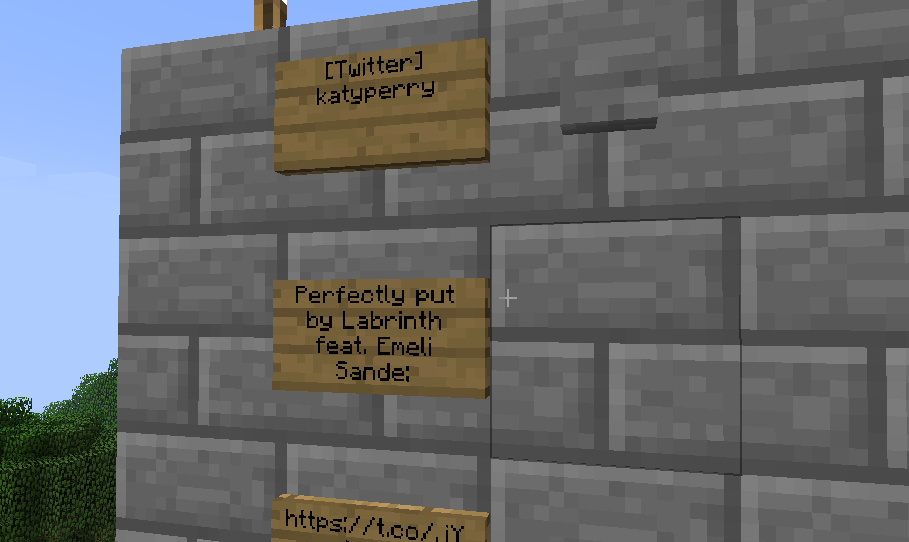
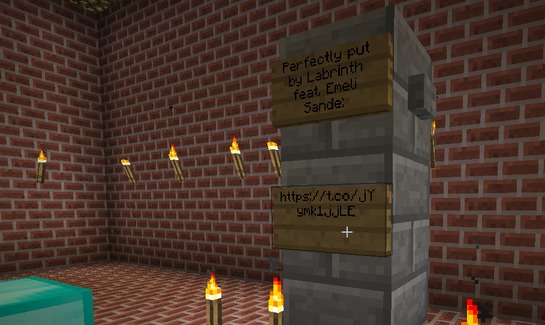
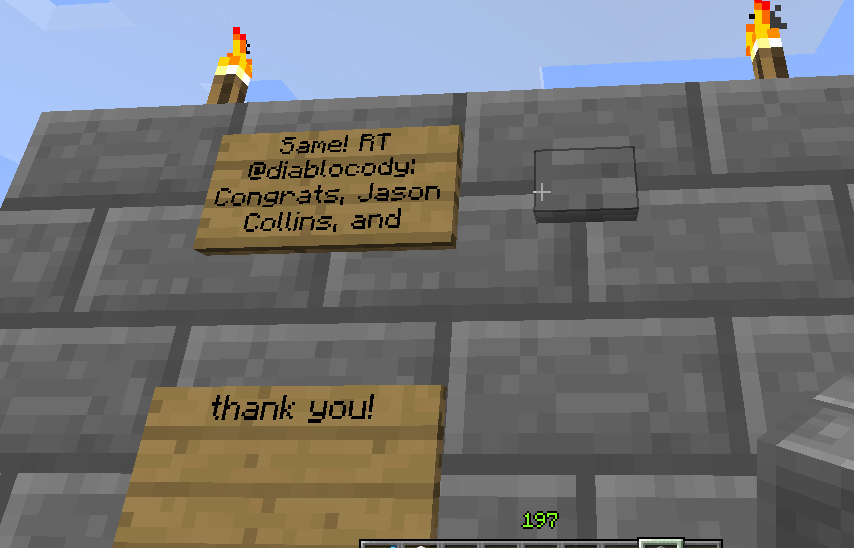
Display the latest tweet from any user on Twitter, such as your server’s official updates, in your minecraft world. The latest tweet will occupy at most 3 signs, thanks to twitter’s 140 characters limitation.
Installation
To install the plugin, follow the instructions on the
Installation Page.
Basic Usage
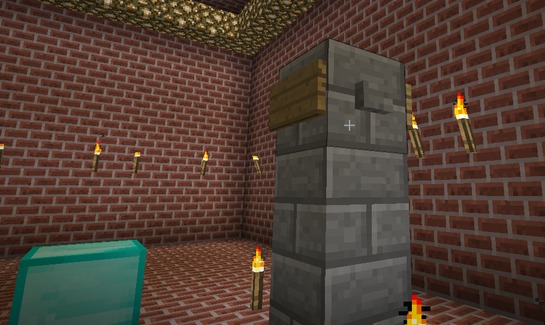
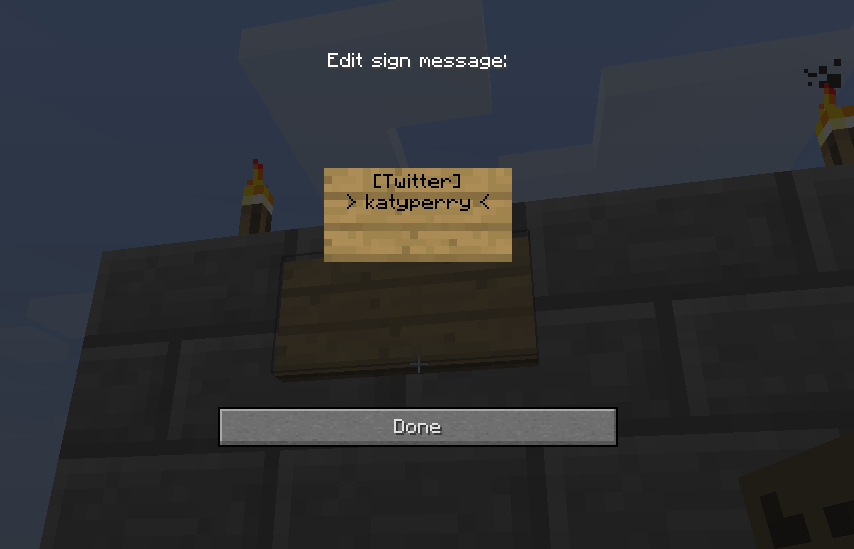
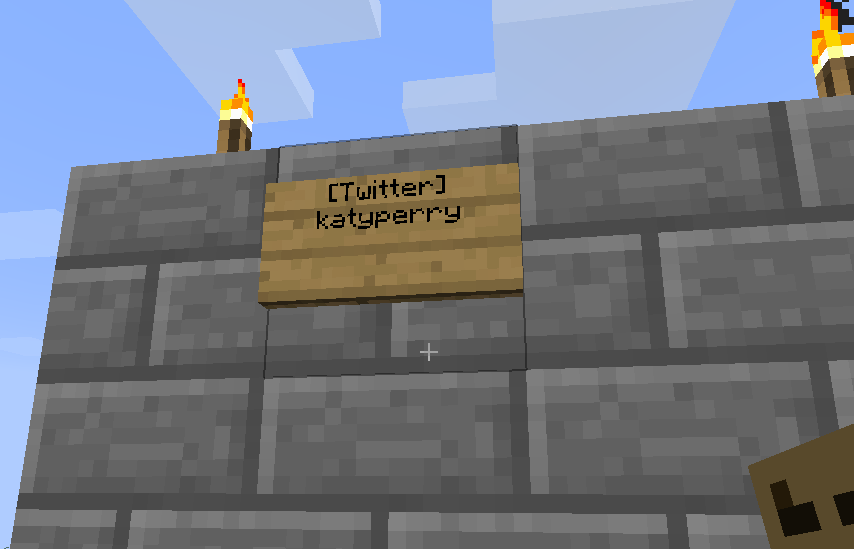
Once the plugin is properly installed, you can start building twitter boards! To experiment with a simple twitter board, build a wall that is 4 blocks high. Then, place a sign on the highest block and enter the following two lines:
[Twitter]

user-name
For example, if you like players to see the recent tweet posted by Katy Perry, you need to enter:
[Twitter]

katyperry
It is important to specify the
username (katyperry) and not the display name (Katy Perry). Just like in the address of her twitter page:
https://twitter.com/katyperry.


Immediately after setting the sign, nothing will happen. But when a redstone signal hit the sign, at most three signs will appear below and display the recent tweet. Redstone isn't just the way to generate the twitter board for the first time, it is also the mechanism that updates it. So if you want to refresh the board, just apply redstone again!

The easiest way to input a redstone signal to the sign is to add a button right next to the sign.
Using colors
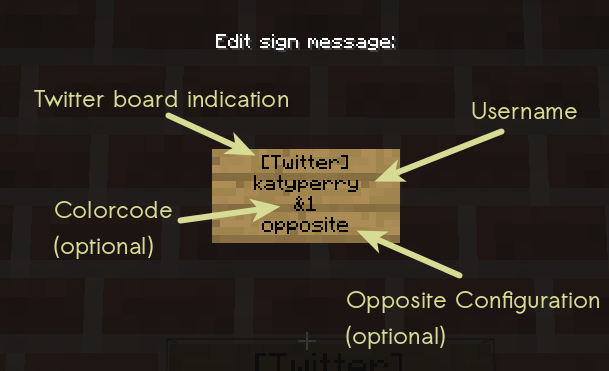
You may specify the color of each Twitter Board as the 3rd line on the sign, like so:
[Twitter]

katyperry

&1
Note that color codes will take up space on the signs that show the tweet, even though they are invisible. When using color codes, you might need to add an extra sign for the entire tweet to appear. You may specify a default color code in the configuration file of the plugin. Note that you can change the color code character in the config file. This is useful if you run into conflicts between plugins.
The opposite configuration
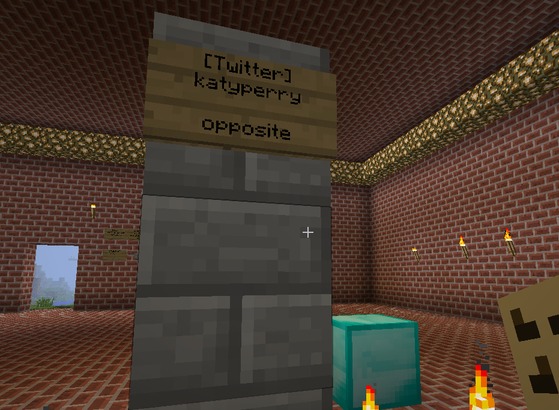
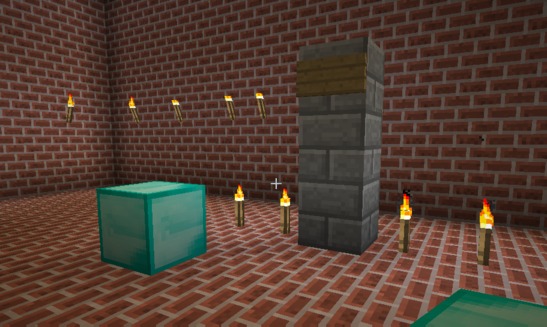
You may build a twitter board, which is only 3 blocks high by using the "opposite" setup. This involves placing the sign on the other side of the wall and entering the "opposite" keyword as the 4th line. This also allows you to hide the TwitterBoard sign and the redstone mechanism on the other side of the wall. More details on this configuration can be found on this
step-by-step page.

Refreshing the board
This redstone mechanism allows you and the players on your server to fetch the latest tweet without running jobs in the background or other command-based manual updates. You can also use redstone clocks to automatically update the board. A different option would be to setup a command block testing for a nearby player (i.e. with the /testfor command). When a player is detected, the command block will output a redstone signal which will update the board.
You can have as many Twitter boards as you like. By default, only operators/admins will be able to place the twitter sign, but any player on the server will be able to refresh the board with redstone.
Some techy stuff
The plugin is based on the Twitter4j library. The OAuth consumer key, secret and access token will be set in the config files (see the plugin's config.yml for more details).
Also note that the plugin has a built-in limitation on the number of API requests that are sent to Twitter (rate limit). It is possible that the board will not be immediately refreshed even though redstone was applied. The cooldown time is around 20 seconds, depending on the version of the plugin.
Source code
https://github.com/eyalzh/twitterboard