
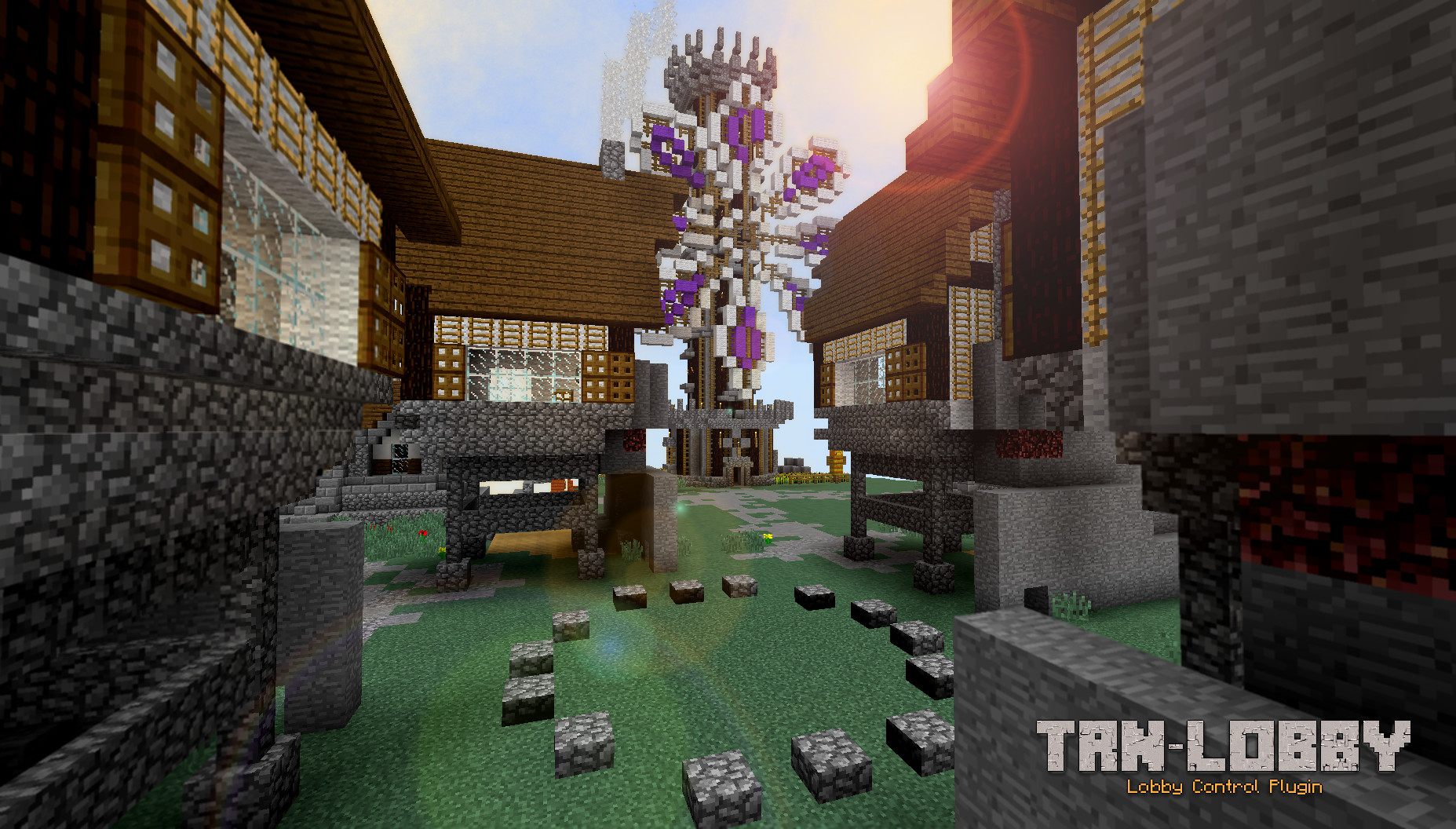
The logo
Description
This is a lobby control/protection plugin that allows administrators to improve the player experience. It was designed for the Bukkit 1.9 version or later.
Functionalities
- Take the players to the lobby world when they get into the server.
- Prevents players to modify the lobby.
- Remove all inventory stuff, and retrieve everything when they go back to the world game.
- Prevents players to fall in void.
- Prevents rain or snow in the Lobby world.
- Support multiple spawn points.
- Configurable prefix message
- Configurable allow/deny events
- Allows admin to override /spawn command from other plugins.
- Configurable events allowed/denied in lobby: creature-spawn, block-ignite and piston-works
- Controls player login by requesting a password for enhancing the server security.
- Autologin players which return from the same IP address.
- Prevent unlogged players to write in chat, execute commands and teleport outside the lobby.
- Sign control for teleporting players to the different games in the server.
- Configurable text file for multiple language support.
Commands
Administrative commands
- /trnlobby reload: Reloads the config.yml file.
- /trnlobby addspawnpoint Adds a spawn point to the Spawn Point Lists.
- /trnlobby sign add Adds a teleporter sign.
- /trnlobby sign set-loc Sets a destination point for the last added location.
Player commands
Only available if override-spawn-cmd configuration key is set to true:
- /spawn: Take players to the next spawn point.
Onli available if enhance-security configuration key is set to true:
- /register <password>: Registers a player on the server.
- /login <password>: Login an already registered player.
- /changepassword: Allows players to change their own passwords.
- /logout: Logoff a logged player.
Permissions
- trnlobby.admin: Allows to execute the plugin commands, and recieves notifications.
- trnlobby.edit: Alloes to edit the lobby world. (It is highly recommend to deny to all for preventing undesired modifications).
Installation
Simply drop the TRN-Lobby.jar file into the plugins folder and restart the server.
Configuration
After server starts the config.yml file will be created, you can modify it by editing the values and using the /trnlobby reload command.
Configuration values
- prefix: The name of your server. You can use chat colors.
- override-spawn-cmd: If it is True the /spawn command will take the players to the configured spawn world.
- allow.creature-spawn: Allows/Deny creatures to spawn in the lobby world.
- allow.block-ignite: Allows/Deny blocks to set in fire in the lobby world.
- allow.piston-works: Allows/Deny pistons to work in the lobby world.
- handle-inventory: Handle the inventory between Lobby World and other worlds.
- enhance-security.active: Request players login/register with password.
- password-dir: Sets the user/passwords directory.
- autologin: Autologin players which return from the same IP address.
- denied-password-words: A list of denied words for been used as passwords.
Future versions
This plugin was developed for explaining who to create real plugins (in Spanish) in TheRealNuke's Youtube Channel. It will be expanded on the next video release.
- Auto-complete commands.
- Anti-Bot protection.
- Chat flooding protection.
- And more...
License

This project is free software: you can redistribute it and/or modify it under the terms of the GNU General Public License as published by the Free Software Foundation, either version 3 of the License, or (at your option) any later version.
Please read about GPL License here
The TRN-Lobby Team
