Inactive
I'm sorry to have to put the state of this plugin to inactive. I simply don't have the time to put into maintaining the plugin.
Some time ago I tried adding a nice feature someone suggested. Only to find out about the item id changes. That's not a big deal for simple items. But the damage bits made defining complex items like potions/enchants/different variants of some items, quite simple. If I had more time I could invest it in this plugin. But unfortunately I don't have that time.
Added to that, I have no use for the plugin myself anymore (I don't play much and it's not used on the server I play on when I do). I mostly picked up support for this plugin because it was not maintained anymore.
If someone has a good alternative I'll be happy to mention it. Also anyone is welcome to clone the project and I'll do the same.
Features
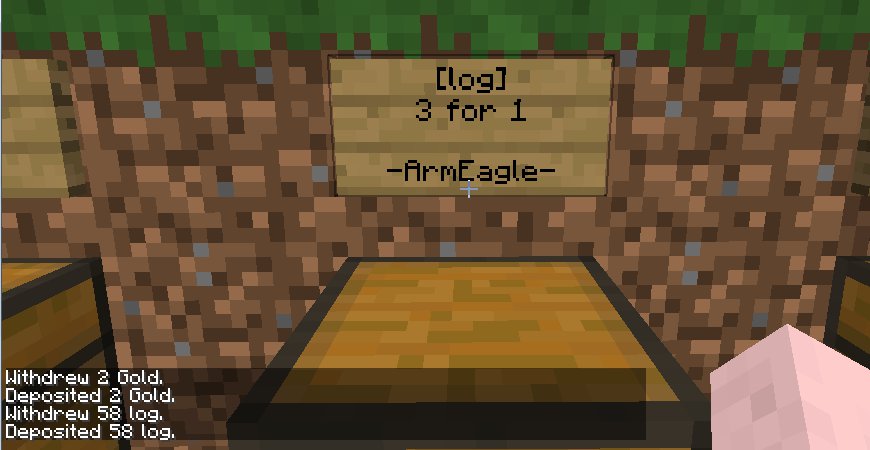
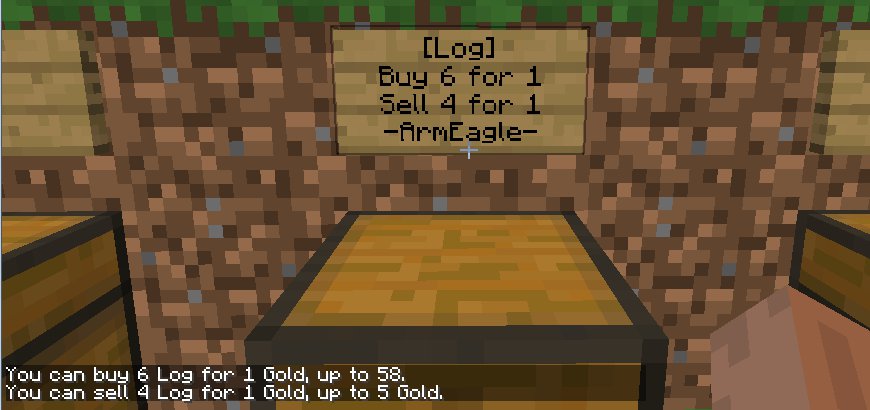
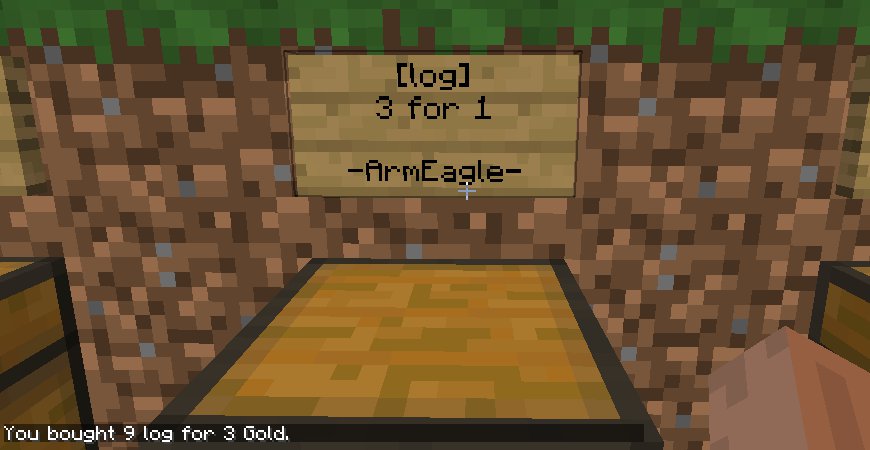
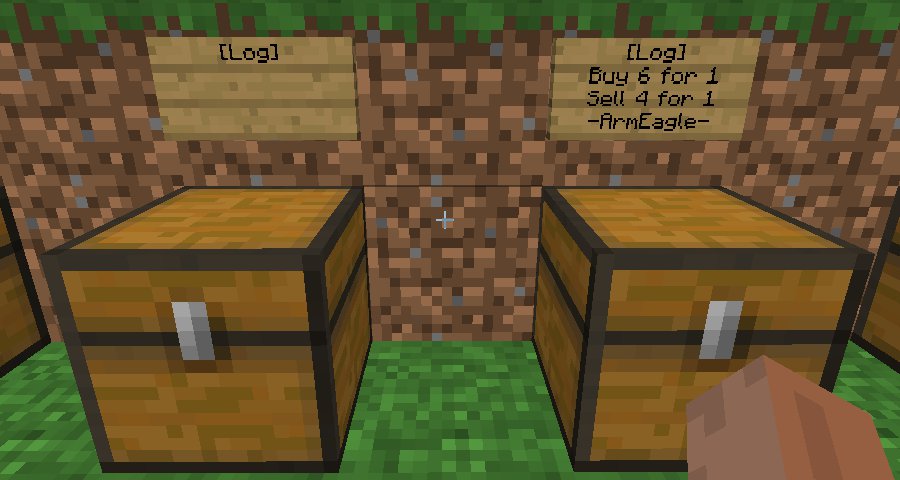
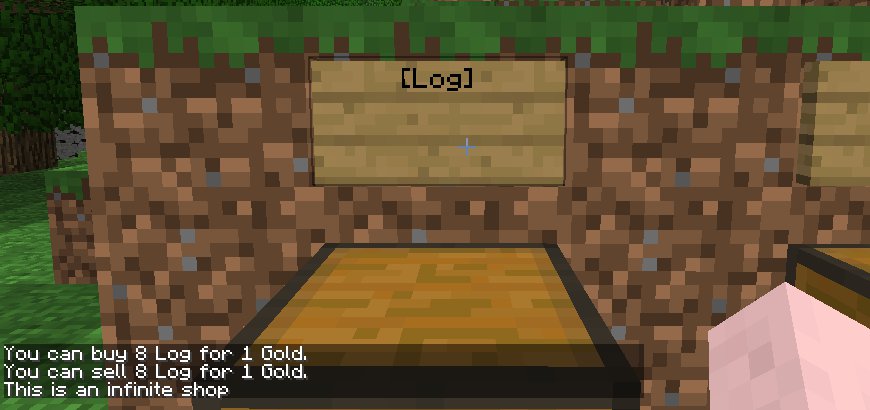
- Make infinite shops - place gold or items in the chest, right click the sign, and watch the magic happen!
- Become entrepreneurs! Have a lot of extra goods? Create a shop to let people easily buy or sell!
- Change the currency if you don't like gold ingots.
- Localization support, you can create language files, take TradeCraft.en.lang as example and configure the language in the properties file.
Source
Continuation/mod of mjmr89 build of TradeCraft.
Credit for the core of this mod goes to the github/forum users mjmr89 and jdiamond (injektilo on the hey0 forums). mjmr89 started this port to Bukkit, but has gone inactive. At first I just maintained a working version of the plugin. But now that plugin has officially gone inactive I decided to start a new entry myself.
Old development/discussion thread
Manual
You can read the Manual here, or the Old technical manual here.
Commands
- /tc[help] Show the TradeCraft commands a player can use.
- /tcgetcurrency Get currency.
- /tcsetcurrency [id[;data]] Set currency. To set a currency, use the id number, optionally add a data value by separating with a semicolon. Limited by permissions.
- /tcshops Displays the personal shops you have and their current inventory/gold
- /tcpshops playername Displays the personal shops of a specific player
- /tcreload Reloads the plugin (and configuration files). Limited by permissions.
- /tcplayerperms playername Debugging info if there are problems with permissions.
Permissions
- TradeCraft.canBuy Permission to buy from any shop (default: true).
- TradeCraft.canSell Permission to sell to any shop (default: true).
- TradeCraft.canMakePlayerShops Permission to make a player shop (default: true).
- TradeCraft.canMakeInfShops Permission to make infinite shops (default: op).
- TradeCraft.canDestroyShops Permission to destroy infinite or other player's shops (default: op).
- TradeCraft.canSetCurrency Permission to set the currency (default: op).
- TradeCraft.canReload Permission to reload the TradeCraft plugin (default: op).
- TradeCraft.canQueryOtherShops Permission to get a list of shops owned by other players (default: op).
- TradeCraft.canQueryPlayers Permission to show the permissions of a given player (default: op).
Note: The first three permissions are given to anyone by default. If you do not want a group or person to have these permissions, you will actively have to deny them (- -TradeCraft.canBuy for PermissionsEx for example).
Configuration
- items.yml Put all the item types and default (infinite shop) trade values you want to be able to trade in here.
- By default this is a small list, but ModernDragoness provided a complete list. You can disable either buy or sell rate by writing a rate of 0:0.
- vagrant326 made this spreadsheet that can calculate balanced values for items. Though it is written for currency-based trade plugins and will not output data compatible with the items.yml file, some admins or players might find it helpful.
- TradeCraft.data Contains all player shop data (amount of items and currency stored).
- TradeCraft.properties Several settings for the plugin, read the comments in the file for more information.
- TradeCraft.[].lang Localization files. By default only English is supported. But you can make your own translation and change "language" in the .properties file to choose to use that instead.