

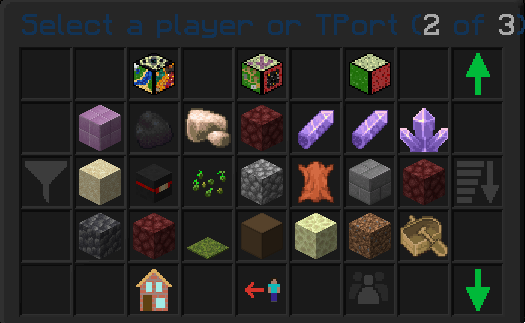
This is a view of the Main GUI for TPort, this shows a list of all the players and/or TPorts you can select
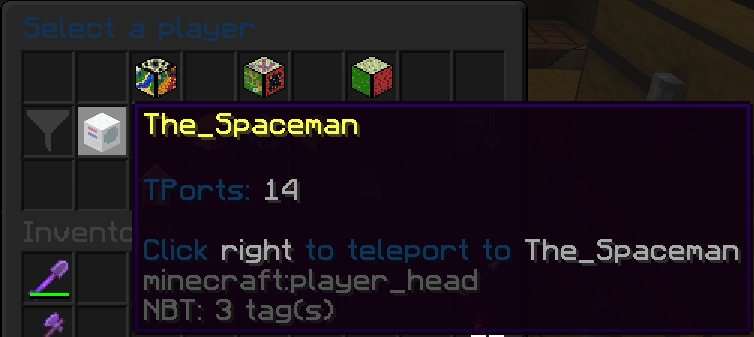
This shows the look of hovering over a player
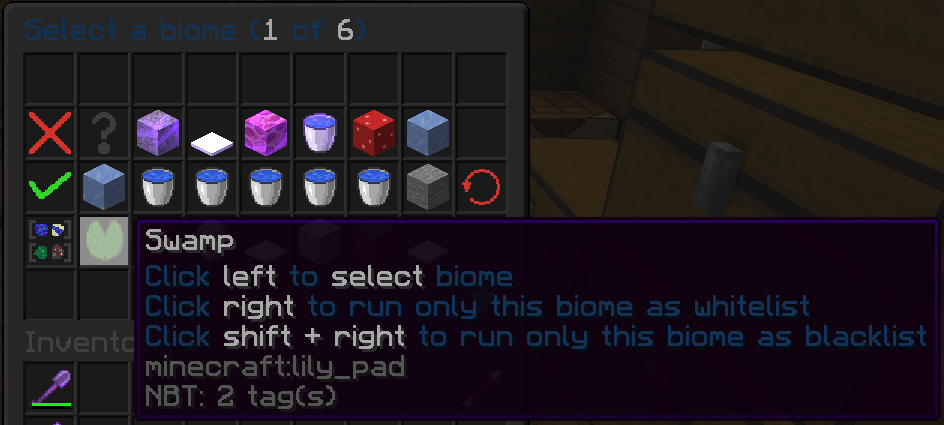
Within the BiomeTP GUI you can select different biomes to search for
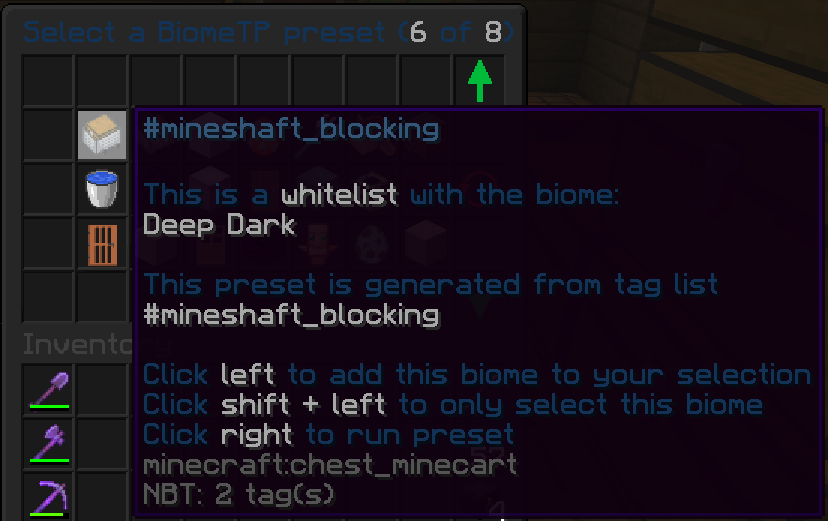
The presets from BiomeTP contains custom made lists and the taglists from Minecraft
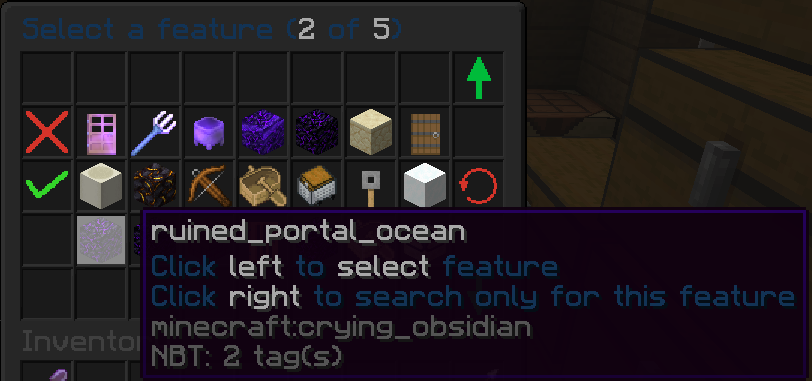
Within the FeatureTP GUI you can select different features/structure to search for
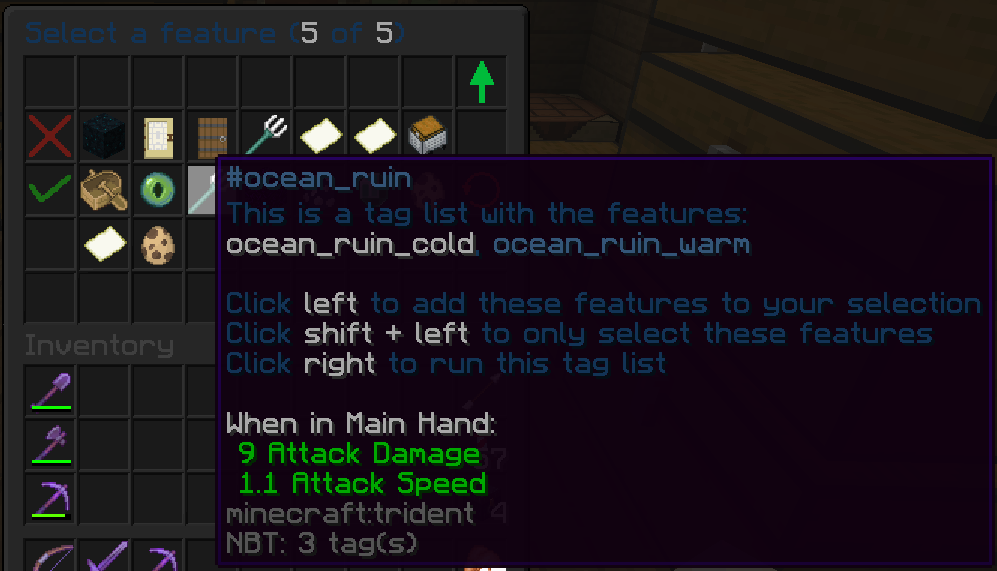
The FeatureTP GUI also allows you to select all the features from a Minecraft taglist
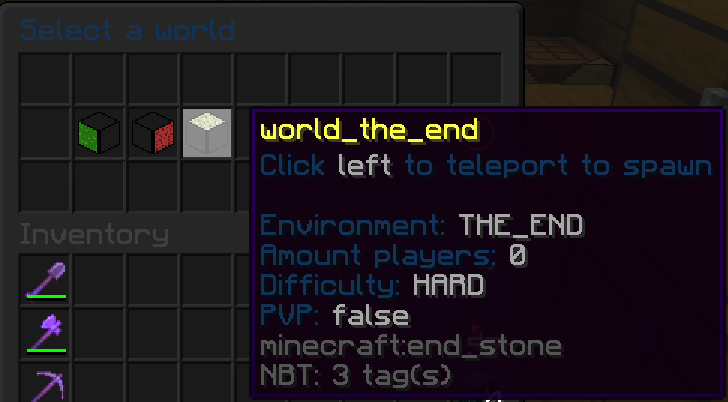
With the worldTP GUI you can select all loaded worlds to teleport to its spawn
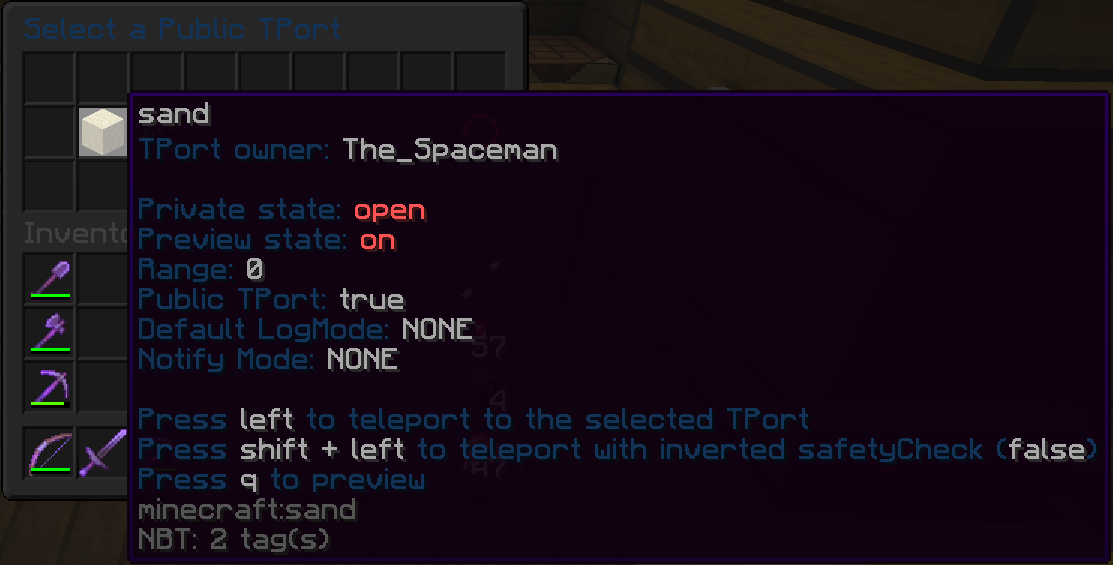
This GUI shows all the TPorts that have been selected for PublicTP, this list is available for every player (with the correct permissions when enabled)
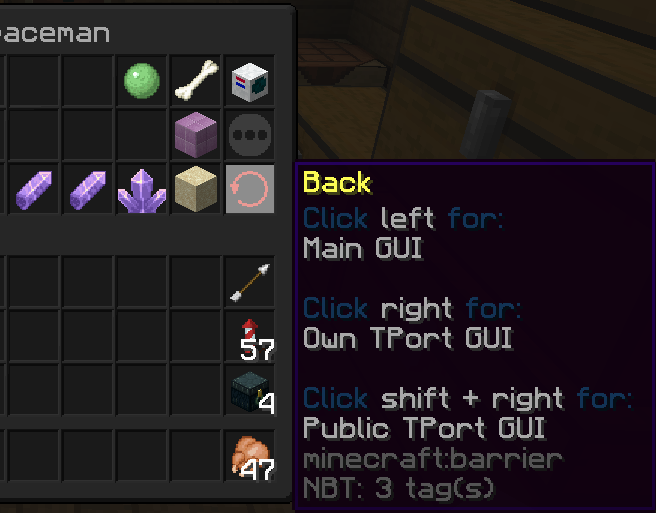
In most GUI's there will be a back button, this allows you to travel between GUI's
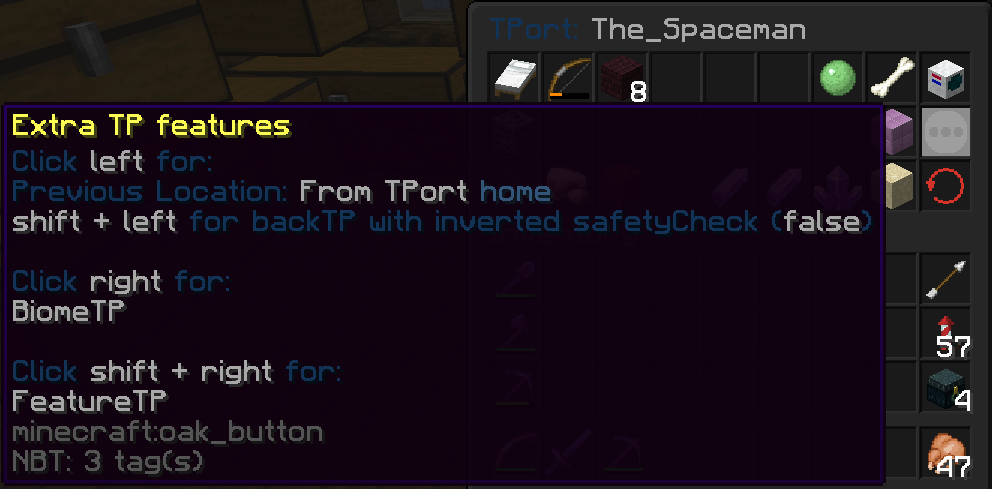
When in a TPort GUI you can use BackTP, or go to BiomeTP/FeatureTP GUI
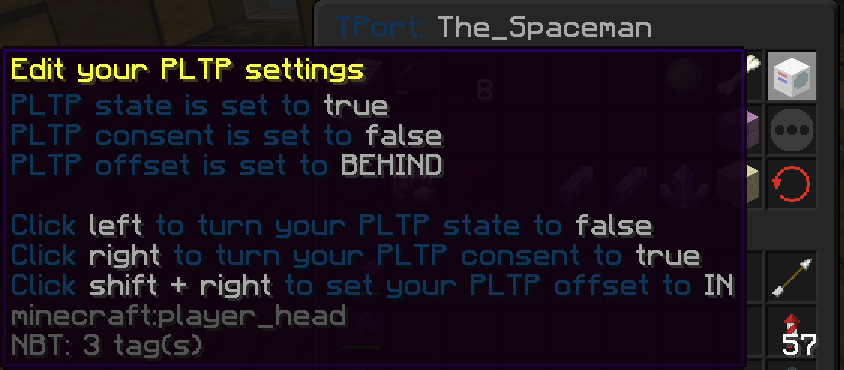
When hovering over your own player head you can see your current PLTP settings and edit them by pressing the right mouse button. When viewing a TPort GUi that is not yours you can click the head to PLTP to that player
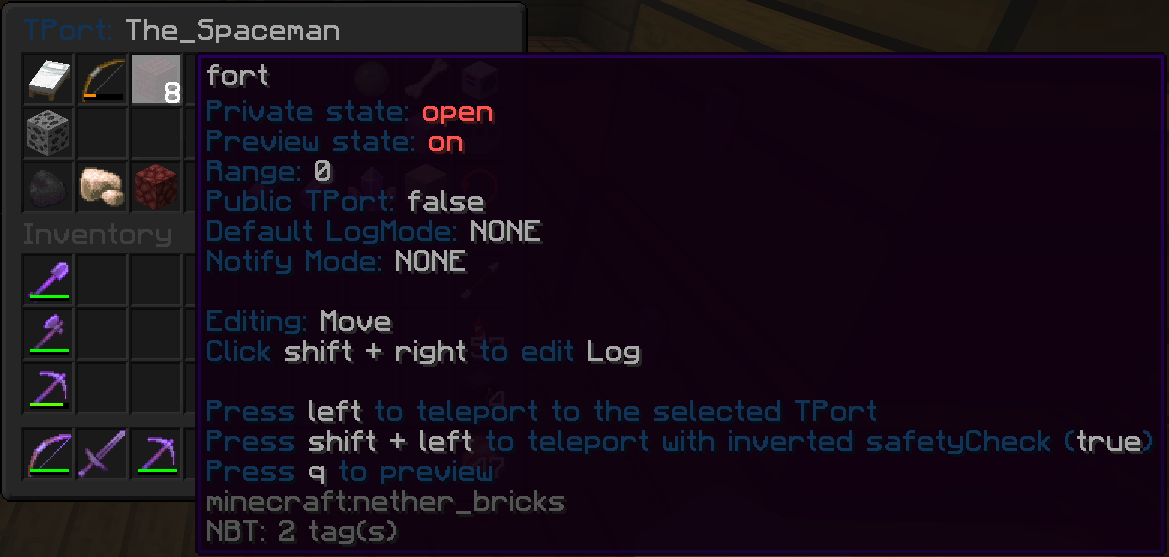
This GUI shows all your own saved TPorts. With right click you can edit the selected TPort, when shift+right click you can edit different options. With left you teleport to selected TPort, with your drop key (customizable) you can preview that TPort
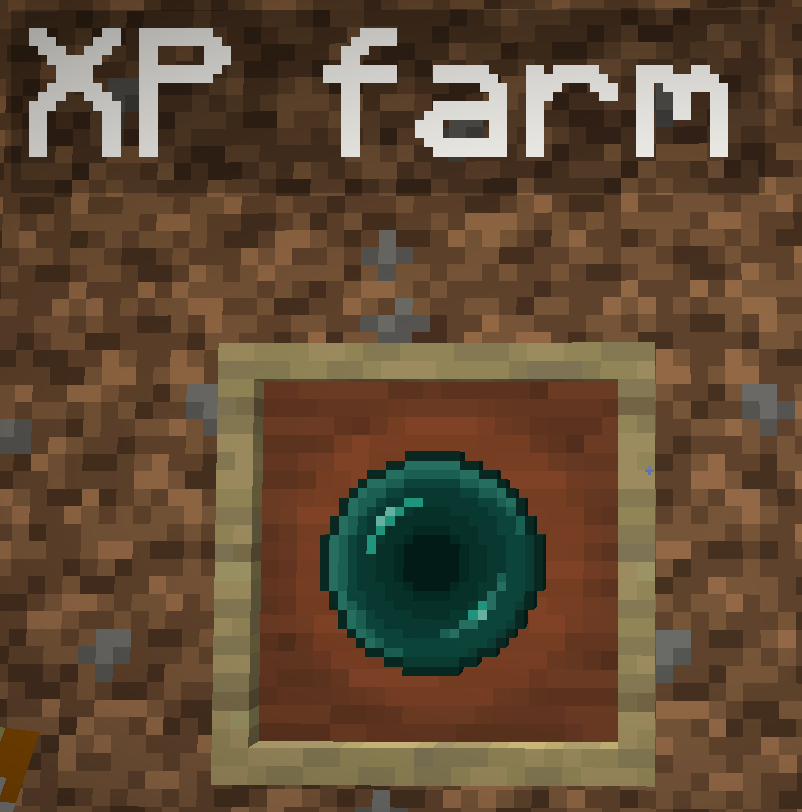
When a Teleporter is put in an ItemFrame it still works, this can be used for a nice TPort hub

