TNTSweeper
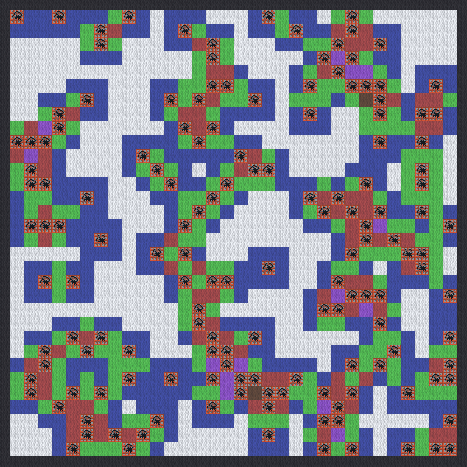
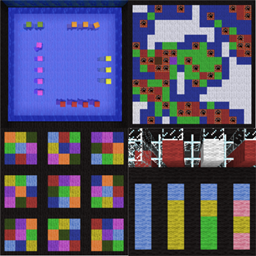
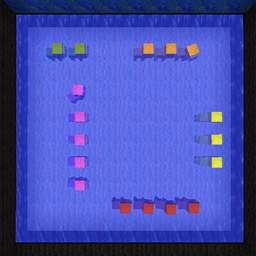
Completed hard board
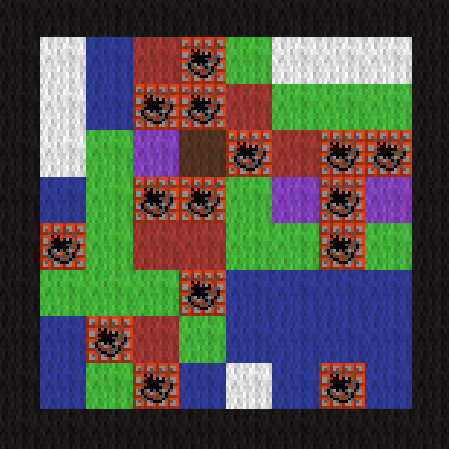
Completed easy board
TNTSweeper
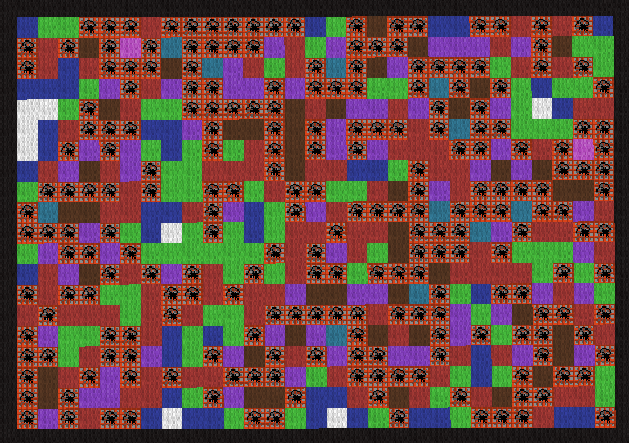
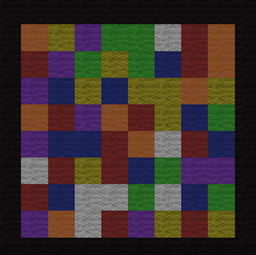
Completed custom board 20x31 with probability of 0.3
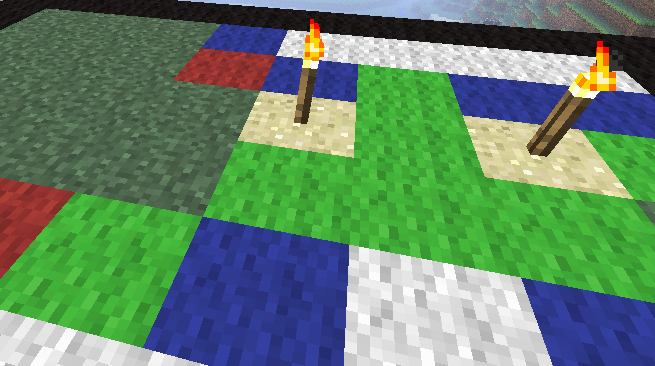
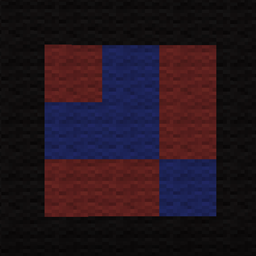
Shows what a flag looks like. These can be placed or removed by right clicking the block

Wool block color legend. Shows how many TNT blocks are adjacent to the color wool.
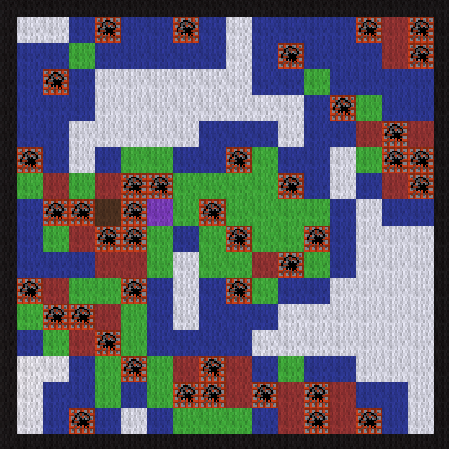
Completed medium board
Description

TNTSweeper makes it possible to play Minesweeper in Minecraft! Break the grass blocks to reveal a colored wool block or TNT. The color of the wool blocks represent the number of TNT blocks adjacent to it. It plays just like normal minesweeper.
Features
- Create Easy, Medium, Hard or Custom game boards
- Break blocks to reveal colored wool or TNT
- Right click blocks to add or remove a flag
- Automatically reveal adjacent blocks
- Prizes calculated using amount of non-TNT blocks in a game multiplied by the board's PuzzleMultiplier in config.yml
Install
BoardGamesAPI REQUIRED
- BACKUP FIRST
- (If upgrading) Delete old TNTSweeper folder and TNTSweeper.jar from plugins directory
- Download and place BoardGamesAPI.jar in plugins directory
- OPTIONAL: Vault required for prizes
- Download and place TNTSweeper.jar in plugins directory
- Start Server
- Create a board (see below)
Create a board
- Use /tntsweeper setboard [boardtype] [boardname] to generate a board. (generates to the south-east of where you/re standing)
- [boardtype] - easy , medium or hard
- [boardname] - a unique name for the board
- Example: /tntsweeper setboard easy easyboard
Create a Custom Board
- Use /tntsweeper setboard custom [boardname] [x] [y] [p]
- [boardname] - a unique name for the board
- [x] - number of blocks for one side of the board
- [y] - number of blocks for another side of the board
- [p] - used when generating the probability of TNT (default is 0.15)
- Example: /tntsweeper setboard custom BigBoard 50 75 0.15
Playing
- Use /tntsweeper list to list all available boards
- Use /tntsweeper play [boardname] to start playing on a board
- Use /tntsweeper legend to see how many mines are surrounding each wool color
- Break grass blocks to reveal colored wool or TNT
- Right click a block to add or remove a flag
- You win the game when all blocks have been cleared.

Commands & Permissions
- /tntsweeper, /ts, /tsweep - shows list of commands
- /<command> help - shows list of commands
- /<command> play [boardname] - play a game (op or tntsweeper.player)
- /<command> quit - quit a game, queue or spectate
- /<command> setboard [boardtype] [boardname] - generates an empty board (op or tntsweeper.admin)
Configure (config.yml)
Other Plugins
MineJong | WoolDoku | MasterMined | BeWooled | TicBlockToe | BattleSheep
Supporting Servers
Show your support with a small Donation

Support & News
If you need support, want to give support or see planed features, go to the FORUM
The TNTSweeper Team