


Description

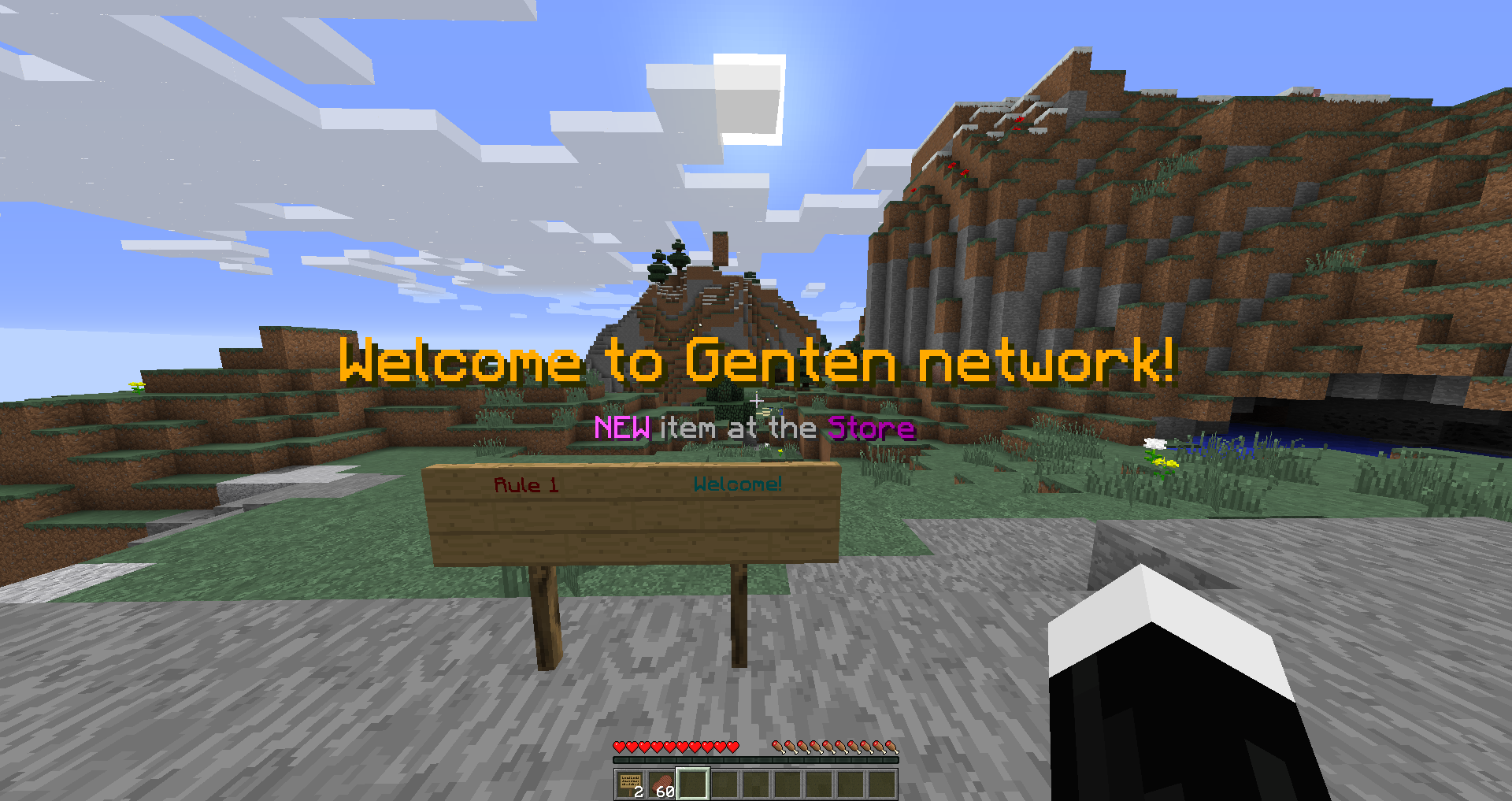
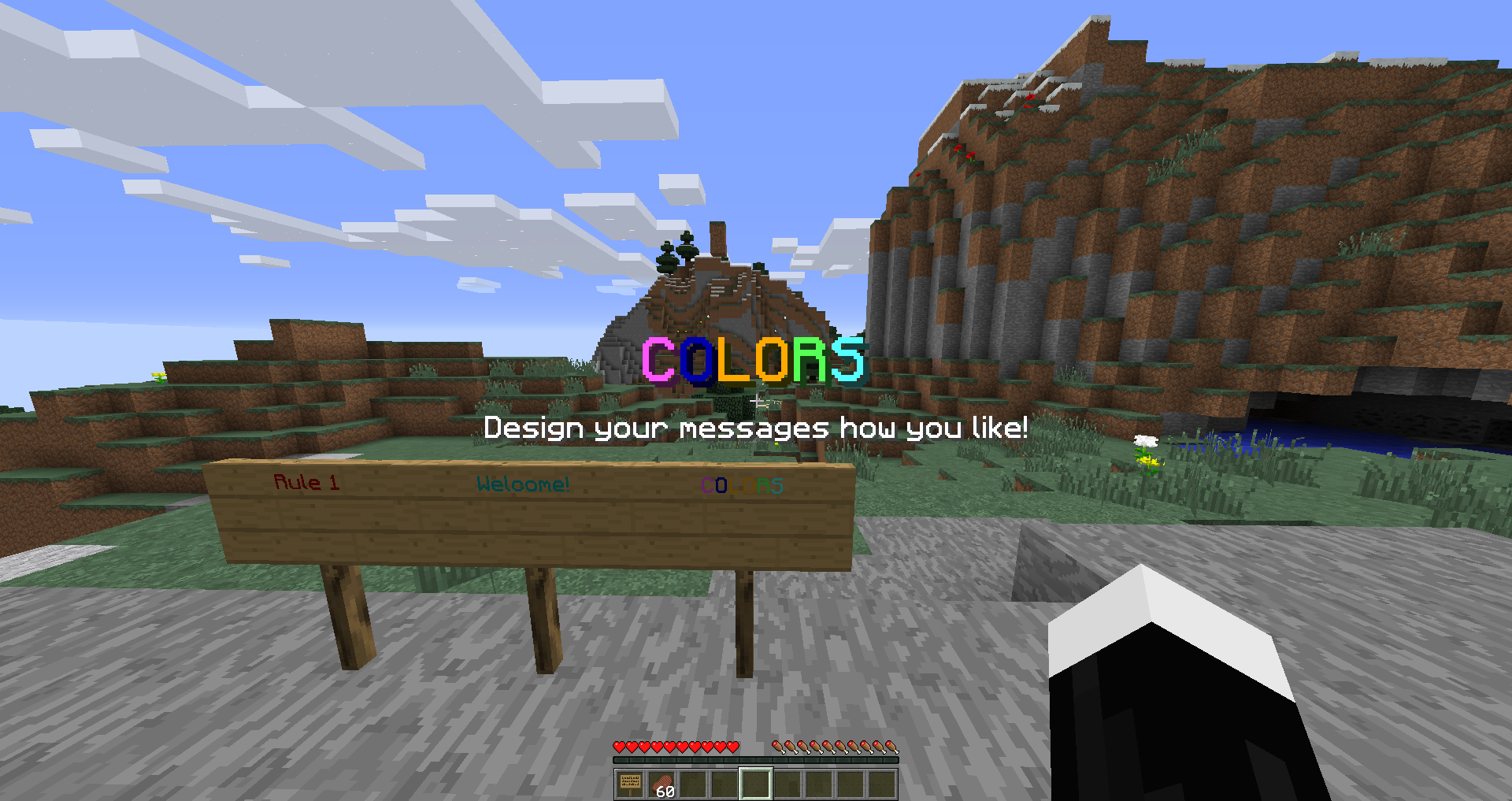
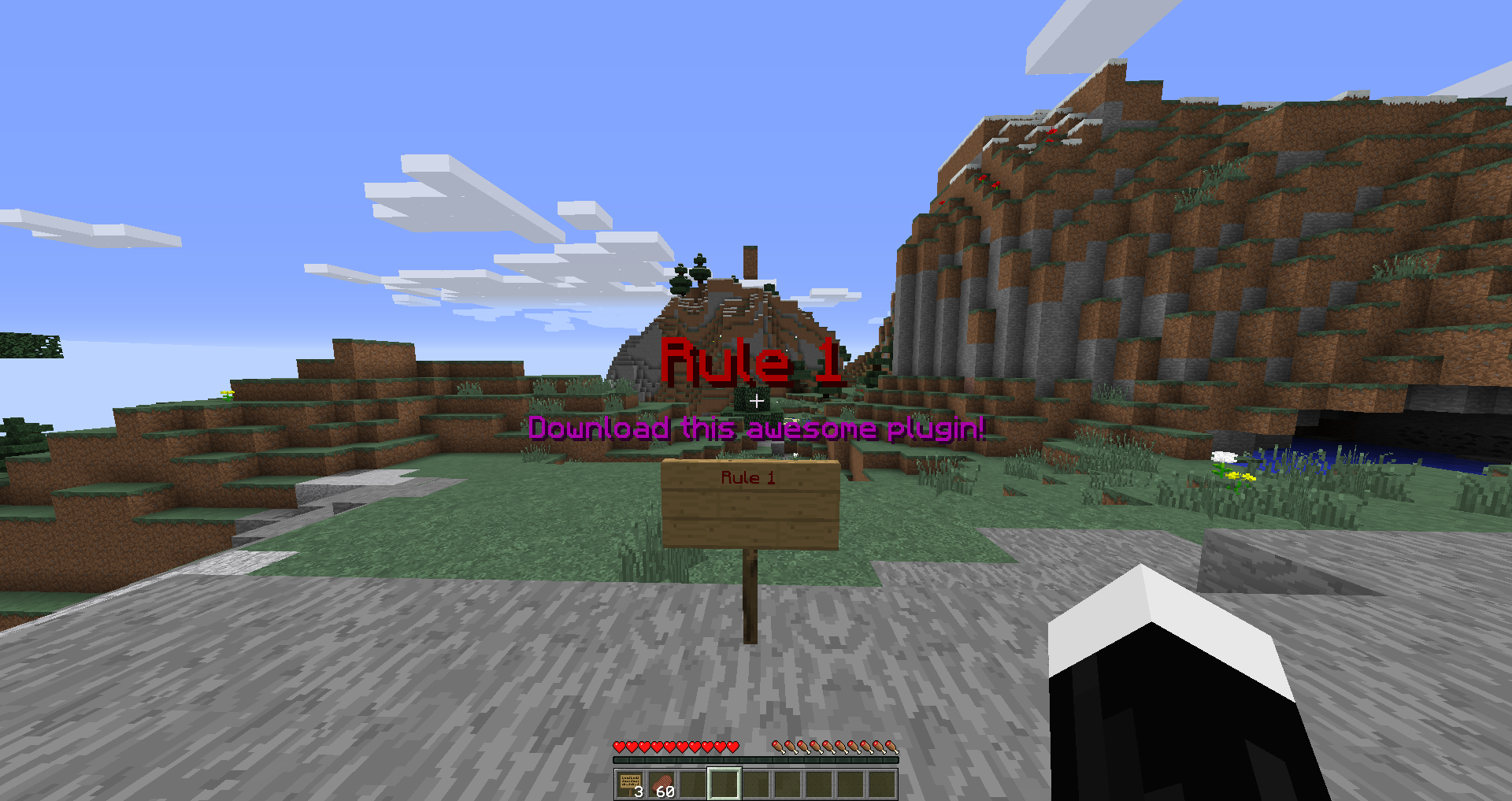
A plugin which allows you to create and managed custom signs. Currently version 1.0, many neat features in the works. Create custom signs to display a title message on the players screen!


- Custom Title Messages
- Custom Signs
- Custom Error Messages
- Use minecraft color codes
- Unlimited Signs
- Permissions


Permissions:
signplusplus.signexecution Allows the player to create a custom sign executioner
signplusplus.signadd Allows the player to add/create a custom sign
signplusplus.reload Allows the player to reload the config file
Commands:
/signadd <SignID> Creates a custom sign and stores its info in the config
/signreload Reloads the config from in-game.

This plugin uses the TitleAPI found here.
This plugin won't work without this API.
Simply add the API.jar file into your plugins folder and everything should run smoothly :)

-
First you must download the plugin here. (Make sure you have the TitleAPI installed, download it here)
-
Drag both the Sign++.jar and the TitleAPI.jar into your plugins folder.
-
Run you server and check if Sign++ was enabled(Should come up in the console)
-
Go to your plugins folder and you'll find a folder called SignPlusPlus, in this folder you will find a config.yml file. (Take a quick look, this is where most of the work is going to be done)
-
Log into your server and lets get started creating our first sign.
-
We first have to create our signID, simply do /signadd <signID>
-
This is defined under the sign: in the config, for example:
-
In this config.yml the signID is bolded
-
sign:
welcome:
name: 'Hello'
executor: '[Hello]'
error: '[ERROR]'
errormsg: 'There was an error!'
fadein: 15
stay: 100
fadeout: 15
title: 'Welcome to this server!'
subtitle: 'this is a test!'
-
- After you have added your signID head back into your config file and start editing your straits!
Here are what the straits are:
- name:
- This is the name of the sign, before a sign is placed you need to define its name:
- This goes eye to eye with the executor, when you place down a sign you first define the name (In the first line)then the plugin replaces the name with the executor.
- If you don't get this, its simple, place a sign with the name written on the first line and the sign will change to its executor.
- executor:
- This is what the player actually clicks on, once you write the plugins name on the first-line, the plugin would do its work and replace the name given to the executor.
- You can do many things, such as changing the color and text within the config.yml file.
- *The executor only works on the first-line of the sign* (Might change in the future)
- error
- When a player(without the signplusplus.signexecution permission) tries to re-write your custom sign, it replaces whatever they typed into this message.
- You can do many things, such as changing the color and text within the config.yml file.
- errormsg
- This goes eye to eye with the Error strait, once the player has received and error when trying to write your custom sign without the right permissions. If they try to right click it sends them this message.
- You can do many things, such as changing the color and text within the config.yml file.
- fadein:
- This defines how long your custom message fades-in.
- IMPORTANT this is using ticks which means, 20 ticks = 1 second.
- So if you want your fade-in to last 2 seconds you would put in 40.
- stay:
- This defines how long your custom message stays on the players screen.
- IMPORTANT this is using ticks which means, 20 ticks = 1 second.
- So if you want your message to last 2 seconds you would put in 40
- fadeout
- This defines how long your custom message fades-out.
- IMPORTANT this is using ticks which means, 20 ticks = 1 second.
- So if you want your fade-out to last 2 seconds you would put in 40.
- title:
- This is the Main title of your message.
- As shown in plugin pictures, this displays the big letters in the center.
- You can do many things, such as changing the color and text within the config.yml file.
- subtitle:
- This is the sub title of your message.
- As shown in plugin pictures, this displays the small letters in the center.
- You can do many things, such as changing the color and text within the config.yml file.
*Make sure to reload the config using the /signreload command. If you don't all the changes you made won't be active.*
The Sign++ Team
