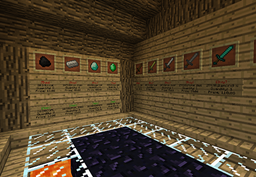
with RazTPSigns you can crate teleport sign.
How to use?
- To create a place you need you the command place:
/place [Place_Name] - To remove a place you need you the command place_remove:
/place_remove [Place_Name] - To create teleport sign you need to do like the sign:

- [TP] - The sign must start with [TP] to start the plugin.
- [Place Name] - The name of the place
and you get sign like that:


commands
- RazTPSigns - Get the status of RazTpSign plugin.
- place - Create a place.
- place_remove - Remove a place.
permissions
- RazTPSigns.create.signs - Gives access to create teleport signs.
- RazTPSigns.create.places - Gives access to create places.
- RazTPSigns.remove.signs - Gives access to remove teleport signs.
- RazTPSigns.remove.places - Gives access to remove places.
- RazTPSigns.teleport - Gives access to teleport with signs.
The RazTPSigns Team