promotional bannermobile promotional banner

ProximitySwitch

Abandoned
A plugin that enables you to activate a hidden switch remotely
<p>Screenshot#3</p>

Screenshot#3

<p>Screenshot#5</p>

Screenshot#5

<p>Screenshot#2</p>

Screenshot#2

<p>Screenshot#6</p>

Screenshot#6

<p>Screenshot#1</p>

Screenshot#1

<p>Screenshot#7</p>

Screenshot#7

<p>Screenshot#4</p>

Screenshot#4

Description

What is it?

ProximitySwitch allows you to put a sign near any lever and, based upon the information on the sign, enable you to activate the switch remotely.

Setup

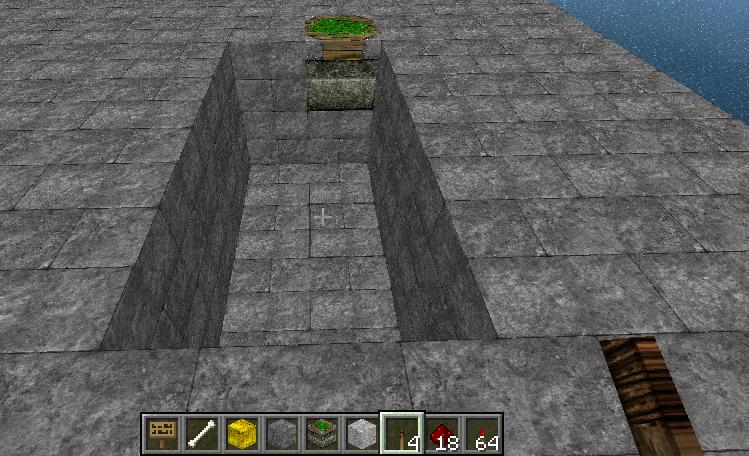
Screenshot #1

A standard lever switch...

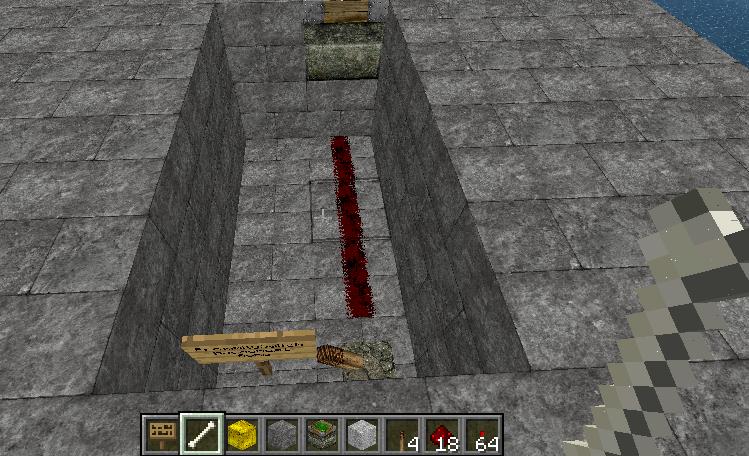
Screenshot #2

Smack it to turn it on and off...

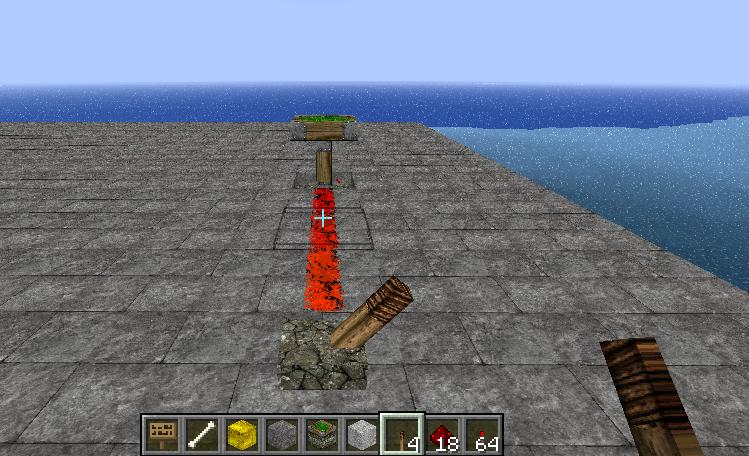
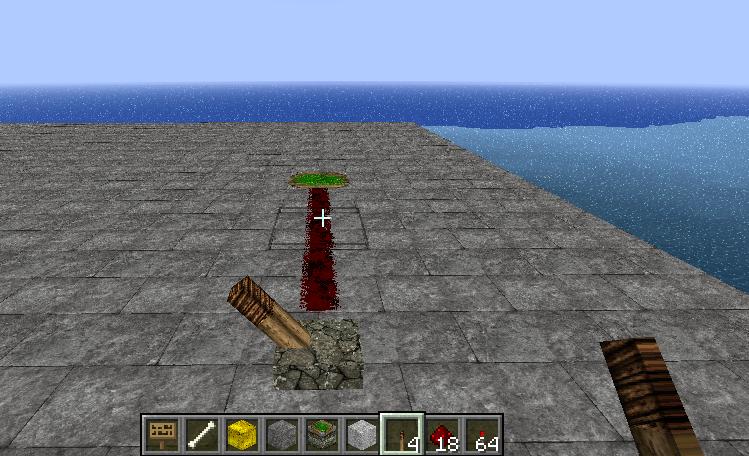
Screenshot #3

With ProxmitySwitch, you can hide the guts...

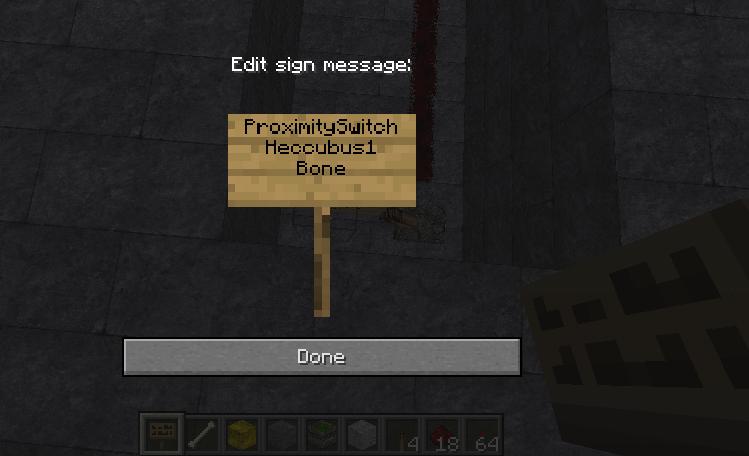
Screenshot #4

Make a sign like so:
Line 1: ProximitySwitch
Line 2: Player name to restrict to (can be left blank for all players)
Line 3: Name of material that must be in hand to activate (can be left blank for all materials)
I am using the Material names from: http://jd.bukkit.org/apidocs/org/bukkit/Material.html.
Line 4: Blank

Screenshot #5

All set up.

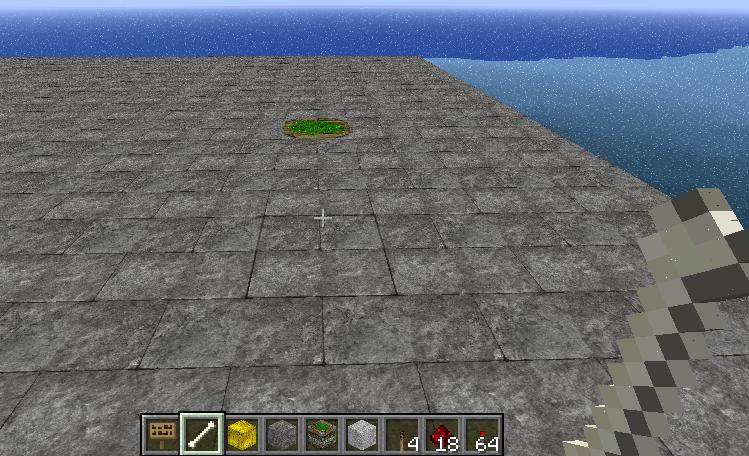
Screenshot #6

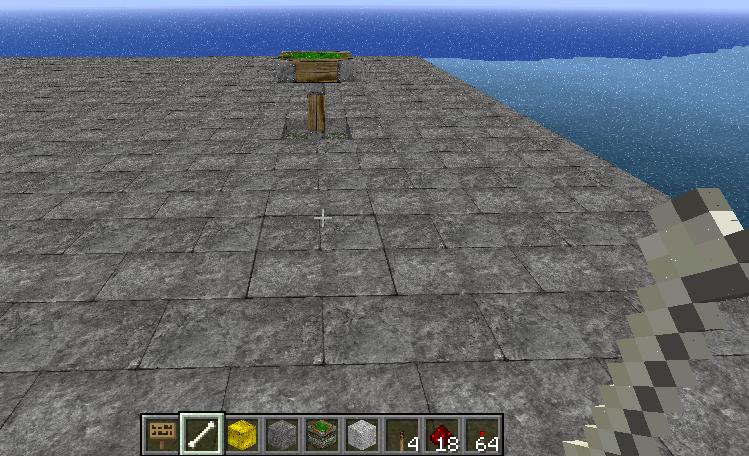
Now cover it up.

Screenshot #7

And all you need to do is right-click near the hidden switch, with the proper material in hand, and the switch is activated.
The maximum distance a player can be from the lever as well as the maximum distance the sign can be from the lever can both be modified in the config.yml.


The ProximitySwitch Team

profile avatar
  • 2
    Projects
  • 4.0K
    Downloads

More from _ForgeUser7698623

  • PowerGrid project image

    PowerGrid

    • 3.3K
    • Bukkit Plugins

    A plugin that makes it easy to create a field of powered redstone torches.

    • 3.3K
    • October 22, 2011
    • Bukkit Plugins
  • PowerGrid project image

    PowerGrid

    • 3.3K
    • Bukkit Plugins

    A plugin that makes it easy to create a field of powered redstone torches.

    • 3.3K
    • October 22, 2011
    • Bukkit Plugins