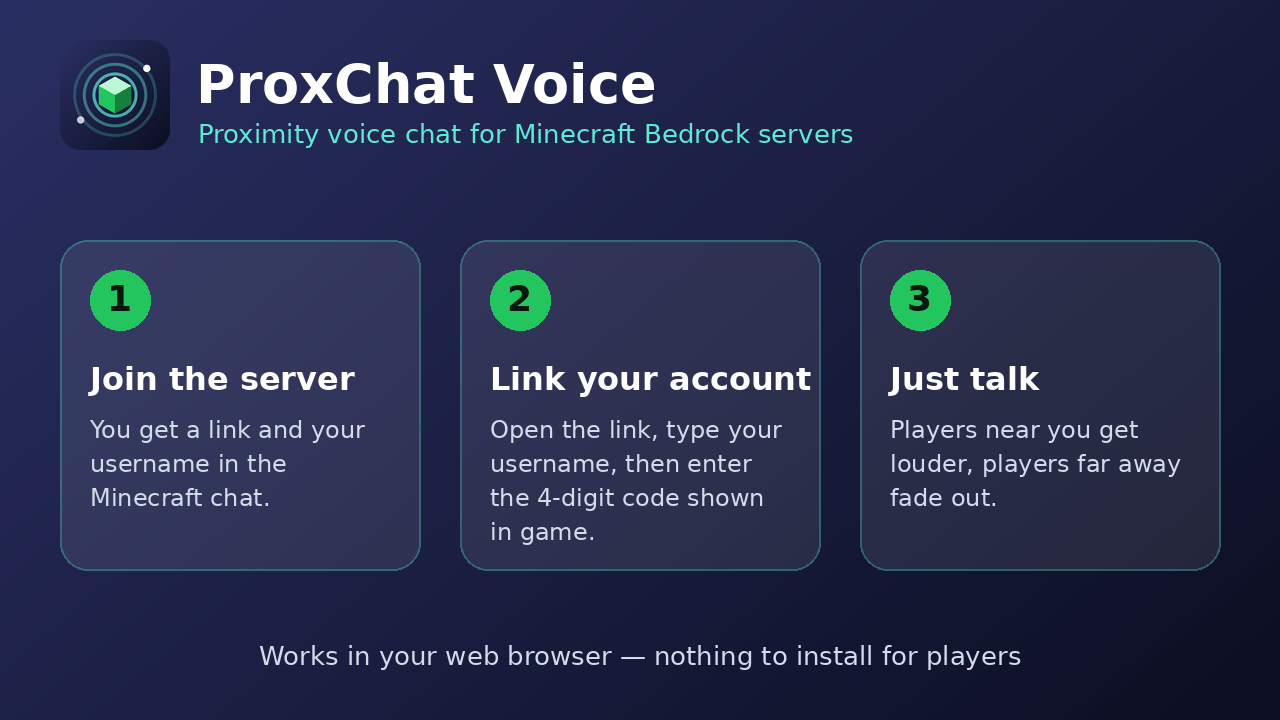
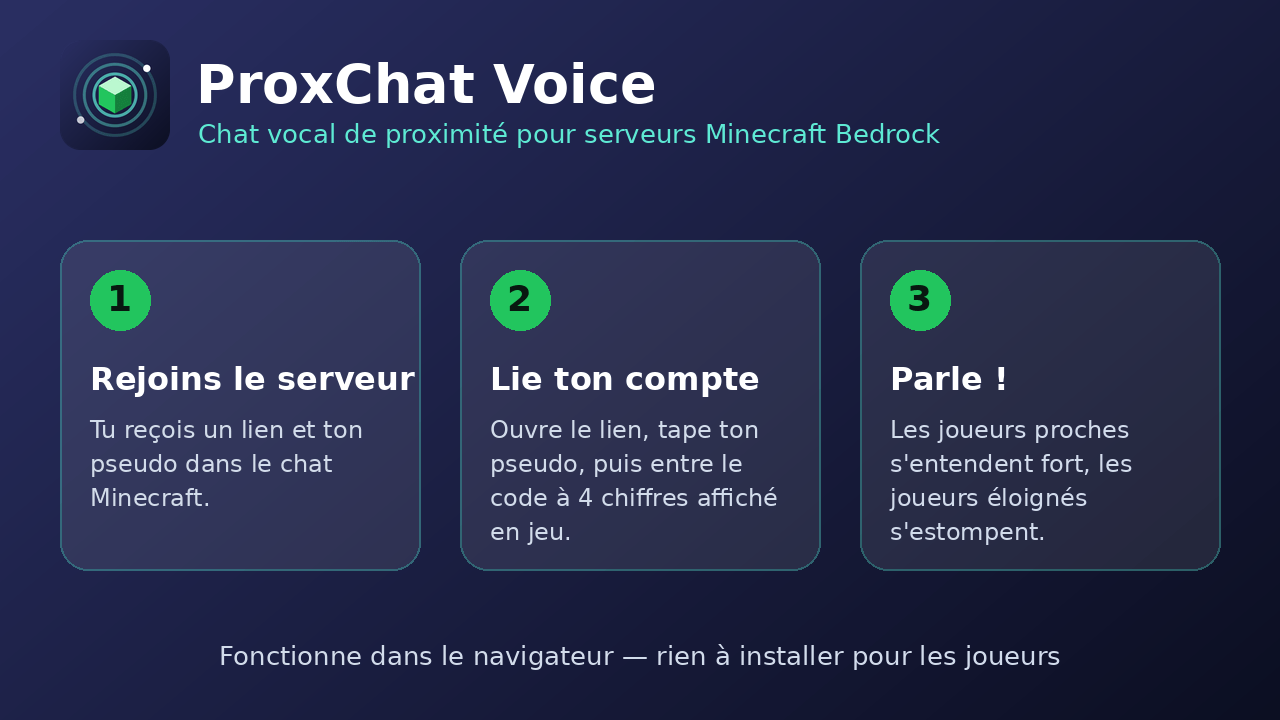
ProxChat adds proximity voice chat to your server. Players talk through their web browser: the closer they are in the game, the louder they sound.
HOW IT WORKS
- The plugin sends player usernames and positions to the ProxChat website.
- Each player opens a link, types their username, then enters a 4-digit code shown in the game. This proves they are who they say they are.
- Players then hear each other with a volume that depends on the distance. Nobody installs anything on their side: a browser and a microphone are enough.
INSTALLATION
1. Put the ProxChat jar in your server's plugins folder.
2. Restart the server. The config file is created in plugins/ProxChat/config.yml.
3. When a player joins, they get a link in the chat (it ends with ?s=...).
CONFIGURATION (config.yml)
- site_url: the address of the ProxChat website (already set).
- range: distance in blocks at which players can no longer be heard (default 32).
- require_code: true = players must type a code received in the game (safer). false = they just click their username on the website.
- server_key: created automatically on first start. Keep it secret: never share it or publish your config.
REQUIREMENTS
- A Spigot/Paper compatible server (the plugin declares API 1.20).
- Players need a modern browser with HTTPS and a microphone.
- Bedrock players joining through Geyser/Floodgate may work, but this is not guaranteed yet. Their usernames can start with a dot.
PRIVACY
Only usernames and positions are sent to the website, and positions are not saved in a database. IP addresses are only kept as a hash to limit abuse. Voice goes between players' browsers (through a relay if needed) and is never recorded.
LINKS
- Mod for normal Bedrock survival worlds (ProxChat Helper): https://voilechatbedrock.archeo.workers.dev/mods
- Add-on for Bedrock Dedicated Servers: https://www.curseforge.com/minecraft-bedrock/addons/proxchat-voice-edition-mod-bedrock/preview
- Website and voice lobby: https://voilechatbedrock.archeo.workers.dev
- Discord: https://discord.gg/ZtZewEW3pt