ProAntiTab
- By

ABOUT
ProAntiTab is an advanced plugin hider with many features and a very simple to understand system. It prevents your server from plugin spoofers used by hack clients, manipulates the tab-completion, blocks unwanted suggestions and much more!
IN ACTION
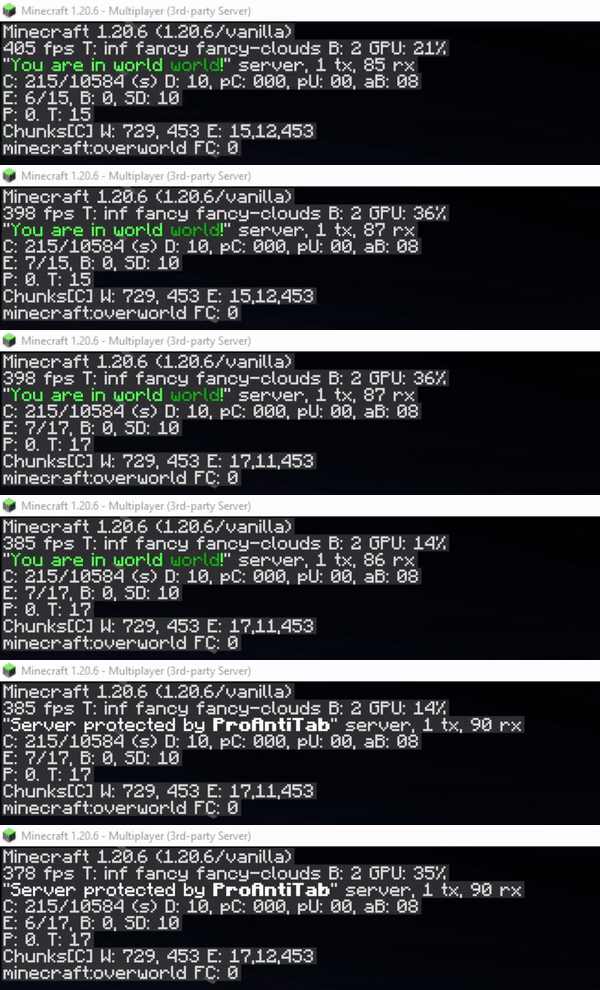
CUSTOM SERVER BRAND (F3)
Create your own animated custom server brand on your Spigot, Bungeecord and Velocity server! 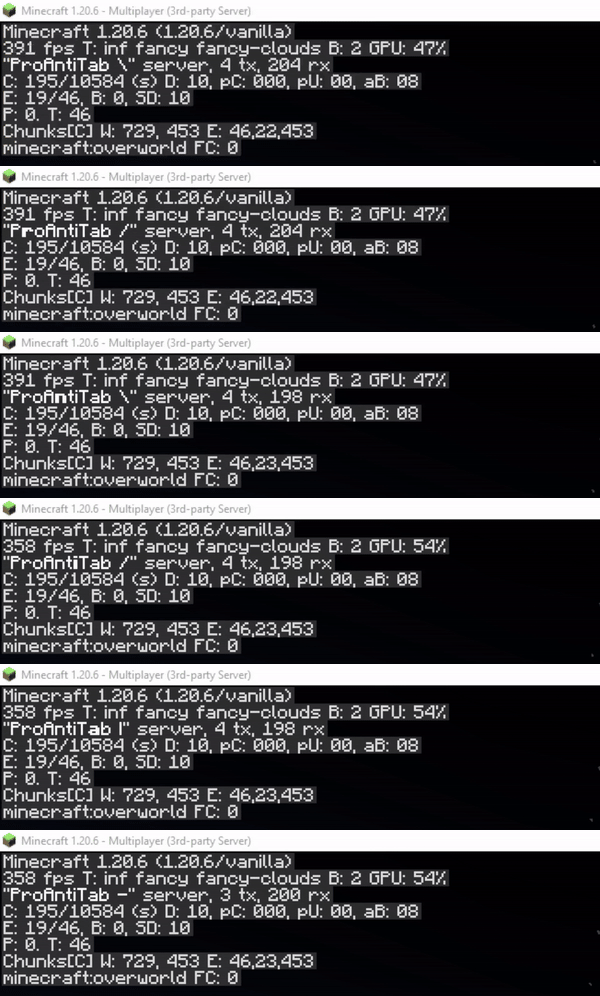
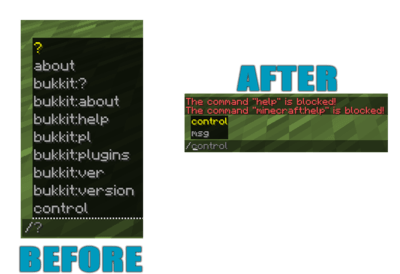
USE BLACKLIST AS WHITELIST
You have way too many commands to block? Don't worry. There's a section in the config.yml located pretty much high that allows you to turn the blacklist into a whitelist instead. This will block every command on your server except for those that are listed.
ANTI PLUGIN SPOOFING
ProAntiTab is able to detect and block plugin spoofing attempts used by hack clients.

BLOCK SUB ARGUMENTS
We all know the problem when players should be able to use some of the commands but should not see literally EVERY sub-argument in a command. Well, then just blend them out? ProAntiTab can do this for you and it's very easy to setup as well! (See the example below)

BLOCK COLON COMMANDS
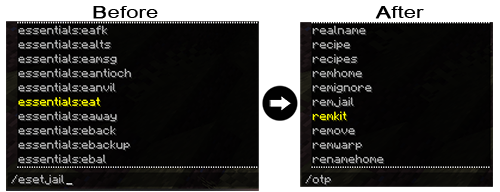
Blocking each and every colon command like essentials:spawn by hand is not an easy task. But with this simple feature, you can easily block all colon commands automatically! Only people with the proantitab.namespace permission can see and use these commands again.
CUSTOM PLUGINS LIST
Just blocking the /plugins command is pretty boring. This feature here allows you to make it more interesting by displaying for example fake plugins.

CUSTOM VERSION COMMAND
Who wouldn't like to pretend to own a custom server-jar? Have fun customizing your very own /version command to your personal liking.

CUSTOM UNKNOWN COMMAND MESSAGE
The Bukkit/Spigot version of ProAntiTab gives your the possibility to create your own unknown-command message to align it with the blocked-command message for example.

CUSTOM PROTOCOL PING
Do you know the red text message at the players count when you ping a server with the wrong version? Exactly this holds the information of what kind of server your proxy server is running at. This feature hides the version of the proxy with a custom made one. It's enabled by default but doesn't show the text. The text can be seen when someone pings the server with the wrong version or uses a resolver. This picture shows you what someone with the wrong version would see, unless the "always-show" is enabled. If this option is enabled, this text will always appear.

CUSTOM RESPONSE ACTIONS
For some, it's important to determine how the response message should be or what should happen. You can customize that factor to your personal liking and use different actions to have full control over your blocked commands.


Bukkit: custom-responses.yml
Proxy: custom-responses.yml
NEGATE COMMANDS
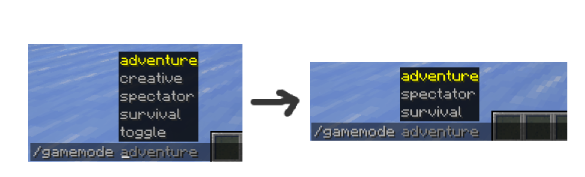
It's not a must to write each and every possible sub-argument by hand. The same goes for commands in general. You can negate them with the help of the negation operator (!).
AUTO-ADD ALL PLUGIN COMMANDS
Sometimes it's so annoying to add all commands from a certain plugin by hand. That's why ProAntiTab offers the possebility to simply add all commands from a certain plugin with a simple shortcut.
You can simply add plugin=<plugin-name> to add all commands from a plugin automatically. Only works for standalone Spigot (+Forks) servers
BLOCK ON SPECIFIC SERVERS
If you use ProAntiTab on a network, you can pretty easily manage on what servers what commands should exist. Everything can be handled via the proxy and does not require additional maintenance on the backend servers.
For this, just follow the official setup and how-to guide, which can be both found on the Github wiki.
GROUP SYSYTEM
The PAT group system allows you to allow certain commands only for a certain group of people. PAT group commands are mainly for whitelisting commands, can merge with other groups, and so on.
They can also be used to blacklist commands by negating the commands inside there. But for this to work, the option allow-group-overruling inside the config.yml needs to be enabled.
How to use the PAT group system in general can be seen on the Github wiki.
PLACEHOLDERAPI & PAPIPROXYBRIDGE SUPPORT
Customization and uniqueness is an important factor for many server owners. That's why PAT offers you the possebility to edit and use many of its placeholders with the widely spreaded plugin PlaceholderAPI. Accessing those placeholders on the proxy isn't a problem either. With the support of the addtional plugin PAPIProxyBridge, PAT's placeholders are even accessable on your proxy server.
MINIMESSAGE SUPPORT (Only for Spigot/Paper/Proxy)

You want to design your messages more unique? We got you covered! (works on 1.17 server and above)
(Click here to see the documentation for the format)
For example: 
HOW TO SETUP?
Despite of the fact that ProAntiTab is pretty easy to use, the setup is slidely different for each server engine. It normally is already enough to simply load ProAntiTab on the certain server you wanna use it, but in order to use ProAntiTab with all its features, its recommended to follow the official setup guide on the Github wiki.
Please feel free to join the Discord server to request for help if the instruction is unclear or too complicated. ^^
HOW TO ALLOW COMMANDS?
Please check out the wiki to get an idea on how PAT works and can be used.
If you want to bypass all blocked commands, simply give yourself the following permission: proantitab.bypass
Following permission is required to execute all listed commands within a certain group: proantitab.group.<command>
COMMANDS & PERMISSIONS
All commands and their permissions are listed on the documentation page at the very buttom.
CONFIGURATION FILE
Bukkit: config.yml storage.yml
Proxy: config.yml storage.yml
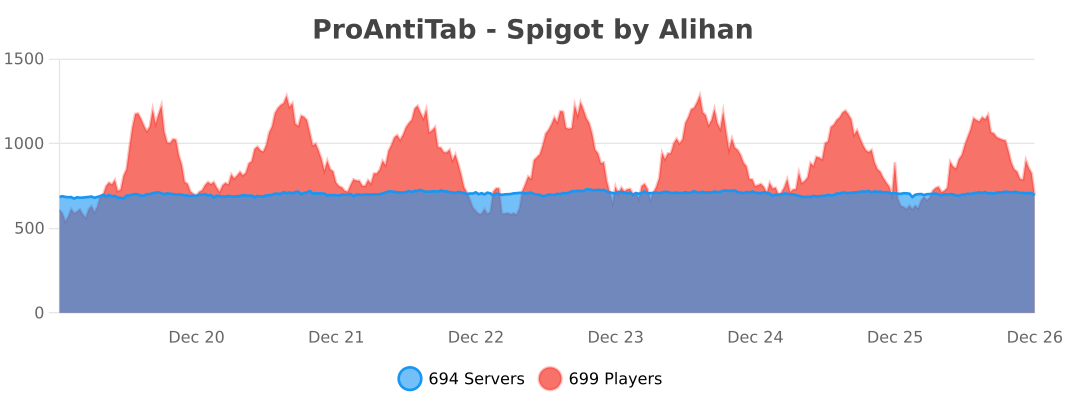
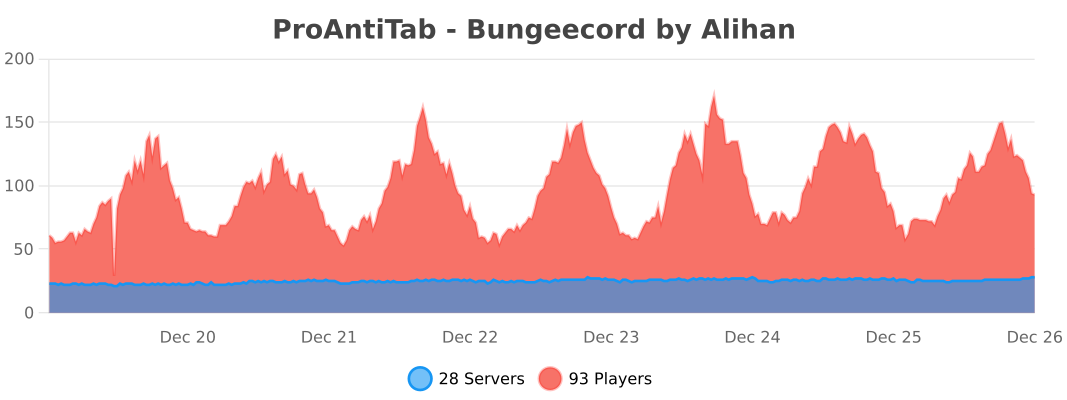
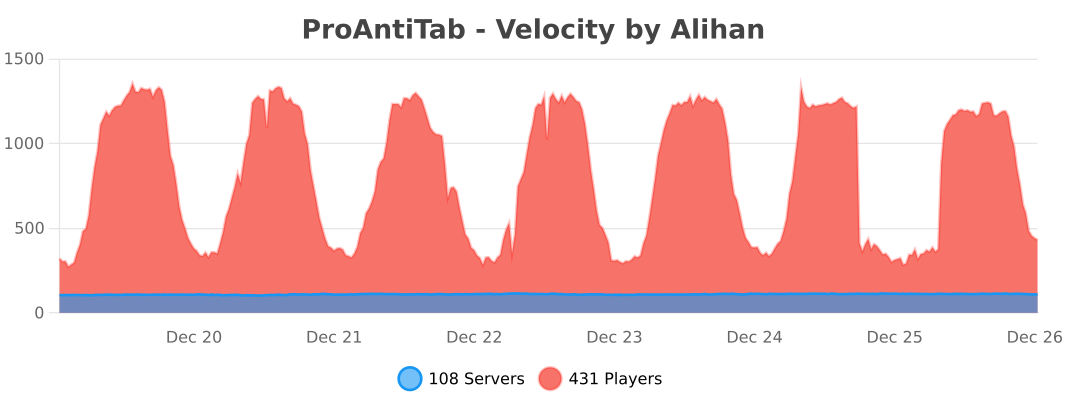
bStats

ProAntiTab Team