

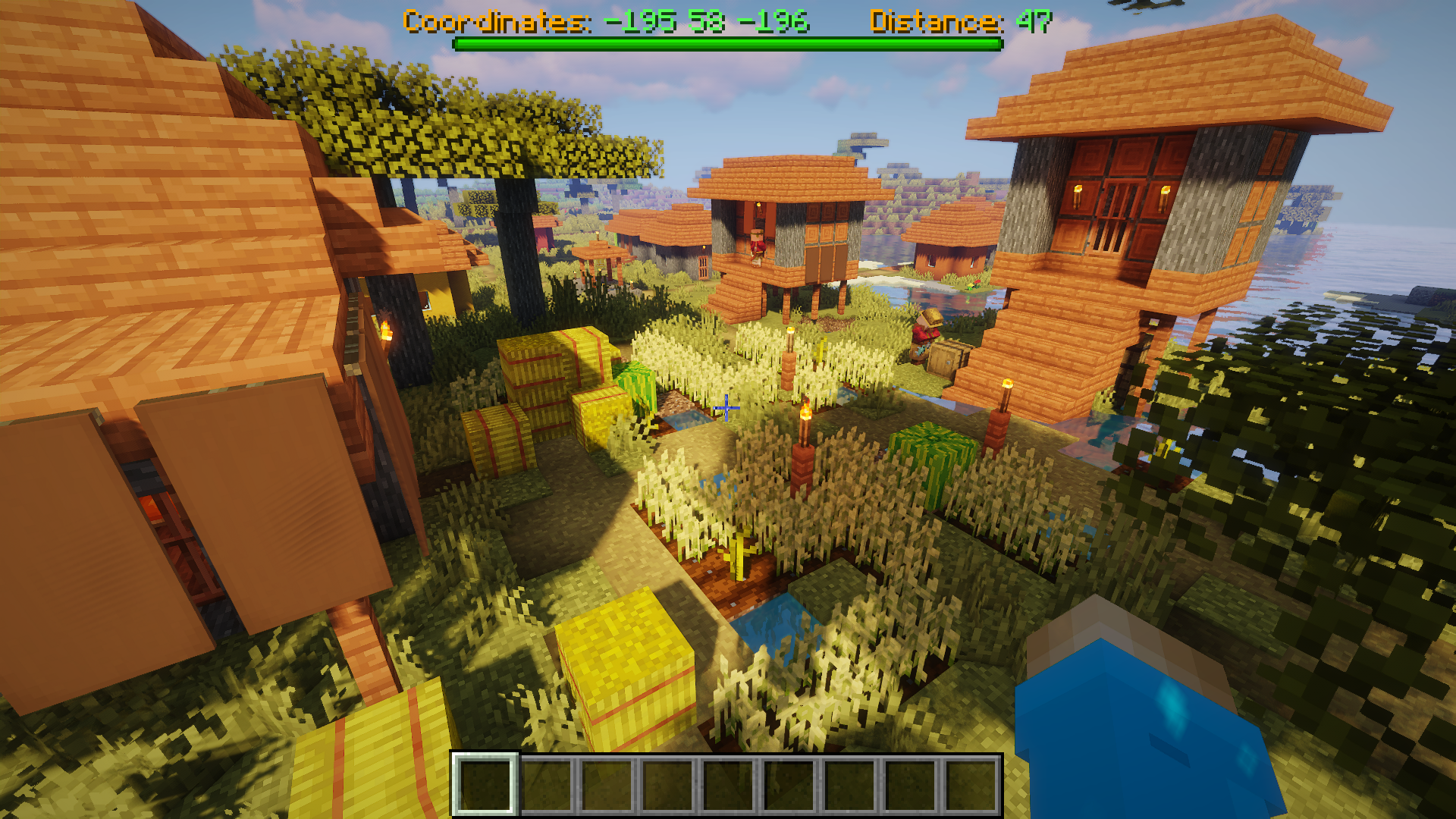
If you press the beacon in the settings of the positions, you can make the position appear in the boss bar, which makes finding the position much easier. The coordinates and the distance are displayed to you. If you should be in a different dimension than
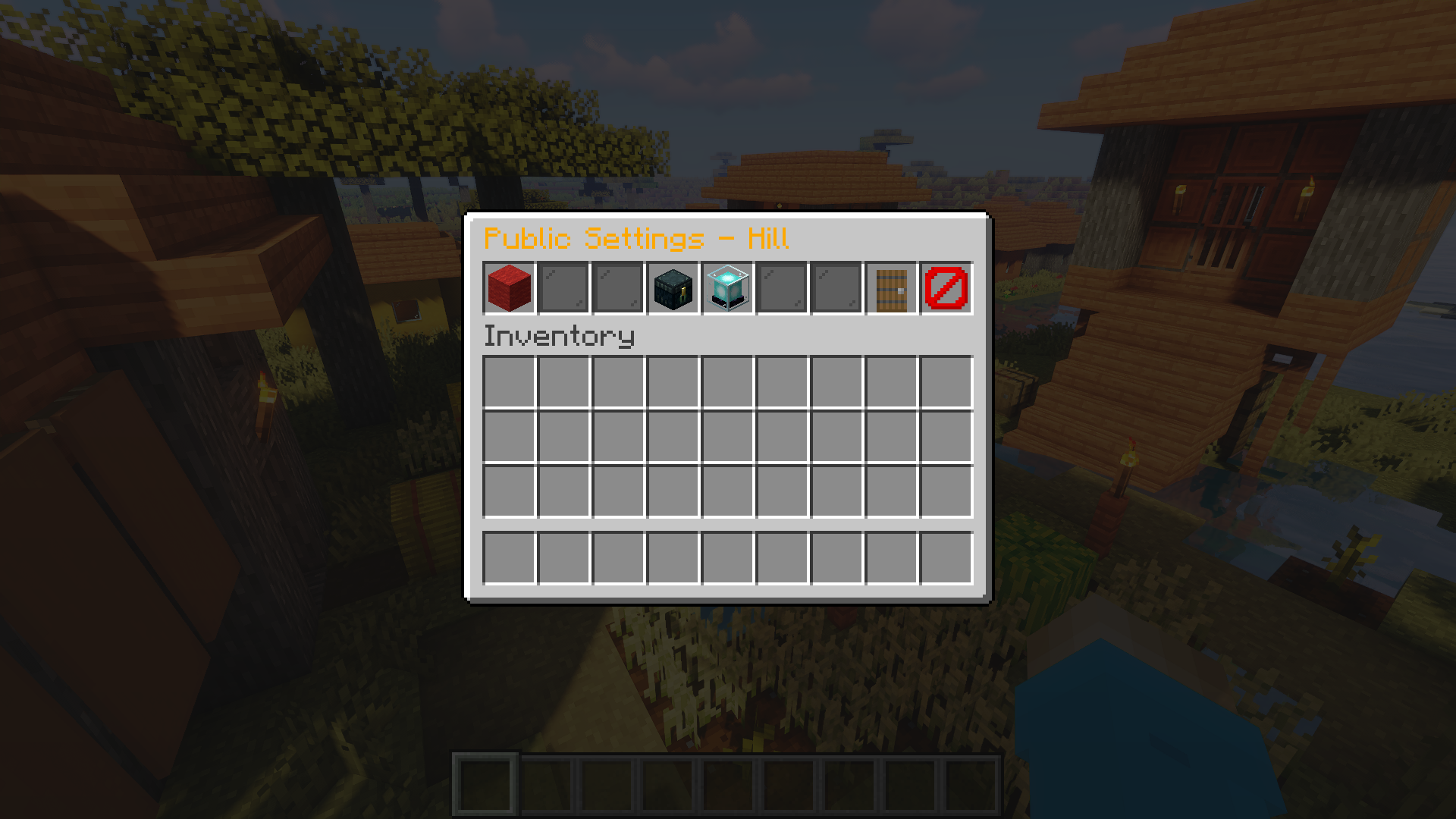
These are the settings of the individual positions. Here you can delete the position or add it to the boss bar.
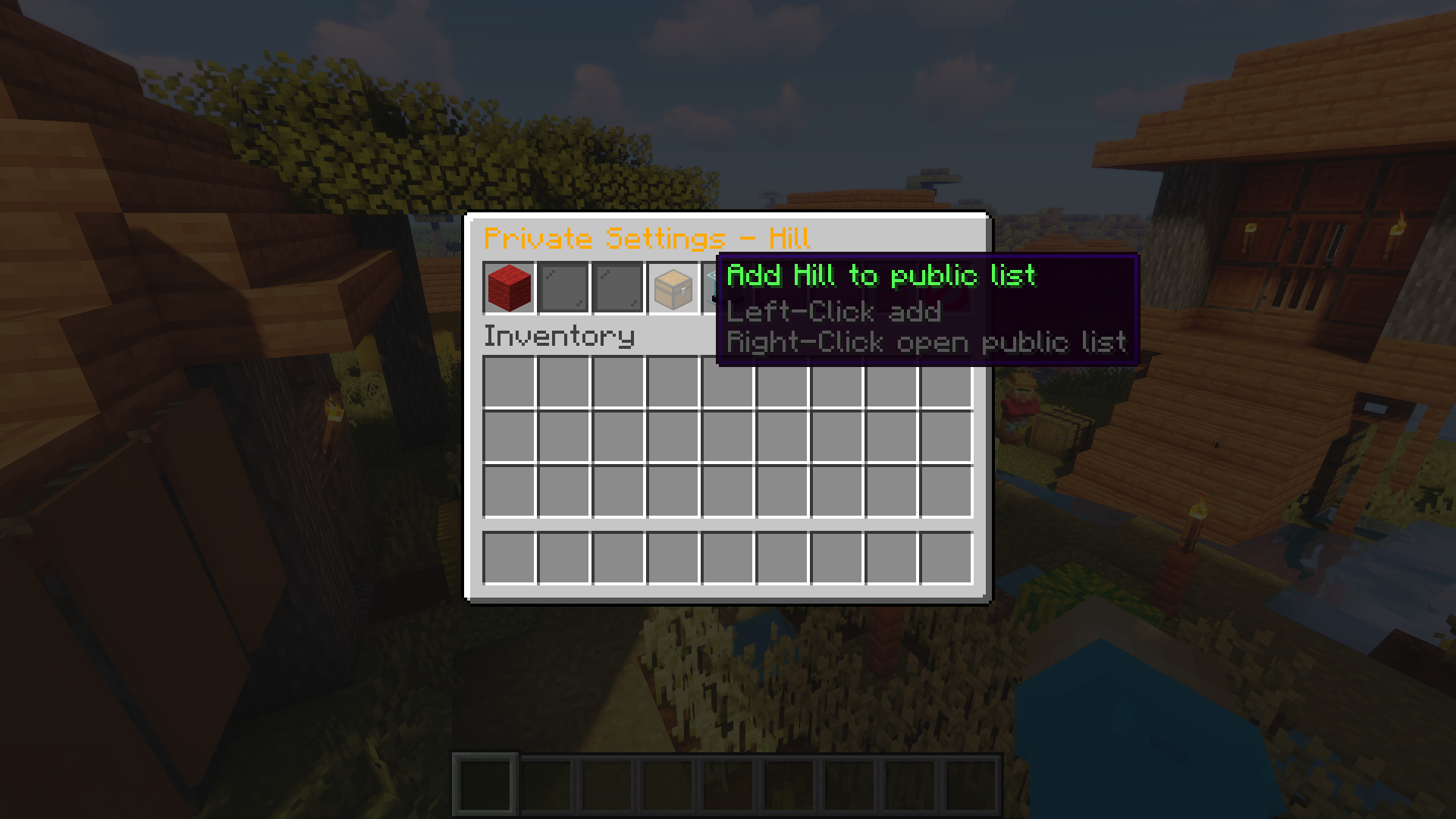
It is also possible to divide the positions between the lists and you can save positions from the public list in your own private list and you can add positions from the private list to the public list.
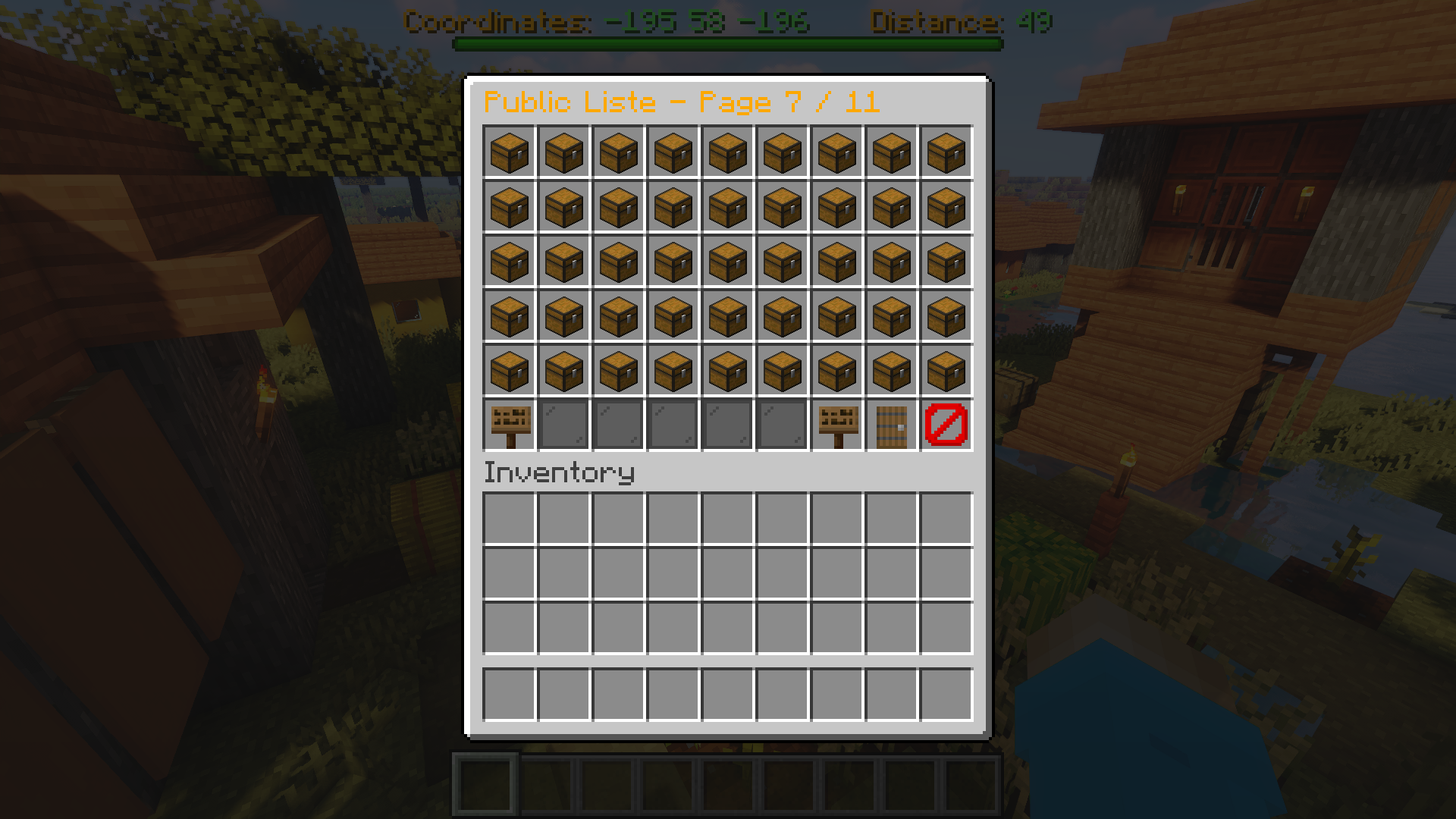
You can add as many positions as you like. Here at there is NO limit.
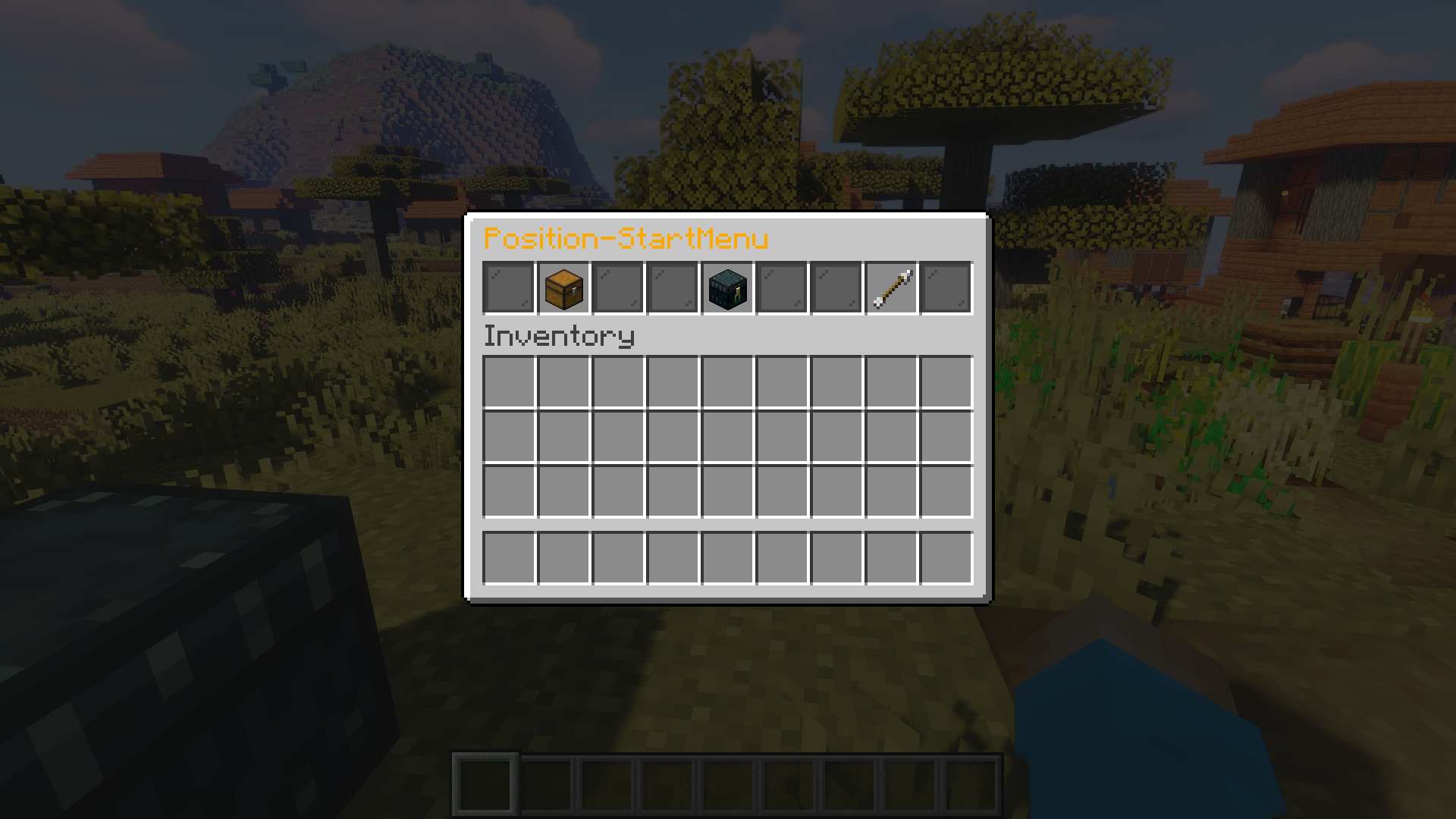
With "/pos" you open the main menu of Positionator. Here you can open the public or private list and if you have a position in the BossBar you can also remove it from the BossBar.

There is also brief information about the saved positions. By clicking on the item you can open the settings of the position.
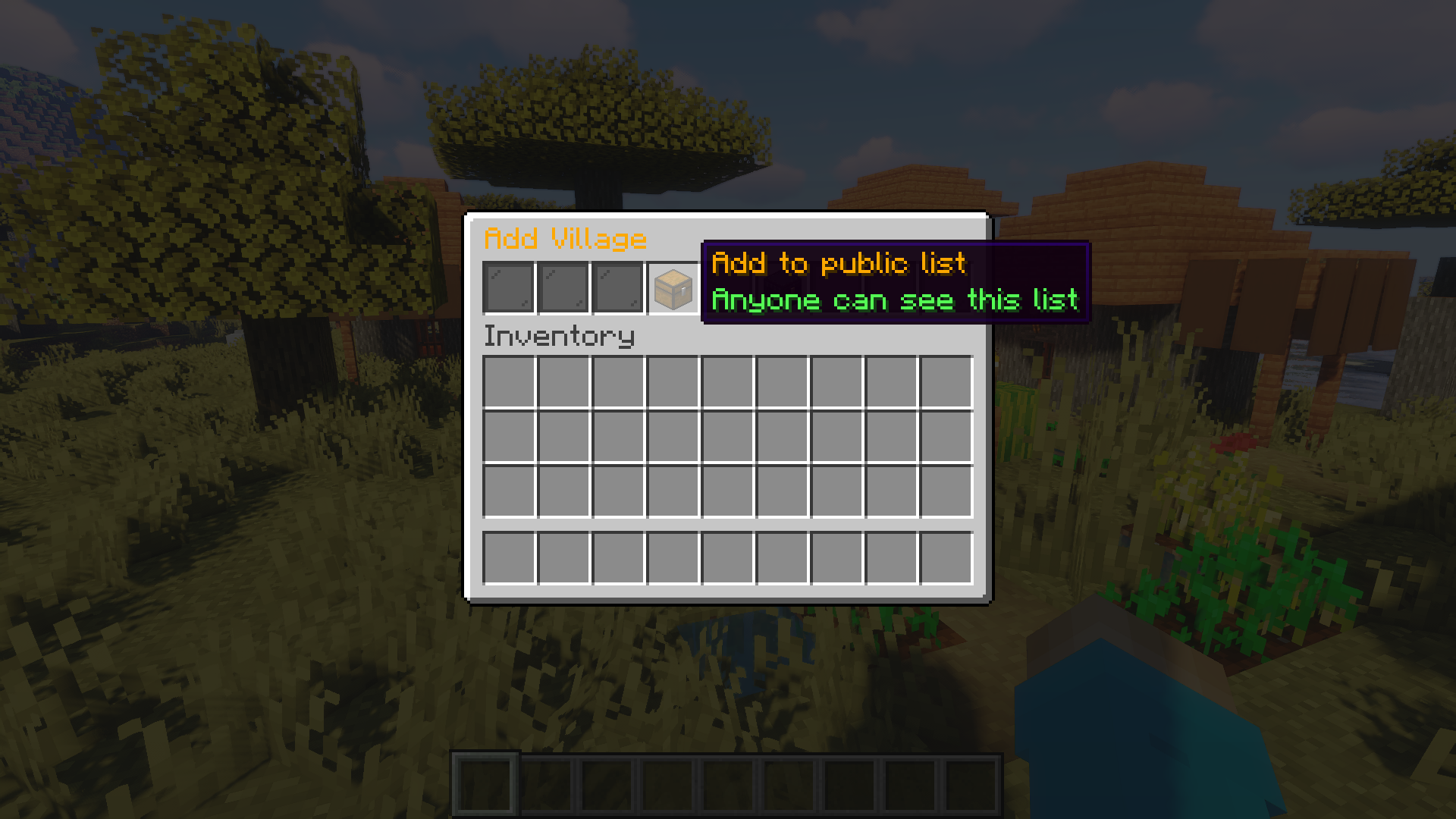
After you have entered e.g. "/pos Village" you can select in this menu in which list the position should be saved. You can choose between public and private list

