Portal Name System
- By
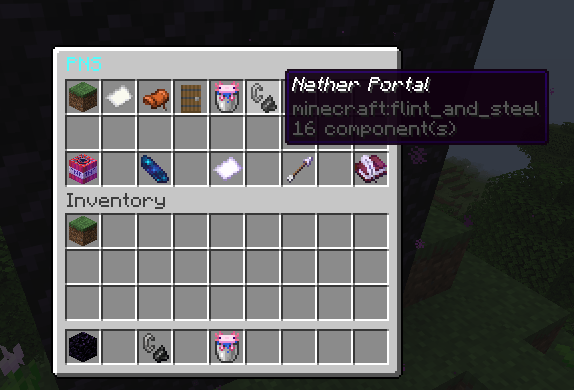
Once a waypoint is added, it is shown on the menu for everyone to see and navigate to. This may be expanded in the future to allow waypoints to be private, so others cannot see them.
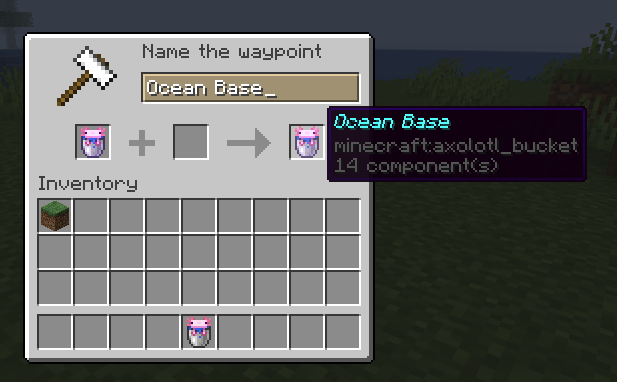
When adding a new waypoint, you can select an item for its icon, as well as name the waypoint. This will then appear in the main menu for everyone to navigate to!
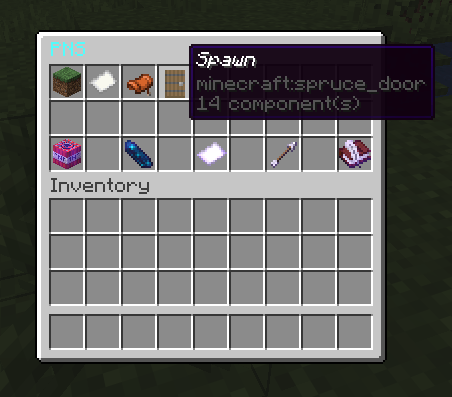
Main PNS menu, use /pns to open this. From here you can select a waypoint to navigate to, or add/edit existing waypoints.
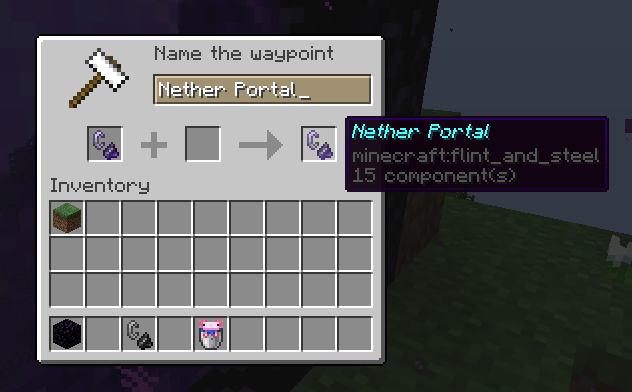
You can add anything as a new waypoint. Where you stand becomes the location of the waypoint.
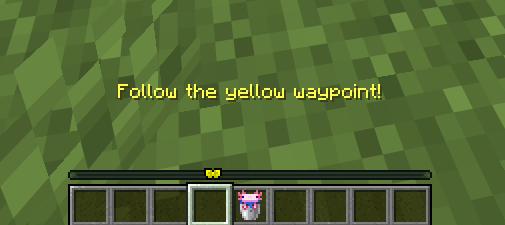
When navigating to a waypoint, this plugin makes use of the new Minecraft locator bar! Follow the Yellow Bowtie to reach your destination.
Description
The Portal Name System is a DNS system for Minecraft! Store coordinates of portals, bases, etc. Share coordinates in chat with your friends.
Usage
Use /pns to open the waypoint GUI. From here, you can add new waypoints, select waypoints to navigate to, and delete waypoints. Added waypoints are available to everyone on the server.
Portal Name System Team