
Player Descriptions
- By
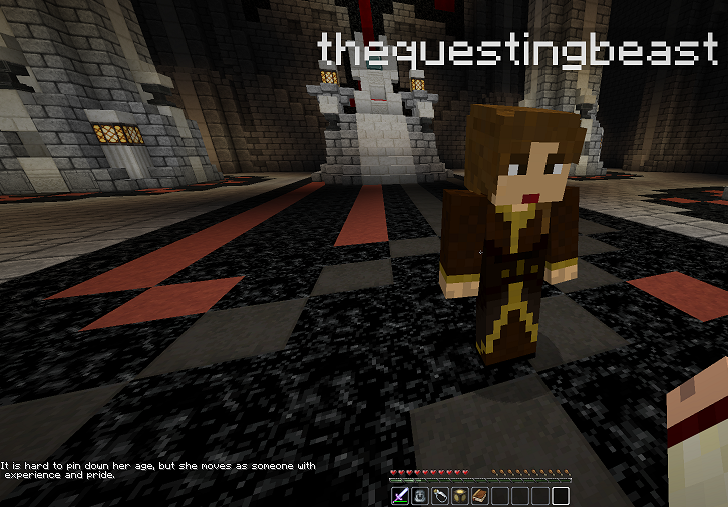
When another player Shift-Right Mouse's on player they see their set description.
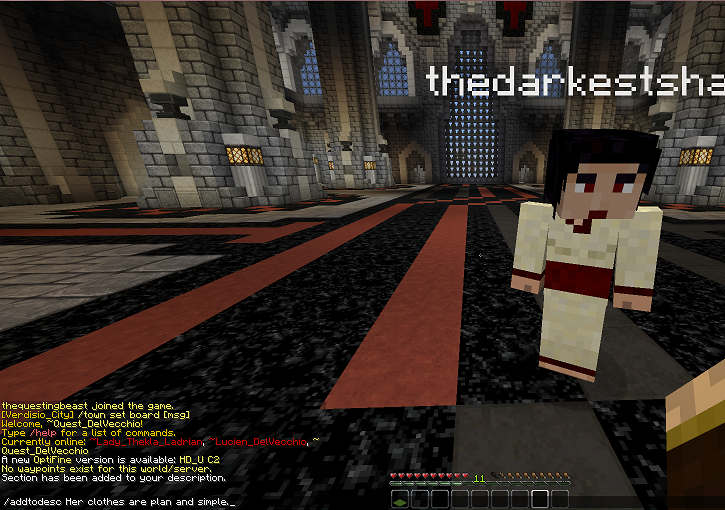
If a player wants to add more to their description they can use /addtodesc instead of rewriting it.
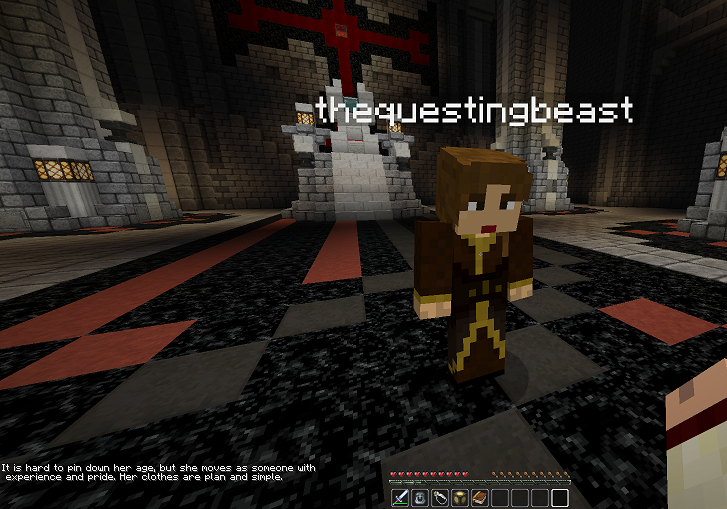
After a player adds more using /addtodesc their description shows the changes.
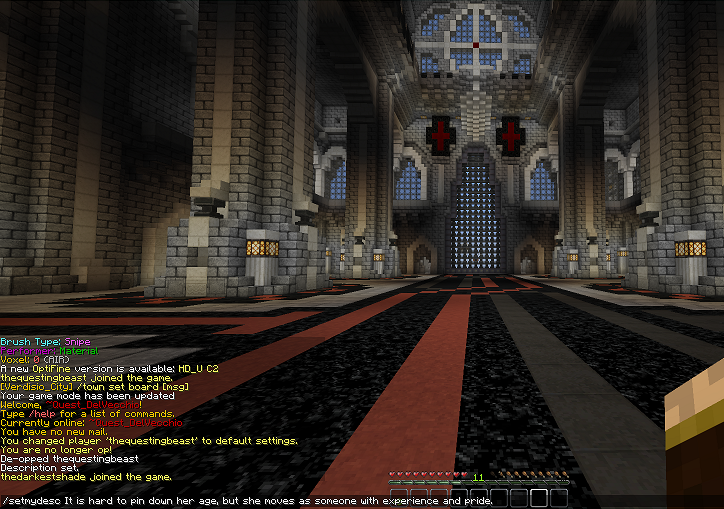
Using /setmydesc a player can set their own msg to other players without saying or typing it out.
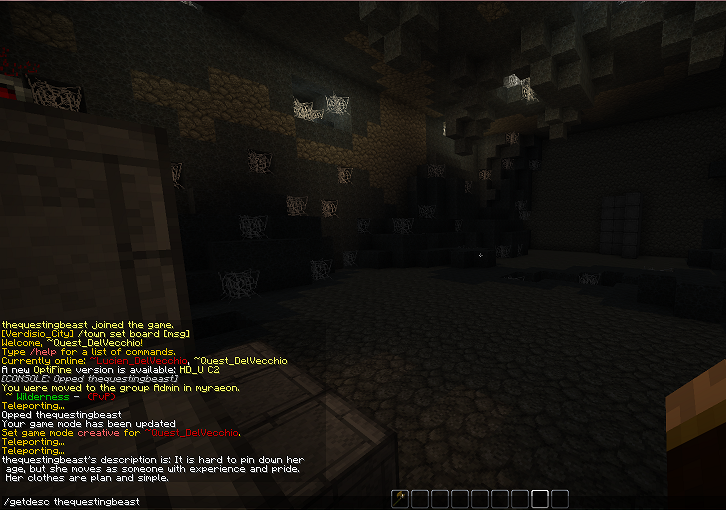
You are able to check any player's description remotely.
Description
ABOUT
This plugin simply allows players to write information and then allows other players to access it with a simple shift-right click. No more typing the same thing over and over to each new person. Help your community and save time. Made for the Role Play server Myraeon, this was meant to be used as a place where players can find what one would see and get as they viewed a player. Extremely helpful for immersion. However, it's applications are limitless.
PERMISSIONS
Groups with these perms will allow for moderation without actually being present with the player... reading and deleting.
- PlayerDescriptions.getDescriptions :allows you to view others' descriptions w/o shift clicking them
- PlayerDescriptions.clearDescriptions :allows you to clear other people's descriptions
COMMANDS
- /setMyDesc <message> Sets description
- /addToDesc<message> adds to it
- /getDesc <player> must have perm node, gets someone's description
- /clearDesc without any name clears your own
- /clearDesc <player> must have permission, clears that person's description
The player uses /setmydesc to write what they would like other players to see.

Now any other player who Shift-Right Clicks on said player the msg shows up in their chat bar.


We thank you for your donation. Even a single dollar helps keep us going.
The Player Descriptions Team
